
 Rocket.ChatLinux
vs
Microsoft Teams (newer versions)Windows
Rocket.ChatLinux
vs
Microsoft Teams (newer versions)Windows
Rocket.Chat, alternative Linux à Microsoft Teams (newer versions)
Mis à jour le
Notre avis
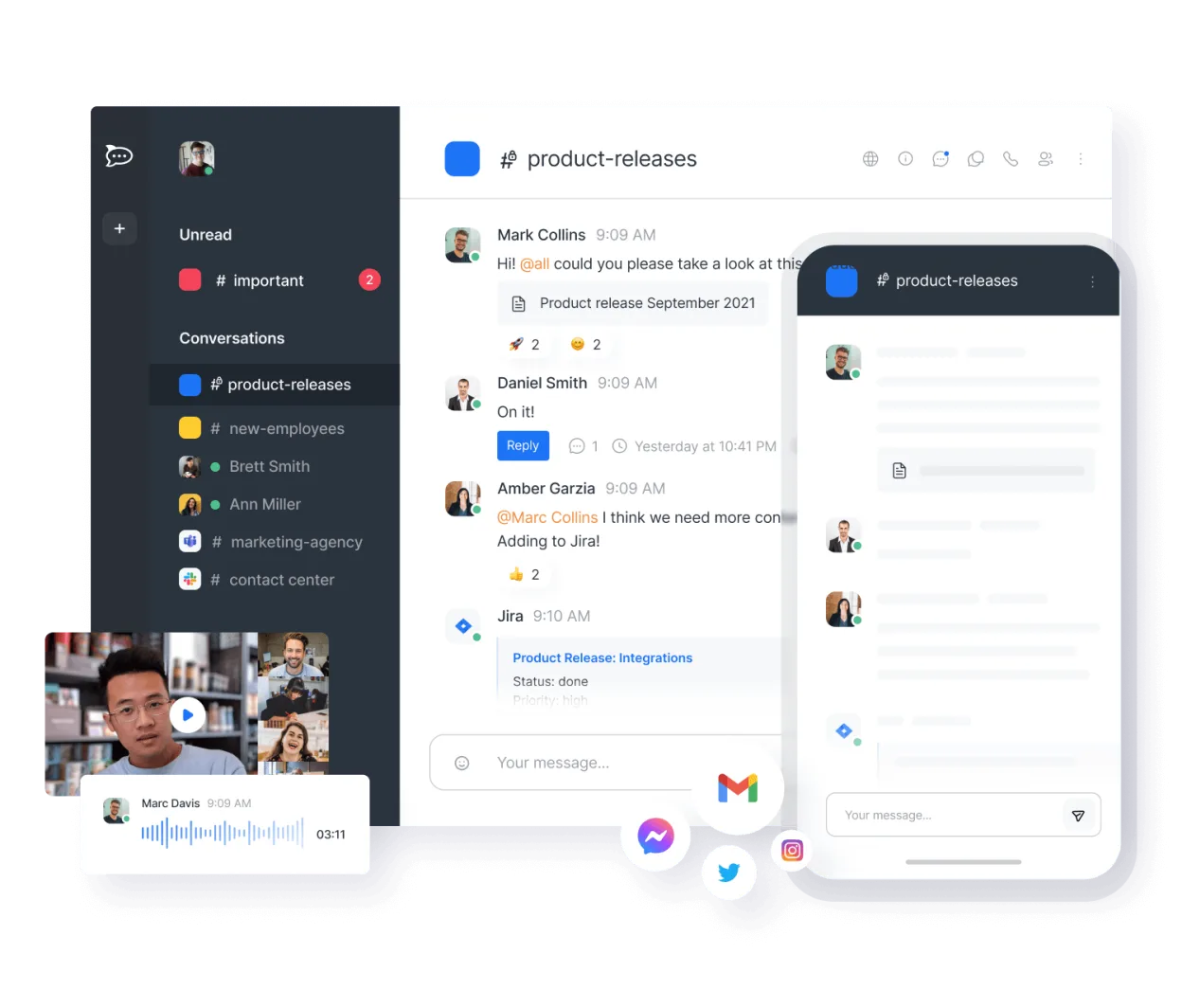
Rocket.Chat is a strong, self-hosted alternative for teams that prioritize data ownership and open standards. It covers core chat, video, and file sharing well. However, it lacks the deep Microsoft 365 integration, such as native Outlook calendar sync and Azure AD single sign-on, that many Teams users rely on. It is best for organizations willing to manage their own infrastructure or use Rocket.Chat’s cloud, and who do not need tight coupling with existing Microsoft enterprise tools.
- Licence
- MIT
- Prix
- Gratuit
- Dernière version
- 4.18.5 (23 octobre 2026)
- Note
- —
Ce qui fonctionne pareil
- Real-time channel and direct messaging
- Audio and video conferencing with screen sharing
- File sharing and collaborative document editing
- Cross-platform availability including desktop and mobile apps
Ce qui change
- No native integration with Microsoft 365 services like Outlook or OneDrive
- Lacks built-in Azure AD authentication, requiring SSO setup via LDAP or OIDC
- Self-hosted by default, requiring more administrative effort than SaaS Teams
- No native calendar application for scheduling meetings within the chat interface
Ouvrir vos fichiers Microsoft Teams (newer versions)
Rocket.Chat does not natively open or export Microsoft Teams-specific file formats. It handles standard office documents (DOCX, XLSX, PPTX) and PDFs via its file viewer or by downloading them to edit in external applications. There is no direct migration tool to convert Teams chat history or file structures into Rocket.Chat; files must be manually re-uploaded or synced via API scripts.
Passer de Microsoft Teams (newer versions) à Rocket.Chat, étape par étape
- Deploy a Rocket.Chat server instance or subscribe to their cloud service
- Configure authentication using LDAP, SAML, or OIDC to match your existing identity provider
- Export necessary files and documents from Microsoft Teams storage
- Create channels and user groups in Rocket.Chat matching your team structure
- Upload shared files to the appropriate channels or use API scripts for bulk import
- Install desktop and mobile apps for all users and configure notification settings
Fonctionnalités clés de Rocket.Chat
- Utilisateurs et canaux illimités par défaut
- Visioconférence et audioconférence
- Partage de fichiers et édition de documents en direct
- API étendue et intégrations de bots
- Chiffrement de bout en bout pour les canaux privés
- Options d'auto-hébergement ou d'hébergement cloud
- Applications mobiles pour iOS et Android
- Thèmes et mises en page personnalisables
Installer Rocket.Chat sous Linux
flatpak install flathub chat.rocket.RocketChatQuestions fréquentes
Can Rocket.Chat integrate with my existing Microsoft 365 calendar?
Not natively. You will need to use third-party integrations or the API to sync events, but it is not as seamless as Teams' built-in Outlook integration.
Is Rocket.Chat free to use?
The software is free and open-source under the MIT license. You pay for hosting infrastructure if self-hosting, or for their managed cloud service if you choose that option.
Does Rocket.Chat support end-to-end encryption?
Yes, it offers end-to-end encryption for private channels and direct messages, which is a feature not available in standard Microsoft Teams configurations.
5 autres alternatives à Microsoft Teams (newer versions)
 ElementElement est un client de messagerie et de visioconférence basé sur Matrix, open source, pour Linux.Open sourceGratuitFlatpakElement ou Microsoft Teams (newer versions)
 Jitsi MeetJitsi Meet est un client de vidéoconférence open-source qui se connecte à n’importe quel serveur Jitsi pour…Open sourceGratuitFlatpakJitsi Meet ou Microsoft Teams (newer versions)
 SlackSlack est une application de communication d'équipe propriétaire pour Linux qui centralise les conversations…FlatpakSlack ou Microsoft Teams (newer versions)
 MattermostMattermost est une plateforme de collaboration open source et auto-hébergée, conçue pour les équipes de…Open sourceGratuitFlatpakMattermost ou Microsoft Teams (newer versions)
 DiscordUne application de messagerie, voix et vidéo multiplateforme pour les communautés, les jeux et les rencontres…FlatpakDiscord ou Microsoft Teams (newer versions)