
 Rocket.ChatLinux
vs
Microsoft YammerWindows
Rocket.Chat, alternative Linux à Microsoft Yammer
Mis à jour le
Notre avis
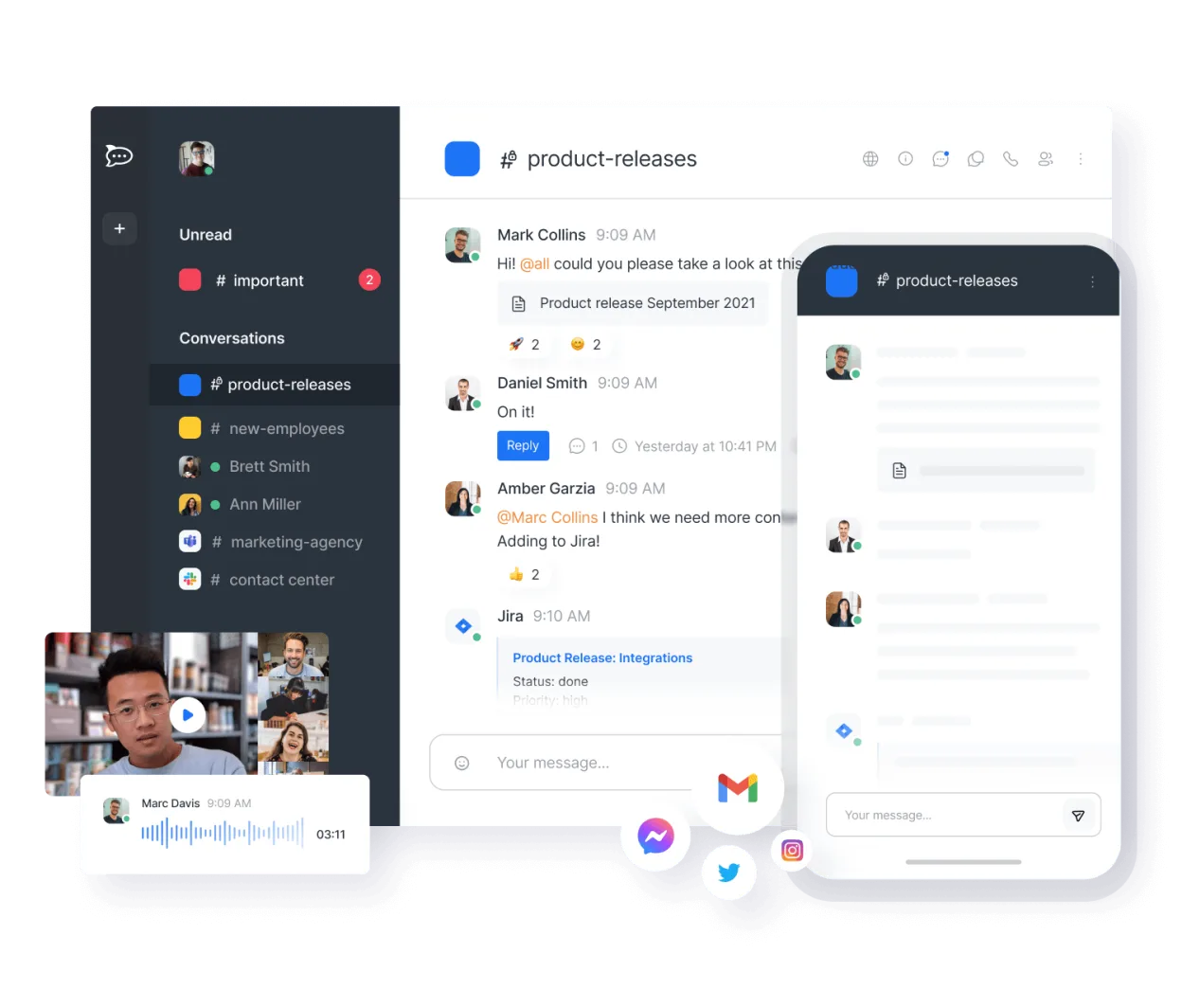
Rocket.Chat is a strong, self-hostable alternative to Microsoft Yammer for organizations prioritizing data sovereignty over deep Microsoft 365 integration. It covers core needs like threaded messaging, file sharing, and administrative controls effectively. However, it is not a drop-in replacement if your team relies heavily on native Office 365 connectors or specific Yammer moderation workflows. It suits tech-savvy teams comfortable managing their own infrastructure, offering unlimited users and channels without per-seat licensing fees, making it ideal for cost-conscious enterprises seeking an open-source social intranet.
- Licence
- MIT
- Prix
- Gratuit
- Dernière version
- 4.19.0 (27 octobre 2026)
- Note
- —
Ce qui fonctionne pareil
- Real-time threaded messaging and community-style channels
- File sharing with preview capabilities
- Administrative controls for user management and moderation
- Mobile and desktop client availability
- Self-hosting options for private data control
Ce qui change
- Lacks native, deep Microsoft 365/Office integration out of the box
- No built-in 'Yammer-style' community hierarchy or specific social network analytics
- Authentication setup requires manual configuration for LDAP/SSO rather than Azure AD sync
- User interface is more chat-centric (Slack-like) than Yammer's feed-centric design
- Requires more technical expertise for initial setup and maintenance
Ouvrir vos fichiers Microsoft Yammer
Rocket.Chat does not natively import Microsoft Yammer archives or proprietary file formats. You will need to manually export documents from Yammer (typically as .zip or individual files) and upload them to Rocket.Chat channels. Chat history from Yammer cannot be directly migrated; users must start fresh or manually copy critical threads. Standard office documents (DOCX, XLSX, PDF) open without issue in Rocket.Chat's previewer or external editors.
Passer de Microsoft Yammer à Rocket.Chat, étape par étape
- Deploy Rocket.Chat on your private cloud or local server using Docker or bare metal
- Configure LDAP or SSO authentication to match your existing directory services
- Create channels and communities mirroring your Yammer structure
- Export critical documents and files from Yammer and upload them to relevant Rocket.Chat channels
- Install necessary integrations or bots to bridge gaps with other internal tools
- Train users on the new interface and establish moderation policies
Fonctionnalités clés de Rocket.Chat
- Utilisateurs et canaux illimités par défaut
- Visioconférence et audioconférence
- Partage de fichiers et édition de documents en direct
- API étendue et intégrations de bots
- Chiffrement de bout en bout pour les canaux privés
- Options d'auto-hébergement ou d'hébergement cloud
- Applications mobiles pour iOS et Android
- Thèmes et mises en page personnalisables
Installer Rocket.Chat sous Linux
flatpak install flathub chat.rocket.RocketChatQuestions fréquentes
Can I import my existing Yammer chat history?
No, there is no native importer for Yammer chat logs. You must manually copy and paste important conversations or export them as text files if needed.
Does Rocket.Chat support video conferencing?
Yes, Rocket.Chat includes built-in video and audio conferencing features, allowing you to hold meetings directly within the platform without third-party tools.
Is Rocket.Chat free for unlimited users?
Yes, the open-source version is free and unlimited in terms of users and channels. You only pay for the infrastructure (server/cloud) you use to host it.
2 autres alternatives à Microsoft Yammer
 MattermostMattermost est une plateforme de collaboration open source et auto-hébergée, conçue pour les équipes de…Open sourceGratuitFlatpakMattermost ou Microsoft Yammer
 ZulipZulip est une application de messagerie de groupe open source qui utilise des conversations en fil pour gérer…Open sourceGratuitFlatpakZulip ou Microsoft Yammer