
 GeoGebraLinux
vs
GeoGebraLinux
vs
 Wolfram MathematicaWindows
GeoGebra as a Linux alternative to Wolfram Mathematica
Updated
Our verdict
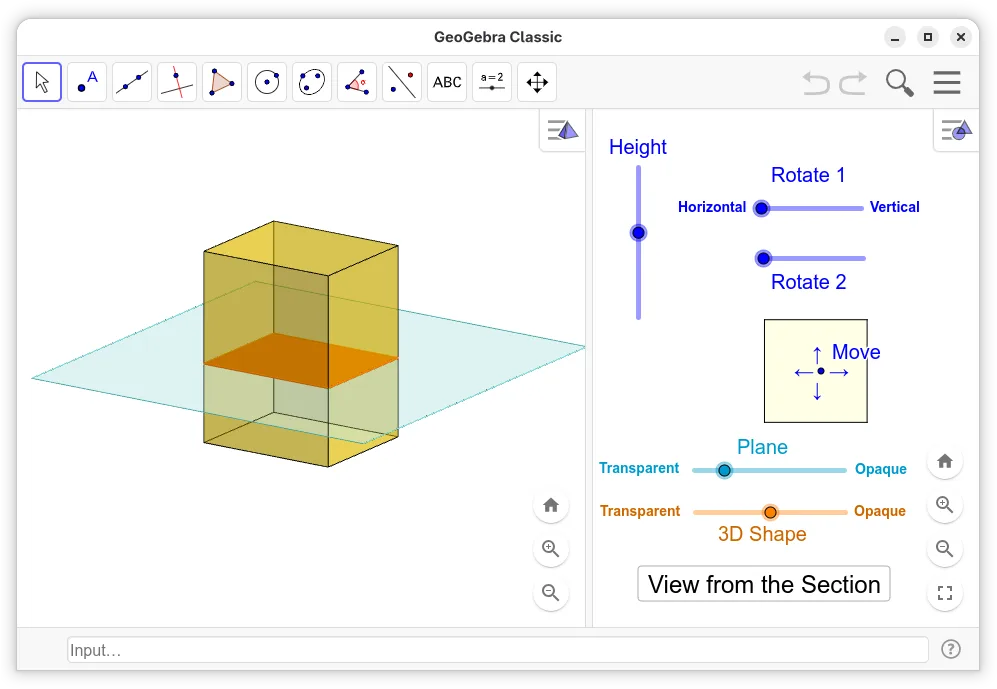
GeoGebra is not a full replacement for Wolfram Mathematica. It covers basic symbolic algebra, graphing, and some 3‑D geometry, making it useful for high‑school and introductory university math. Advanced symbolic manipulation, large‑scale numerical solving, optimization, statistical analysis, and the powerful Mathematica language are missing. Users who need deep research‑level computation or custom programming will find GeoGebra insufficient.
- License
- LicenseRef-proprietary
- Price
- Free
- Latest version
- 6-0-804-0 (October 4, 2023)
- Rating
- —
What works the same
- Both provide symbolic algebra and equation solving
- Both support interactive 2‑D and 3‑D graphing
- Both allow notebook‑style documents with embedded calculations
What is different
- GeoGebra lacks advanced numerical solvers and optimization routines
- No support for large‑scale data analysis or statistical functions
- Missing high‑level programming language and extensive library
- No direct interface to external C/Python code
- Export of Mathematica notebooks (.nb) is unsupported
Opening your Wolfram Mathematica files
GeoGebra cannot open Mathematica notebook (.nb) or package files. Exporting from Mathematica to a common format (e.g., PDF or PNG) can be imported into GeoGebra, but complex notebooks with dynamic content will not transfer. No native import of Mathematica scripts or Wolfram Language code.
Switching from Wolfram Mathematica to GeoGebra, step by step
- Export Mathematica notebooks to PDF or PNG for static viewing
- If you need symbolic expressions, copy the code and paste it into GeoGebra’s CAS input
- Use GeoGebra’s scripting to recreate simple workflows
- For data tables, export Mathematica data to CSV and import into GeoGebra’s spreadsheet
Key features of GeoGebra
- Interactive 2D and 3D graphing of functions
- Dynamic geometry construction tools
- Algebraic equation solving and manipulation
- Spreadsheet view for data entry and analysis
- Scripting capabilities using GeoGebraScript
- Export to PDF, PNG, and HTML formats
- Support for CAS (Computer Algebra System) commands
- Compatibility with GeoGebra Tube for sharing
How to install GeoGebra on Linux
flatpak install flathub org.geogebra.GeoGebrasudo apt install geogebrasudo apt install geogebrasudo pacman -S geogebraFrequently asked questions
Can I use GeoGebra for advanced calculus?
It can handle basic calculus operations, but it does not provide the extensive symbolic and numerical capabilities of Mathematica.
Is GeoGebra free on Linux?
Yes, GeoGebra is available as a free, proprietary package on major Linux distributions via Flathub, Debian, and Ubuntu repositories.
Will GeoGebra run on older hardware?
GeoGebra is lightweight compared to Mathematica and runs well on most modern Linux systems, including older machines.