

Linux · Internet
Brave
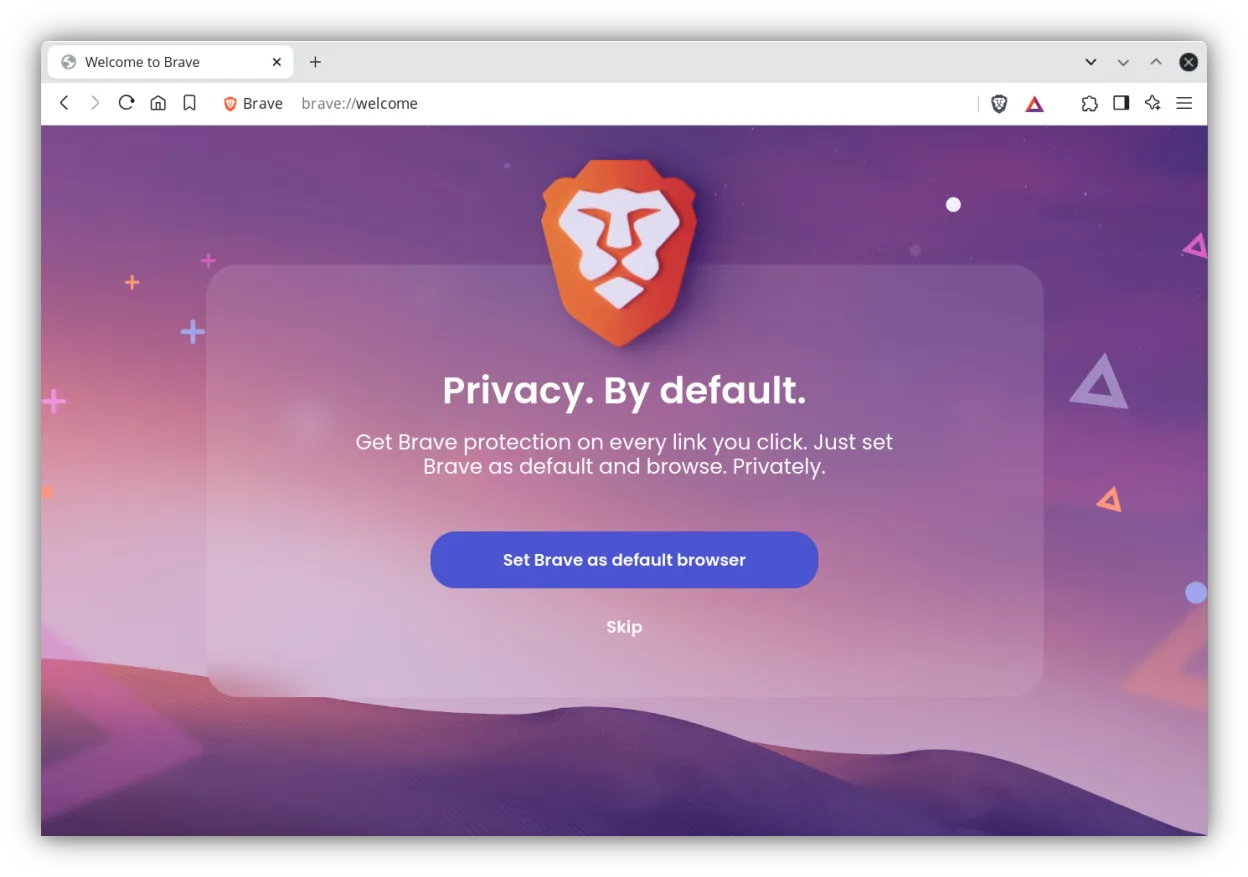
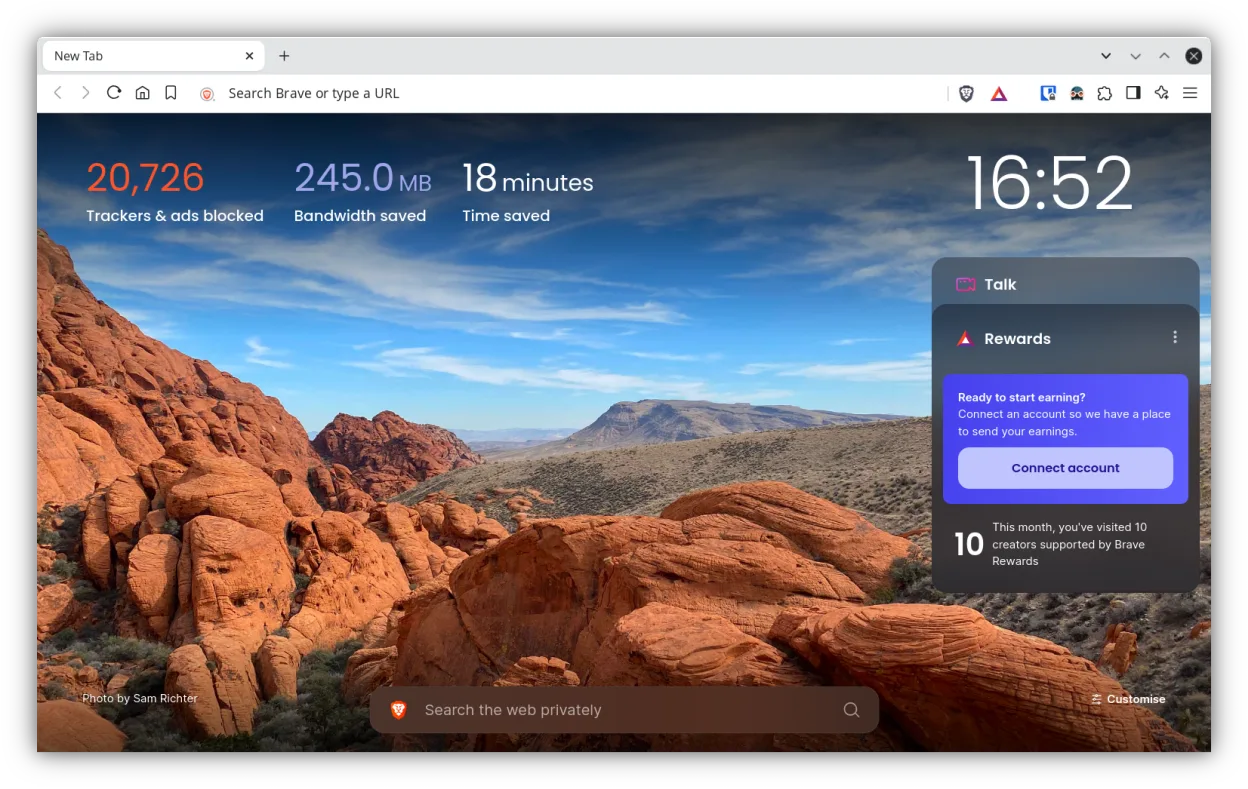
Brave is a fast, privacy‑focused web browser that blocks ads and trackers by default and offers an optional rewards system.
- License
- MPL-2.0
- Latest version
- 1.97.59 (October 16, 2026)
- Developer
- Brave Software
- Installs
- 161,060 (Flathub, 30 days)
What is Brave?
Brave started in 2016 as a fork of Chromium, aiming to improve privacy and speed by blocking ads and trackers out of the box. Over the years it has added features like a built‑in ad‑blocker, HTTPS Everywhere, and a token‑based rewards program that lets users earn crypto for viewing privacy‑respecting ads.
It is aimed at users who want a Chromium‑based experience without the telemetry and ad‑ware that come with Chrome, and at those who appreciate a browser that respects privacy and gives them a way to support content creators.
Compared with Chrome, Firefox, IE, or Opera, Brave feels more like a lightweight Chromium variant: it loads pages quickly, uses familiar keyboard shortcuts, and offers a similar extension ecosystem, but with a stronger focus on blocking unwanted content automatically.
Best for: Users who want a Chromium‑based browser that blocks ads and trackers by default and who are comfortable with an optional rewards program.
Key features of Brave
- Built‑in ad‑blocker and tracker protection
- Chromium‑based engine with fast rendering
- HTTPS Everywhere integration
- Token‑based rewards system
- Support for Chromium extensions
- Regular security updates
- Cross‑platform sync via Brave Sync
Pros
- Fast page loads due to ad/tracker blocking
- No telemetry by default
- Same extension library as Chrome
- Regular security patches
- Supports Chromium extensions
Cons
- Rewards system can be confusing for new users
- Some extensions may not work perfectly
- Occasional compatibility issues with sites that rely on ads for revenue
- Limited support for legacy Windows‑specific web apps
Windows programs Brave replaces
 Mozilla Firefox
 Opera
Opera Microsoft Internet Explorer
 Google Chrome
How to install Brave on Linux
flatpak install flathub com.brave.BrowserTips for Windows users
If you’re coming from Chrome, Firefox, IE, or Opera, you’ll find Brave’s interface almost identical to Chrome’s: the address bar, tabs, and keyboard shortcuts (Ctrl‑T, Ctrl‑W, Ctrl‑L) work the same. Import bookmarks and passwords via the Settings → Import menu. Brave’s default ad‑blocker means sites that rely on ads may break; you can toggle this in Settings → Shields. The rewards system is optional; you can disable it in Settings → Rewards. File formats such as PDF, images, and HTML open the same way as in other browsers. For extensions, install them from the Chrome Web Store; Brave will prompt you to allow the extension.
When migrating, remember that Brave’s sync is separate from Chrome sync, so you’ll need to set up a new sync account if you want to keep your browsing history and bookmarks across devices.
Overall, the workflow is very similar to Chrome, with the added benefit of built‑in privacy controls.
Recent releases
- 1.97.59 —
- 1.97.57 —
- 1.97.56 —
- 1.96.61 —
Brave: frequently asked questions
Does Brave support Chrome extensions?
Yes, Brave can install most Chromium extensions from the Chrome Web Store, though some may not work if they rely on ad content.
Is Brave free?
Brave is free to download and use; the rewards program is optional and does not affect the core browser.
Can I disable the rewards system?
Yes, go to Settings → Rewards and toggle the feature off; this will stop the browser from showing ads and collecting data.
Does Brave sync bookmarks across devices?
Brave Sync allows you to sync bookmarks, passwords, and settings across devices, but it uses a separate sync service from Chrome.
Updated