

Linux · Internet
Firefox
Firefox is a fast, private web browser developed by Mozilla.
- License
- MPL-2.0
- Latest version
- 158.0 (October 7, 2026)
- Developer
- Mozilla
- Installs
- 200,251 (Flathub, 30 days)
What is Firefox?
Firefox has been around since 2004, originally a fork of the Mozilla Application Suite. Over the years it has become a mainstream browser, competing with Chrome, Edge and Safari. It is built on open‑source code and is maintained by a large community.
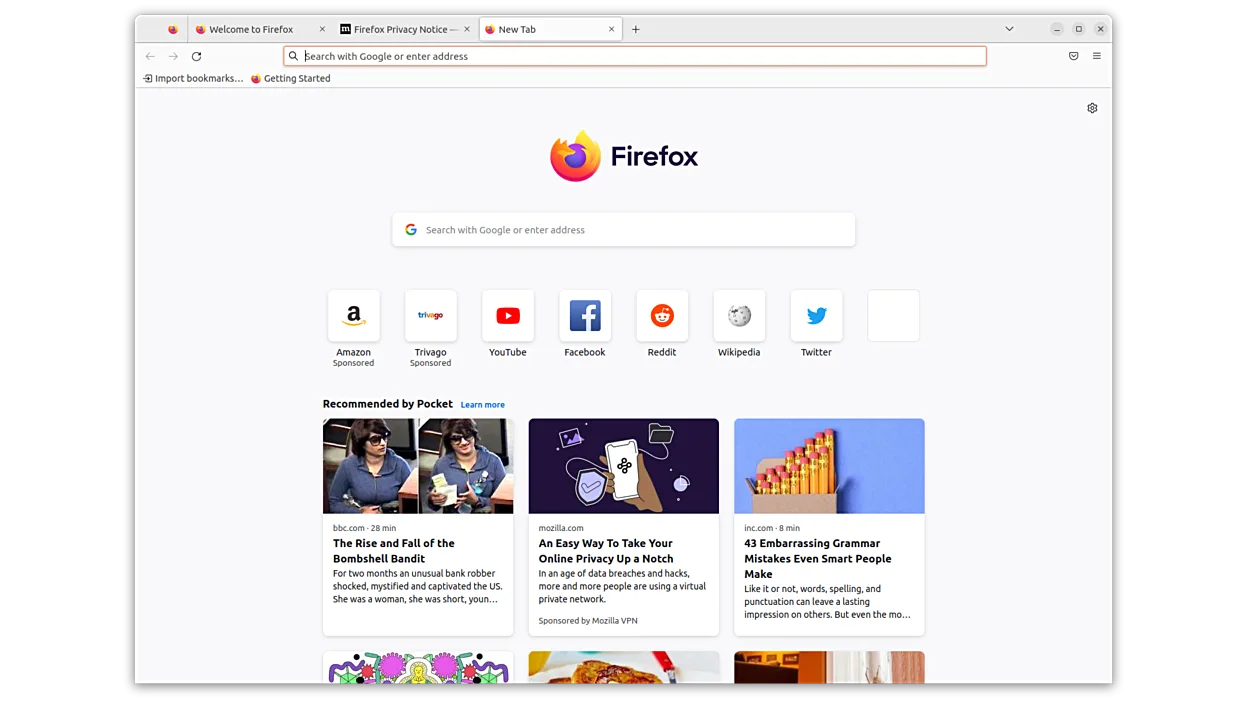
It targets users who want a secure, privacy‑focused browsing experience without sacrificing speed. The interface is familiar to Windows users: a toolbar, bookmarks, and a menu bar.
Compared to Chrome or Edge, Firefox offers tighter tracking protection and more customization options. It feels slightly slower on very old hardware, but on modern systems it is on par with its competitors.
Best for: Users who value privacy and open‑source software but still need a feature‑rich browser.
Key features of Firefox
- Fast page loading
- Strong privacy controls
- Customizable UI
- Extensible with add‑ons
- Cross‑platform sync
- Open source
- Regular security updates
Pros
- Open source and free
- Excellent privacy settings
- Strong community support
- Regular updates
- Cross‑platform sync
Cons
- Occasional performance hiccups on very old hardware
- Add‑on ecosystem smaller than Chrome's
- Some web apps work better in Chrome
Windows programs Firefox replaces
 Mozilla Firefox
 Opera
Opera Microsoft Internet Explorer
 Google Chrome
How to install Firefox on Linux
flatpak install flathub org.mozilla.firefoxsudo apt install firefoxsudo apt install firefox-esrsudo dnf install firefoxsudo pacman -S firefox-i18n-es-mxsudo zypper install MozillaFirefoxTips for Windows users
Most Windows users will find the layout similar. Bookmarks can be imported from Chrome or Edge via the Import feature. Keyboard shortcuts are largely the same: Ctrl+T for new tab, Ctrl+W to close, Ctrl+Shift+N for a private window. Firefox also supports the same HTML, CSS, and JavaScript file types, so no conversion is needed.
Recent releases
- 158.0 —
Firefox: frequently asked questions
Is Firefox safe on Linux?
Yes, it is actively maintained and receives regular security patches.
Can I sync my data across devices?
Firefox Sync lets you sync bookmarks, passwords, history, and open tabs across any platform.
Does Firefox support extensions?
Yes, extensions are available from the Mozilla Add‑ons site and can be installed directly.
What about performance on older hardware?
It may be slightly slower on very old machines, but overall performance is comparable to other browsers.
Updated