

Linux · Programming
Qt Creator
Qt Creator is a cross‑platform IDE for developing Qt applications on Linux, Windows, and macOS.
- License
- GPL-3.0
- Latest version
- 20.0.1 (July 28, 2026)
- Developer
- Qt Project
- Installs
- 1,050 (Flathub, 30 days)
What is Qt Creator?
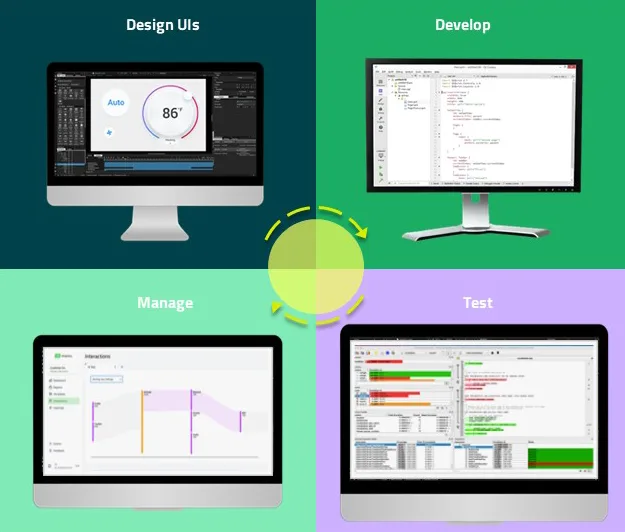
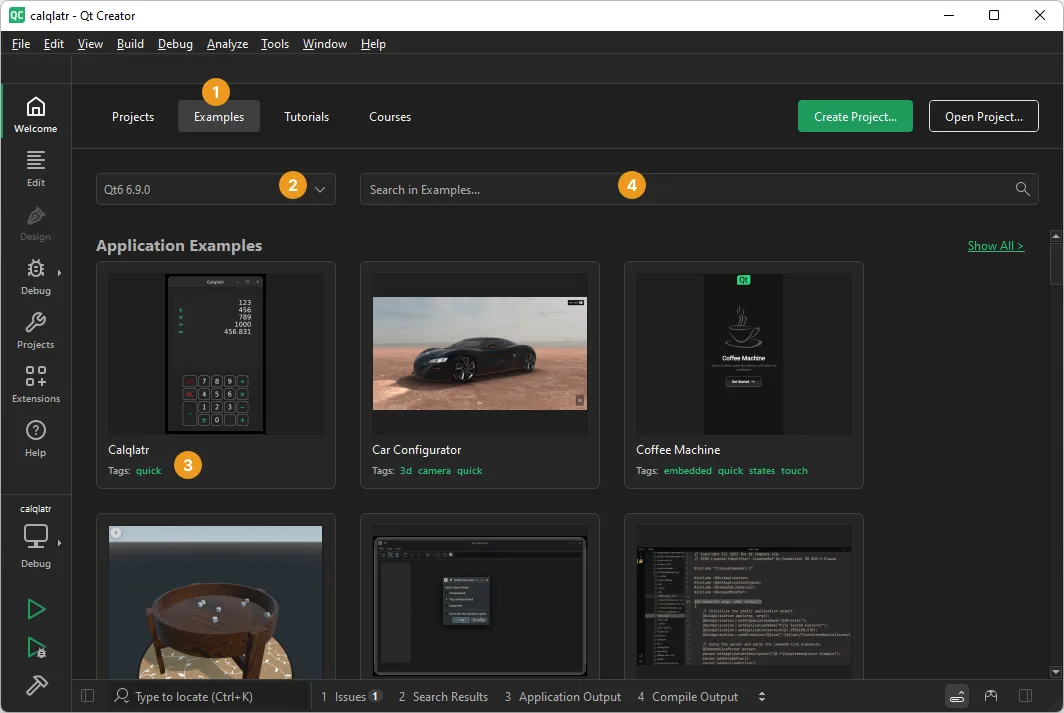
Qt Creator has been around since 2007, evolving from a simple code editor into a full‑featured IDE that supports C++, QML, and JavaScript. It is maintained by the Qt Project and ships with every major Linux distribution, making it a reliable choice for developers who need a native Linux environment.
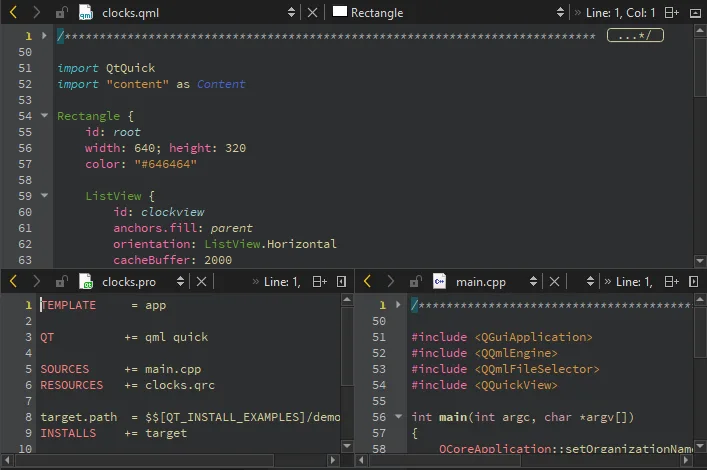
The IDE is aimed at developers who build Qt applications for desktop, embedded, or mobile platforms. It offers a unified project model, integrated debugger, and a powerful code editor with syntax highlighting and refactoring tools.
Compared to Visual Studio 2022, Qt Creator feels lighter and more focused on Qt. It lacks some of the advanced .NET and C# tooling, but it provides a consistent experience across all platforms and a straightforward workflow for Qt projects.
Best for: Developers building Qt applications who want a native Linux IDE that stays in sync with Windows and macOS builds.
Key features of Qt Creator
- Integrated C++ and QML editor with auto‑completion
- Built‑in debugger and profiler
- Project wizard for Android, iOS, and embedded targets
- Version control integration (Git, SVN, Mercurial)
- Customizable build system (qmake, CMake)
- Extensible via plugins
- Cross‑platform UI designer
- Support for Qt Quick Designer
Pros
- Free and open source
- Native Linux integration
- Consistent across all platforms
- Strong Qt ecosystem support
- Lightweight compared to Visual Studio
Cons
- Limited support for non‑Qt languages
- Learning curve for Qt‑specific features
- No built‑in support for .NET or C# projects
- Occasional lag with very large projects
Windows programs Qt Creator replaces
How to install Qt Creator on Linux
flatpak install flathub io.qt.QtCreatorsudo apt install qtcreatorsudo apt install qtcreatorsudo dnf install qt-creatorsudo pacman -S qtcreator-develTips for Windows users
When moving from Visual Studio, keep in mind that Qt Creator uses .pro or CMake files instead of .vcxproj. Most keyboard shortcuts differ; for example, Ctrl+Shift+B builds, F5 runs, and Ctrl+Shift+F finds. The project tree is organized by Qt modules, and debugging is handled through GDB or LLDB. File formats are plain text, so your source code stays portable. Use the built‑in project wizard to set up a new Qt project and then import your existing code into the .pro file.
Recent releases
- 20.0.1 —
Qt Creator v20.0.1
Qt Creator: frequently asked questions
Does Qt Creator support C++ projects that are not Qt based?
Yes, it can build plain C++ projects using qmake or CMake, but some Qt‑specific features like the designer will be inactive.
Can I use Qt Creator on Windows?
Qt Creator runs on Windows, macOS, and Linux. The Windows version is available from the Qt website or via the Microsoft Store.
Is there a version of Qt Creator for ARM devices?
The IDE itself runs on ARM‑based Linux distributions, but building for ARM targets requires cross‑toolchains and appropriate Qt libraries.
How do I debug a mobile app from Qt Creator?
Connect the device via USB, enable developer mode, and use the built‑in remote debugging tools; the IDE will handle deployment and debugging automatically.
Updated