

Linux · Programming
pgAdmin 4
pgAdmin 4 is a web‑based administration and development platform for PostgreSQL.
- License
- PostgreSQL
- Latest version
- 9.18 (September 17, 2026)
- Developer
- pgAdmin Development Team
- Installs
- 3,819 (Flathub, 30 days)
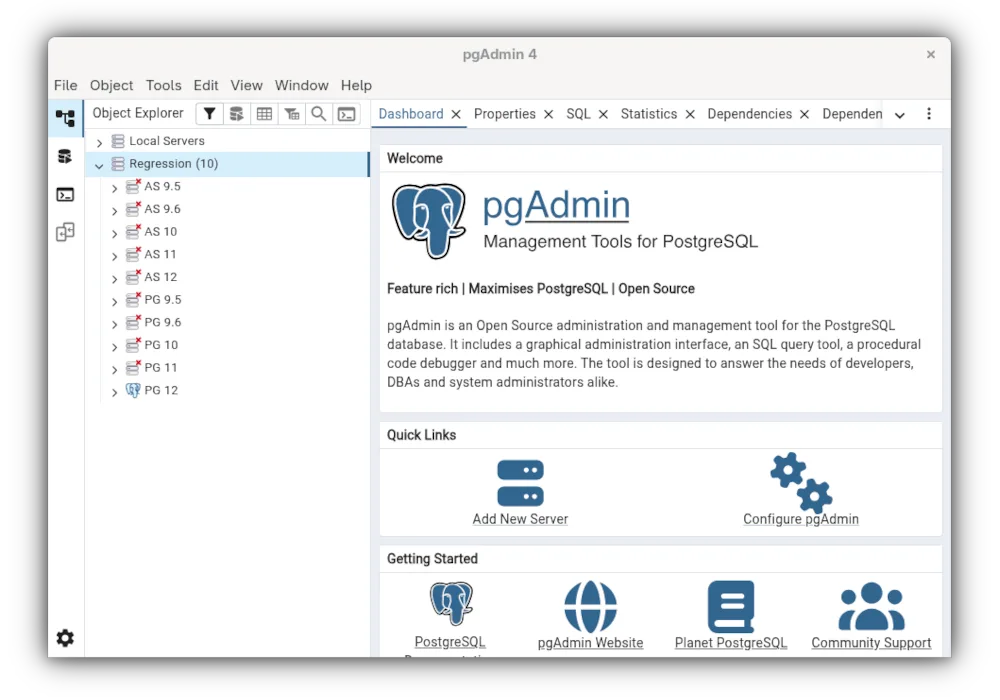
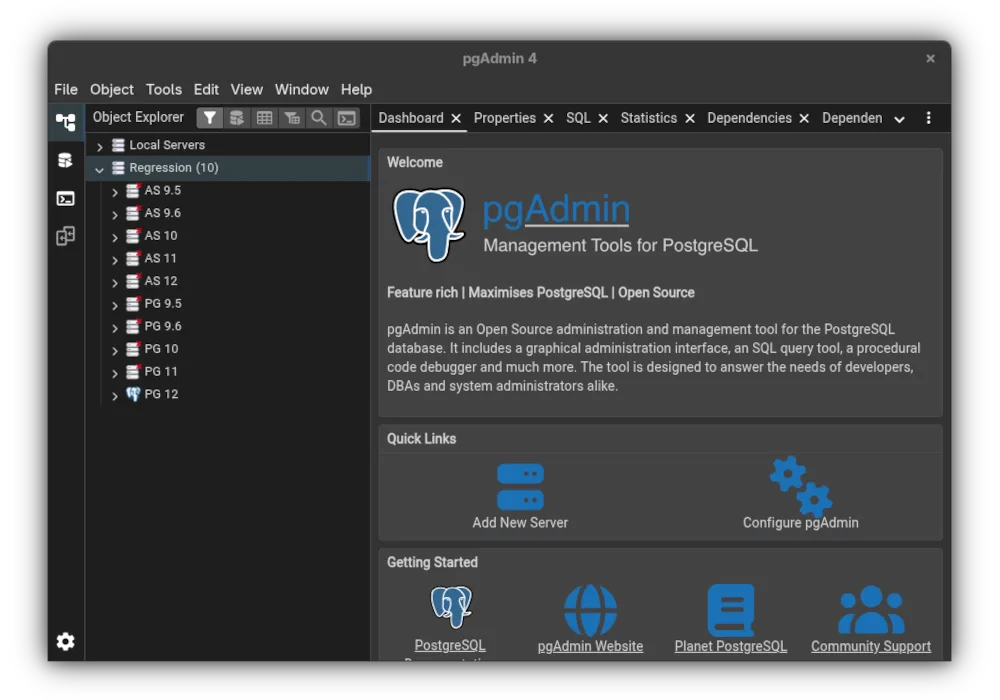

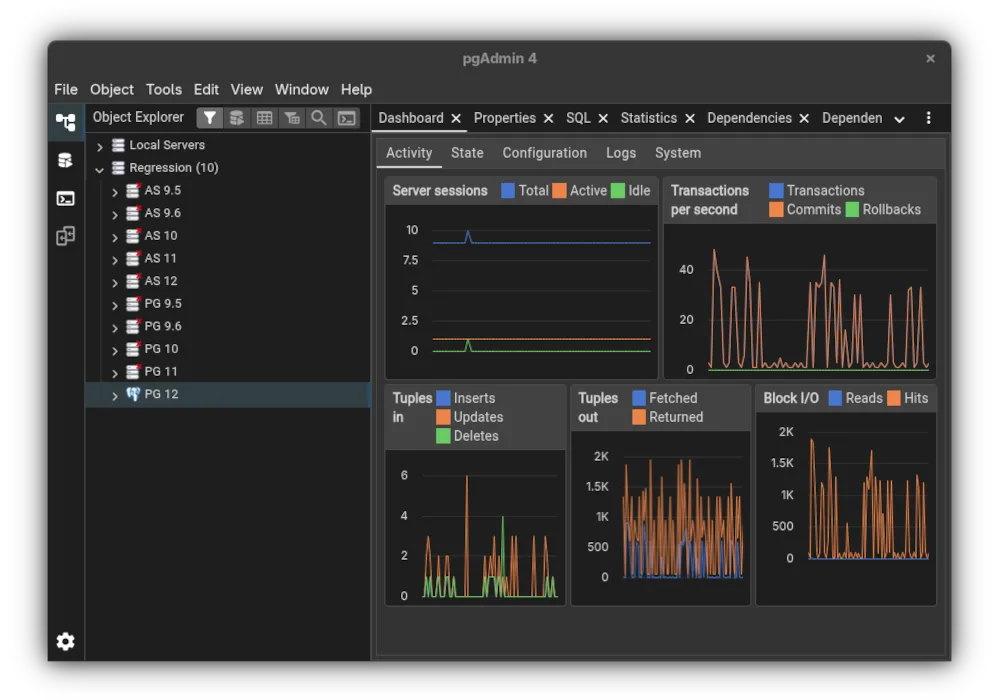
What is pgAdmin 4?
pgAdmin 4 has been the de‑facto PostgreSQL GUI for many years, first released in 2014 and now in version 9.18. It runs as a Flask web app, so it can be installed locally or accessed remotely via a browser. The tool is mature, heavily documented, and supported by the PostgreSQL community.
The primary audience is database developers, administrators, and analysts who need a full‑featured GUI for schema design, query editing, and maintenance tasks. It is especially useful for teams that already use PostgreSQL and want a single interface for all database operations.
Compared to Windows‑only tools like HeidiSQL, pgAdmin feels more “web‑centric.” It offers richer query editing features, an ERD designer, and a monitoring dashboard, but it can be slower to start and requires a browser. The learning curve is steeper, but once you get used to the web interface it is consistent across platforms.
Best for: Teams needing a comprehensive, cross‑platform PostgreSQL management tool with advanced features.
Key features of pgAdmin 4
- Web‑based interface accessible from any browser
- Advanced query editor with syntax highlighting and code completion
- ERD tool for schema design
- Auto‑vacuum, backup, and restore utilities
- Monitoring dashboard for performance metrics
- Fine‑grained user and permission management
Pros
- Cross‑platform consistency
- Rich feature set for advanced PostgreSQL use
- Active community and frequent updates
Cons
- Requires a web server or local Flask instance
- Can be slower to launch than native GUIs
- Learning curve for web‑based workflow
How to install pgAdmin 4 on Linux
flatpak install flathub org.pgadmin.pgadmin4sudo dnf install pgadmin4sudo zypper install pgadmin4Tips for Windows users
If you come from HeidiSQL, note that pgAdmin stores connection profiles in a local SQLite database rather than a plain text file. Keyboard shortcuts differ: for example, Ctrl+E runs a query instead of Ctrl+R. The web interface means you can open multiple tabs for different servers, and the query editor supports tab‑completion. Exported data can be saved as CSV or SQL dump, matching HeidiSQL’s export options. Workflow shifts from a desktop window to a browser tab, but the overall functionality remains the same.
Recent releases
- 9.18 —
- 9.17 —
- 9.16 —
- 9.15 —
pgAdmin 4: frequently asked questions
Can I run pgAdmin 4 on Linux?
Yes, it runs on any Linux distro that supports Python 3 and a web server; it is available as a Flatpak on Flathub and in Fedora and openSUSE repos.
Is pgAdmin 4 free?
Yes, it is open source and free to download and use.
Do I need a separate web server?
pgAdmin 4 bundles a lightweight Flask server, so you can run it without installing Apache or Nginx.
How do I import a database from HeidiSQL?
Export the database as a SQL dump in HeidiSQL, then use pgAdmin’s import tool to load the dump into PostgreSQL.
Updated