

Linux · Programming
Zed
Zed is a high-performance code editor written in Rust, offering IDE features like LSP support and real-time collaboration.
- License
- AGPL-3.0-or-later and Apache-2.0 and…
- Latest version
- v1.28.1 (November 11, 2026)
- Developer
- Zed Industries, Inc.
- Installs
- 9,761 (Flathub, 30 days)
What is Zed?
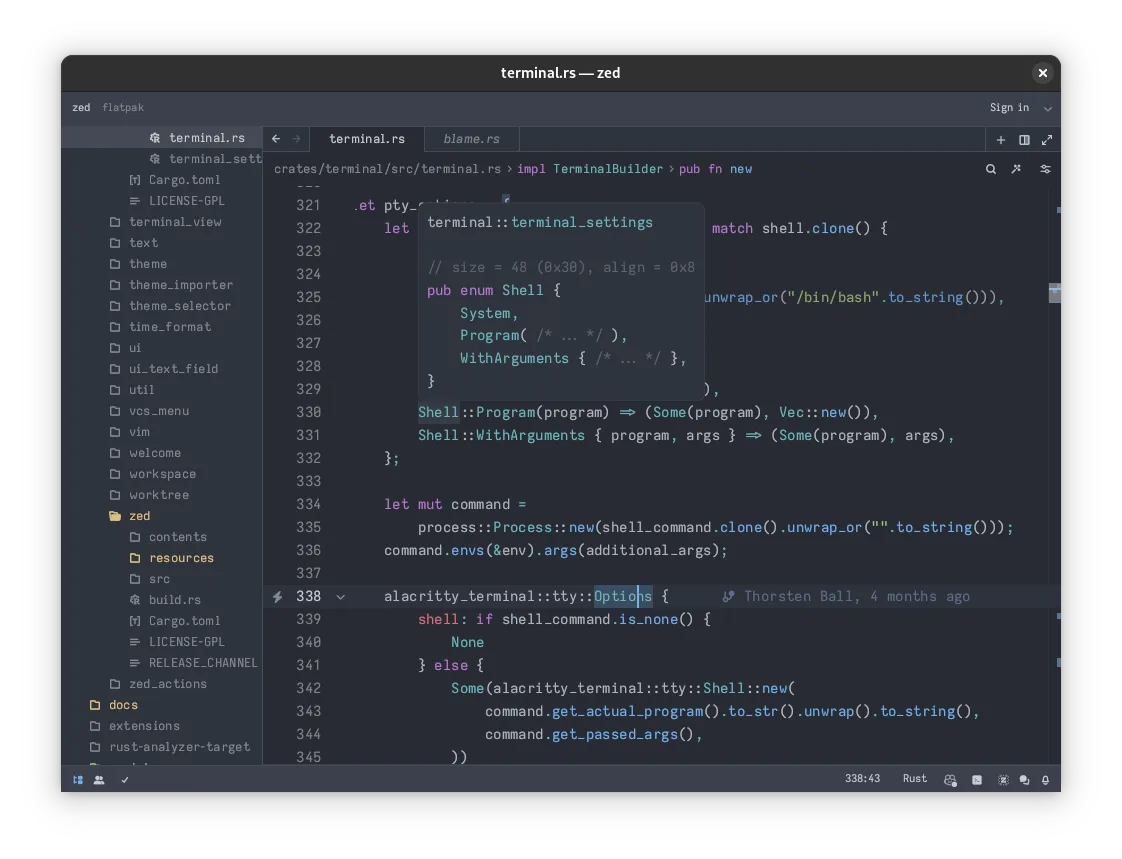
Zed is a modern code editor built with Rust, designed to combine the speed of lightweight editors with the intelligence of full IDEs. It uses a multi-threaded architecture to keep the UI responsive, even with large codebases. The project is actively maintained by Zed Industries, with regular releases adding new language support and performance improvements. It is not a fork of VS Code or Sublime, but a standalone application with its own plugin ecosystem and configuration system.
It targets developers who find traditional IDEs like GoLand or Visual Studio too heavy, yet need more than what basic text editors provide. It is particularly suited for Rust, Go, Python, and JavaScript developers who value low latency and high frame rates. The editor supports LSP for code completion and diagnostics, making it a viable primary tool for daily development work rather than just a quick-edit utility.
Compared to GoLand, Zed feels significantly lighter and faster, especially on startup and during large file operations. However, it lacks the deep, opinionated project management and built-in database tools that JetBrains IDEs offer. If you rely heavily on GoLand’s specific refactoring engines or visual architecture tools, you may need to supplement Zed with external CLI tools or a different IDE for those specific tasks.
Best for: Developers who prioritize speed and responsiveness and want a lightweight alternative to heavy IDEs for daily coding tasks.
Key features of Zed
- Multi-threaded UI for responsive keystrokes
- LSP support for autocompletion and refactoring
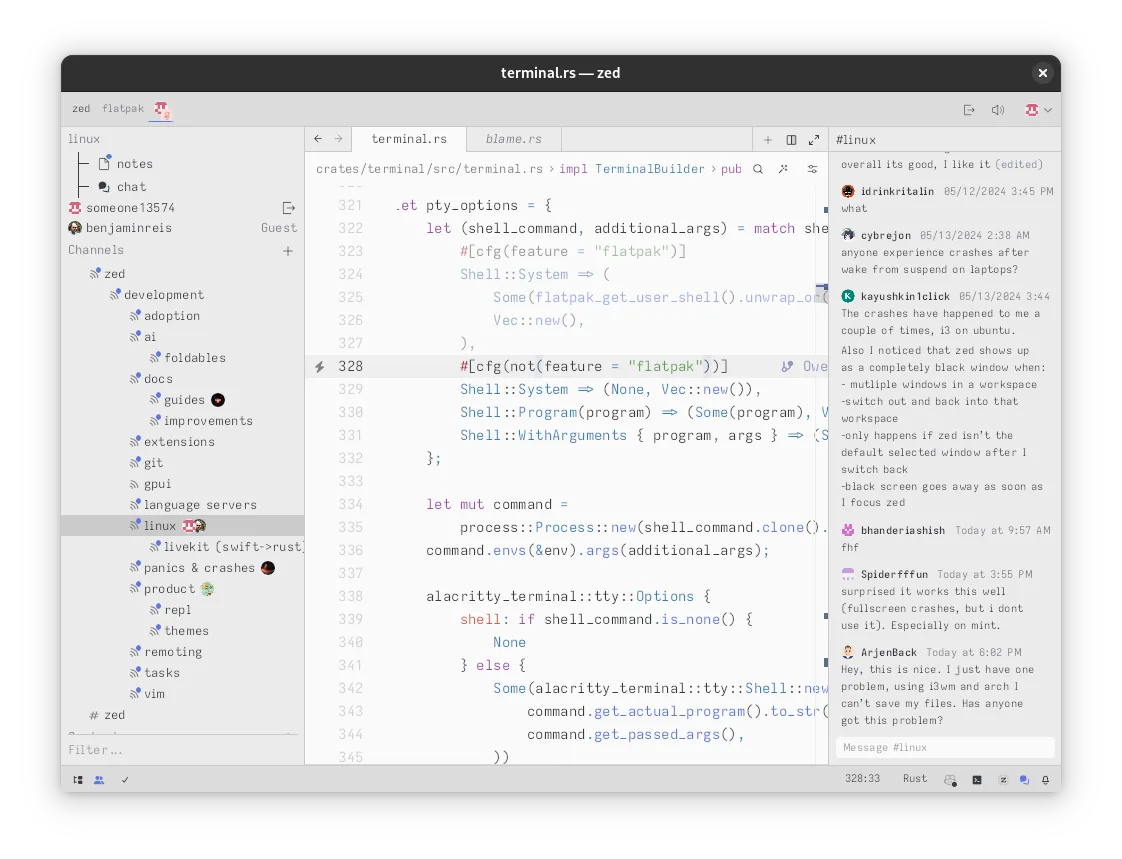
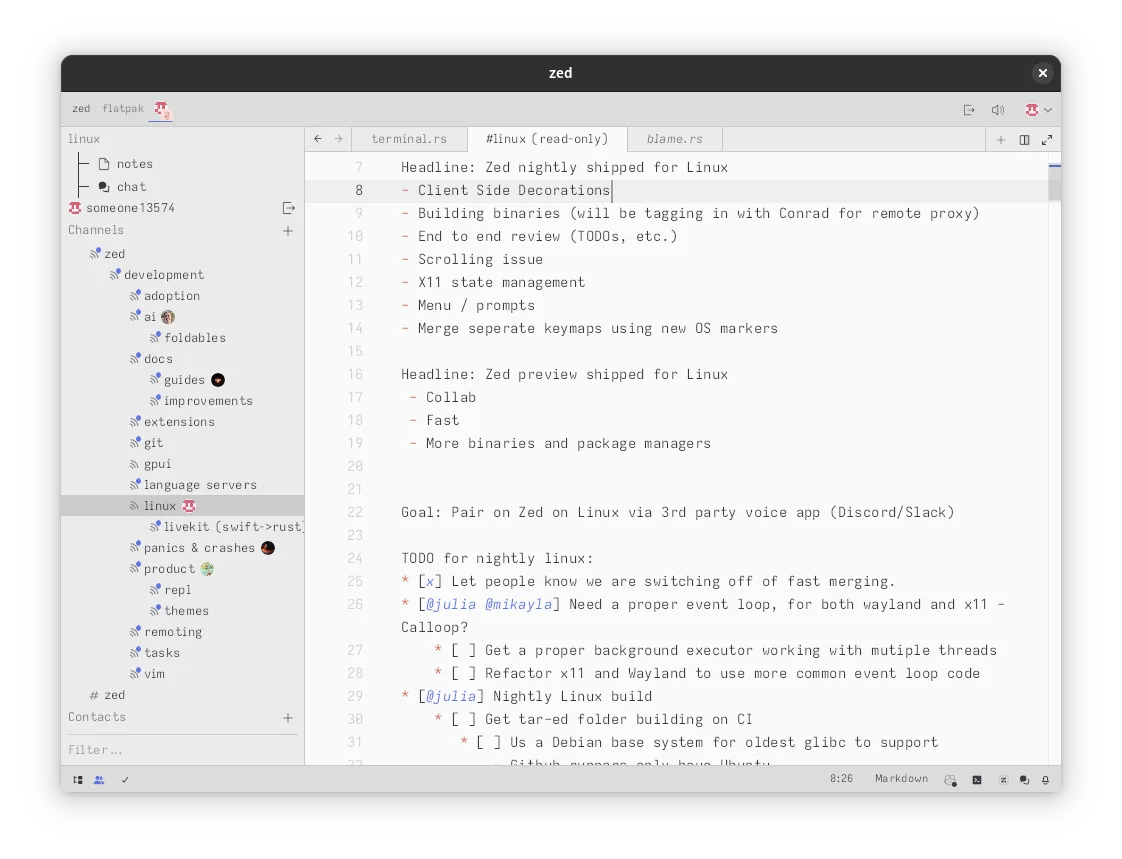
- Real-time collaborative editing
- Built-in AI integration for code generation
- GPU-accelerated rendering
- Cross-platform support (Linux, macOS, Windows)
Pros
- Extremely fast startup and file loading times
- Low resource usage compared to Electron-based editors
- Native real-time collaboration features
- Modern, clean interface with customizable themes
Cons
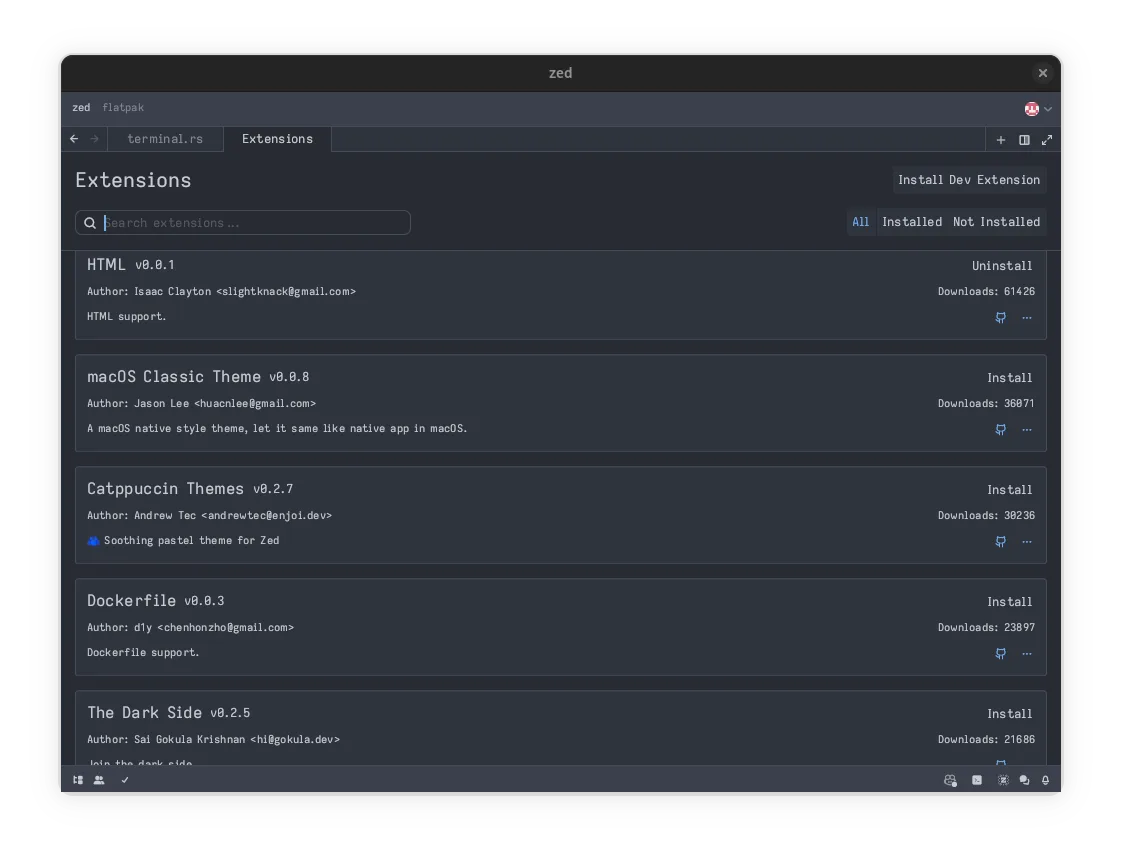
- Smaller plugin ecosystem than VS Code or JetBrains
- Limited built-in debugging tools compared to full IDEs
- Project management features are less opinionated than GoLand
Windows programs Zed replaces
How to install Zed on Linux
flatpak install flathub dev.zed.ZedTips for Windows users
Coming from GoLand, you will notice Zed does not have a built-in project tree in the same way; it relies more on file system navigation. Your GoLand shortcuts will not carry over, so expect to relearn key bindings, though Zed has a keybinding editor to help. For Go-specific tasks like go test or go build, you will likely need to use the integrated terminal or configure task runners, as Zed does not have the deep Go toolchain integration that GoLand provides out of the box. Configuration is stored in JSON files in your home directory, unlike GoLand’s XML-based settings.
Recent releases
- v1.28.1 —
- v1.27.0 —
- v1.26.2 —
- v1.25.3 —
Zed: frequently asked questions
Does Zed support Go language well?
Yes, Zed supports Go via the LSP protocol. You can use the gopls language server for autocompletion, diagnostics, and refactoring. It is not as deeply integrated as GoLand, but it works well for standard development tasks.
Is Zed free to use?
Zed is free and open-source under the AGPL-3.0, Apache-2.0, and GPL-3.0 licenses. There are no paid tiers for core functionality, though some AI features may have usage limits or require external API keys.
Can I use Zed as a full IDE replacement?
For many developers, yes. It supports LSP, debugging, and terminal integration. However, if you rely on heavy project management, visual design tools, or specific database integrations, you might still need a traditional IDE for those tasks.
How do I install Zed on Linux?
The easiest way is via Flatpak from Flathub. You can also download the AppImage or use your distribution’s package manager if available. Ensure you have the necessary dependencies for GPU acceleration if you want to use the rendering features.
Updated