

Linux · Graphics
MeshLab
Free, open-source tool for processing, cleaning, and editing 3D triangular meshes, ideal for 3D printing prep.
- License
- GPL-3.0-only
- Latest version
- 2025.07 (July 22, 2025)
- Developer
- Visual Computing Lab
- Installs
- 1,258 (Flathub, 30 days)
What is MeshLab?
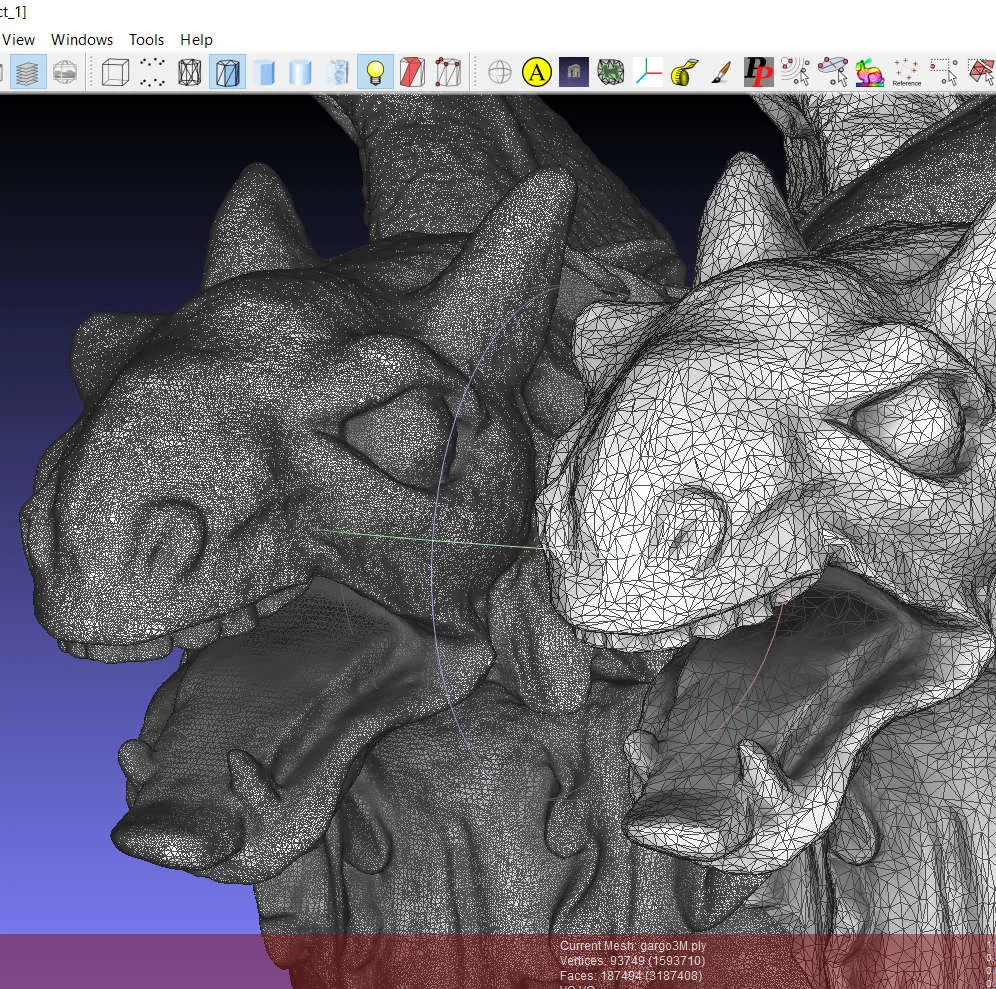
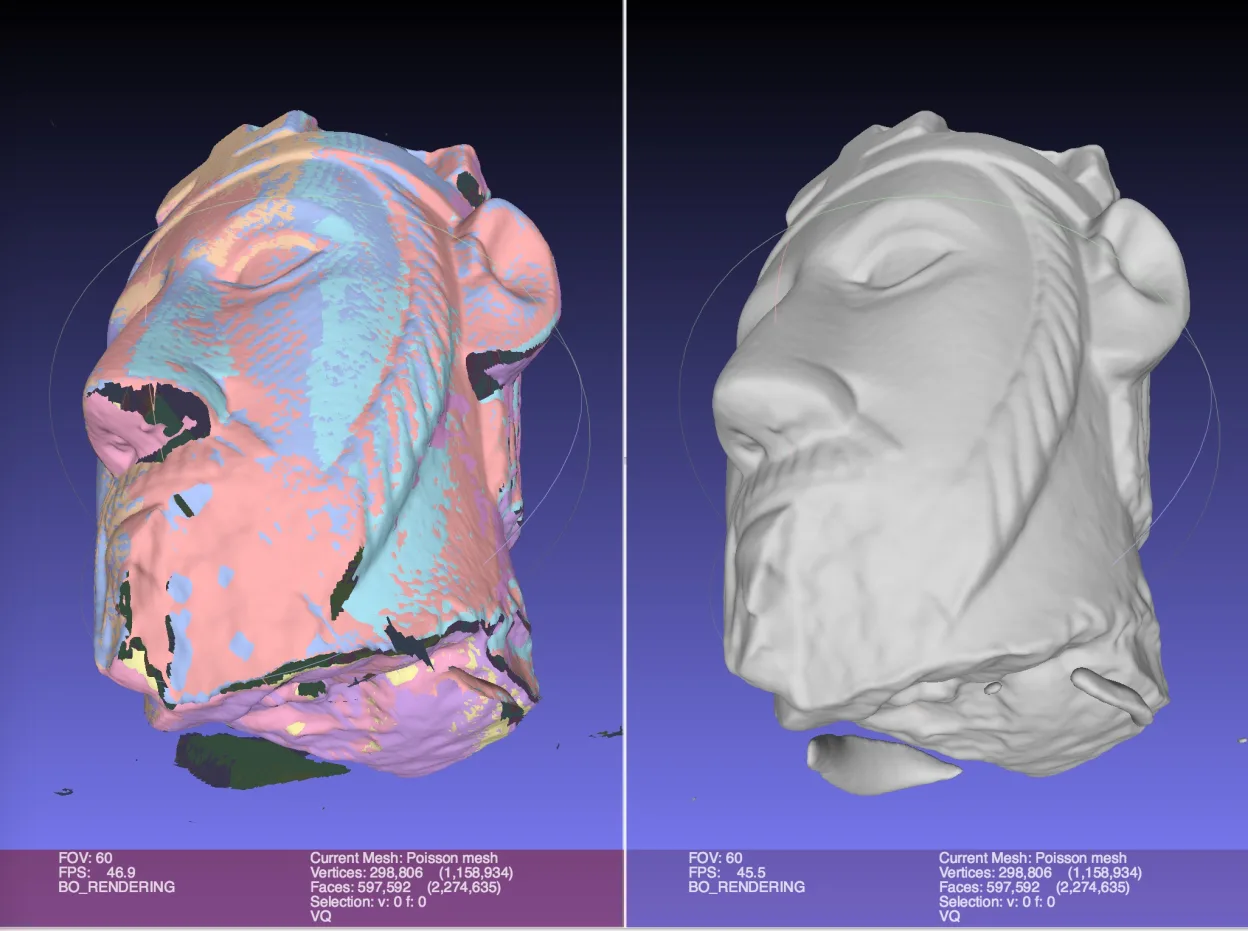
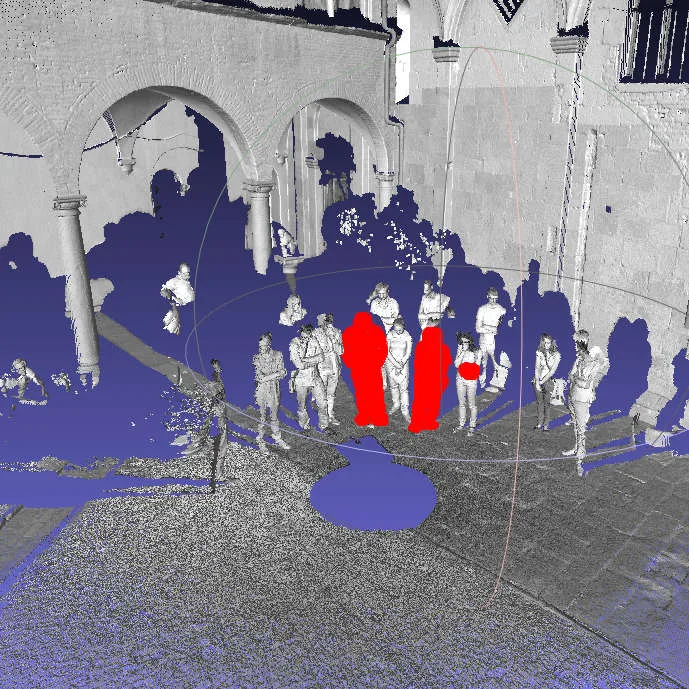
MeshLab is a mature, free application developed by the Visual Computing Lab. It focuses specifically on handling 3D triangular meshes rather than sculpting or modeling from scratch. It has been around for years and is actively maintained, with a recent release in July 2025. It is designed to process raw data from 3D scanners and prepare models for 3D printing, offering tools for cleaning, healing, and inspecting geometry.
This tool is best for users who have 3D models in STL, OBJ, or similar formats and need to fix them. It is not a replacement for ZBrush if you are looking to sculpt organic characters from a clay-like interface. Instead, it serves as a utility for those who need to reduce polygon counts, fix non-manifold edges, or apply textures to existing meshes. It is widely used in the 3D printing community for mesh repair.
Compared to ZBrush, MeshLab feels like a technical utility rather than an artistic studio. ZBrush is for creating and sculpting; MeshLab is for fixing and optimizing. If you are used to ZBrush, you will not find a brush tool here. Instead, you will find menus and dialogs for geometric operations. It is less intuitive for beginners but very powerful for specific mesh tasks.
Best for: Users who need to repair, optimize, or convert 3D mesh files for 3D printing or further processing.
Key features of MeshLab
- Mesh cleaning and healing tools to fix broken geometry
- Polygon reduction and simplification algorithms
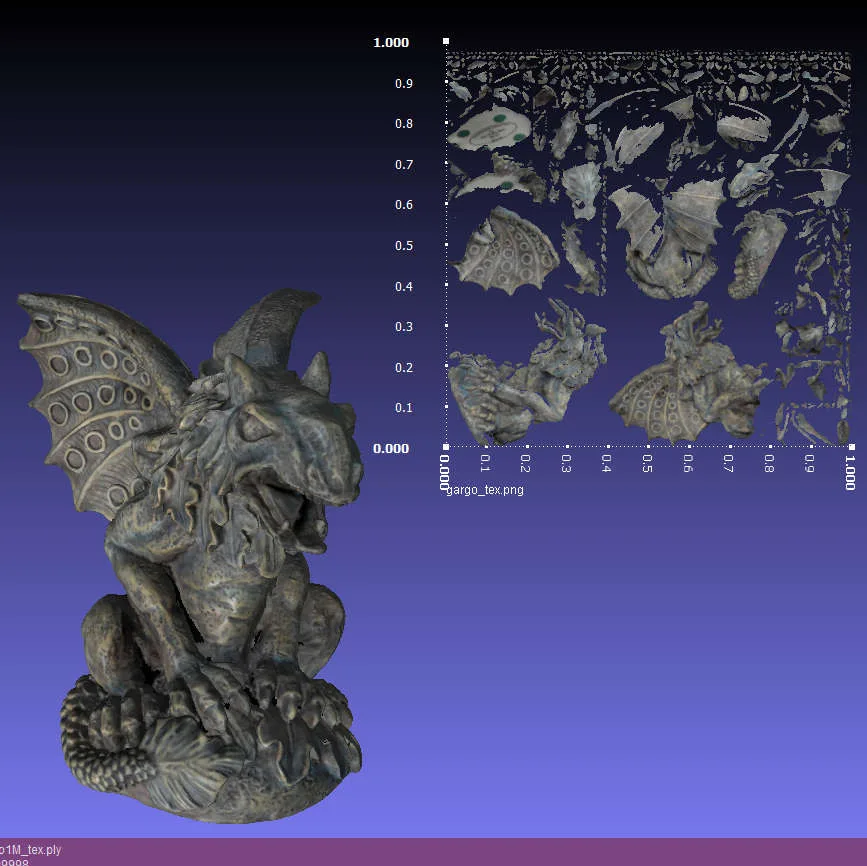
- Texture mapping and UV unwrapping capabilities
- Support for 3D printing preparation and analysis
- Processing of raw data from 3D digitization devices
- Rendering and visualization of 3D models
- Conversion between various 3D file formats
- Scripting support for batch processing
Pros
- Completely free and open source under GPL-3.0
- Excellent for fixing broken meshes from 3D scans
- Lightweight and efficient for large files
- Available in most major Linux distributions
- Active development with recent updates
Cons
- Not a sculpting tool; cannot replace ZBrush for modeling
- Interface can be overwhelming for beginners
- Lacks a real-time viewport for artistic work
- Some advanced features require learning specific algorithms
Windows programs MeshLab replaces
How to install MeshLab on Linux
flatpak install flathub net.meshlab.MeshLabsudo apt install meshlabsudo apt install meshlabsudo dnf install meshlabsudo zypper install meshlabTips for Windows users
If you are coming from ZBrush, understand that MeshLab does not sculpt. You will not use brushes or dynamic topology. Instead, you will import your STL or OBJ files and use the Filters menu to clean, decimate, or texture them. There are no direct shortcut equivalents for sculpting tools. Focus on the 'Filters' menu for mesh operations. If you need to sculpt, use a different Linux tool like Blender. MeshLab is for the post-sculpting or pre-printing stage.
Recent releases
- 2025.07 —
- 2023.12 —
- 2022.02 —
- 2021.10 —
MeshLab: frequently asked questions
Can MeshLab replace ZBrush for sculpting?
No, MeshLab is not a sculpting tool. It is for processing and editing existing meshes. For sculpting on Linux, use Blender or other dedicated modeling software.
What file formats does MeshLab support?
It supports common formats like STL, OBJ, PLY, and X3D. It is particularly good at handling STL files for 3D printing.
Is MeshLab available on Ubuntu and Fedora?
Yes, it is packaged in Debian, Fedora, openSUSE, and Ubuntu. You can also install it via Flathub.
How do I fix a non-manifold mesh in MeshLab?
Use the 'Cleaning and Repair' filters. Look for options to remove duplicate vertices, non-manifold edges, and isolated components.
Updated