
 Rocket.ChatLinux
vs
Microsoft Teams (2026 version with enhanced AI features)Windows
Rocket.Chat como alternativa Linux ao Microsoft Teams (2026 version with enhanced AI features)
Atualizado em
Nossa avaliação
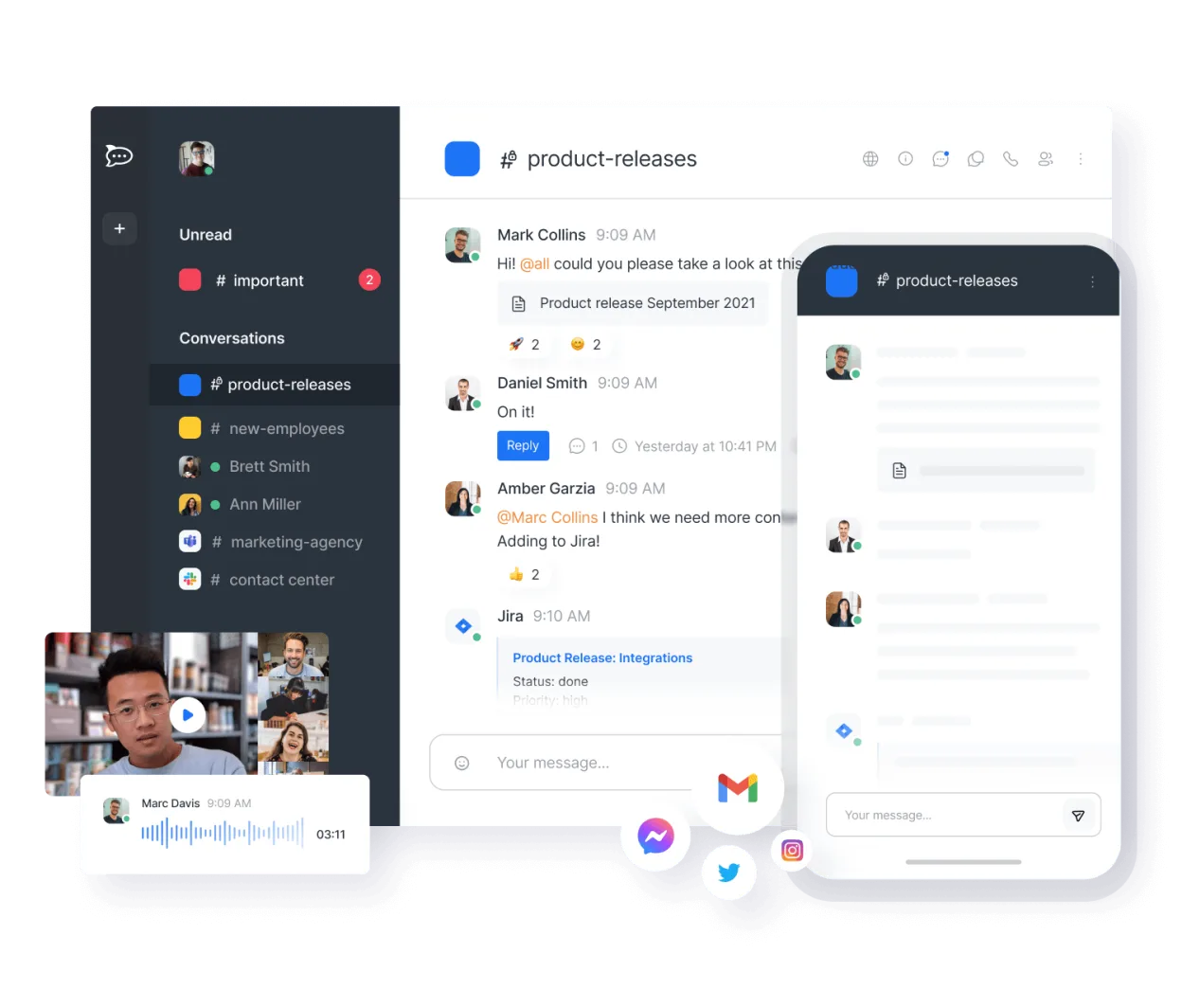
Rocket.Chat is a strong replacement for the core chat, video, and file-sharing functions of Microsoft Teams, especially for teams that prioritize self-hosting and data ownership. It handles persistent channels, direct messages, and screen sharing effectively. However, it lacks the deep, native AI integration of Copilot for automated meeting summaries and does not integrate natively with Microsoft Exchange calendars or Outlook email. If your workflow depends heavily on AI-generated insights or tight Microsoft 365 ecosystem ties, you will feel a gap. For teams needing a private, open-source alternative to Teams' communication features, it is a solid choice.
- Licença
- MIT
- Preço
- Grátis
- Versão mais recente
- 4.19.3 (12 de novembro de 2026)
- Avaliação
- —
O que funciona igual
- Persistent group chat channels and direct messaging
- Built-in voice and video conferencing with screen sharing
- File sharing capabilities within chat threads
- Mobile applications for iOS and Android
O que muda
- Lacks native, built-in AI for automatic meeting summaries and transcription
- No native integration with Microsoft Exchange calendars or Outlook email
- Requires self-hosting or third-party cloud services, unlike Teams' managed SaaS model
- Different ecosystem for integrations; relies on its own API and bot framework rather than Microsoft Power Platform
Abrindo seus arquivos do Microsoft Teams (2026 version with enhanced AI features)
Rocket.Chat supports common document formats like PDF, images, and Office files (DOCX, XLSX, PPTX) for viewing and sharing within chats. However, it does not natively open or edit proprietary Microsoft Teams-specific meeting recordings or complex SharePoint-linked documents in the same way Teams does. You can import chat history via JSON export, but there is no direct tool to migrate live Teams channels or calendar events directly into Rocket.Chat without manual effort or third-party scripts.
Trocando o Microsoft Teams (2026 version with enhanced AI features) pelo Rocket.Chat, passo a passo
- Export chat history and files from Microsoft Teams using the built-in export feature or IT admin tools
- Set up a Rocket.Chat instance (self-hosted or cloud) and create corresponding channels
- Invite users to the new Rocket.Chat workspace and distribute login credentials
- Import exported chat logs into Rocket.Chat using community scripts or manual copy-paste for critical history
- Configure integrations for calendar and email using Zapier, n8n, or custom webhooks to bridge the gap
- Test video conferencing and screen sharing features before fully decommissioning Teams
Principais recursos do Rocket.Chat
- Usuários e canais ilimitados por padrão
- Conferência de vídeo e áudio
- Compartilhamento de arquivos e edição ao vivo de documentos
- API extensa e integrações de bots
- Criptografia de ponta a ponta para canais privados
- Opções auto‑hospedadas ou na nuvem
- Aplicativos móveis para iOS e Android
- Temas e layouts personalizáveis
Como instalar o Rocket.Chat no Linux
flatpak install flathub chat.rocket.RocketChatPerguntas frequentes
Does Rocket.Chat have AI meeting summaries like Microsoft Copilot?
No, Rocket.Chat does not have built-in AI for automatic meeting summaries. You would need to use a separate transcription service or third-party bot to achieve similar functionality.
Can I use Rocket.Chat with my existing Microsoft 365 account?
You can log in with SSO if configured, but it does not sync with Outlook calendar or email natively. You will need to use integrations or manage your calendar separately.
Is Rocket.Chat free to use?
The open-source version is free and unlimited for users and channels. You only pay for the infrastructure (server) if you self-host, or for their managed cloud service.
Outras 5 alternativas ao Microsoft Teams (2026 version with enhanced AI features)
 SlackO Slack é um aplicativo proprietário de comunicação para equipes no Linux que centraliza conversas…FlatpakSlack vs Microsoft Teams (2026 version with enhanced AI features)
 MattermostO Mattermost é uma plataforma de colaboração de código aberto e autohospedada, criada para equipes de…Código abertoGrátisFlatpakMattermost vs Microsoft Teams (2026 version with enhanced AI features)
 ZulipZulip é um aplicativo de chat em grupo de código aberto que utiliza conversas em tópicos para gerenciar…Código abertoGrátisFlatpakZulip vs Microsoft Teams (2026 version with enhanced AI features)
 ElementO Element é um cliente de chat e videoconferência baseado em matriz, de código aberto, para Linux.Código abertoGrátisFlatpakElement vs Microsoft Teams (2026 version with enhanced AI features)
 JamiJami é um cliente de chat e videochamada peer‑to‑peer gratuito que funciona sem servidores centrais.Código abertoGrátisFlatpakJami vs Microsoft Teams (2026 version with enhanced AI features)
Todas as alternativas ao Microsoft Teams (2026 version with enhanced AI features)