
 Rocket.ChatLinux
vs
Microsoft Teams (classic desktop client)Windows
Rocket.Chat como alternativa Linux ao Microsoft Teams (classic desktop client)
Atualizado em
Nossa avaliação
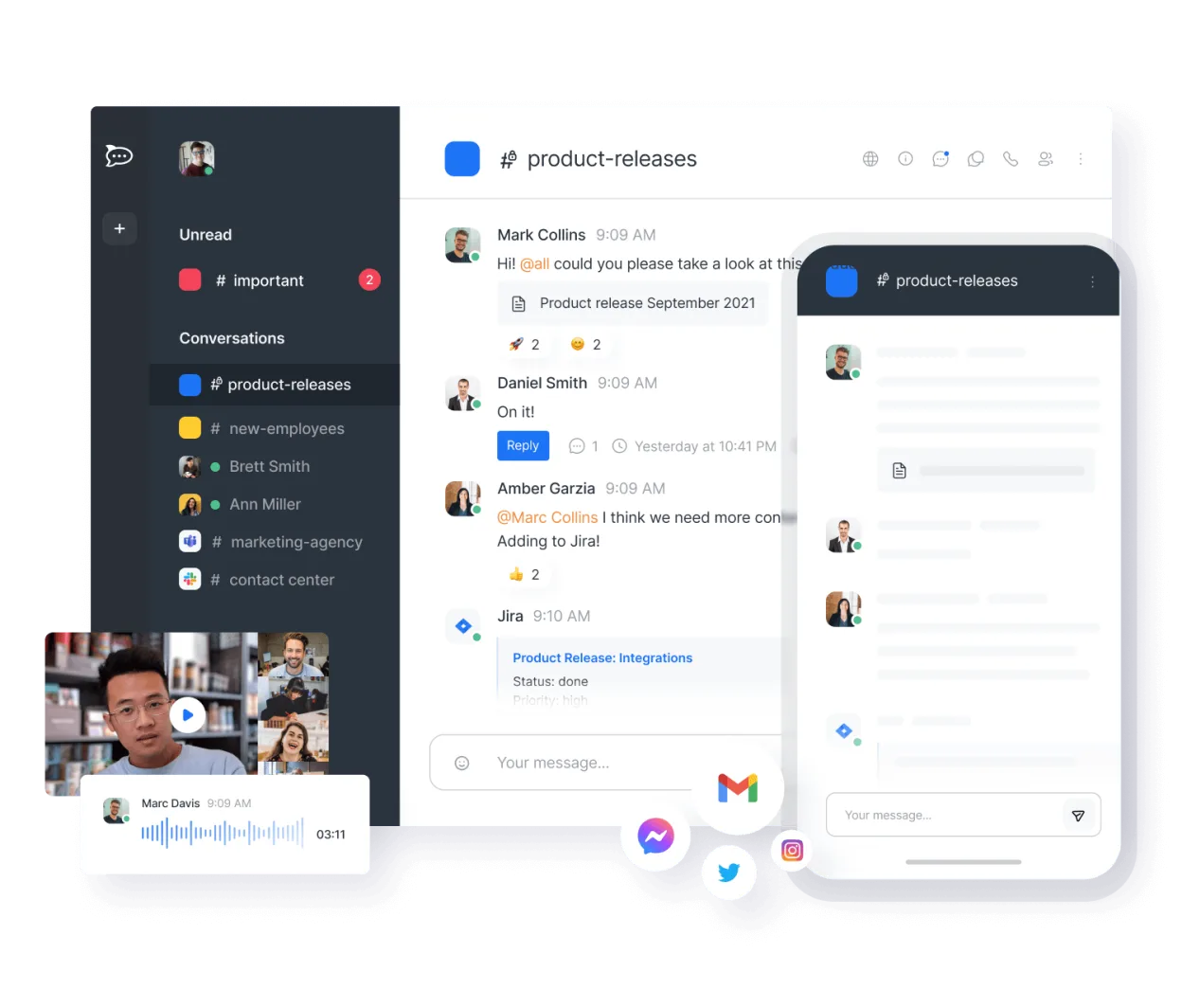
Rocket.Chat is a solid, native Linux replacement for Microsoft Teams if you are willing to self-host or use a cloud provider. It covers core needs like channels, threads, video calls, and file sharing without the Windows dependency. However, it lacks deep integration with Microsoft 365 services like Outlook or OneDrive. It is best for teams that prioritize open-source control and privacy over tight coupling with Microsoft’s ecosystem. If your workflow relies heavily on Microsoft-specific features, the transition will require significant adjustment and new workflows.
- Licença
- MIT
- Preço
- Grátis
- Versão mais recente
- 4.19.3 (12 de novembro de 2026)
- Avaliação
- —
O que funciona igual
- Channel-based instant messaging with threads
- Integrated audio and video conferencing
- File sharing and storage capabilities
- Presence and status indicators
- Cross-platform support including Linux, Windows, and mobile
O que muda
- No native integration with Microsoft Outlook or OneDrive
- Requires self-hosting or third-party cloud hosting rather than direct Microsoft account login
- Different API and bot ecosystem compared to Microsoft Teams
- End-to-end encryption is optional and not default for all channels
- Lack of direct Microsoft 365 suite integration
Abrindo seus arquivos do Microsoft Teams (classic desktop client)
Rocket.Chat does not natively open or export Microsoft Teams-specific file formats or chat history. You can share standard file types like PDFs, Office documents, and images directly within Rocket.Chat, but there is no built-in tool to migrate existing Teams chat logs or OneDrive folder structures. You would need to manually export files from Teams and upload them to Rocket.Chat, treating it as a fresh start rather than a direct file migration.
Trocando o Microsoft Teams (classic desktop client) pelo Rocket.Chat, passo a passo
- Set up a Rocket.Chat instance using self-hosting or a cloud provider
- Create channels and invite team members via email
- Upload necessary files and documents to the new platform
- Configure video conferencing settings and test calls
- Set up any required integrations or bots for your workflow
- Communicate the new link and credentials to all users
Principais recursos do Rocket.Chat
- Usuários e canais ilimitados por padrão
- Conferência de vídeo e áudio
- Compartilhamento de arquivos e edição ao vivo de documentos
- API extensa e integrações de bots
- Criptografia de ponta a ponta para canais privados
- Opções auto‑hospedadas ou na nuvem
- Aplicativos móveis para iOS e Android
- Temas e layouts personalizáveis
Como instalar o Rocket.Chat no Linux
flatpak install flathub chat.rocket.RocketChatPerguntas frequentes
Does Rocket.Chat work with Microsoft accounts?
No, Rocket.Chat uses its own authentication system. You cannot log in with a Microsoft 365 account directly. You must create a Rocket.Chat account or use SSO with a compatible identity provider.
Is Rocket.Chat free to use?
The software itself is free and open-source under the MIT license. However, if you self-host, you pay for server infrastructure. If you use a cloud-hosted version, the provider may charge a fee.
Can I migrate my Teams chat history to Rocket.Chat?
There is no official migration tool for chat history. You would need to manually export and import data if the formats are compatible, but this is not a seamless process and often results in a fresh start.
Outras 4 alternativas ao Microsoft Teams (classic desktop client)
 SlackO Slack é um aplicativo proprietário de comunicação para equipes no Linux que centraliza conversas…FlatpakSlack vs Microsoft Teams (classic desktop client)
 MattermostO Mattermost é uma plataforma de colaboração de código aberto e autohospedada, criada para equipes de…Código abertoGrátisFlatpakMattermost vs Microsoft Teams (classic desktop client)
 ZulipZulip é um aplicativo de chat em grupo de código aberto que utiliza conversas em tópicos para gerenciar…Código abertoGrátisFlatpakZulip vs Microsoft Teams (classic desktop client)
 ElementO Element é um cliente de chat e videoconferência baseado em matriz, de código aberto, para Linux.Código abertoGrátisFlatpakElement vs Microsoft Teams (classic desktop client)
Todas as alternativas ao Microsoft Teams (classic desktop client)