
 Rocket.ChatLinux
vs
Microsoft Teams ClassicWindows
Rocket.ChatLinux
vs
Microsoft Teams ClassicWindows
Rocket.Chat as a Linux alternative to Microsoft Teams Classic
Updated
Our verdict
Rocket.Chat can serve as a practical replacement for Microsoft Teams Classic for teams that value open‑source software, self‑hosting, and flexibility. It covers the core collaboration features—chat, voice/video calls, screen sharing and file exchange—well enough for most small‑to‑medium groups. Larger enterprises that rely heavily on deep Office 365 integration, built‑in meeting scheduling, and advanced compliance controls may find Teams more convenient, but for teams comfortable with a bit of manual setup Rocket.Chat is a solid alternative.
- License
- MIT
- Price
- Free
- Latest version
- 4.18.3 (October 14, 2026)
- Rating
- —
What works the same
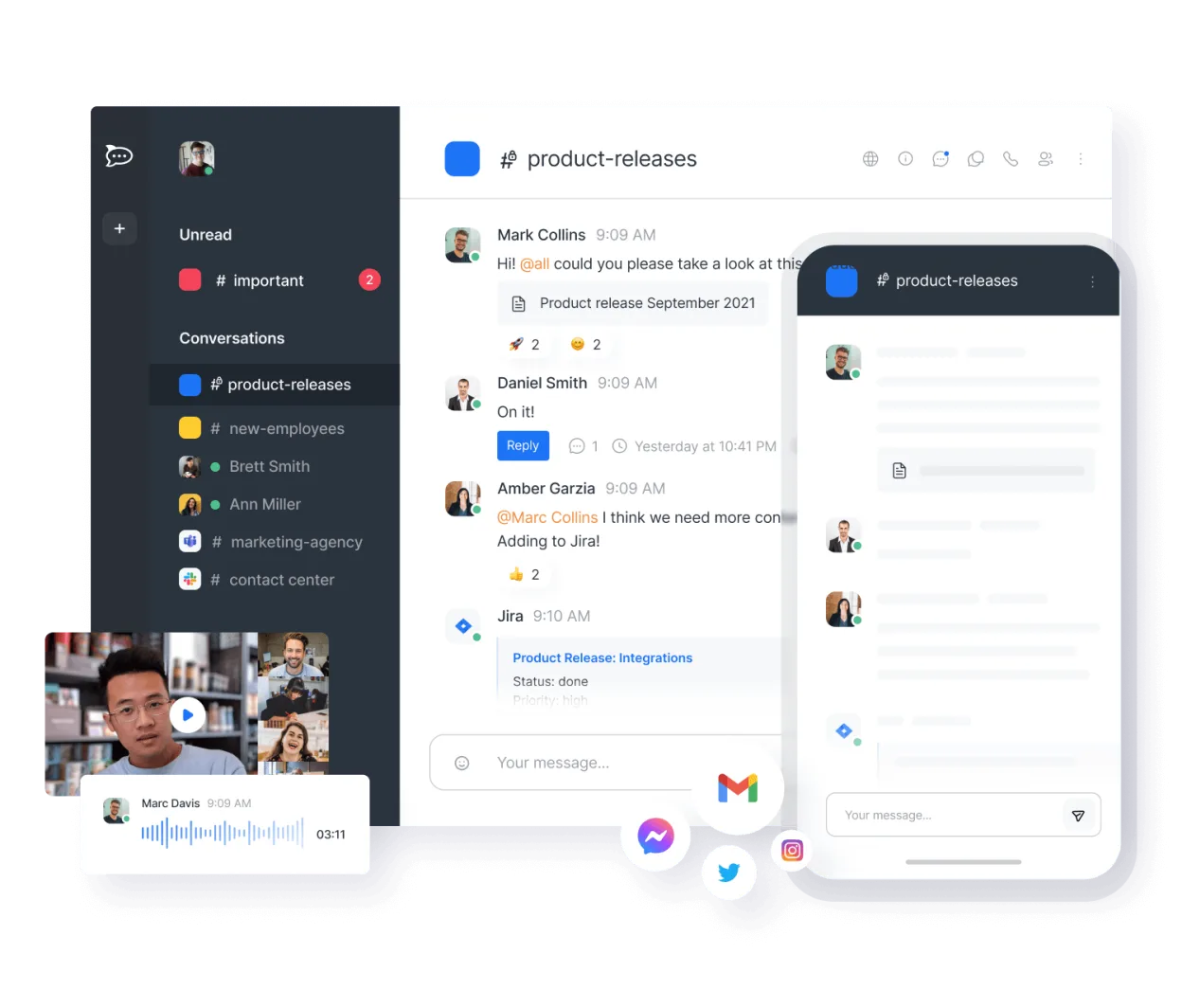
- Group and direct messaging with persistent history
- Voice and video calls with screen sharing
- File sharing and basic storage
- Cross‑platform clients (desktop, web, mobile)
- Channel‑based organization
What is different
- No native integration with Office 365 apps (Word, Excel, Outlook)
- Lacks built‑in meeting scheduler and calendar sync
- No built‑in compliance/recording features required for some regulated industries
- Limited support for large‑scale live events compared to Teams Live Events
- Enterprise‑grade admin controls and reporting are less extensive
Opening your Microsoft Teams Classic files
Rocket.Chat does not use a proprietary file format for chats or meetings, so there is no direct way to open or export Microsoft Teams Classic *.teams files. You can export Teams data to standard formats (e.g., .txt, .csv) and then import or reference them manually in Rocket.Chat, but automated migration is not provided.
Switching from Microsoft Teams Classic to Rocket.Chat, step by step
- Set up a Rocket.Chat server (cloud or self‑hosted) and create user accounts.
- Export chat history from Teams via the Microsoft 365 compliance portal.
- Import exported text files into Rocket.Chat channels using the import tool or scripts.
- Configure file storage locations and permissions to match Teams SharePoint sites.
- Invite users to join the new Rocket.Chat workspace and provide onboarding material.
- Disable Teams access once all critical data and workflows are verified in Rocket.Chat.
Key features of Rocket.Chat
- Unlimited users and channels by default
- Video and audio conferencing
- File sharing and live document editing
- Extensive API and bot integrations
- End-to-end encryption for private channels
- Self-hosted or cloud-hosted options
- Mobile apps for iOS and Android
- Customizable themes and layouts
How to install Rocket.Chat on Linux
flatpak install flathub chat.rocket.RocketChatFrequently asked questions
Can Rocket.Chat handle large video conferences like Teams?
It supports group calls, but the participant limit is lower and performance depends on server resources; for very large webinars Teams is still stronger.
Is end‑to‑end encryption available for all chats?
Encryption is optional and can be enabled per private channel; public channels are not encrypted end‑to‑end.
Do I need to pay for Rocket.Chat?
The core platform is free under the MIT license; paid plans exist for hosted services and additional enterprise features, but self‑hosting incurs only infrastructure costs.
4 other alternatives to Microsoft Teams Classic
 SlackSlack is a proprietary team communication app for Linux that centralizes conversations, tools, and workflows…FlatpakSlack vs Microsoft Teams Classic
 MattermostMattermost is an open-source, self-hosted collaboration platform for developer teams, offering a secure…Open sourceFreeFlatpakMattermost vs Microsoft Teams Classic
 ZulipZulip is an open-source group chat application that uses threaded conversations to manage high-volume team…Open sourceFreeFlatpakZulip vs Microsoft Teams Classic
 ElementElement is an open‑source, matrix‑based chat and video‑conference client for Linux.Open sourceFreeFlatpakElement vs Microsoft Teams Classic