
Windows · Internet
Best Linux alternatives to Microsoft Teams Classic
Microsoft Teams Classic is a proprietary collaboration app for chat, video calls, and team file sharing, part of Microsoft 365.
Updated
Quick answer
The best Linux alternative to Microsoft Teams Classic is Slack. Other strong options: Mattermost, Rocket.Chat, Zulip.
5 Linux alternatives to Microsoft Teams Classic
-
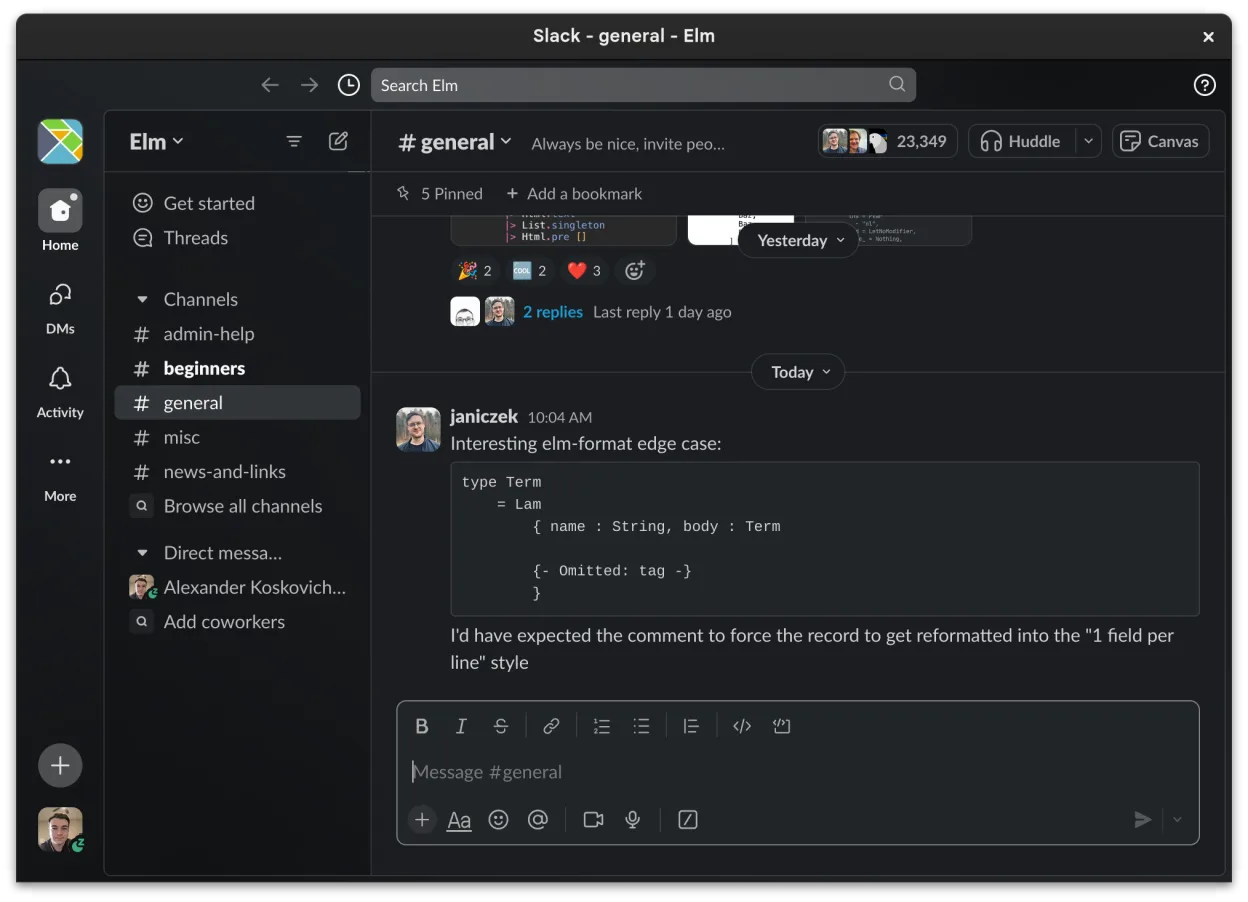
Slack is a proprietary team communication app for Linux that centralizes conversations, tools, and workflows for business collaboration.
Slack is a solid replacement for Microsoft Teams Classic for teams focused on messaging, integrations, and workflow organization. It handles direct and group chats, file sharing, screen sharing, and video calls adequately, though the Linux client is officially in beta and may lack polish compared…
Feature parity85% -

Mattermost is an open-source, self-hosted collaboration platform for developer teams, offering a secure alternative to SaaS tools.
Mattermost can replace Microsoft Teams Classic for teams that value self‑hosting, open‑source code, and deep integration with development tools. It covers chat, voice/video calls, screen sharing and file sharing, but it lacks the tight integration with the broader Microsoft 365 suite (Outlook…
Feature parity78% -

Open-source team communication platform for chat, video, and collaboration, often used to replace Slack or Microsoft Teams.
Rocket.Chat can serve as a practical replacement for Microsoft Teams Classic for teams that value open‑source software, self‑hosting, and flexibility. It covers the core collaboration features—chat, voice/video calls, screen sharing and file exchange—well enough for most small‑to‑medium groups…
Feature parity78% -
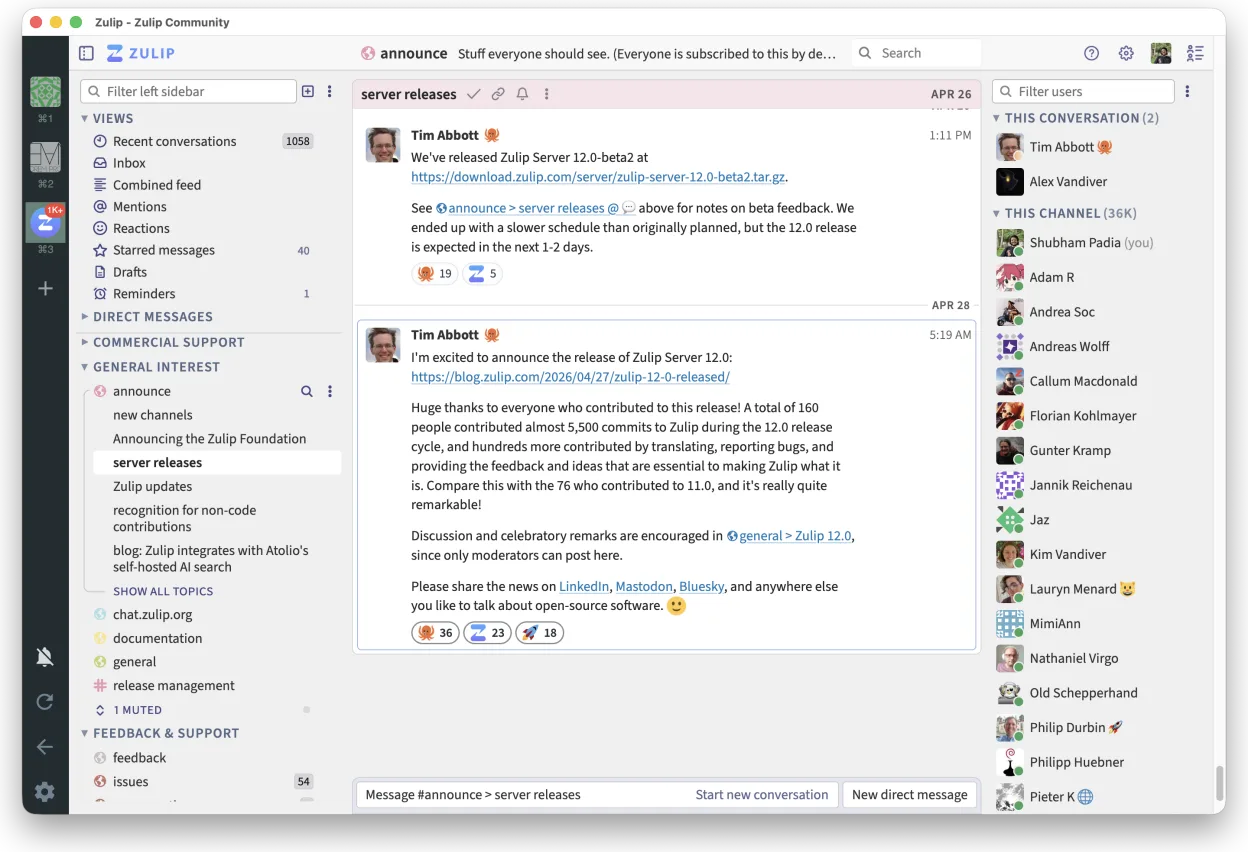
Zulip is an open-source group chat application that uses threaded conversations to manage high-volume team discussions.
Zulip can serve as a viable replacement for Microsoft Teams Classic for teams that prioritize open‑source software, need strong message organization, and are comfortable with a less polished video‑calling experience. It covers the core collaboration needs—group chat, direct messages, searchable…
Feature parity70% -

Element is an open‑source, matrix‑based chat and video‑conference client for Linux.
Element is a solid replacement for Microsoft Teams Classic if you prioritize open standards, privacy, and cross-platform sync. It covers core collaboration needs: persistent chat, encrypted video calls, screen sharing, and file exchange. Teams used to Microsoft’s interface may need time to adjust…
Feature parity75%





What is Microsoft Teams Classic?
Microsoft Teams Classic is used primarily in workplaces and schools for team communication, video meetings, and document collaboration. It supports group and direct messaging, screen sharing, calendar integration, and works tightly with Office apps. Users typically access it daily as part of their Microsoft 365 subscription.
The app is proprietary and offered under Microsoft’s licensing model—usually included with Microsoft 365 subscriptions, which are paid for individuals, businesses, and institutions. There is no standalone free version with full features; free access is limited in duration and functionality.
People seek Linux alternatives because Teams Classic lacks full native support and has a poor web experience on Linux. Some dislike the closed-source nature, tight Microsoft integration, or want lighter, self-hosted, or open-source tools that offer similar collaboration without vendor lock-in.
What a replacement for Microsoft Teams Classic must do
- Group and direct messaging
- Voice and video calls
- Screen sharing
- File sharing and storage
- Integration with productivity tools
- Persistent chat history
- Cross-platform clients
Can you run Microsoft Teams Classic on Linux?
Microsoft Teams has a native Linux client (Electron-based) available as a deb/rpm package, but it's no longer actively developed—Microsoft recommends the web app. The web version works well in modern browsers. Performance under Wine is poor; Proton and Bottles are not suitable as it's not a game. The Linux app lacks some features and updates are infrequent.
Which alternative should you choose?
Slack suits teams wanting polished UI and many integrations. Mattermost and Rocket.Chat are ideal for self-hosting and control. Zulip works well for structured, topic-based discussions. Element (Matrix) fits users prioritizing decentralization and strong encryption. Choose based on hosting preference, team size, and need for compliance or open standards.
Moving your Microsoft Teams Classic files and habits
Exporting chat history or files from Teams requires admin tools or third-party scripts—Microsoft doesn’t provide a simple export. Files stored in SharePoint or OneDrive can be downloaded manually. Linux alternatives usually support standard formats (PDF, DOCX, etc.), but chat logs aren’t easily portable between platforms.
Side-by-side comparison
| App | License | Flatpak | Latest version | Feature parity | Rating |
|---|---|---|---|---|---|
| Slack | LicenseRef-proprietary | ✓ | 4.52.182 | 85% | — |
| Mattermost | Apache-2.0 | ✓ | 6.3.1 | 78% | — |
| Rocket.Chat | MIT | ✓ | 4.18.3 | 78% | — |
| Zulip | Apache-2.0 | ✓ | 5.13.2 | 70% | — |
| Element | AGPL-3.0-only OR… | ✓ | 1.12.32 | 75% | — |
Microsoft Teams Classic: frequently asked questions
Is there a native Linux app for Microsoft Teams?
Yes, but it's deprecated. Microsoft provides a Linux client, though they now recommend using the web version in a browser.
Can I use Teams on Linux with screen sharing?
Yes, screen sharing works in the web version on Chrome or Edge. The Linux desktop app has limited screen sharing support.
Do Linux alternatives support video calls like Teams?
Yes—Slack, Mattermost, Rocket.Chat, and Element support voice and video calls. Zulip’s calling features depend on external integrations.
Can I self-host a Teams alternative on Linux?
Yes. Mattermost, Rocket.Chat, and Element can be self-hosted. Slack and Zulip offer hosted services with limited self-hosting options.
How important is Microsoft Teams Classic to you?
Know a better alternative? Suggest an alternative