
Windows · Sound & Video
Best Linux alternatives to DAZN
DAZN is a web-based sports streaming service without a native Linux app, best accessed via modern browsers.
Updated
2 Linux alternatives to DAZN
-
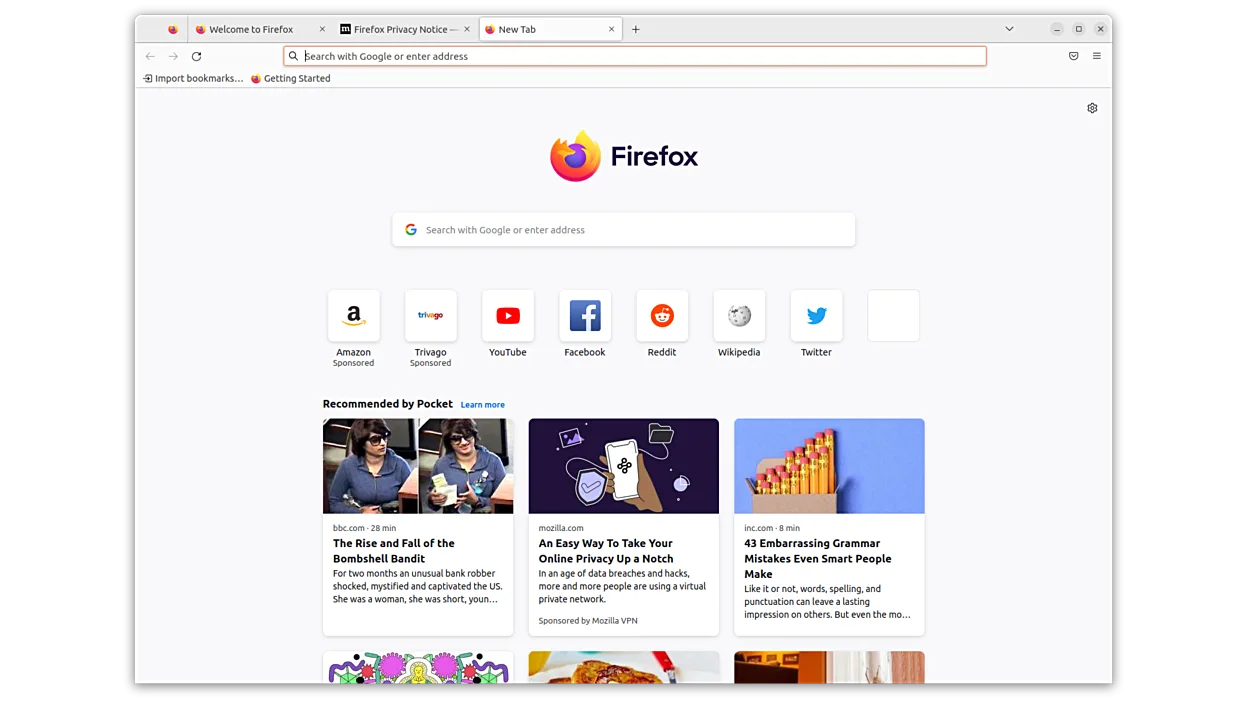
Firefox is a fast, private web browser developed by Mozilla.
Firefox is a solid replacement for accessing DAZN on Linux because DAZN is a web service, not a native app. It handles HTML5 video and DRM via Widevine, which is essential for streaming. You get the same account login and live stream quality as on Windows. The main trade-off is that Firefox is a…
Feature parity85% -

Chromium is the open-source browser project behind Chrome and Edge, offering a fast, modern web experience on Linux.
Chromium is the correct tool for DAZN on Linux because DAZN is a web service, not a desktop app. It handles HTML5 video and account sessions well. However, Chromium lacks built-in Widevine DRM by default, which DAZN requires for most live sports. You must install the proprietary Widevine plugin…
Feature parity85%


What is DAZN?
DAZN is a global streaming platform focused on live sports, including boxing, MMA, and football. It serves fans who need real-time coverage of major events and on-demand replays. The service is used by sports enthusiasts worldwide who prefer watching matches on their preferred devices rather than relying on traditional cable TV.
The platform operates on a subscription model, typically requiring a monthly or annual fee for access to its content library. Pricing varies by region and the specific sports packages selected. There is no free tier for live events, though some promotional content or highlights may be available without a full subscription.
Users look for a Linux alternative because DAZN does not offer an official native desktop client for Linux. While the service is fully functional in web browsers, some users prefer dedicated applications for better performance, hardware acceleration, or integration with media centers. This guide helps you access DAZN smoothly on Linux using standard tools.
What a replacement for DAZN must do
- HTML5 video playback support
- DRM (Widevine) compatibility
- Stable network connection for live streams
- Account login and session management
- Hardware-accelerated video decoding
- Multi-screen or TV output support
Can you run DAZN on Linux?
DAZN does not have a native Linux application. The primary and recommended way to watch DAZN on Linux is through a web browser. Both Firefox and Chromium-based browsers like Chrome or Brave support the necessary DRM technologies to play protected streams. While you can technically run the Windows version of any DAZN app via Wine or Proton, it is unnecessary and often less stable than simply using the browser. The web interface is fully featured and regularly updated by the developers.
Which alternative should you choose?
For most users, Firefox or Chromium is the best choice because they handle DRM and video playback reliably. If you want to watch DAZN on a large screen or TV, Kodi can be used with the YouTube plugin or similar web-based add-ons, though direct browser access is simpler. VLC and mpv are excellent for general media but do not natively support DAZN’s streaming protocol without additional plugins, which are not always stable. Stick to a modern browser for the best experience.
Moving your DAZN files and habits
There is no data to migrate since DAZN is a cloud-based service. Your watch history, subscriptions, and account details are stored on DAZN’s servers. To start watching, you simply need to install a compatible browser, create or log into your DAZN account, and navigate to the website. No file conversion or local data transfer is required. Ensure your browser is up to date to support the latest video codecs and DRM standards.
Side-by-side comparison
DAZN: frequently asked questions
Can I watch DAZN on Linux without a browser?
Not natively. While you can use Kodi with third-party plugins, the most reliable method is using a web browser like Firefox or Chromium. There is no official Linux desktop app.
Why does DAZN not work in my browser?
This is usually due to missing DRM support or an outdated browser. Ensure you are using a recent version of Firefox or a Chromium-based browser with Widevine DRM enabled.
Is DAZN free on Linux?
No, DAZN is a paid subscription service. You need an active account to watch live events and most on-demand content, regardless of your operating system.
Can I use VLC to watch DAZN?
VLC does not support DAZN’s streaming protocol or DRM directly. You should use a web browser instead. VLC is better suited for playing local video files or standard streams without protection.
How important is DAZN to you?
Know a better alternative? Suggest an alternative