
Windows · Universal Access
Best Linux alternatives to KeePassX
KeePassXC is a cross-platform, open-source password manager that securely stores credentials in an encrypted local database.
Updated
Quick answer
The best Linux alternative to KeePassX is KeePassXC. Other strong options: Bitwarden, Proton Pass, Password Safe.
4 Linux alternatives to KeePassX
-

KeePassXC is an open‑source, cross‑platform password manager that stores encrypted databases locally.
KeePassXC is the direct successor to KeePassX, making it an ideal replacement for anyone looking to move off Windows or simply upgrade their Linux setup. It retains the core offline, encrypted database model while significantly improving performance and security. For users who relied on KeePassX…
Feature parity95% -

Bitwarden is an open‑source password manager that syncs encrypted vaults across all your devices.
Bitwarden is a good replacement for KeePassXC if you value cross-device sync and browser integration without sacrificing encryption. It’s especially suited for users who want seamless access across Linux, mobile, and other platforms while keeping data encrypted. The open-source clients and support…
Feature parity85% -
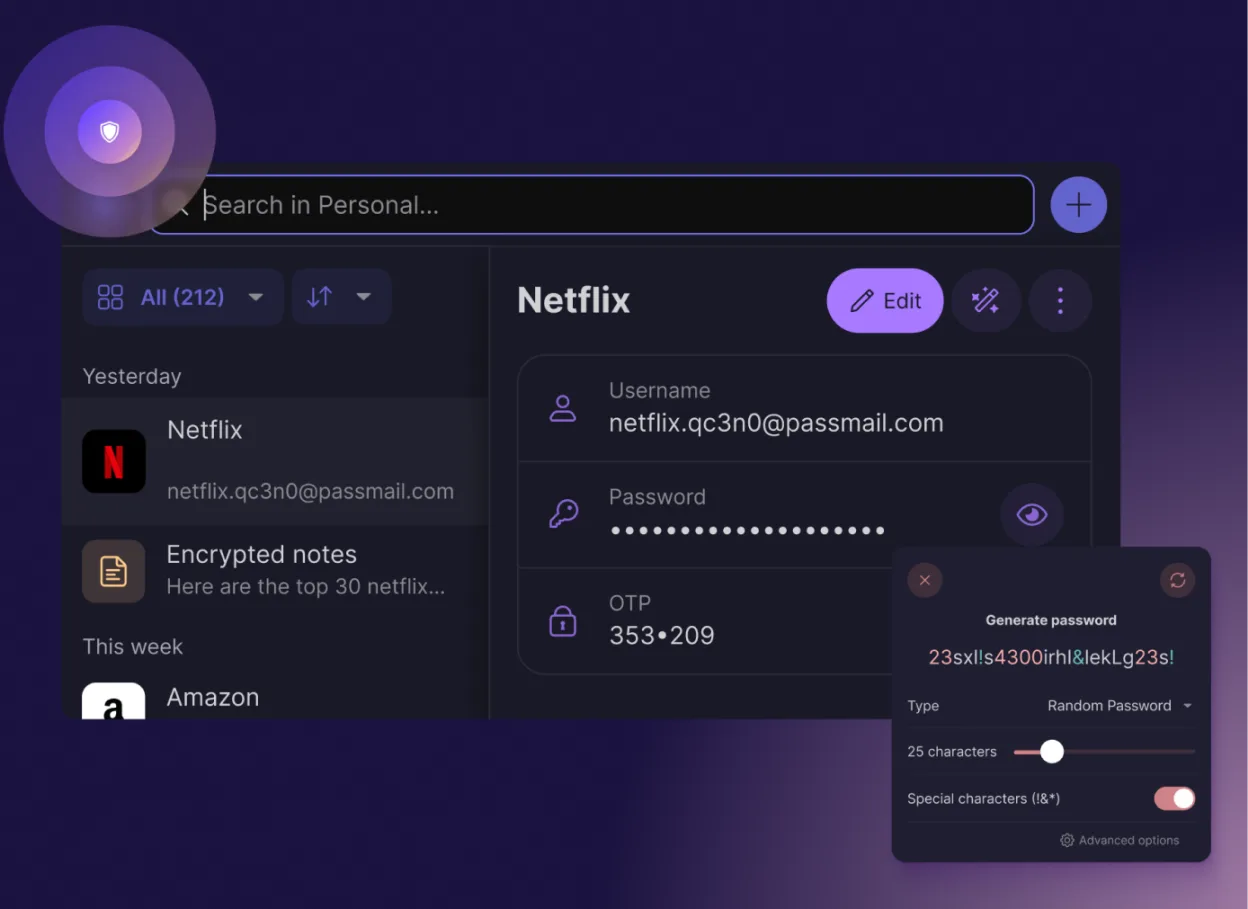
Proton Pass is a free, open‑source, end‑to‑end encrypted password manager for Linux, built by Proton AG.
Proton Pass is a good replacement for KeePassX if you trust Proton’s ecosystem and want strong encryption with modern convenience. It covers core password management well: secure storage, autofill, 2FA generation, and cross-platform sync via Proton Drive. However, it’s not offline-first by…
Feature parity80% -
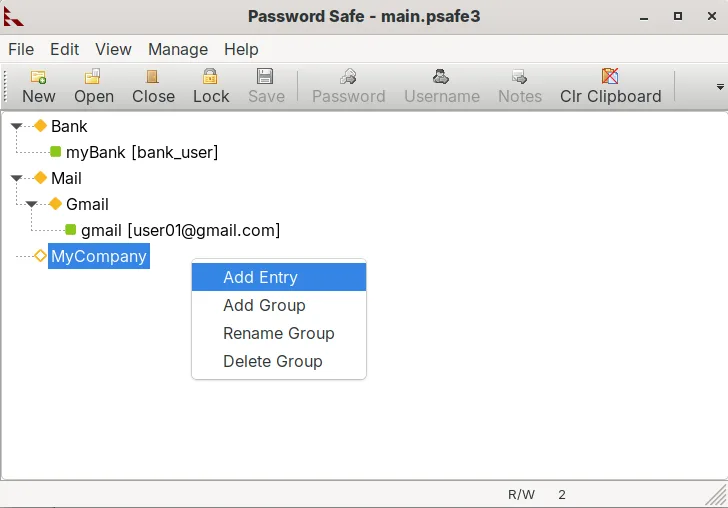
Password Safe is a secure password manager that stores credentials in an encrypted file protected by a master password or YubiKey.
Password Safe is a solid, lightweight alternative to KeePassXC for users who prefer a single-file format and value simplicity over advanced plugin ecosystems. It handles core needs like encrypted storage, password generation, and YubiKey support well. However, it lacks the extensive browser…
Feature parity75%




What is KeePassX?
Password managers help users generate, store, and autofill login credentials securely. KeePassX was designed for people who value privacy and want full control over their data without relying on cloud services. It's commonly used by individuals and small teams who prefer offline, encrypted storage and don’t want to pay for a subscription.
The software is open-source, meaning the code is publicly auditable and free to use, modify, and distribute. There’s no paid version or corporate backing driving feature development. This model appeals to privacy-focused users who distrust proprietary or cloud-based solutions, though it means support and updates depend on volunteer contributors.
People look for Linux alternatives to KeePassX because it’s no longer actively maintained. Its functionality has been largely superseded by more modern forks. Users migrating from Windows want similar local encryption and portability but with active development, better Linux integration, and up-to-date security practices.
What a replacement for KeePassX must do
- Store passwords in a locally encrypted database
- Support for autofill in browsers and desktop apps
- Cross-platform sync without mandatory cloud storage
- Open-source code for transparency and auditability
- Import from common password manager formats
- Support for two-factor authentication tokens
- Offline-first operation with optional sync
Can you run KeePassX on Linux?
KeePassXC has a native Linux version available via most distribution repositories or as a standalone AppImage. It runs well across desktop environments and integrates with common browsers through plugins. Bitwarden and Proton Pass offer web and desktop clients that work on Linux, though they rely more on cloud sync. Password Safe has limited Linux support and is less maintained. All listed tools run natively without needing Wine.
Which alternative should you choose?
KeePassXC fits users who want full local control and open-source assurance. Bitwarden is better for those comfortable with cloud sync and needing cross-device ease. Proton Pass suits privacy-focused users already in the Proton ecosystem. Password Safe works for minimalists but lacks modern features. Choose KeePassXC for maximum control, Bitwarden for convenience, Proton Pass for integrated privacy.
Moving your KeePassX files and habits
Export from KeePassX using the XML or CSV export feature before switching. KeePassXC imports directly from KeePassX databases (.kdbx). Bitwarden and Proton Pass support CSV or JSON imports. Always verify exported data doesn’t include plain-text passwords. Use the same master password or generate a new one securely after migration.
Side-by-side comparison
| App | License | Flatpak | Latest version | Feature parity | Rating |
|---|---|---|---|---|---|
| KeePassXC | GPL-3.0-or-later | ✓ | 2.8.0 | 95% | — |
| Bitwarden | LicenseRef-proprietary=https… | ✓ | 2026.10.2 | 85% | — |
| Proton Pass | GPL-3.0 | ✓ | 1.42.0 | 80% | — |
| Password Safe | Artistic-2.0 | ✓ | v1.26.0 | 75% | — |
KeePassX: frequently asked questions
Is KeePassXC safe to use on Linux?
Yes. KeePassXC is actively maintained, open-source, and uses strong encryption (AES-256, Argon2). It stores data locally and doesn’t require cloud syncing.
Can I sync KeePassXC across devices?
Yes, but manually—using tools like Syncthing, Nextcloud, or a USB drive. It doesn’t include built-in cloud sync, which enhances privacy but requires more setup.
Does Bitwarden work offline on Linux?
Yes, the desktop app works offline for saved entries, but initial sync and some features require internet. The local vault is encrypted.
Is my data safe with Proton Pass?
Proton Pass uses zero-knowledge encryption, so your data is encrypted before it leaves your device. It’s trustworthy if you trust Proton’s infrastructure.
How important is KeePassX to you?
Know a better alternative? Suggest an alternative