

Linux · Accessories
Proton Pass
Proton Pass is a free, open‑source, end‑to‑end encrypted password manager for Linux, built by Proton AG.
- License
- GPL-3.0
- Latest version
- 1.42.0 (October 13, 2026)
- Developer
- Proton AG
- Installs
- 9,791 (Flathub, 30 days)
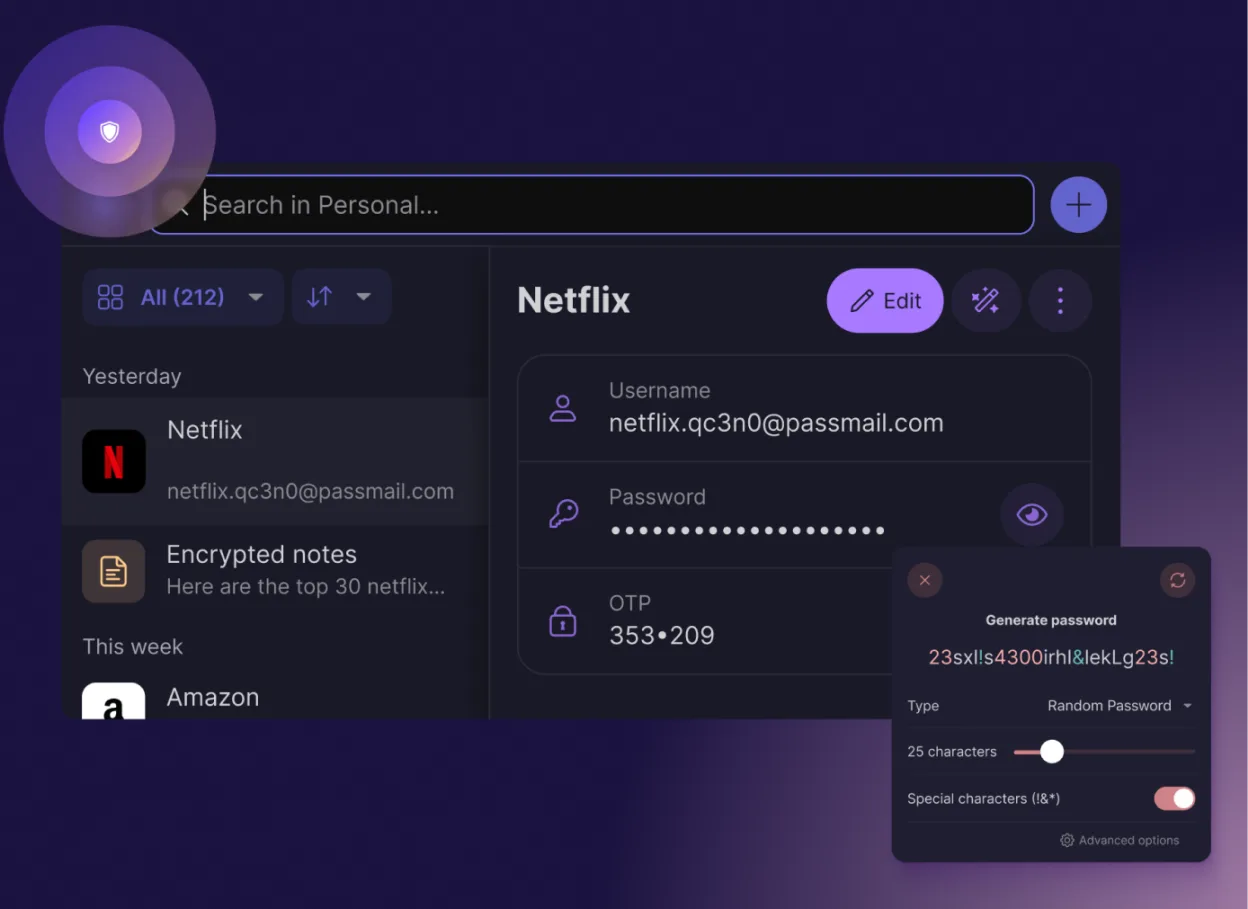
What is Proton Pass?
Proton Pass was created by the same team behind Proton Mail, the encrypted email service that started at CERN. The first public release came in 2024, and the project has grown steadily, with the latest version 1.42.0 released on 2026‑10‑13.
The app targets users who already use Proton’s privacy ecosystem or who want a lightweight, no‑ads password manager that works offline and syncs via Proton Drive. It is written in Rust, uses the same encryption libraries as Proton Mail, and is distributed as a Flatpak, AppImage, or native package.
Compared with Windows tools like KeePass, Proton Pass feels more modern: it has a clean, single‑window UI, built‑in 2FA code generation, and automatic autofill in browsers. It lacks the extensive plugin ecosystem of KeePass, but it compensates with a consistent, cross‑platform experience and no data collection.
Best for: Users who want a privacy‑first, no‑ads password manager on Linux and are comfortable using Proton’s ecosystem for sync.
Key features of Proton Pass
- End‑to‑end encryption of all fields
- Cross‑platform sync via Proton Drive
- Built‑in 2FA code generator
- Password strength and breach checks
- Secure notes and email alias creation
- Open‑source code audited by the community
- No ads or data collection
- Free forever with optional paid plan
Pros
- Zero‑cost forever
- Strong encryption backed by Proton’s security stack
- Simple, modern UI
- No ads or tracking
- Open source
Cons
- Limited plugin support compared to KeePass
- Sync relies on Proton Drive, which may require a Proton account
- No native Windows version (only Linux)
- Learning curve for new users unfamiliar with Proton ecosystem
Windows programs Proton Pass replaces
How to install Proton Pass on Linux
flatpak install flathub me.proton.PassTips for Windows users
When moving from KeePass, export your database as a .kdbx file and import it into Proton Pass via the import wizard. Proton Pass uses its own database format, so you cannot directly open .kdbx files. Existing passwords will be stored in the same encrypted vault, but you will lose any custom fields or plugins. Autofill works in Chromium‑based browsers with the Proton Pass extension; for Firefox you need the separate add‑on. Keyboard shortcuts differ: Proton Pass uses Ctrl+F for search and Ctrl+N for new entry, whereas KeePass uses Ctrl+N for new entry and Ctrl+F for search as well, so the transition is minimal.
Recent releases
- 1.42.0 —
- 1.41.1 —
- 1.40.2 —
- 1.40.0 —
Proton Pass: frequently asked questions
Is Proton Pass really free forever?
Yes, Proton Pass is free forever for all users. The free tier includes unlimited passwords, 2FA codes, and secure notes. Paid plans add extra features like advanced sharing and priority support.
Can I use Proton Pass on my Windows PC?
Proton Pass is currently only available for Linux. Windows users can use Proton Mail or Proton Drive for password management, but there is no native Proton Pass client for Windows.
Does Proton Pass sync passwords across devices?
Sync is done via Proton Drive, so you need a Proton account. Once set up, passwords sync automatically across all devices that run Proton Pass.
Is my data stored on Proton servers?
All data is encrypted client‑side; only the encrypted blob is stored on Proton Drive. Proton’s servers never see your plaintext passwords.
Updated