

Linux · Internet
Evolution
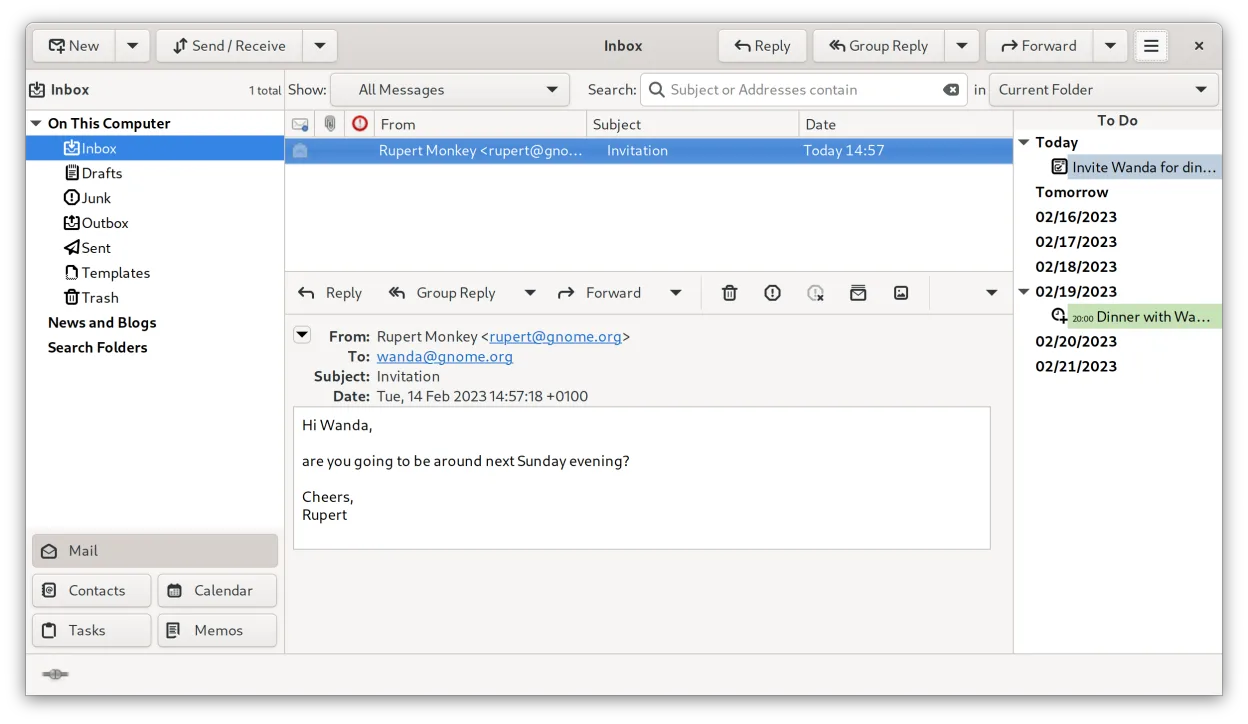
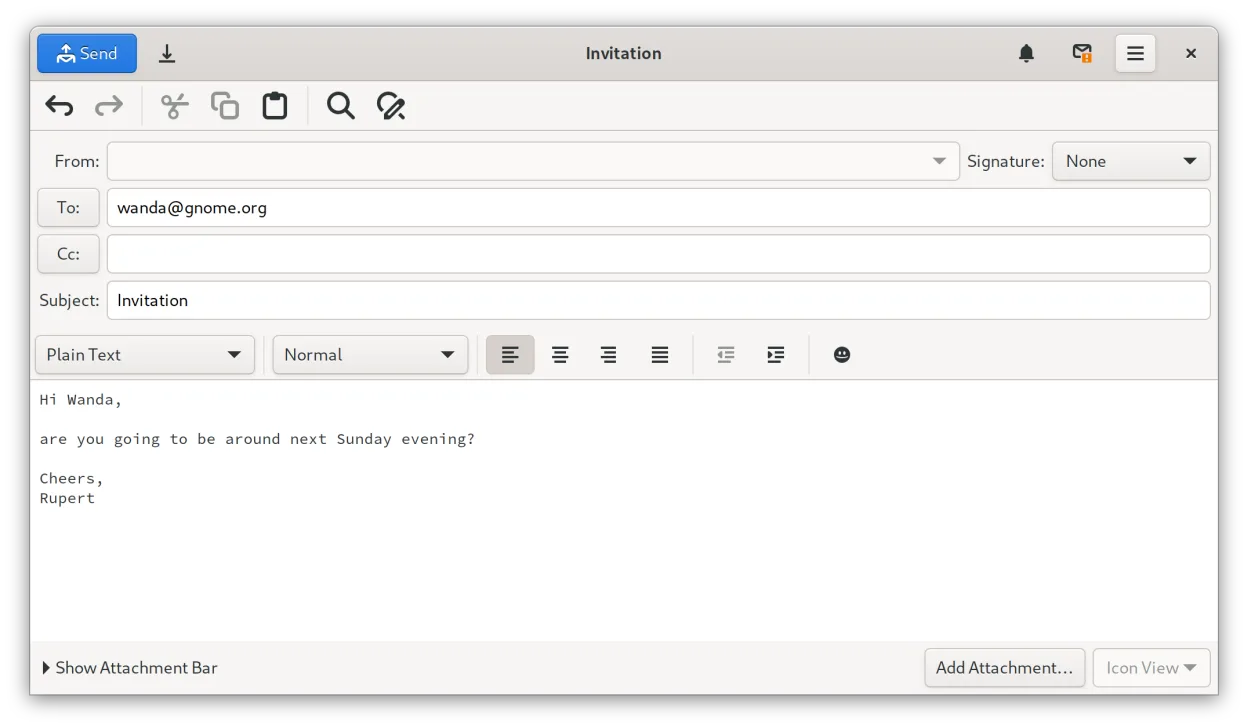
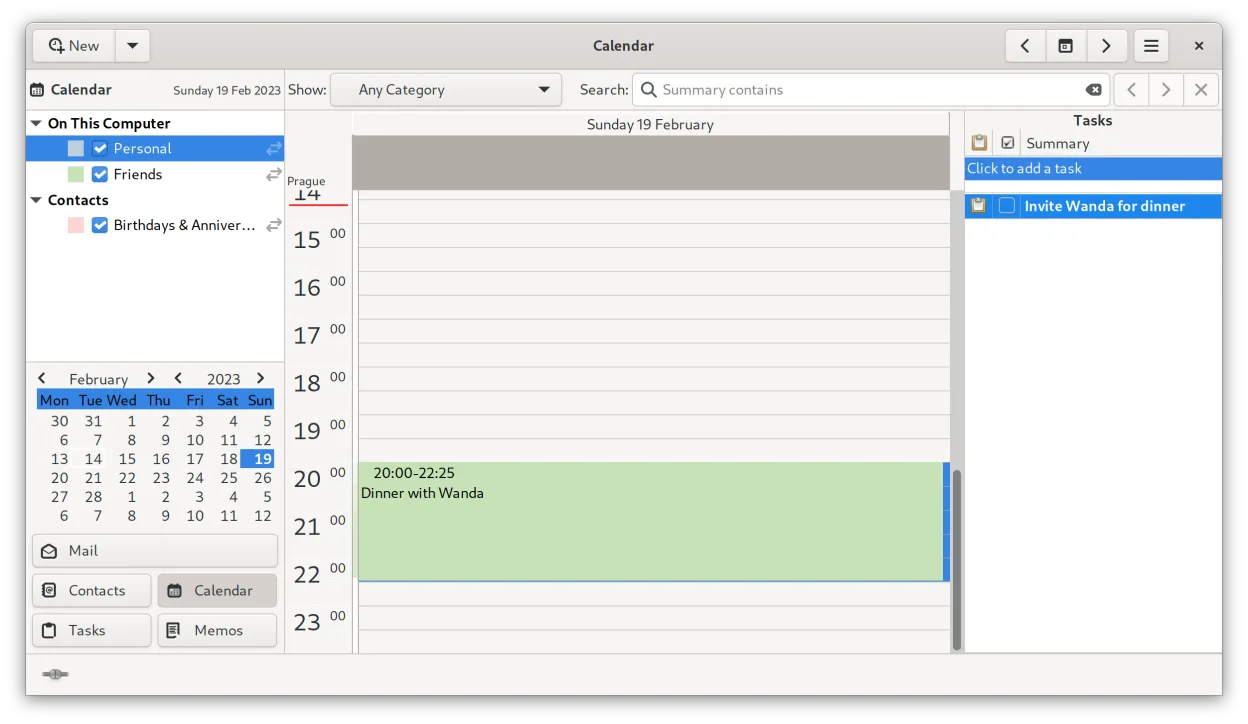
Evolution is a full‑featured personal information manager that combines email, calendar, contacts and tasks into one application.
- License
- GPL-2.0+ and GFDL-1.3
- Latest version
- 3.62.1 (October 9, 2026)
- Developer
- The Evolution Team
- Installs
- 6,144 (Flathub, 30 days)
What is Evolution?
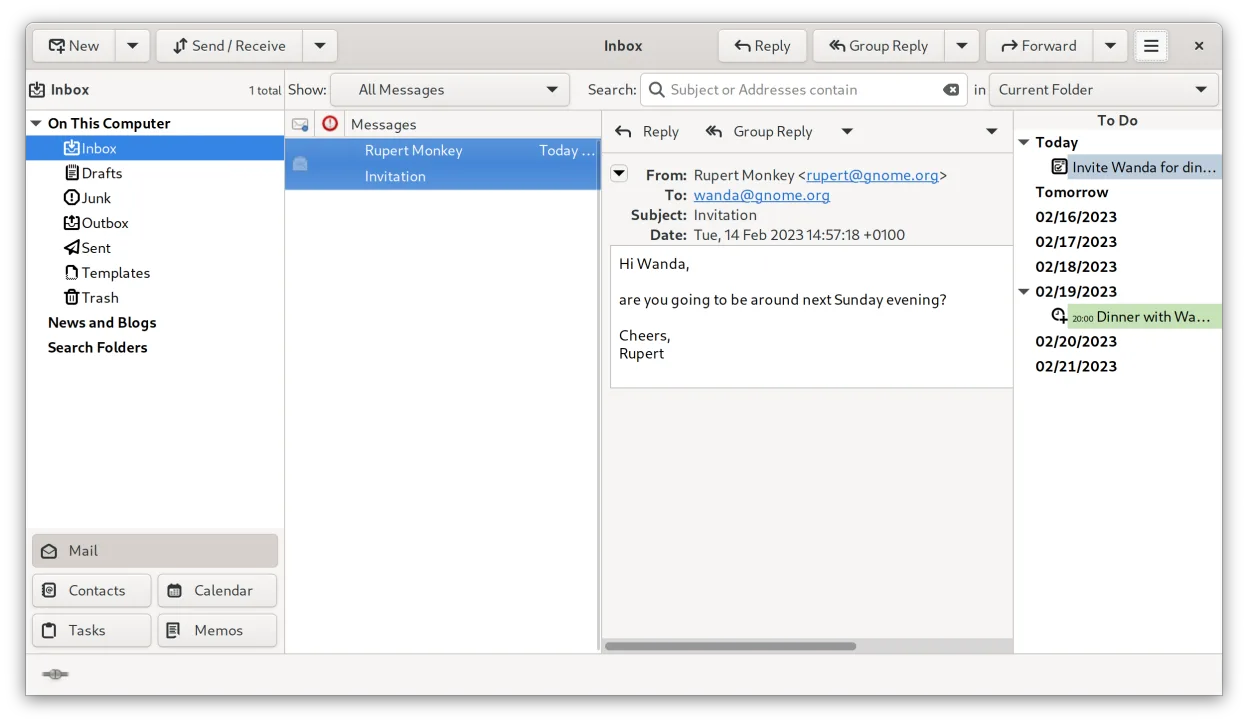
Evolution has been part of the GNOME ecosystem since the early 2000s and is now a mature, stable tool used by many Linux users. It supports standard protocols like IMAP, POP3, SMTP, CalDAV, and has a dedicated Exchange Web Services extension for Microsoft Exchange integration. The interface is GNOME‑style, with a sidebar for mail folders, calendar views and an address book.
It is aimed at users who want a single application to manage all their personal data, especially those who rely on Exchange or need strong standards compliance. The learning curve is moderate; the layout is similar to Outlook but with more keyboard shortcuts and a focus on privacy.
Compared with Windows Mail or Outlook, Evolution feels more lightweight and integrated with the rest of the desktop. It lacks some of the advanced reporting features of Outlook but offers better open‑source support and no licensing fees.
Best for: Users who need a single, open‑source tool for email, calendar and contacts, especially those on GNOME or other Linux desktops.
Key features of Evolution
- Integrated mail, calendar, contacts and tasks in one window
- Full support for IMAP, POP3, SMTP, CalDAV, and EWS
- Standard data formats (MIME, iCalendar, vCard)
- Built‑in encryption with GnuPG and S/MIME
- Address book with LDAP and local storage
- Calendar sharing and scheduling via CalDAV
- Mail filtering rules and search
- Customizable keyboard shortcuts
Pros
- Free and open source
- Strong standards compliance and security
- Seamless Exchange integration via EWS
- Good integration with GNOME and other Linux desktops
Cons
- Interface can feel dated compared to newer apps
- Limited mobile support
- Occasional bugs with complex mail rules
- Requires some configuration for Exchange
Windows programs Evolution replaces
How to install Evolution on Linux
flatpak install flathub org.gnome.Evolutionsudo apt install evolutionsudo apt install evolutionsudo dnf install evolutionsudo pacman -S evolution-bogofiltersudo zypper install evolutionTips for Windows users
When moving from Windows Mail or Outlook, export your contacts as vCard (.vcf) and calendars as iCalendar (.ics). Email settings can be imported via the Import/Export wizard or by copying the .eml files. Evolution uses the same keyboard shortcuts as GNOME Mail (e.g., Ctrl+R to reply, Ctrl+U to mark unread). The workflow is similar but the sidebar replaces the separate panes of Outlook. Remember to enable the EWS extension if you use Exchange.
Recent releases
- 3.62.1 —
Evolution Bug Fixes: - eds-I#672 - Calendar: Limit which local files are inlined in components - M!244 - Composer: De-duplicate attachments in a mailto URI (Jaroslav Jindrak) Evolution Miscellaneous: - EWebView: Set CORS allow list on the WebKitWebView for…
- 3.62.0 —
Evolution Bug Fixes: - I#3381 - Composer: De-duplicate inline images before send - I#3383 - junk-filters: Do not leak the child stdin pipe into concurrent spawns (Benjamin Herrenschmidt) - I#3386 - Default to not use read-only calendars for reminders and…
Evolution: frequently asked questions
Can I use Evolution with Outlook 365?
Yes, by installing the Exchange Web Services extension, Evolution can connect to Outlook 365 and sync mail, calendar and contacts.
Is Evolution free?
Evolution is free and open source under GPL-2.0+ and GFDL-1.3.
Does Evolution support mobile devices?
There is no official mobile client; users can sync via CalDAV or IMAP to their phones.
How do I set up a new email account?
Use the New Account wizard in the Edit menu; it guides you through IMAP/POP3/SMTP settings and optional Exchange configuration.
Updated