

Linux · Internet
Falkon
Falkon is a lightweight Qt web browser aimed at providing a fast, feature‑rich browsing experience on Linux.
- License
- GPL-3.0+
- Latest version
- 26.04.3 (July 2, 2026)
- Developer
- KDE
- Installs
- 4,417 (Flathub, 30 days)
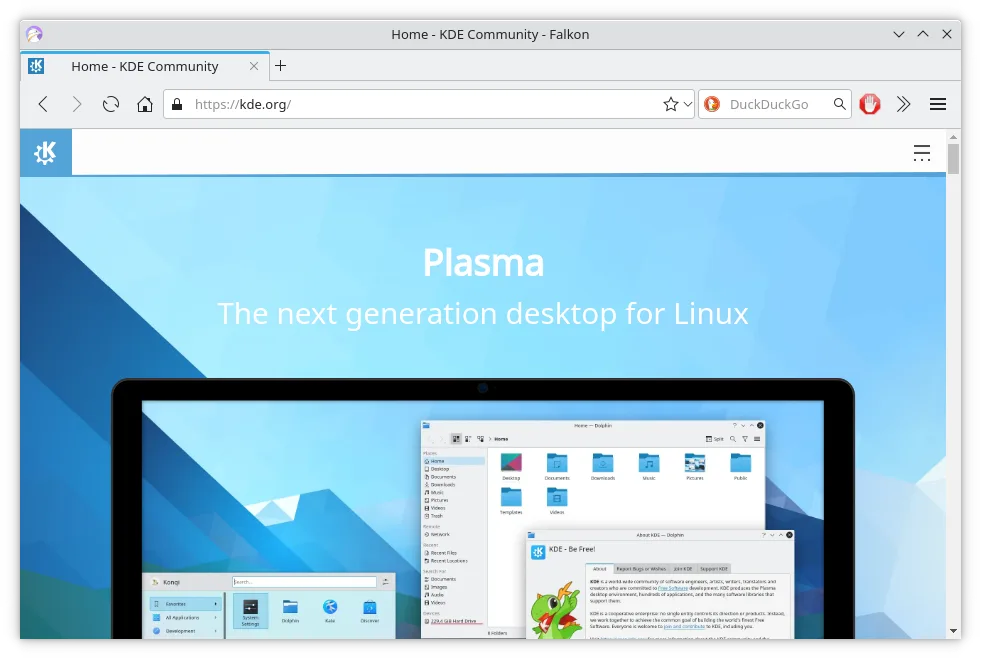
What is Falkon?
Falkon started as an educational project and has grown into a fully‑featured browser. It ships with bookmarks, history, tabs, an RSS reader, built‑in ad blocking, Flash blocking, and an SSL manager. The project is maintained by KDE and distributed via major Linux distributions.
It targets users who want a fast, low‑resource browser that still offers the core features they need. Because it is built on Qt, it feels native on KDE and other Qt‑based desktops.
Compared to Windows browsers like Firefox, Falkon is lighter and faster on older hardware, but it lacks some of the extensive extension ecosystems and deep integration that Firefox enjoys.
Best for: Users who need a quick, lightweight browser with essential features and native Qt integration.
Key features of Falkon
- Fast, low‑memory Qt engine
- Built‑in ad blocker
- Flash blocking via Click2Flash
- RSS reader in sidebar
- SSL certificate manager
- Bookmarks & history in sidebar
- Tab management
Pros
- Very fast and lightweight
- Built‑in ad and Flash blocking
- Integrated RSS reader
- Native Qt look and feel
- Open source
Cons
- Limited extension support
- No built‑in developer tools
- Less frequent updates than Firefox
- Smaller user community
Windows programs Falkon replaces
How to install Falkon on Linux
flatpak install flathub org.kde.falkonsudo apt install falkonsudo apt install falkonsudo dnf install falkonsudo pacman -S falkonsudo zypper install falkonTips for Windows users
If you’re coming from Firefox, you’ll find the address bar and tab bar familiar. Falkon uses the same shortcut set for most actions (Ctrl+T for new tab, Ctrl+W to close, Ctrl+L to focus the URL bar). Bookmarks are stored in a simple SQLite file; you can export them from Firefox as an HTML file and import via Falkon’s bookmark manager. The RSS reader is accessed from the sidebar, so you’ll need to add feeds manually. Overall, workflow is similar, but you’ll miss Firefox’s extensive add‑on ecosystem.
Recent releases
- 26.04.3 —
- 26.04.2 —
- 26.04.1 —
- 26.04.0 —
Falkon: frequently asked questions
Can I use Firefox extensions in Falkon?
No, Falkon does not support Firefox extensions. It has its own plugin system, but it is limited compared to Firefox’s add‑on marketplace.
Is Falkon secure against malicious sites?
Falkon includes an SSL manager and built‑in ad blocker, but it does not have the same level of security hardening as Firefox. Use it with caution on sensitive sites.
How often is Falkon updated?
The project receives regular updates through major distributions. The latest release is 26.04.3, published on 2026‑07‑02.
Can I run Falkon on Windows?
No, Falkon is a Linux‑only browser. It is available as a flatpak, AppImage, or through distribution repositories.
Updated