

Linux · Programming
Geany
Geany is a lightweight, fast IDE that supports many languages and plugins out of the box.
- License
- GPL-2.0+
- Latest version
- 2.1.0 (July 6, 2025)
- Developer
- Geany Team
- Installs
- 1,440 (Flathub, 30 days)

What is Geany?
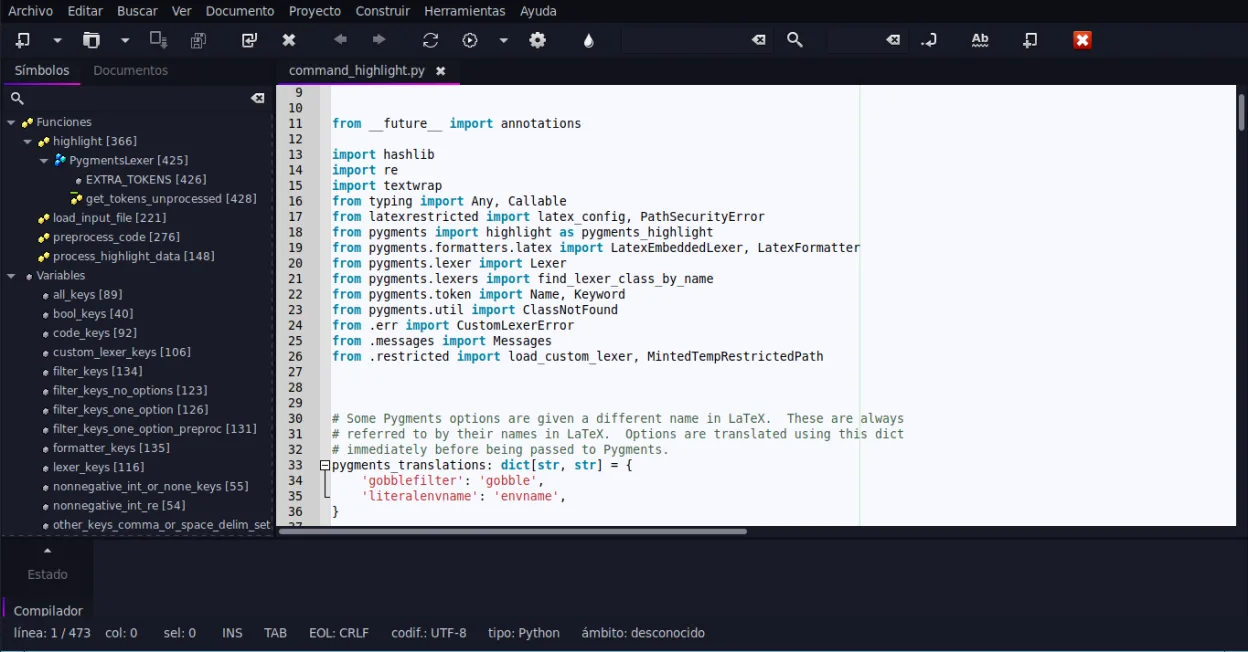
Geany started in 2002 as a small editor that grew into a full IDE while keeping a minimal footprint. It is written in C and uses GTK for its interface, making it fast on low‑resource systems. The project has a stable release cycle and is actively maintained, with the latest version 2.1.0 released in July 2025.
Geany targets developers who need a quick, cross‑platform editor with IDE features but without the heaviness of Visual Studio Code. It works well for C, C++, Python, Java, PHP, and many other languages, and its plugin system lets you extend it for specific workflows.
Compared to VS Code, Geany feels more like a traditional editor with a small, responsive UI. It lacks the extensive marketplace and built‑in extensions of VS Code, but it offers a straightforward, low‑overhead experience that many users appreciate when working on smaller projects or on older hardware.
Best for: Developers who need a quick, low‑resource IDE for multiple languages and prefer a simple, consistent interface over a feature‑heavy editor.
Key features of Geany
- Syntax highlighting for over 30 languages
- Code completion and auto‑completion of common constructs
- Embedded terminal emulator
- Plugin manager with pre‑installed plugins
- Code folding and symbol lists
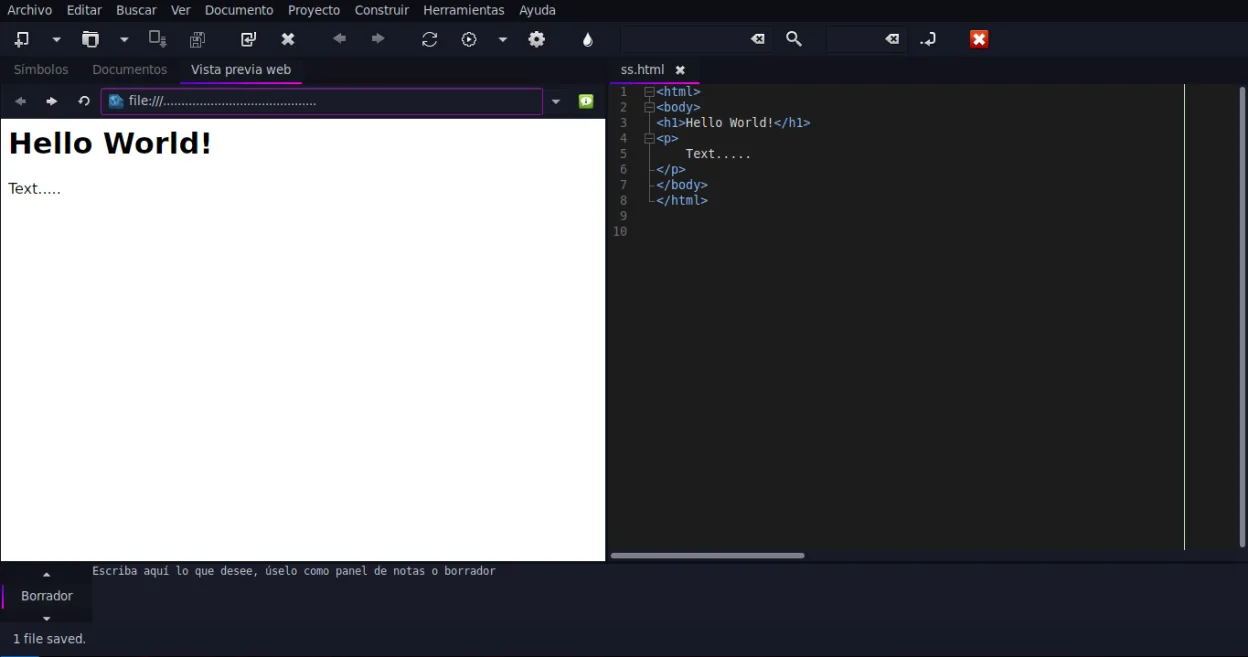
- Support for XML/HTML tag completion
Pros
- Very lightweight and fast
- Cross‑platform with consistent UI
- Extensible via plugins
- Good support for legacy languages
- Free and open source
Cons
- Limited built‑in language servers
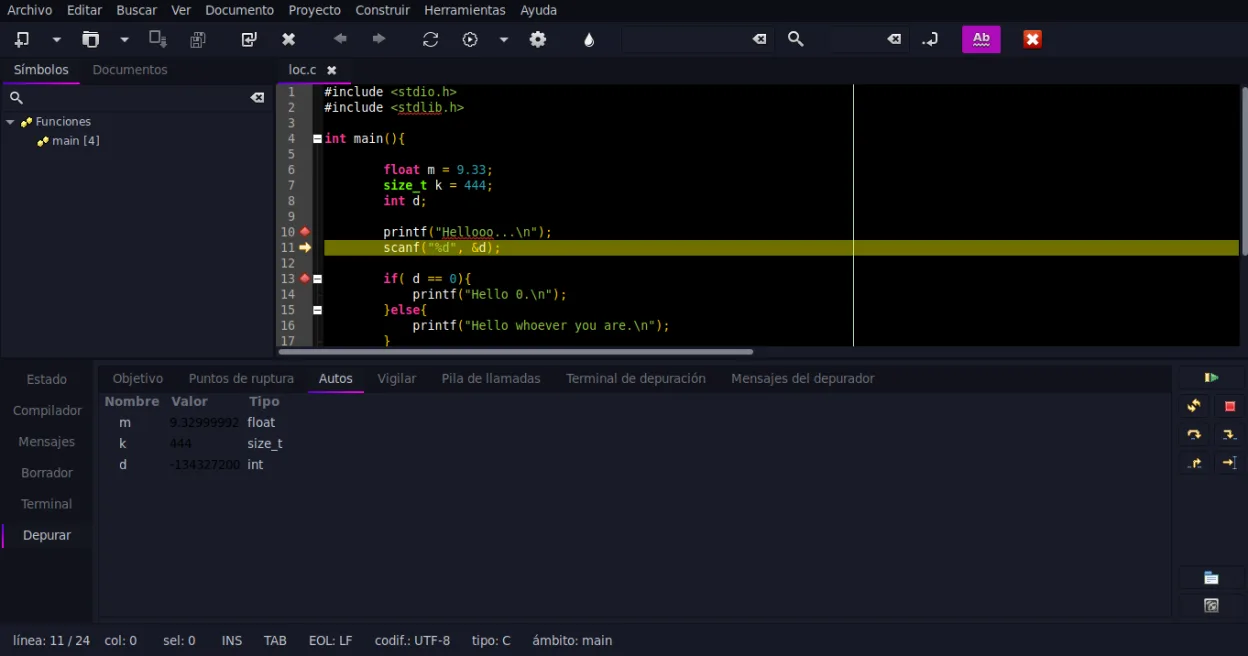
- No integrated debugging out of the box
- Smaller community and fewer tutorials
- Plugin ecosystem not as large as VS Code
Windows programs Geany replaces
How to install Geany on Linux
flatpak install flathub org.geany.Geanysudo apt install geanysudo apt install geanysudo dnf install geanysudo pacman -S geanysudo zypper install geanyTips for Windows users
If you’re coming from VS Code, the file formats (.c, .cpp, .py, etc.) are the same, so you can open projects directly. Geany uses its own keybindings; for example, Ctrl+S saves, Ctrl+Shift+F opens the Find in Files dialog, and Alt+Shift+F toggles the terminal. The workflow is more manual: you need to configure build commands in the Project menu, whereas VS Code often handles builds automatically via extensions. The plugin manager lets you add features like a debugger or advanced code navigation, but you’ll need to install them manually.
Recent releases
- 2.1.0 —
- 2.0 —
- 1.38 —
Geany: frequently asked questions
Can I use Geany on Windows?
Yes, Geany is cross‑platform and runs on Windows, macOS, and Linux. The Linux packages are available from major distributions and Flathub.
Does Geany support debugging?
Geany itself does not include a debugger, but you can add the "Debugger" plugin or use external tools like gdb integrated via the terminal.
How do I add a new language support?
Install the appropriate language plugin from the Plugin Manager, or add syntax files manually in the ~/.config/geany/language_files directory.
Is Geany actively maintained?
Yes, the latest stable release is 2.1.0 (2025‑07‑06) and the project is still receiving updates.
Updated