

Linux · Internet
Geary
Geary is a GNOME‑based email client for Linux that lets you send, receive, and organize mail in conversation view.
- License
- LGPL-2.1+
- Latest version
- 46.0 (May 20, 2024)
- Developer
- Geary Development Team
- Installs
- 2,020 (Flathub, 30 days)
What is Geary?
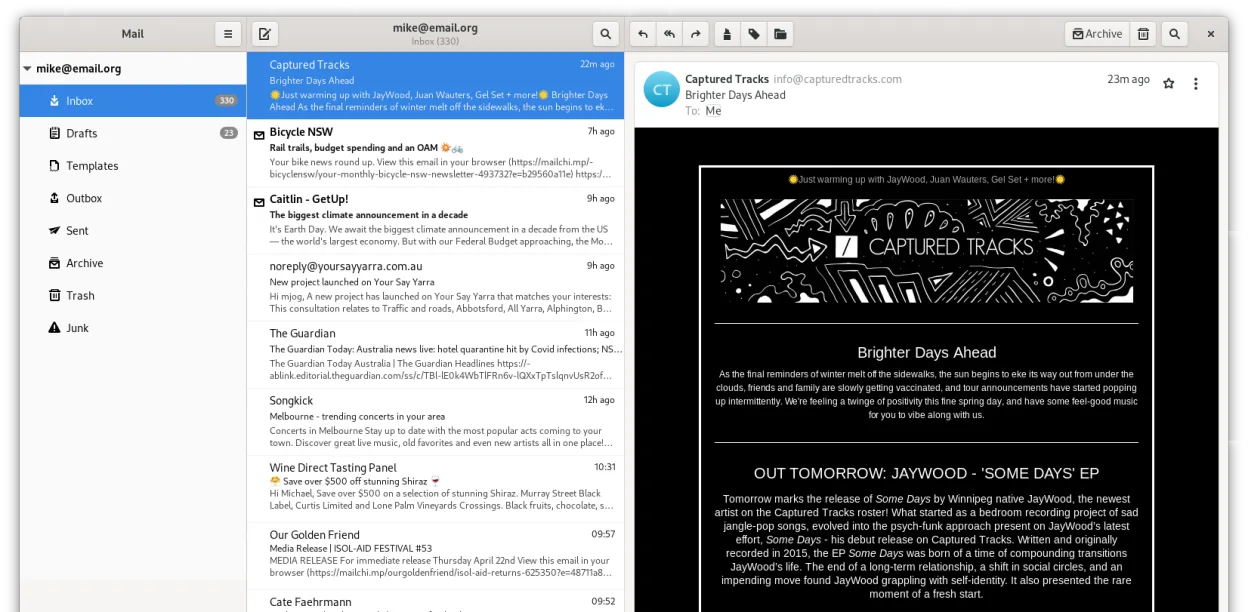
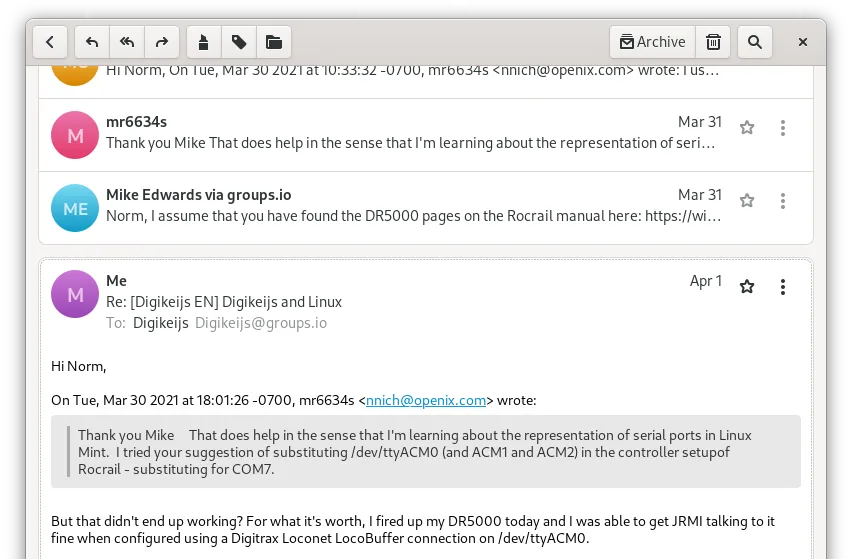
Geary has been bundled with major Linux distributions for years and is actively maintained, with its latest release in 2024. It focuses on a clean, conversation‑oriented interface, making it easy to follow email threads without digging through individual messages. The client works with any IMAP server, including Gmail, Yahoo! Mail, and Outlook.com, and integrates well with the GNOME desktop.
The program targets users who want a simple, modern email experience without the bloat of full‑featured suites. If you’re accustomed to Windows Mail or other basic mail apps, Geary feels familiar yet more streamlined, emphasizing speed and readability. Its design follows GNOME Human Interface Guidelines, so it blends naturally with other GNOME applications.
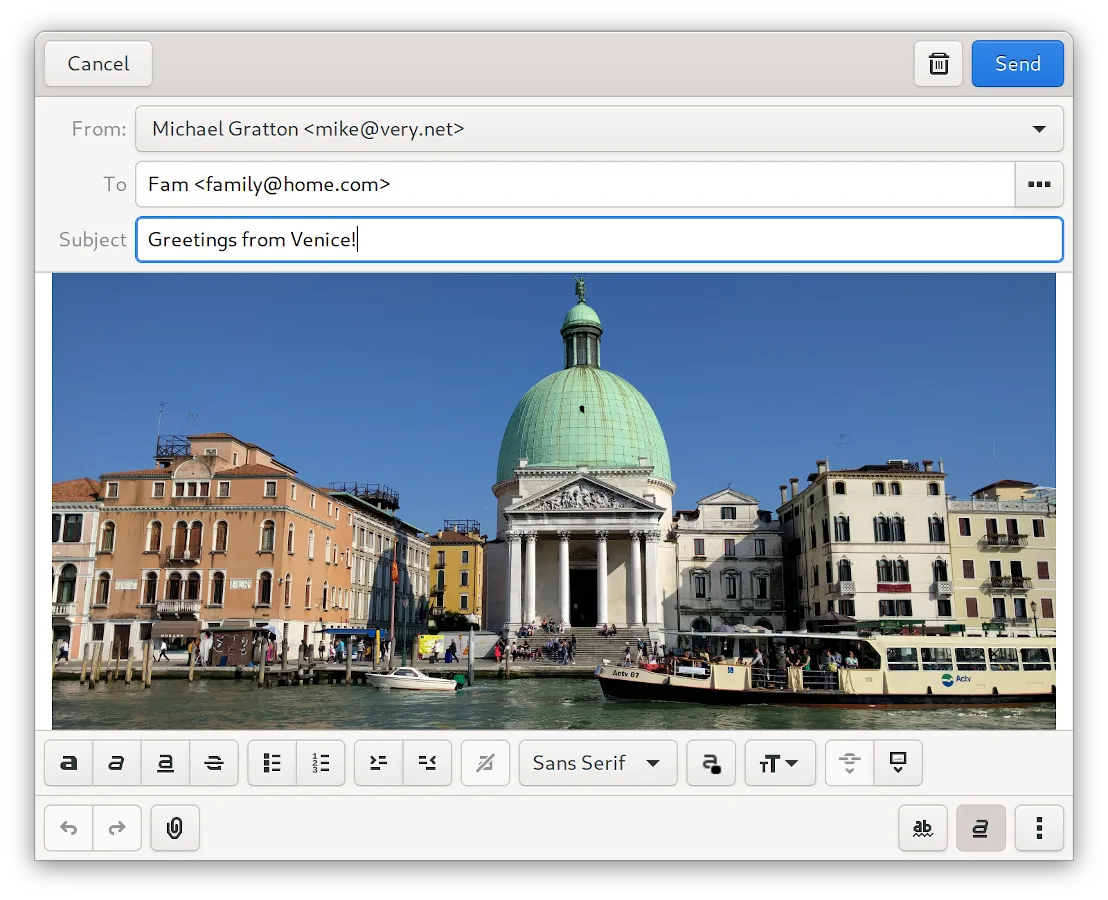
Compared to Windows Mail, Geary offers faster full‑text search, desktop notifications, and a richer HTML composer while staying lightweight. It lacks some corporate‑oriented features like calendar integration, but for everyday personal or small‑team email it provides a pleasant, distraction‑free workflow.
Best for: Users who need a fast, conversation‑oriented email client on GNOME desktops.
Key features of Geary
- Conversation view groups related messages
- Quick account setup for IMAP providers
- Full‑text and keyword search
- HTML and plain‑text composer
- Desktop notifications for new mail
- GNOME integration and theming
- Keyboard‑friendly navigation
- Supports multiple accounts
Pros
- Lightweight and fast
- Clean, conversation‑centric UI
- Good GNOME desktop integration
- Easy IMAP configuration
Cons
- No built‑in calendar or contacts sync
- Limited to IMAP (no Exchange support)
- Lacks advanced filtering rules
Windows programs Geary replaces
How to install Geary on Linux
flatpak install flathub org.gnome.Gearysudo apt install gearysudo apt install gearysudo dnf install gearysudo pacman -S gearysudo zypper install gearyTips for Windows users
Import your existing mail by adding the same IMAP accounts you used in Windows Mail; Geary will sync all folders automatically. Keyboard shortcuts like Ctrl+N for new message and Ctrl+F for search feel similar to other Linux mail clients, so you can keep your workflow. Expect fewer ribbon‑style options—most actions are accessed via right‑click or the top‑right menu.
Recent releases
- 46.0 —
Enhancements included in this release: - Simpler notification messages - Fix navigation issues - Continue delivering messages on erro - Fix one more unread count issue - Numerous user interface translation updates - Numerous bug fixes and user interface…
- 44.0 —
Enhancements included in this release: - New conversation list - Reworked headerbar - Fix network detection issues - Suspend engine on system suspend - Numerous user interface translation updates - Numerous bug fixes and user interface improvements
- 43.0 —
Enhancements included in this release: - Improved images management - Thunderbird auto configuration support - Add XDG background portal support - Numerous user interface translation updates - Numerous bug fixes and user interface improvements
- 40.0 —
Enhancements included in this release: - Visual refresh including updated icon and interface - Add support for half-screen, portrait and small displays - Improved performance when displaying large conversations - Upgraded full-text search engine - Improved…
Geary: frequently asked questions
Can Geary handle multiple email accounts?
Yes, you can add and manage several IMAP accounts simultaneously.
Does Geary support encrypted connections?
It uses standard IMAP over SSL/TLS for secure communication.
How do I enable desktop notifications?
Notifications are enabled by default; you can adjust them in the GNOME Settings under Notifications.
Is there a way to search within a specific folder?
Use the search bar and select the folder from the dropdown to limit the scope.
Updated