

Linux · Internet
Jami
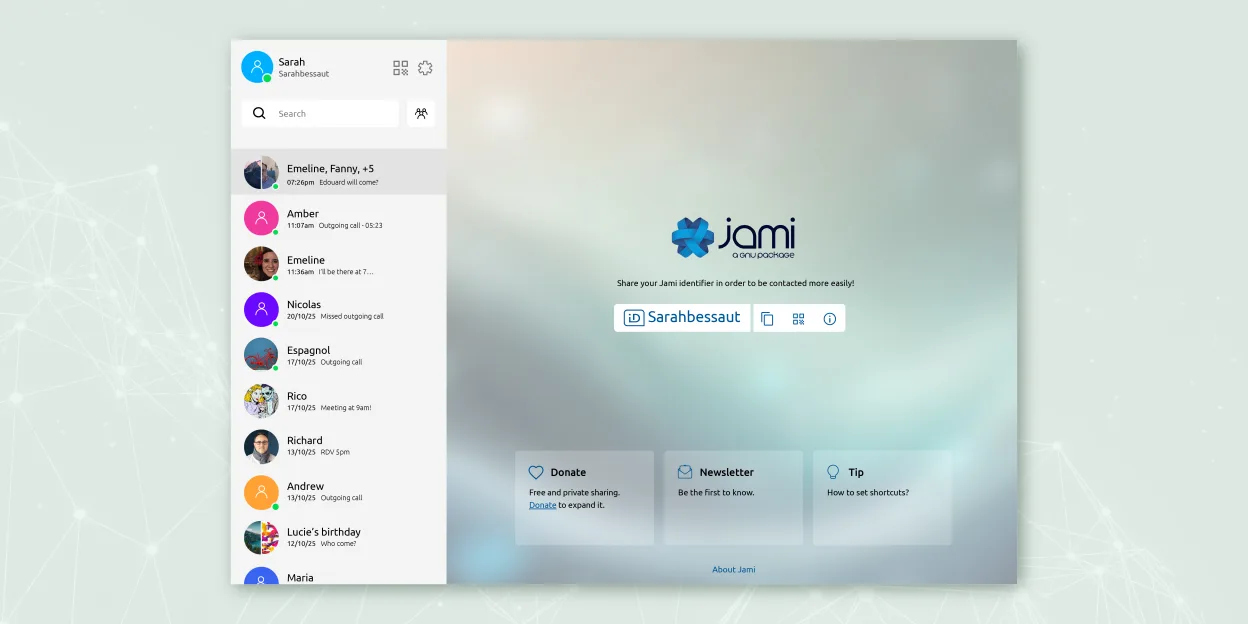
Jami is a free, peer‑to‑peer chat and video‑call client that works without central servers.
- License
- GPL-3.0+
- Latest version
- 20260917.0 (September 17, 2026)
- Developer
- Savoir-faire Linux Inc.
- Installs
- 1,225 (Flathub, 30 days)
What is Jami?
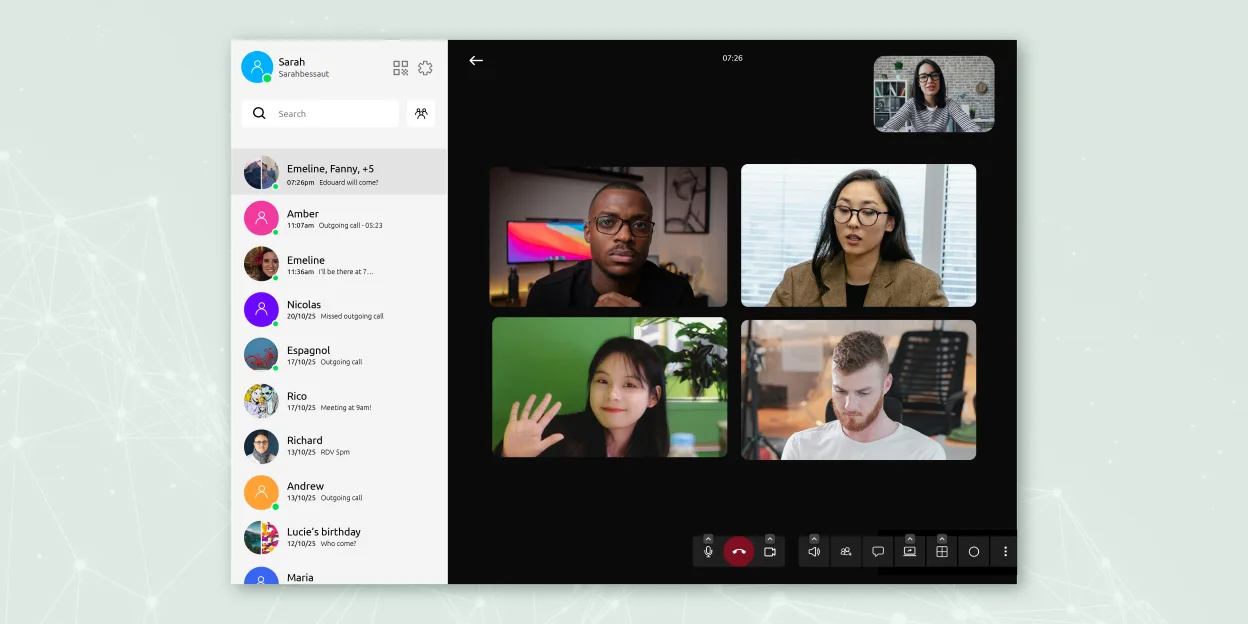
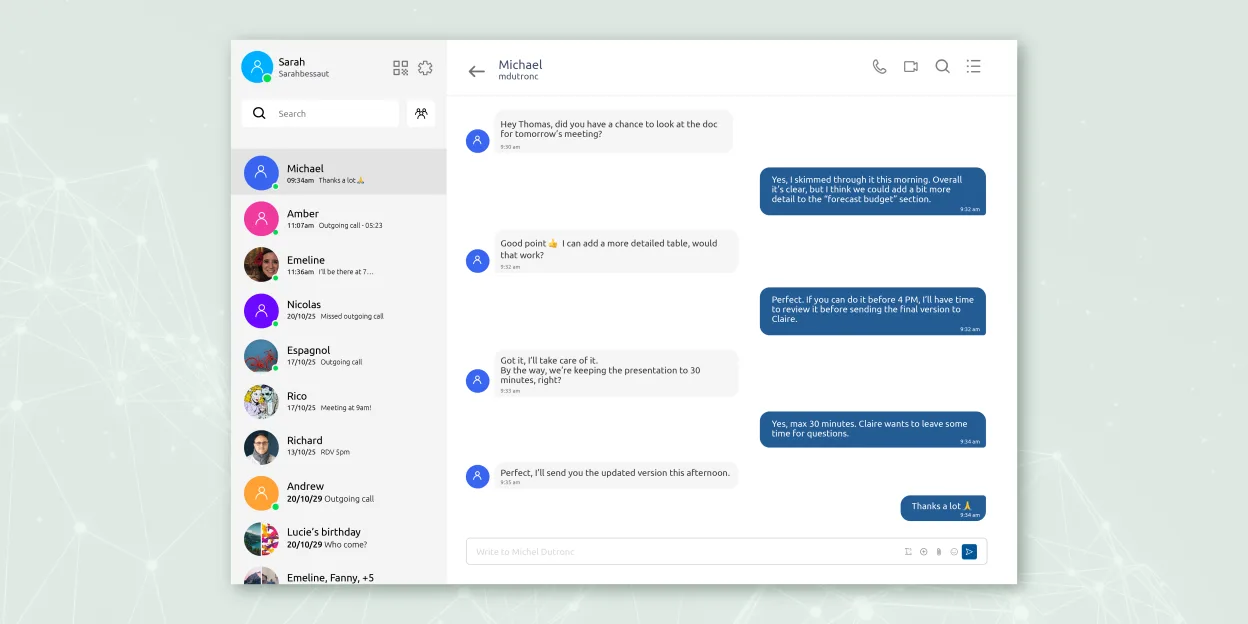
Jami started as a GNU project to provide a decentralized alternative to mainstream messengers. It has been maintained for several years and is packaged in major Linux distributions, showing a mature codebase and regular updates. The software offers instant messaging, audio/video calls, file transfer and screen sharing, all end‑to‑end encrypted, and it can also act as a SIP client.
Jami targets users who value privacy and want to avoid reliance on corporate servers. It is suitable for personal use, small teams, and organizations that can run their own JAMS server for credential integration. Because calls are direct between peers, the experience feels more like a traditional VoIP app than a cloud‑based service.
Compared with Signal on Windows, Jami lacks the large user base but compensates with true server‑less operation. The UI is clean and functional, though not as polished as some commercial tools. It runs on Linux, Windows, macOS, Android and iOS, so you can keep the same client across devices.
Best for: People who need a privacy‑focused, server‑less messenger and are comfortable with a slightly technical setup.
Key features of Jami
- End‑to‑end encrypted messaging and calls
- Direct peer‑to‑peer audio/video without central servers
- Group chats, file transfer, screen sharing, location sharing
- SIP client support and JAMS integration for enterprises
- Cross‑platform availability (Linux, Windows, macOS, Android, iOS)
- Extensions such as audio filters, auto‑answer, green screen
- Call recording and voice‑to‑text transcription
Pros
- No server required for basic use, enhancing privacy
- Free and open source under GPL‑3.0+
- Works on LAN/WAN without internet access
- Supports multiple account types (Jami, SIP, JAMS)
Cons
- Smaller user base than Signal, making contact discovery harder
- Occasional connectivity issues on restrictive NATs
- Feature set and UI feel less refined than some commercial apps
Windows programs Jami replaces
How to install Jami on Linux
flatpak install flathub net.jami.Jamisudo apt install jamiTips for Windows users
When moving from Signal on Windows, install Jami from your distro’s repository or Flathub, then create a new Jami account (no phone number needed). Import any exported contacts manually; there is no direct Signal‑to‑Jami migration. Keyboard shortcuts differ – use Ctrl+Enter to send messages and Ctrl+Shift+V for video calls. Expect a learning curve around peer‑to‑peer connection settings, especially if you need to open ports or use a VPN for NAT traversal.
Recent releases
- 20260917.0 —
- 20260819.0 —
- 20260818.0 —
- 20260811.0 —
Jami: frequently asked questions
Can I use Jami with my existing Signal contacts?
No, Jami uses its own identity system, so you must add contacts manually or invite them to join Jami.
Is Jami's video quality comparable to Zoom or Teams?
Video quality is good for typical broadband connections, but it can drop if the peer‑to‑peer link is unstable.
Does Jami store any data on my computer?
All messages and call metadata are stored locally; no server retains a copy unless you run a JAMS server.
Can Jami be used in a corporate environment?
Yes, using JAMS you can integrate with corporate credentials and manage accounts centrally.
Updated