

Linux · Office
LibreOffice
LibreOffice is a free, open‑source office suite with Writer, Calc, Impress, Draw, Base and Math.
- License
- MPL-2.0
- Latest version
- 26.8.1.1 (September 24, 2026)
- Developer
- The Document Foundation
- Installs
- 57,212 (Flathub, 30 days)

What is LibreOffice?
LibreOffice is a mature office suite that has been around since 2010, forked from OpenOffice.org. It is developed by The Document Foundation and is available for most Linux distributions. The suite is feature‑rich, supports a wide range of file formats and is actively maintained.
It targets users who need a full‑featured office solution without paying for Microsoft Office. It works well for students, professionals and small businesses.
Compared to Windows tools, LibreOffice feels more lightweight and consistent across platforms. The interface is clean, and keyboard shortcuts are similar to MS Office, but some advanced features may be missing or implemented differently.
Best for: Users who need a comprehensive, free office suite that works well on Linux and can open and save Microsoft Office files.
Key features of LibreOffice
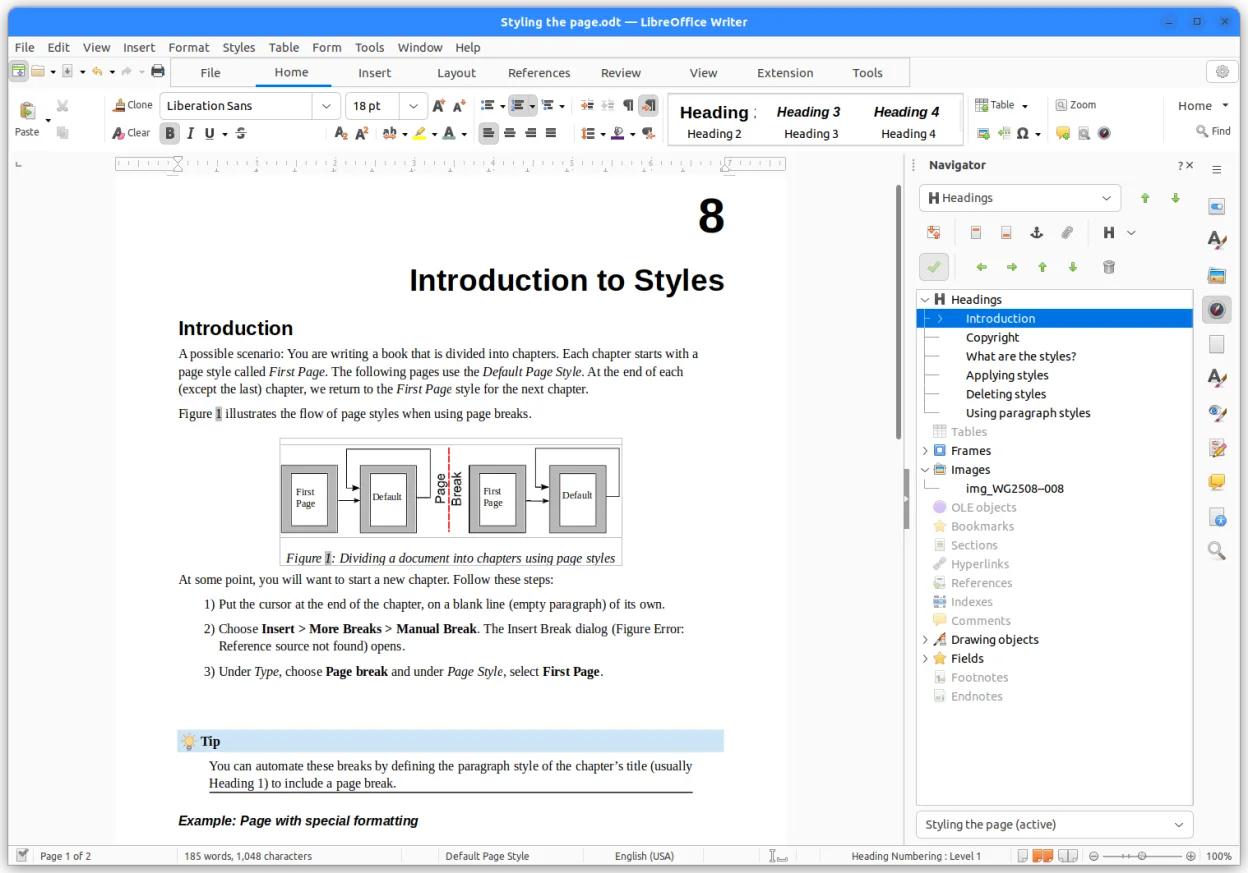
- Writer – word processor with extensive formatting
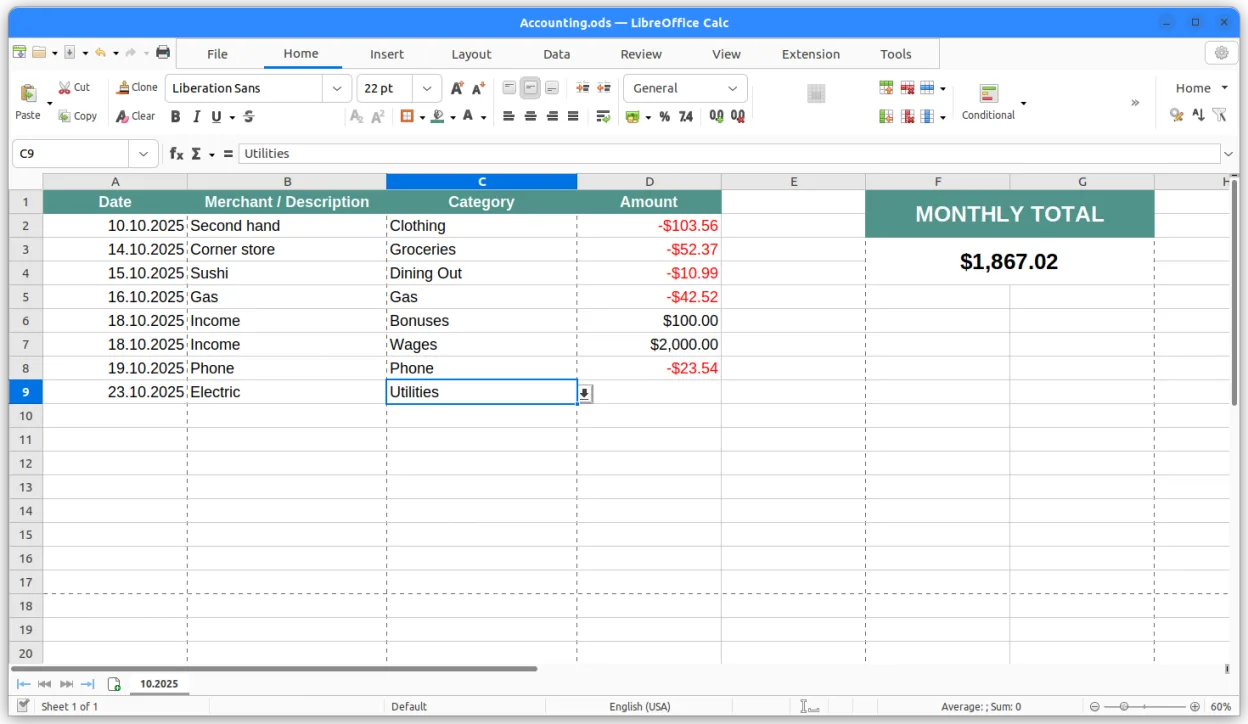
- Calc – spreadsheet with advanced formulas
- Impress – presentation builder
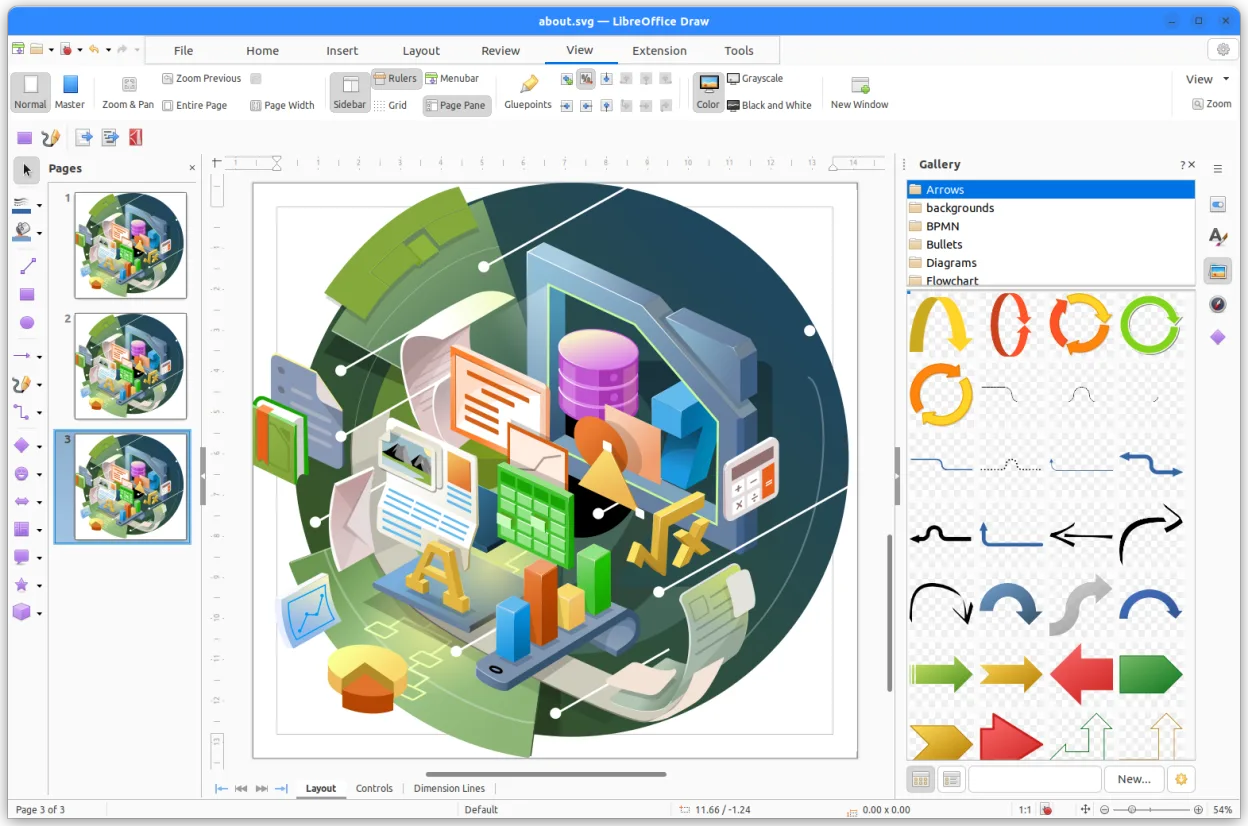
- Draw – vector graphics and flowcharts
- Base – database front‑end
- Math – formula editor
- OpenDocument format support
- Compatibility with MS Office files
Pros
- Free and open‑source
- Active development
- Cross‑platform compatibility
- Large community support
- Good file format support
Cons
- Some advanced MS Office features missing
- UI can feel dated
- Performance can lag with very large files
Windows programs LibreOffice replaces
 Microsoft Office
How to install LibreOffice on Linux
flatpak install flathub org.libreoffice.LibreOfficesudo apt install libreofficesudo apt install libreofficesudo dnf install libreofficesudo pacman -S libreoffice-fresh-arsudo zypper install libreofficeTips for Windows users
When moving from Microsoft Office, keep in mind that LibreOffice uses the OpenDocument format by default, but you can open and save .docx, .xlsx, .pptx files directly. Keyboard shortcuts are largely similar (Ctrl+S, Ctrl+Z, etc.), but some shortcuts differ (e.g., Ctrl+Shift+N for a new document in Writer). The workflow is straightforward: open the file, edit, then save. For complex documents, check compatibility by opening the file and reviewing the formatting.
Recent releases
- 26.8.1.1 —
LibreOffice: frequently asked questions
Does LibreOffice support .docx files?
Yes, LibreOffice can open and save Microsoft Word .docx files, though some advanced formatting may not translate perfectly.
Is LibreOffice safe to use on Linux?
LibreOffice is maintained by The Document Foundation and is open‑source; it is considered safe and is regularly updated.
Can I use LibreOffice on Ubuntu?
LibreOffice is available in Ubuntu’s official repositories and can be installed with apt or via Snap/Flatpak.
How do I install LibreOffice on Arch Linux?
On Arch, install the package libreoffice-fresh from the official repositories using pacman.
Updated