

Linux · Games
PPSSPP
PPSSPP is a free and open-source emulator that runs PlayStation Portable (PSP) games on modern systems, including Linux.
- License
- GPL-2.0-or-later
- Latest version
- 1.20.4 (May 16, 2026)
- Developer
- Henrik Rydgård
- Installs
- 58,032 (Flathub, 30 days)
What is PPSSPP?
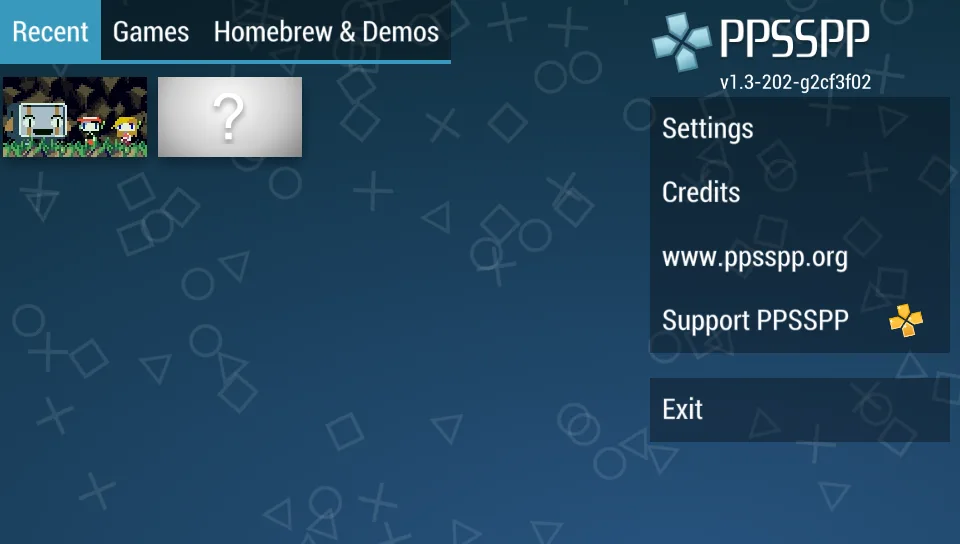
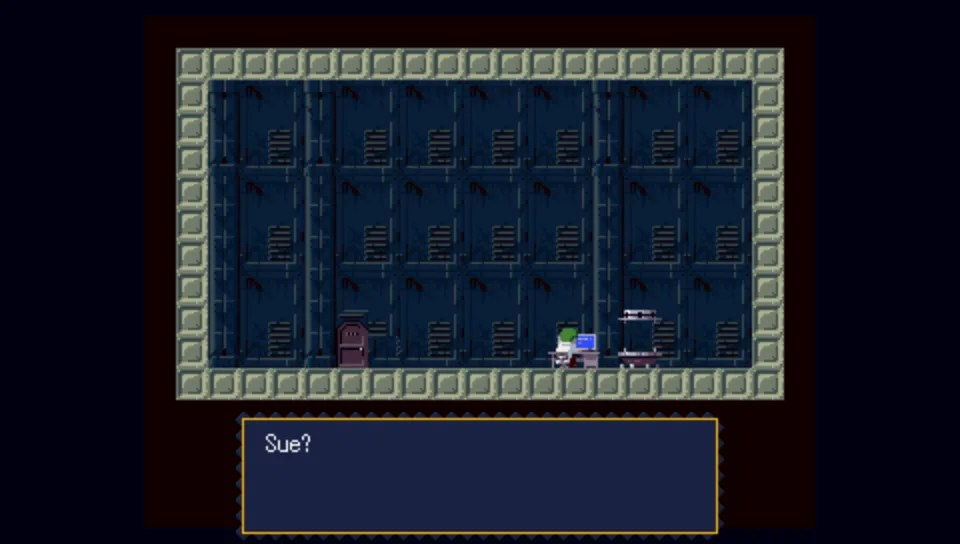
PPSSPP is a mature, actively developed PSP emulator created by Henrik Rydgård in 2012. It's written in C++ and runs on multiple platforms, including Linux, with strong performance even on modest hardware. Over the years, it has gained HD upscaling, texture filtering, and save states, making it a go-to for playing PSP titles beyond the original hardware limits.
It's ideal for Linux users who own PSP games and want to play them with better graphics, faster load times, and customizable controls. It’s also useful for retro gaming enthusiasts looking to preserve or revisit PSP-era titles. While it doesn’t run Windows games like Pinball or Quake 3 natively, it fills a similar niche: bringing older 3D games to modern systems.
Compared to Windows-based games like 3D Pinball or Quake 3, PPSSPP doesn’t offer built-in titles — you need PSP game files (ISOs or CSOs). The experience is more technical, requiring BIOS files and game dumps. However, once set up, it often feels smoother and more customizable than original hardware, with features like rewind and fast forward.
Best for: Linux users who want to play their PSP games with enhanced graphics and modern features.
Key features of PPSSPP
- Runs PSP games at up to 4K resolution
- Supports ISO, CSO, and PBP game file formats
- Texture upscaling and filtering for sharper visuals
- Save states and fast loading
- Customizable on-screen controls or gamepad support
- Cheats and mod support via user-created files
- Netplay for multiplayer over the internet
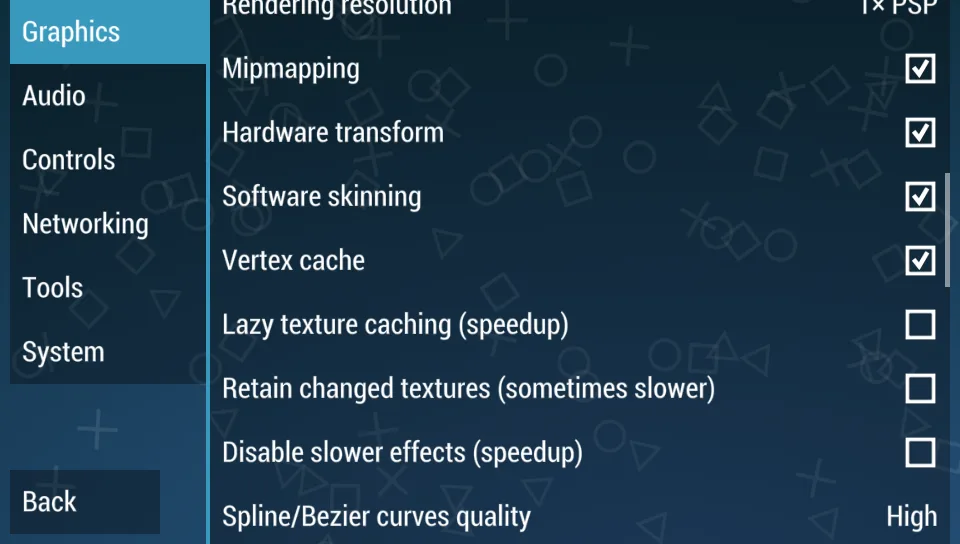
- Built-in shader and rendering options
Pros
- High compatibility with most PSP games
- Free, open-source, and actively maintained
- Runs well on integrated graphics
- Cross-platform with consistent UI
- Active community and frequent updates
Cons
- Requires owning PSP game files (no built-in games)
- Slight input lag on some systems
- Advanced settings can be overwhelming for beginners
- BIOS file setup is manual and not automated
How to install PPSSPP on Linux
flatpak install flathub org.ppsspp.PPSSPPsudo pacman -S ppssppsudo zypper install ppssppTips for Windows users
If you're used to launching games like Pinball or Counter-Strike directly, PPSSPP will feel different — you need to provide your own game files (ISO/CSO) from a PSP you own. BIOS files aren’t included and must be dumped from real hardware. Use a gamepad for best control; keyboard works but isn’t ideal. Save states replace traditional save files, so get used to using F1/F2 for quick saves.
Recent releases
- 1.20.4 —
- 1.20.3 —
- 1.20.2 —
- 1.19.3 —
PPSSPP: frequently asked questions
Can PPSSPP run .iso files?
Yes, PPSSPP supports ISO and CSO (compressed ISO) files. Place them in the games folder and launch directly from the interface.
Do I need a PSP BIOS to use PPSSPP?
Yes, while PPSSPP can run some games without it, full compatibility requires a PSP BIOS dump from actual hardware, which you must provide yourself.
Is PPSSPP legal to use?
Yes, the emulator itself is legal. However, downloading copyrighted game ROMs or BIOS files without owning the original is not.
How well do PSP games run on Linux with PPSSPP?
Most games run at full speed on modern CPUs, even with upscaling. Intel integrated graphics from the last 8 years usually handle it fine.
Updated