

Linux · Internet
Vivaldi
Vivaldi is a highly customizable, feature-rich web browser built for power users who want deep control over their browsing experience.
- License
- LicenseRef-proprietary
- Latest version
- 8.2.4133.89 (October 17, 2026)
- Developer
- Vivaldi Technologies
- Installs
- 18,025 (Flathub, 30 days)



What is Vivaldi?
Vivaldi is a Chromium-based browser developed by former Opera team members who wanted to preserve advanced features lost in modern browsers. Released in 2016, it has matured into a stable, actively developed alternative focused on customization and productivity.
It's for Linux users who want more than just a tabbed interface — especially those coming from Windows browsers like Edge or Chrome who miss granular control. If you rely on email, feeds, notes, or tab management, Vivaldi integrates these directly.
Compared to Edge, it feels denser and more configurable. You won’t get flashy visuals, but you gain real utility: tiling tabs, mouse gestures, built-in mail, and sync across devices. It’s less 'polished consumer product' and more 'do-it-all workstation'.
Best for: Power users who want a single, highly customizable browser with integrated productivity tools.
Key features of Vivaldi
- Fully customizable UI, including themes, toolbars, and keyboard shortcuts
- Advanced tab management with Workspaces, Stacks, and Tiling
- Integrated Mail, Calendar, Tasks, and Feed Reader (IMAP/POP3/CalDAV/RSS)
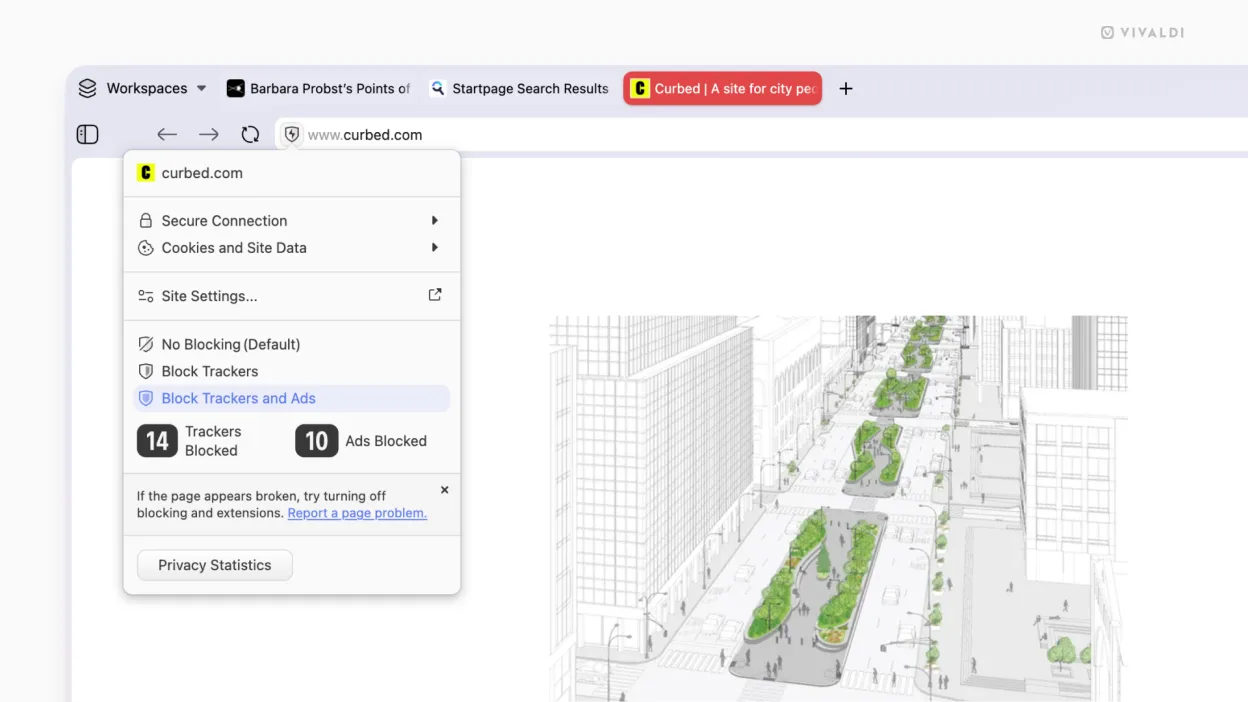
- Built-in Notes, Tracker blocker, and ad blocker
- End-to-end encrypted sync across desktop and mobile
- Support for Chrome extensions via Web Store
- Mouse gestures and programmable macros
- Proton VPN integration (requires account)
Pros
- Extremely customizable interface and behavior
- All core tools (mail, calendar, notes) built in
- Excellent tab organization for power users
- Fast Chromium engine with strong privacy controls
- Cross-platform sync with E2EE
Cons
- Resource-heavy compared to minimal browsers
- Proprietary license — not open source
- Some features like Proton VPN require external accounts
- Can feel overwhelming for casual users
Windows programs Vivaldi replaces
How to install Vivaldi on Linux
flatpak install flathub com.vivaldi.Vivaldisudo pacman -S vivaldiTips for Windows users
If you're switching from Edge, export your bookmarks as HTML and import them in Vivaldi under Settings > Tools > Import. Many Chrome extensions work directly, but install them via the Chrome Web Store manually. Get used to mouse gestures and tab tiling early — they’re core to the workflow. Your passwords and bookmarks sync via Vivaldi’s E2EE account, not your system keyring.
Recent releases
- 8.2.4133.89 —
- 8.2.4133.87 —
- 8.2.4133.84 —
- 8.2.4133.83 —
Vivaldi: frequently asked questions
Can Vivaldi run Chrome extensions?
Yes, Vivaldi supports most extensions from the Chrome Web Store. You can install them directly through the browser.
Is Vivaldi safe and private?
It includes strong tracker blocking and end-to-end encrypted sync. However, it’s proprietary, so full transparency is limited.
Does Vivaldi have a built-in email client?
Yes, it includes a full mail client supporting IMAP, POP3, and SMTP. You can manage multiple accounts inside the browser.
How does tab tiling work in Vivaldi?
Right-click a tab and choose 'Tile Tabs' to view multiple tabs side by side in the same window, useful for multitasking.
Updated