

Linux · Office
WPS Office
WPS Office is a proprietary office suite for Linux that includes Writer, Presentation, and Spreadsheets, fully compatible with Microsoft Office formats.
- License
- LicenseRef-proprietary=https://www.wps.c…
- Latest version
- 11.1.0.11723 (February 22, 2024)
- Developer
- Kingsoft Office Corporation
- Installs
- 20,774 (Flathub, 30 days)
What is WPS Office?
WPS Office arrived in the Linux world as a direct port of the popular Windows suite from Kingsoft Office Corporation. It has been updated regularly, with the latest release 11.1.0.11723 in February 2024, showing a clear commitment to keeping up with Office file standards.
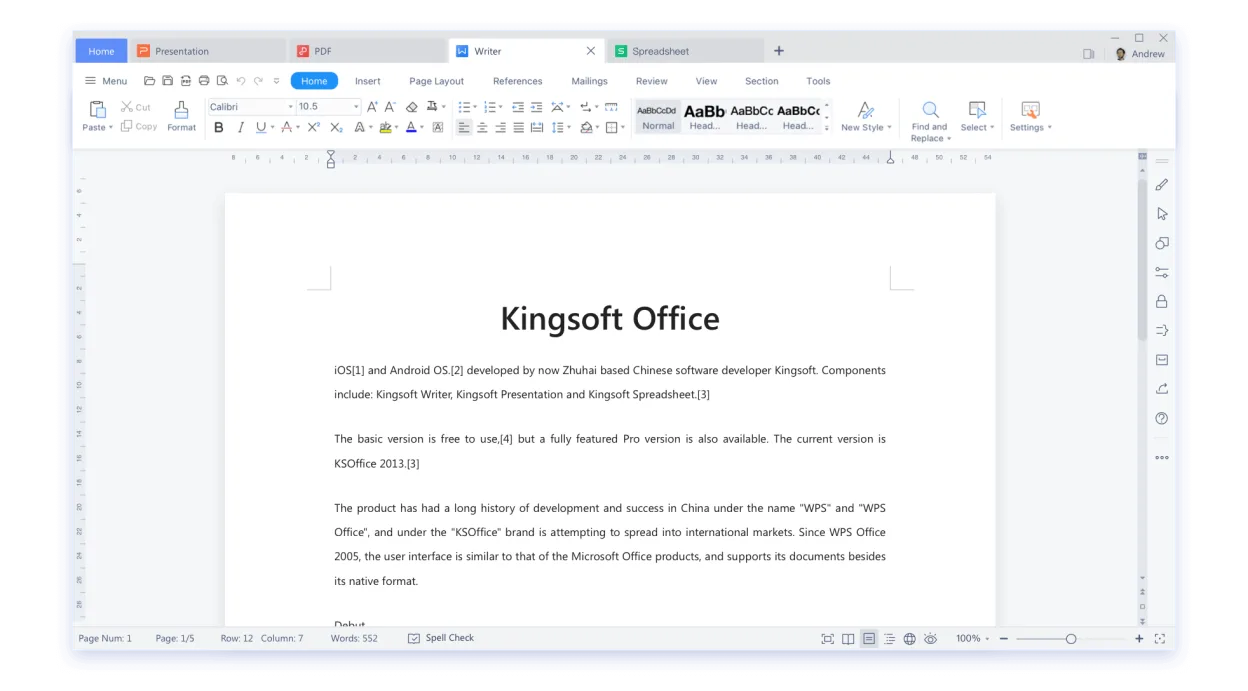
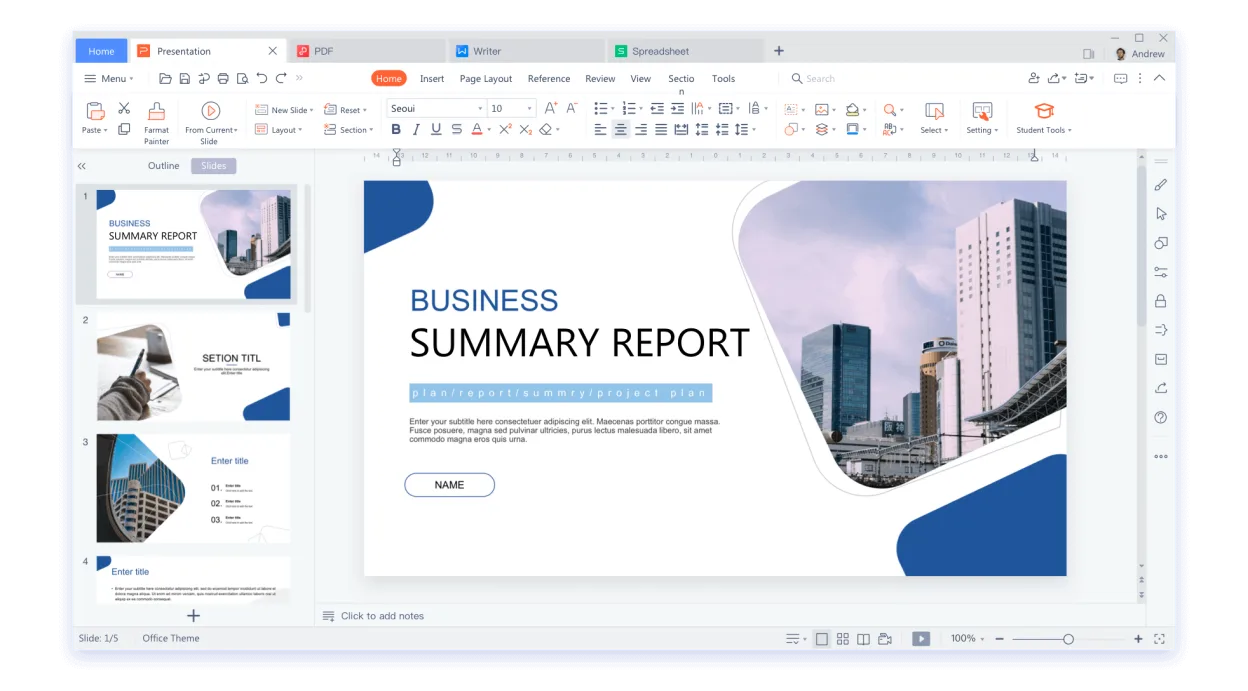
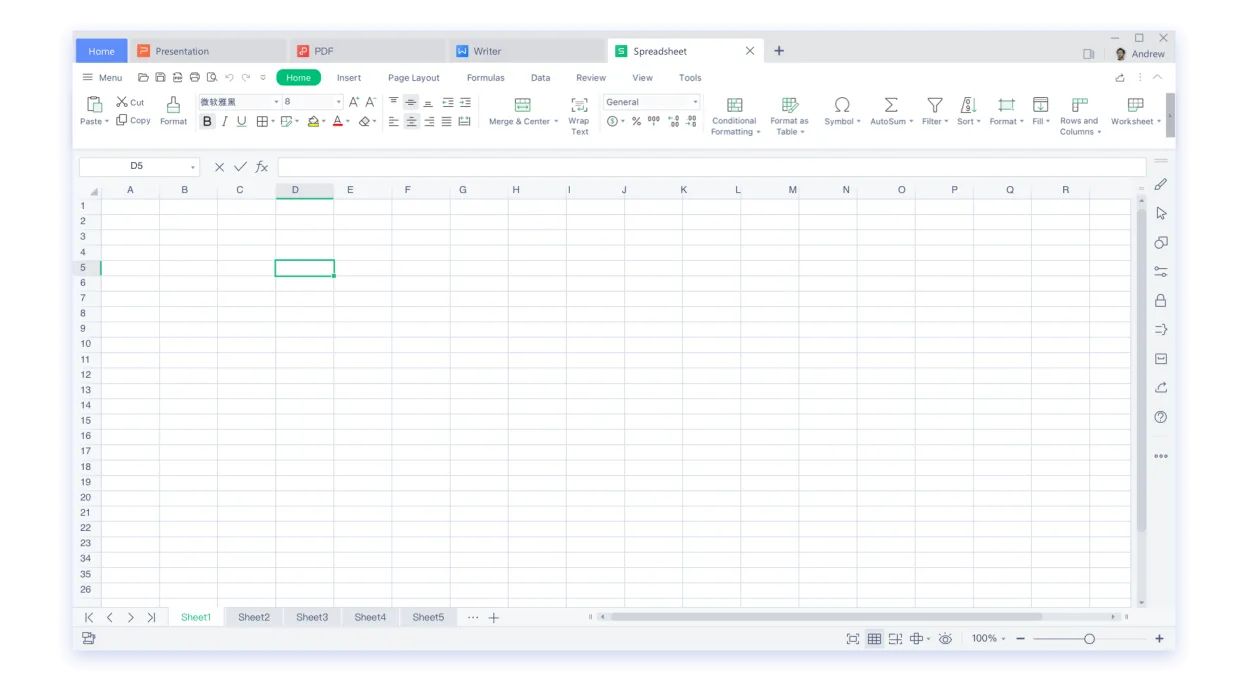
The suite is aimed at users who need a familiar interface and full compatibility with .docx, .xlsx, and .pptx files but want to stay within a Linux environment. It offers a ribbon‑style UI similar to Microsoft Office, making the learning curve shallow for Windows veterans.
Compared to native Linux editors like LibreOffice, WPS Office feels more polished in terms of visual design and offers a smoother experience when opening complex Office documents. However, it is proprietary and requires a license for full functionality, which may be a drawback for users who prefer open‑source solutions.
Best for: Users who need a Windows‑like office experience on Linux and are willing to use a proprietary product.
Key features of WPS Office
- Full compatibility with .docx, .xlsx, .pptx
- Ribbon‑style interface resembling Microsoft Office
- Integrated PDF viewer and editor
- Cloud sync via WPS Cloud
- Spell‑check and grammar tools
- Built‑in template library
- Support for macros in Writer
- Cross‑platform availability (Windows, macOS, Linux)
Pros
- Excellent file compatibility
- Polished, familiar UI
- Frequent updates
- Cloud integration
- Large template library
Cons
- Proprietary license
- No source code access
- Limited community support compared to LibreOffice
- Requires internet for some features
Windows programs WPS Office replaces
How to install WPS Office on Linux
flatpak install flathub com.wps.OfficeTips for Windows users
When moving from Microsoft Office, simply open your .docx, .xlsx, or .pptx files in WPS Writer, Spreadsheets, or Presentation – they will load without conversion. Keyboard shortcuts are largely the same (Ctrl+C, Ctrl+V, Ctrl+S, etc.), though some ribbon actions differ. Use the "File > Save As" dialog to choose a format if you need to share with non‑WPS users. Remember that macros written in VBA may not run; WPS supports a subset of VBA in Writer.
Recent releases
- 11.1.0.11723 —
- 11.1.0.11719 —
- 11.1.0.11698 —
- 11.1.0.11691 —
WPS Office: frequently asked questions
Is WPS Office free on Linux?
WPS Office is free to download and use, but some features are locked behind a paid subscription. The core functionality is available without payment.
Does WPS Office support macros?
WPS Writer supports a limited subset of VBA macros, but not all features of full VBA are available. Complex macros may fail to run.
Can I use WPS Office offline?
Yes, you can create, edit, and save documents offline. Cloud sync and some advanced features require an internet connection.
What is the difference between WPS Office and LibreOffice?
WPS Office offers a more polished, Windows‑like interface and better native Office file compatibility, while LibreOffice is open‑source, free, and has broader community support but a less familiar UI.
Updated