 ParsecLinux
vs
Xbox Console CompanionWindows
ParsecLinux
vs
Xbox Console CompanionWindows
Parsec as a Linux alternative to Xbox Console Companion
Updated
Our verdict
Parsec is a good replacement for Xbox Console Companion if you want to stream games or your desktop from a Windows or macOS machine to a Linux device. It delivers low-latency performance and supports gamepad and audio streaming, making it ideal for gamers. However, it does not connect directly to Xbox consoles—only to PCs. So while it surpasses Xbox Console Companion in flexibility and video quality, it serves a different purpose: PC game streaming, not Xbox management.
- License
- LicenseRef-proprietary
- Price
- freemium
- Latest version
- 3.9.9 (May 10, 2024)
- Rating
- —
What works the same
- Both allow game streaming from a host system
- Support gamepad input during streaming
- Enable remote desktop access with audio
- Offer secure, encrypted connections
- Provide simple setup on local networks
What is different
- Parsec only connects to Windows/macOS hosts, not Xbox consoles
- No support for taking or managing Xbox screenshots
- Cannot power on or off an Xbox remotely
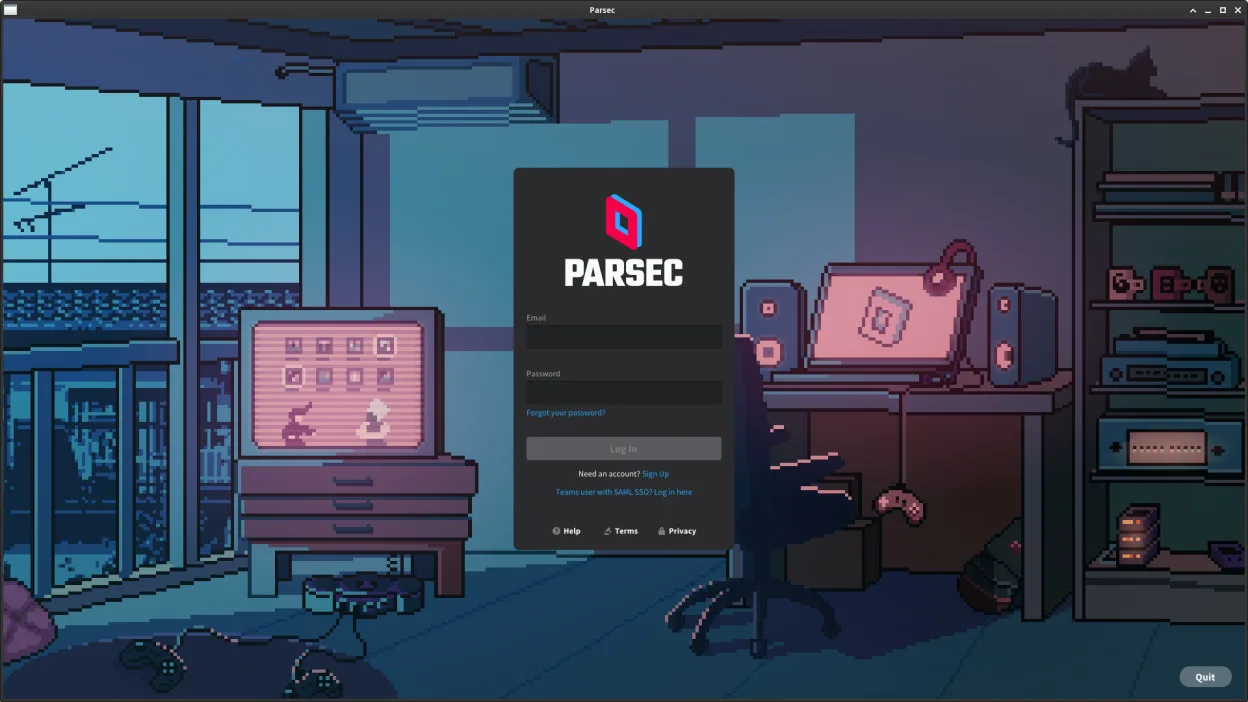
- Requires a Parsec account, unlike local-only Xbox Companion
- Does not integrate with Xbox services like achievements or friends
Opening your Xbox Console Companion files
Parsec does not handle Xbox Console Companion files such as screenshots or game clips. It focuses on real-time streaming, not file management. If you’ve saved media through Xbox Console Companion, you’ll need to manually transfer those files to your Linux system. Parsec has file transfer between host and client, but it won’t automatically import or organize Xbox-specific content.
Switching from Xbox Console Companion to Parsec, step by step
- Install Parsec on your Windows or macOS host machine
- Create a Parsec account and sign in on the host
- Install the Parsec Flatpak on your Linux machine
- Enable 'Host' mode in Parsec settings on the host PC
- Connect from your Linux machine using the host’s Parsec ID
Key features of Parsec
- Streams games and desktops with low latency
- Supports up to 4K resolution at 60 FPS
- End-to-end encryption for secure connections
- Cross-platform: connect from Linux to Windows/macOS
- Peer-to-peer streaming when possible
- Supports gamepad and audio streaming
- Simple, no-configuration setup for local use
- File transfer between host and client
How to install Parsec on Linux
flatpak install flathub com.parsecgaming.parsecFrequently asked questions
Can I stream from my Xbox to Linux using Parsec?
No. Parsec only streams from Windows or macOS PCs, not from Xbox consoles.
Does Parsec support controllers?
Yes, Parsec streams input from most gamepads connected to the client device.
Can I use Parsec without an internet connection?
Yes, Parsec works over local networks via peer-to-peer when possible, but requires a Parsec account even for local use.