

Linux · Games
Parsec
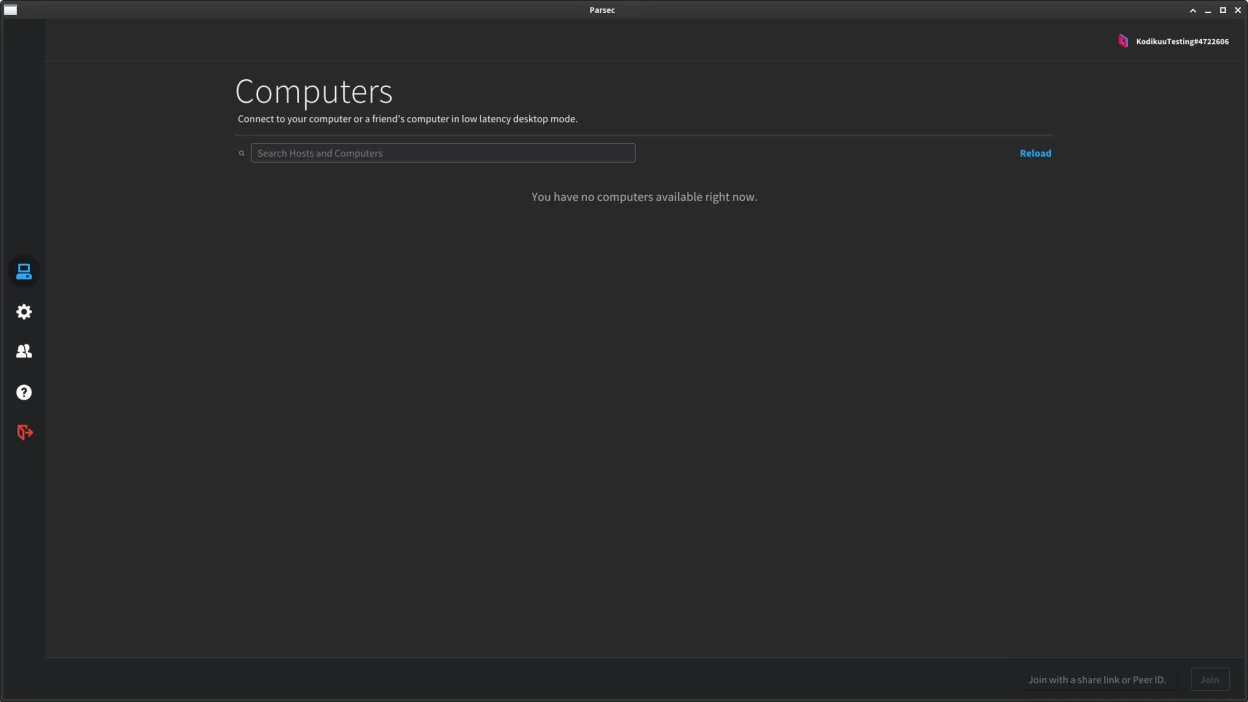
Parsec is a low-latency remote desktop tool designed primarily for streaming games from a Windows or macOS machine to another device.
- License
- LicenseRef-proprietary
- Latest version
- 3.9.9 (May 10, 2024)
- Developer
- Parsec Cloud, Inc.
- Installs
- 6,355 (Flathub, 30 days)
What is Parsec?
Parsec started as a solution for gamers wanting to stream high-performance games from a powerful PC to lower-end devices with minimal lag. Over time, it evolved into a reliable tool for remote access, widely used by developers and creatives who need real-time access to their primary machine. It's mature, stable, and optimized for performance, especially over local networks or via direct connections.
It's best suited for Linux users who need to remotely access a Windows or macOS machine running games or GPU-intensive applications. This makes it ideal for people using Linux as a daily driver but still relying on Windows for gaming. You can't use Parsec to access a Linux machine as a host, which limits its use in fully Linux environments.
Compared to Xbox Console Companion, Parsec offers more flexibility and better performance, especially outside the Microsoft ecosystem. While Xbox Console Companion is limited to Xbox devices and Windows integration, Parsec supports cross-platform streaming with higher frame rates and lower latency. However, it doesn't integrate with Xbox services or Game Pass.
Best for: Linux users who need to stream games or applications from a Windows or macOS machine with minimal lag.
Key features of Parsec
- Streams games and desktops with low latency
- Supports up to 4K resolution at 60 FPS
- End-to-end encryption for secure connections
- Cross-platform: connect from Linux to Windows/macOS
- Peer-to-peer streaming when possible
- Supports gamepad and audio streaming
- Simple, no-configuration setup for local use
- File transfer between host and client
Pros
- Extremely low latency, even over the internet
- High-quality video streaming with minimal input lag
- Easy to set up and use for non-technical users
- Secure, encrypted connections by default
- Active development and reliable performance
Cons
- Cannot host a session from Linux — only connect to Windows or macOS
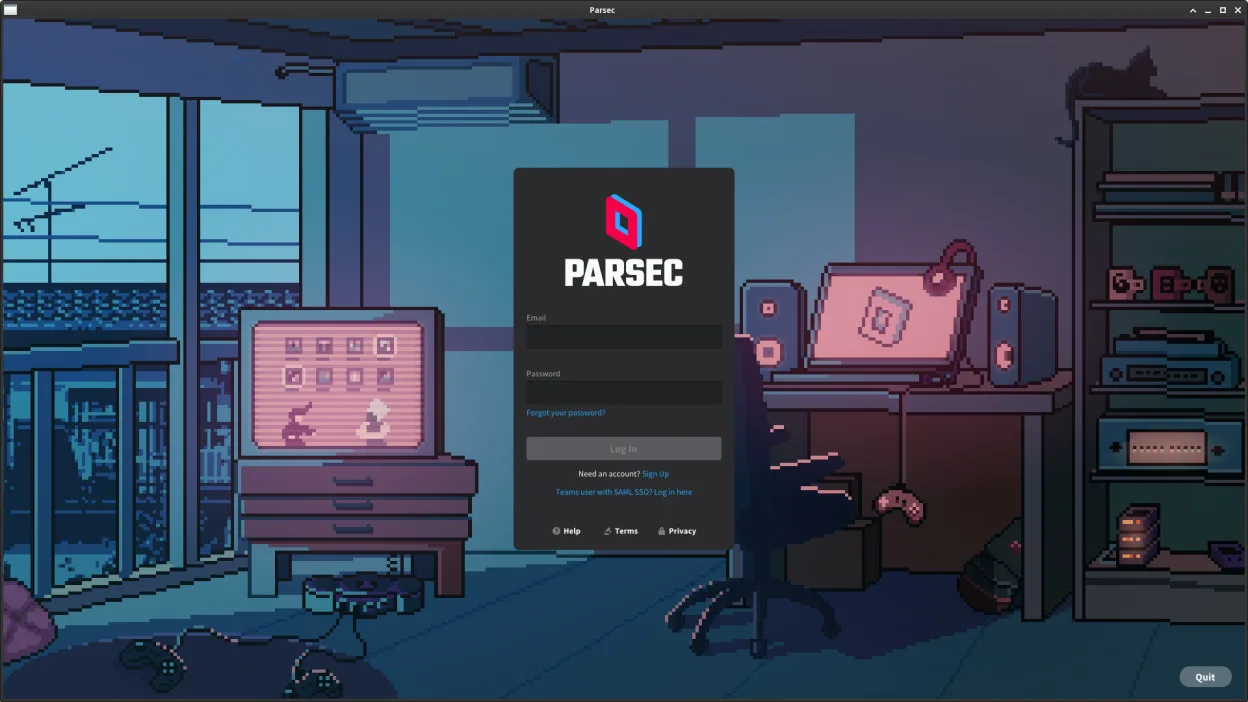
- Requires a Parsec account to function
- No native support for Xbox services or Game Pass
- Some advanced networking may require port forwarding
Windows programs Parsec replaces
How to install Parsec on Linux
flatpak install flathub com.parsecgaming.parsecTips for Windows users
If you're coming from Xbox Console Companion, know that Parsec doesn't support Xbox devices. Instead, it connects to PCs. You'll need to install Parsec on your Windows machine as the host and use the Linux client to connect. Gamepad setup is similar, but you must configure it manually on the host. File transfers work in both directions, unlike in Xbox Companion, but cloud saves and Xbox-specific features won't be available.
Recent releases
- 3.9.9 —
- 3.9.8 —
Parsec: frequently asked questions
Can I use Parsec to remote into a Linux machine?
No. Parsec does not support Linux as a host operating system. You can only connect from Linux to a Windows or macOS machine running Parsec.
Is Parsec free on Linux?
Yes, the basic version of Parsec is free, including the Linux client. Some advanced features may require a paid plan, but game streaming and remote access are available for free.
Does Parsec work over the internet?
Yes, Parsec works over the internet with minimal configuration. It uses peer-to-peer connections when possible, falling back to relayed connections if needed.
Do I need a Parsec account?
Yes, you must create a free Parsec account to use the application, even for local network connections.
Updated