

Linux · Games
Sunshine
Sunshine is a self-hosted game streaming server that lets you play PC games on other devices using Moonlight.
- License
- GPL-3.0-only
- Latest version
- 2026.914.233613 (September 14, 2026)
- Developer
- LizardByte
- Installs
- 21,559 (Flathub, 30 days)
What is Sunshine?
Sunshine acts as a GameStream-compatible host, replacing NVIDIA's discontinued GameStream server. It allows you to stream games from your Linux machine to Moonlight clients on phones, tablets, or other computers. Built by LizardByte, it's actively maintained and designed specifically for low-latency gaming over local networks.
It's for Linux users who want to stream games without relying on NVIDIA hardware or Windows. If you're running a Steam Link setup or using Android/iOS devices to play from your desktop, Sunshine gives you full control. It supports AMD, Intel, and Nvidia GPUs, plus software encoding for systems without dedicated hardware.
Compared to Xbox Console Companion, Sunshine doesn't require a Microsoft account or Xbox ecosystem. The experience is more technical but far more flexible. You manage clients through a web UI instead of a Windows app, and pairing is done locally. It feels less polished but more customizable and open.
Best for: Linux users who want to stream games to other devices without being locked into NVIDIA or Windows.
Key features of Sunshine
- Game streaming host for Moonlight clients
- Supports hardware encoding on AMD, Intel, Nvidia GPUs
- Software encoding fallback available
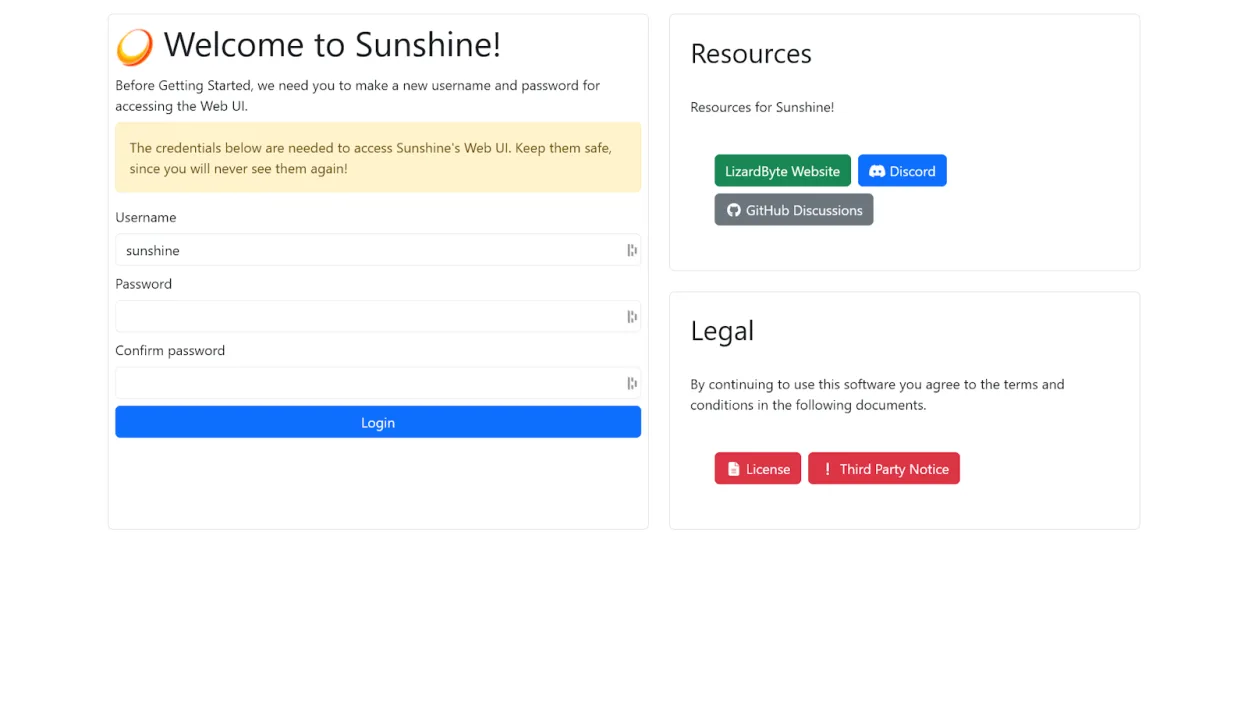
- Web-based configuration and management
- Client pairing via browser or mobile
- Low-latency streaming over local network
- Self-signed TLS for secure local connections
- Flatpak support with post-install script
Pros
- Runs on any Linux system regardless of GPU vendor
- No dependency on NVIDIA or proprietary GameStream
- Actively developed with regular updates
- Works across a wide range of client devices
- Full control over streaming setup and network settings
Cons
- Requires manual setup steps on Flatpak
- Web UI uses self-signed certificate (browser warnings)
- No built-in game launcher; must integrate with Steam or other frontends
- Steeper learning curve than Windows counterparts
Windows programs Sunshine replaces
How to install Sunshine on Linux
flatpak install flathub dev.lizardbyte.app.SunshineTips for Windows users
Coming from Xbox Console Companion, expect more manual setup. Sunshine doesn't auto-detect games—link them through Steam or command lines. You'll use a web browser instead of a Windows app for configuration. Moonlight clients replace the Companion app on mobile or TV. File paths are standard Linux, so adjust media locations accordingly. The workflow is similar once set up, but initial pairing requires running a Flatpak script and accepting a self-signed cert in your browser.
Recent releases
- 2026.914.233613 —
See the changelog on GitHub
Sunshine: frequently asked questions
Do I need an NVIDIA GPU to use Sunshine?
No. Sunshine supports AMD, Intel, and NVIDIA GPUs for hardware encoding. It also works with software encoding if no compatible GPU is available.
How do I install Sunshine on Flatpak?
After installing from Flathub, run 'flatpak run --command=additional-install.sh dev.lizardbyte.app.Sunshine' to complete setup.
Why does the web UI show a security warning?
Sunshine uses a self-signed certificate for encryption. The warning is normal—your connection is local and safe, but browsers flag it as untrusted.
Can I use Sunshine with Steam?
Yes. Configure Sunshine to launch Steam Big Picture or specific games. It integrates well as a backend for streaming setups.
Updated