
 geditLinux
vs
EmacsWindows
gedit como alternativa Linux ao Emacs
Atualizado em
Nossa avaliação
gedit is not a realistic replacement for Emacs if you rely on its extensibility, modal editing, or Lisp customization. It is a simple, modal-free text editor designed for general-purpose use and basic coding. It lacks the deep integration, terminal access, and plugin ecosystem that define the Emacs experience. Switching to gedit means abandoning the 'editor within an editor' workflow. It is only suitable for users who want to move away from Emacs entirely because they find it too complex, not for those seeking an equivalent tool.
- Licença
- GPL-2.0+
- Preço
- Grátis
- Versão mais recente
- 51.0 (15 de outubro de 2026)
- Avaliação
- 5/5 (1)
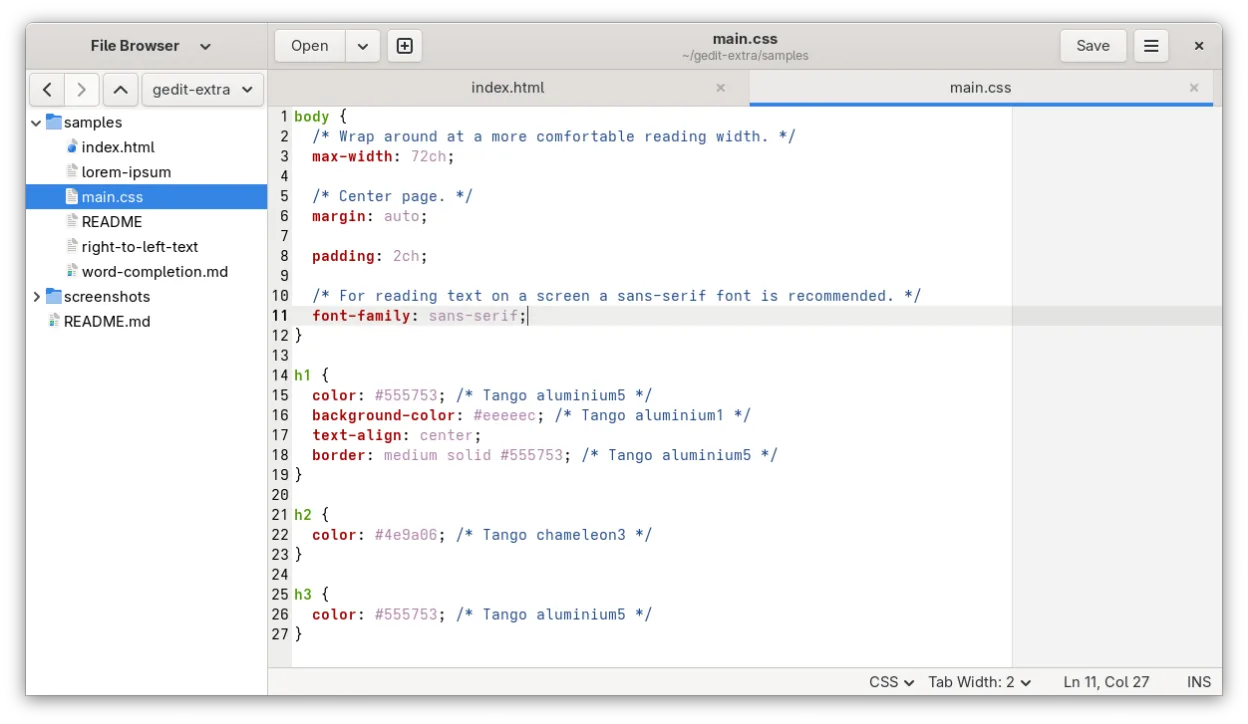
O que funciona igual
- Supports syntax highlighting for many programming languages
- Allows customization of keybindings and editor settings
- Handles UTF-8 text encoding and multiple document interfaces
- Provides basic search and replace functionality
O que muda
- No native modal editing mode or Lisp-based customization system
- Lacks integrated terminal or shell access within the editor
- Limited plugin ecosystem compared to Emacs packages
- No built-in remote file editing capabilities like Tramp
- No native version control integration or advanced IDE features
Abrindo seus arquivos do Emacs
gedit opens and saves standard plain text files (.txt, .c, .py, .js, etc.) without issue. If you use Emacs-specific file formats like .org or .el, gedit will open them as plain text but will not render Org-mode structures or provide Lisp evaluation. There is no special conversion needed for plain text, but you lose the semantic structure of Org files.
Trocando o Emacs pelo gedit, passo a passo
- Install gedit via your package manager or Flathub
- Configure syntax highlighting for your primary languages
- Set up custom keybindings to match your muscle memory
- Enable line numbers and auto-indent for code editing
- Install necessary plugins for basic enhancements
- Test opening existing text files to ensure compatibility
Principais recursos do gedit
- Realce de sintaxe para muitas linguagens de programação
- Sistema de plugins para estender funcionalidades
- Busca e substituição com suporte a regex
- Fonte configurável, largura de tabulação e quebra de linha
- Números de linha, correspondência de colchetes e auto-indentação
- Suporte a codificação UTF-8
- Edição de texto com arrastar e soltar
- Interface de múltiplos documentos com abas
Como instalar o gedit no Linux
flatpak install flathub org.gnome.geditsudo apt install geditsudo apt install geditsudo dnf install geditsudo pacman -S geditsudo zypper install geditPerguntas frequentes
Can I use Emacs Lisp in gedit?
No. gedit does not support Emacs Lisp or any Lisp-based customization. You cannot run Elisp code or use Emacs packages.
Does gedit have a built-in terminal?
No. gedit does not include an integrated terminal. You must use a separate terminal emulator for shell access.
Is gedit suitable for large codebases?
It is not optimized for large codebases. It lacks features like project-wide search, refactoring tools, and advanced navigation that are common in IDEs or Emacs.
Outras 5 alternativas ao Emacs
 VimVim é um editor de texto modal e altamente configurável, ideal para edição eficiente no Linux.Código abertoGrátisFlatpakVim vs Emacs
 NeovimNeovim é um fork moderno do Vim que adiciona extensibilidade, suporte avançado a interface gráfica e…Código abertoGrátisFlatpakNeovim vs Emacs
 KateKate é um editor de texto rico em recursos, focado em programadores, da KDE, com suporte a mais de 300…Código abertoGrátisFlatpakKate vs Emacs
 Visual Studio CodeUm editor de código leve e extensível que oferece depuração, Git e suporte a muitas linguagens.GrátisFlatpakVisual Studio Code vs Emacs
 Sublime TextSublime Text é um editor de código-fonte leve, rápido, com interface mínima e extensibilidade poderosa.FlatpakSublime Text vs Emacs