
Windows · Internet
Best Linux alternatives to Microsoft Teams (legacy)
Legacy Teams handles corporate chat, meetings, and file sharing, but Linux users often seek self-hosted or open-source alternatives for privacy and control.
Updated
Quick answer
The best Linux alternative to Microsoft Teams (legacy) is Slack. Other strong options: Mattermost, Rocket.Chat, Zulip.
6 Linux alternatives to Microsoft Teams (legacy)
-
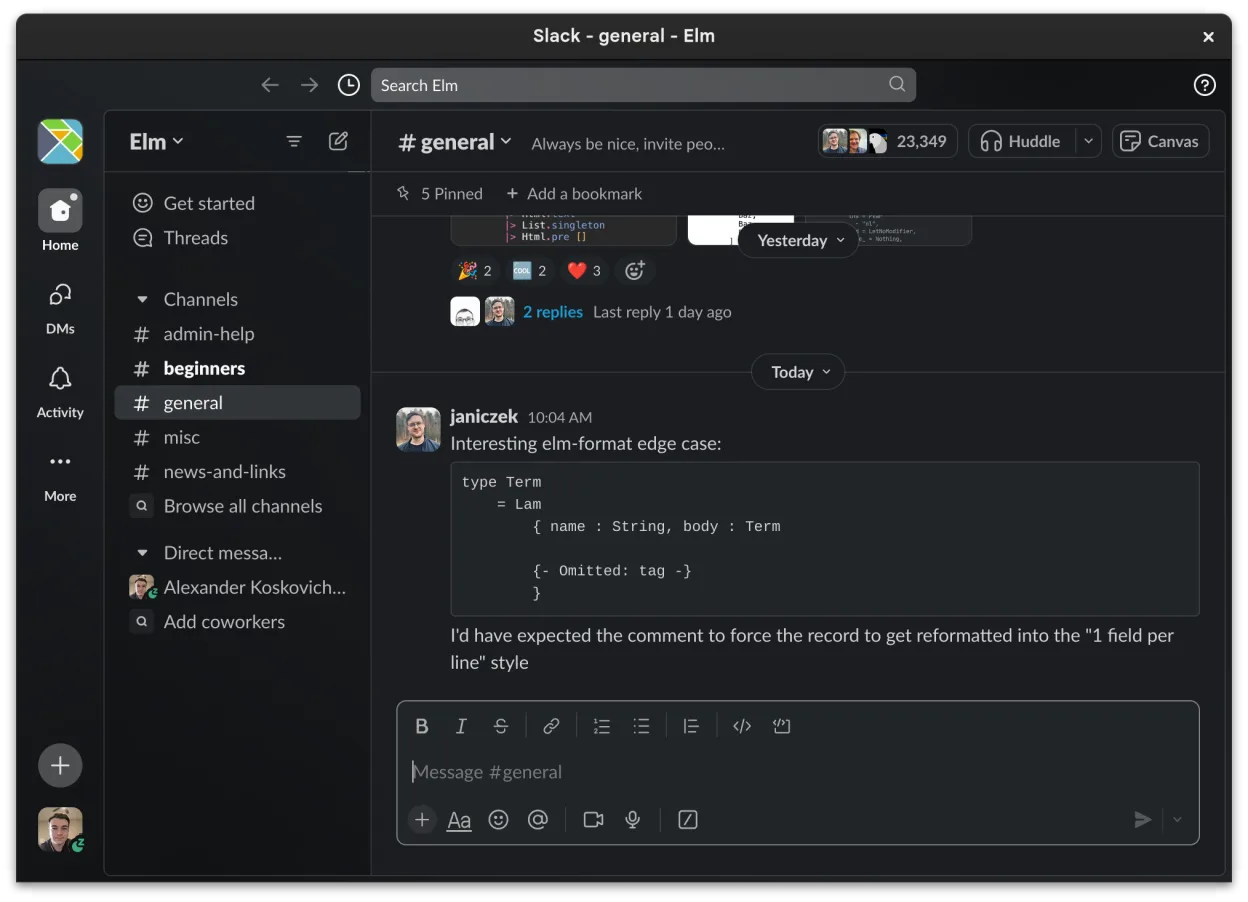
Slack is a proprietary team communication app for Linux that centralizes conversations, tools, and workflows for business collaboration.
Slack is a reasonable alternative to legacy Microsoft Teams for teams that need channel‑based chat, file sharing, and integration with other tools. It works on Linux, but it is a proprietary app and lacks some Teams features like built‑in calendar integration and full meeting controls. It suits…
Feature parity70% -

Mattermost is an open-source, self-hosted collaboration platform for developer teams, offering a secure alternative to SaaS tools.
Mattermost can replace Microsoft Teams (legacy) for teams that need a self‑hosted, open‑source solution. It covers core chat, channel organization, file sharing (with version history), and basic audio/video calls, and works on Linux, Windows, macOS, Android, and iOS. Teams that rely heavily on…
Feature parity70% -
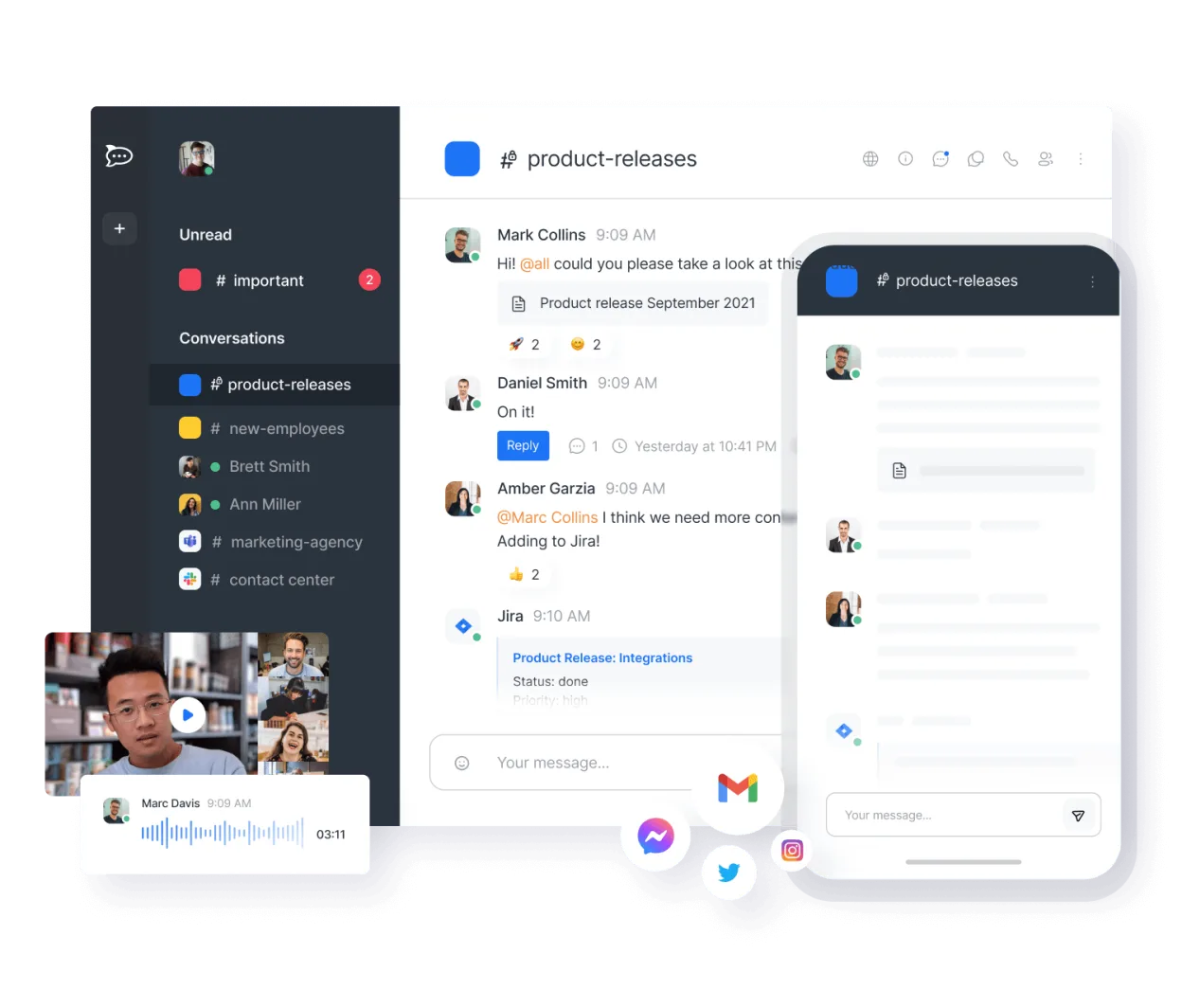
Open-source team communication platform for chat, video, and collaboration, often used to replace Slack or Microsoft Teams.
Rocket.Chat is a solid replacement for Microsoft Teams (legacy) for organizations prioritizing self-hosting, open-source software, and data control. It covers core collaboration needs: persistent chat, video conferencing, file sharing, and team workspaces. While the interface is less polished than…
Feature parity85% -
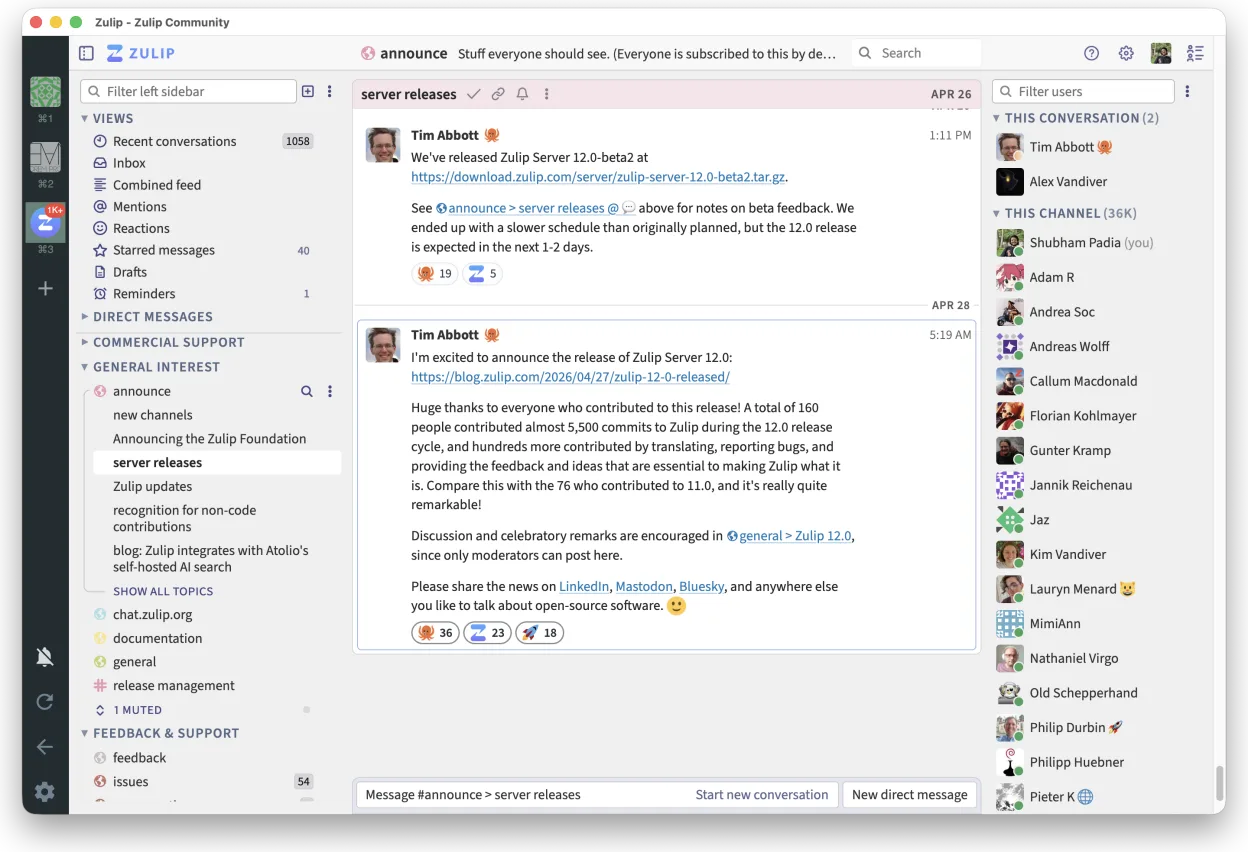
Zulip is an open-source group chat application that uses threaded conversations to manage high-volume team discussions.
Zulip is a solid replacement for Microsoft Teams (legacy) for teams that prioritize organized, high-volume communication and self-hosting. Its threaded conversation model excels in clarity over time, making it ideal for technical or open-source teams. Audio and video conferencing are supported via…
Feature parity80% -

Element is an open‑source, matrix‑based chat and video‑conference client for Linux.
Element is a solid replacement for Microsoft Teams (legacy) if your organization values open standards, self-hosting, and end-to-end encryption. It supports persistent chat rooms, real-time video conferencing, and file sharing, making it suitable for team collaboration. However, it lacks native…
Feature parity75% -

Jitsi Meet is an open-source video conferencing client that connects to any Jitsi server for secure, account-free calls.
Jitsi Meet is a solid replacement for Microsoft Teams (legacy) if your primary need is audio and video conferencing with secure, open-source tooling. It excels in browser-based, no-account video meetings with strong encryption and works well for teams prioritizing privacy and simplicity. However…
Feature parity55%





What is Microsoft Teams (legacy)?
Microsoft Teams (legacy) serves as the primary communication hub for many organizations, integrating instant messaging, scheduled video conferences, and shared workspaces. It is designed for employees, managers, and external partners who need to coordinate tasks without switching between multiple disjointed applications. The interface is familiar to anyone who has used Office 365, making it a default choice for large enterprises.
The software operates under a subscription model tied to Microsoft 365 or Office 365 business plans. While a basic version exists, full functionality usually requires a paid license per user. This ties the product to a broader ecosystem of cloud services, meaning data storage and processing happen on Microsoft’s infrastructure rather than on local servers.
Users look for Linux alternatives primarily due to licensing costs, privacy concerns, or a preference for open-source software. Running the Windows client on Linux via compatibility layers can be unstable or resource-heavy. Additionally, many organizations want to host their own communication tools to retain full control over data sovereignty and avoid vendor lock-in.
What a replacement for Microsoft Teams (legacy) must do
- Persistent text-based chat channels
- Real-time audio and video conferencing
- File sharing with version history
- Integration with calendar and contact lists
- Group or team-based workspace organization
- Cross-platform compatibility including Linux
Can you run Microsoft Teams (legacy) on Linux?
Microsoft Teams does not have a native Linux application. The Windows version runs poorly on Wine or Proton, often suffering from audio glitches and UI scaling issues. The most reliable method for Linux users is the web browser version, which requires a Microsoft account and an active subscription. This approach avoids installation but keeps all data in the cloud and lacks some desktop-specific features like native notifications or background processing.
Which alternative should you choose?
For teams wanting a self-hosted, open-source solution similar to Slack, Mattermost or Rocket.Chat are strong choices, offering good integration options. If you prioritize real-time video conferencing without a central chat server, Jitsi Meet is a lightweight option. Zulip is best for threaded discussions where context matters more than rapid-fire messaging. Element is ideal if you want to connect with existing Matrix networks, while Slack remains the polished, though proprietary, standard for many businesses.
Moving your Microsoft Teams (legacy) files and habits
Migrating away from Teams is challenging because there is no simple 'export all data' button. You can manually download files from SharePoint or OneDrive, but chat history and meeting recordings are difficult to extract in bulk. Most alternatives do not support direct import from Teams, so you will likely start fresh. Plan to re-invite team members and re-establish channel structures, as automatic synchronization between the two platforms is not available.
Side-by-side comparison
| App | License | Flatpak | Latest version | Feature parity | Rating |
|---|---|---|---|---|---|
| Slack | LicenseRef-proprietary | ✓ | 4.52.182 | 70% | — |
| Mattermost | Apache-2.0 | ✓ | 6.3.1 | 70% | — |
| Rocket.Chat | MIT | ✓ | 4.18.4 | 85% | — |
| Zulip | Apache-2.0 | ✓ | 5.13.2 | 80% | — |
| Element | AGPL-3.0-only OR… | ✓ | 1.12.32 | 75% | — |
| Jitsi Meet | Apache-2.0 | ✓ | 2026.8.0 | 55% | — |
Microsoft Teams (legacy): frequently asked questions
Can I use the Teams web app on Linux?
Yes, the web version works in any modern browser. However, you need a valid Microsoft 365 subscription, and some features like screen sharing may require browser plugins or specific permissions.
Is there a free self-hosted alternative?
Yes, Mattermost, Rocket.Chat, and Jitsi Meet are open-source and can be self-hosted for free. You only pay for the server hardware and maintenance, not per-user licensing fees.
Which alternative has the best video quality?
Jitsi Meet is dedicated to video conferencing and generally offers reliable quality. Mattermost and Rocket.Chat integrate third-party video services or have built-in options, but their primary strength is chat, not high-fidelity video.
Do these alternatives work offline?
Most require an internet connection to sync messages. Some clients may cache recent messages, but real-time collaboration, file sharing, and video calls depend on a stable network connection.
How important is Microsoft Teams (legacy) to you?
Know a better alternative? Suggest an alternative