

Windows · Sound & Video
Best Linux alternatives to ShaPLAY
ShaPLAY is a Windows-only player for high‑resolution DVD‑Audio discs.
Updated
Quick answer
The best Linux alternative to ShaPLAY is VLC media player. Other strong options: Kaffeine.
2 Linux alternatives to ShaPLAY
-

VLC is a free, open‑source multimedia player that runs on Linux and handles virtually any audio or video format.
VLC media player is a solid replacement for ShaPLAY if you're moving from Windows to Linux and need to play high-resolution audio, including DVD-Audio content. It handles most disc formats and supports high-bitrate audio playback without transcoding. While it doesn’t specifically advertise…
Feature parity75% -
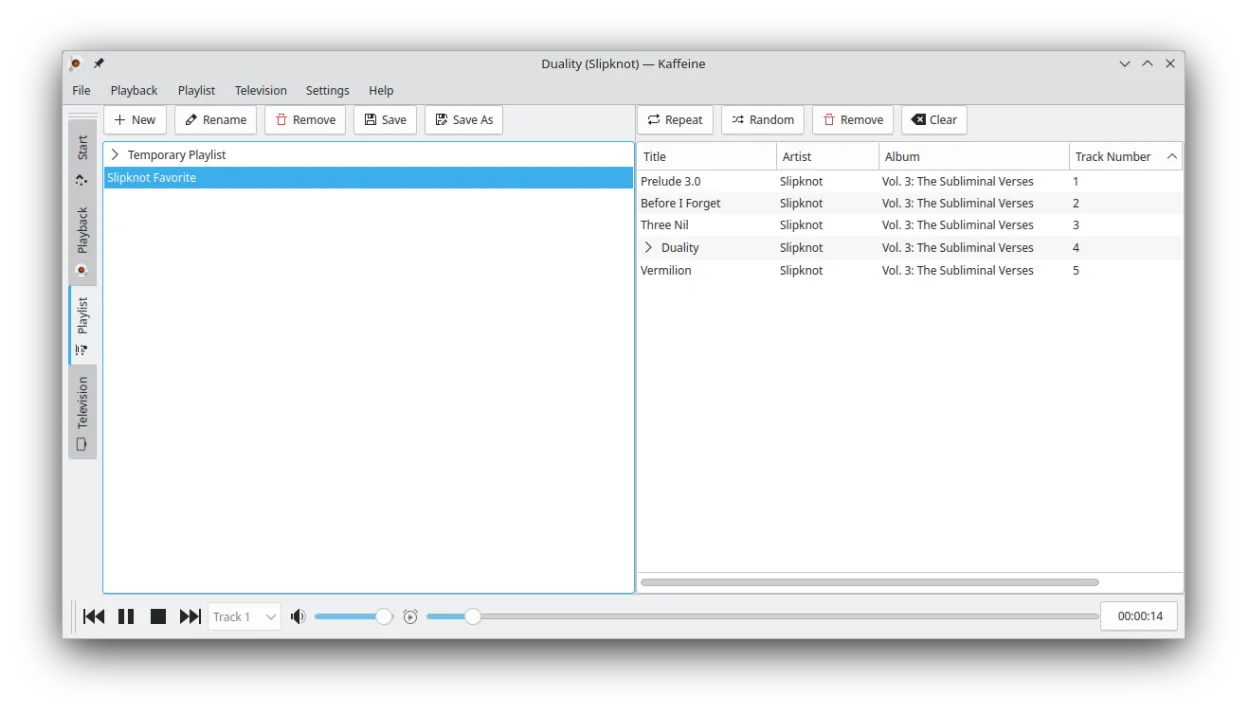
Kaffeine is a KDE media player for Unix-like systems, known for strong digital TV (DVB) support and DVD playback.
Kaffeine is a partial replacement for ShaPLAY, suitable for general audio playback but lacking specialized DVD-Audio support. While it handles standard audio files well via GStreamer, it does not explicitly support the proprietary DVD-Audio format or guarantee native 24-bit/192 kHz playback from…
Feature parity40%


What is ShaPLAY?
ShaPLAY is a niche media player designed to play DVD‑Audio discs at their native high‑resolution formats. It is mainly used by audiophiles and collectors who own DVD‑Audio collections and want a dedicated player that can handle the large file sizes and high bit‑rates.
The software is sold as a paid license; a single‑user purchase grants a perpetual right to use the program on one machine.
Because Windows is no longer the default platform for many users, people look for a Linux alternative that can read DVD‑Audio discs without needing a Windows environment or complex workarounds.
What a replacement for ShaPLAY must do
- Play DVD‑Audio discs at native resolution
- Support for 24‑bit/192 kHz audio
- No loss of quality during playback
- Ability to handle large disc sizes
- Optional metadata display
Can you run ShaPLAY on Linux?
There is no native Linux build of ShaPLAY. Users can run it through Wine, but stability varies and it may require manual configuration of audio drivers. No web version exists, and Proton or Bottles are not officially supported.
Which alternative should you choose?
For users who need a simple, reliable player, VLC media player is the most mature choice and supports DVD‑Audio via libdvdread. Kaffeine offers a more traditional media‑center feel and also handles DVD‑Audio. Ogle DVD Player is a lightweight option but has limited feature support compared to VLC or Kaffeine.
Moving your ShaPLAY files and habits
Since ShaPLAY does not store user preferences in a portable format, migration is limited to disc selection. Users can simply mount the DVD‑Audio disc on Linux and open it with the chosen player; no data export is required.
Side-by-side comparison
| App | License | Flatpak | Latest version | Feature parity | Rating |
|---|---|---|---|---|---|
| VLC media player | GPL-2.0+ | ✓ | 3.0.23 | 75% | — |
| Kaffeine | GPL-2.0+ | ✓ | 2.0.18 | 40% | — |
ShaPLAY: frequently asked questions
Can I play DVD‑Audio discs on Linux without installing ShaPLAY?
Yes, VLC and Kaffeine can play DVD‑Audio discs directly on Linux, provided the required libraries (libdvdread, libdvdnav) are installed.
Is there a free alternative to ShaPLAY?
VLC media player and Kaffeine are free and open‑source, while Ogle DVD Player is also free but less feature‑rich.
Do I need to buy a license for the Linux alternatives?
All three listed alternatives are free; no license purchase is required.
Will the audio quality be the same as in ShaPLAY?
Both VLC and Kaffeine can play DVD‑Audio at native resolution without loss, matching the quality of ShaPLAY.
How important is ShaPLAY to you?
Know a better alternative? Suggest an alternative