 SunshineLinux
vs
Xbox Console CompanionWindows
SunshineLinux
vs
Xbox Console CompanionWindows
Sunshine as a Linux alternative to Xbox Console Companion
Updated
Our verdict
Sunshine is a good replacement if you want to stream games from your Linux PC to other devices, similar to how Xbox Console Companion streams from an Xbox to Windows. However, it doesn't connect to Xbox consoles — it turns your Linux machine into a game streaming host. This makes it ideal for PC gamers using Moonlight clients on phones, tablets, or other devices. It supports low-latency streaming, hardware encoding, and secure local access. Not useful if you need actual Xbox integration, but strong for self-hosted PC game streaming.
- License
- GPL-3.0-only
- Price
- Free
- Latest version
- 2026.914.233613 (September 14, 2026)
- Rating
- —
What works the same
- Both enable game streaming from a host machine to client devices
- Support remote access and management via network
- Allow screenshot capture and session control
- Use hardware-accelerated video encoding for performance
- Offer web-based interfaces for configuration
What is different
- Sunshine streams from a PC, not an Xbox console
- No built-in support for Xbox Live, friends list, or achievements
- Requires Moonlight as a client; no native Windows app alternative
- No integration with Xbox ecosystem features
- Self-hosted setup with manual certificate handling
Opening your Xbox Console Companion files
Sunshine does not handle files created by Xbox Console Companion, such as screenshots or game saves, because it serves a different host system. There's no direct import or export path for Xbox Companion files. If you've saved gameplay recordings or screenshots on your Xbox, Sunshine won't access or manage them. You'd need to manually transfer such files to your Linux system using other tools, but Sunshine itself doesn't support opening or converting them.
Switching from Xbox Console Companion to Sunshine, step by step
- Install Sunshine via Flathub and run the additional-install.sh script
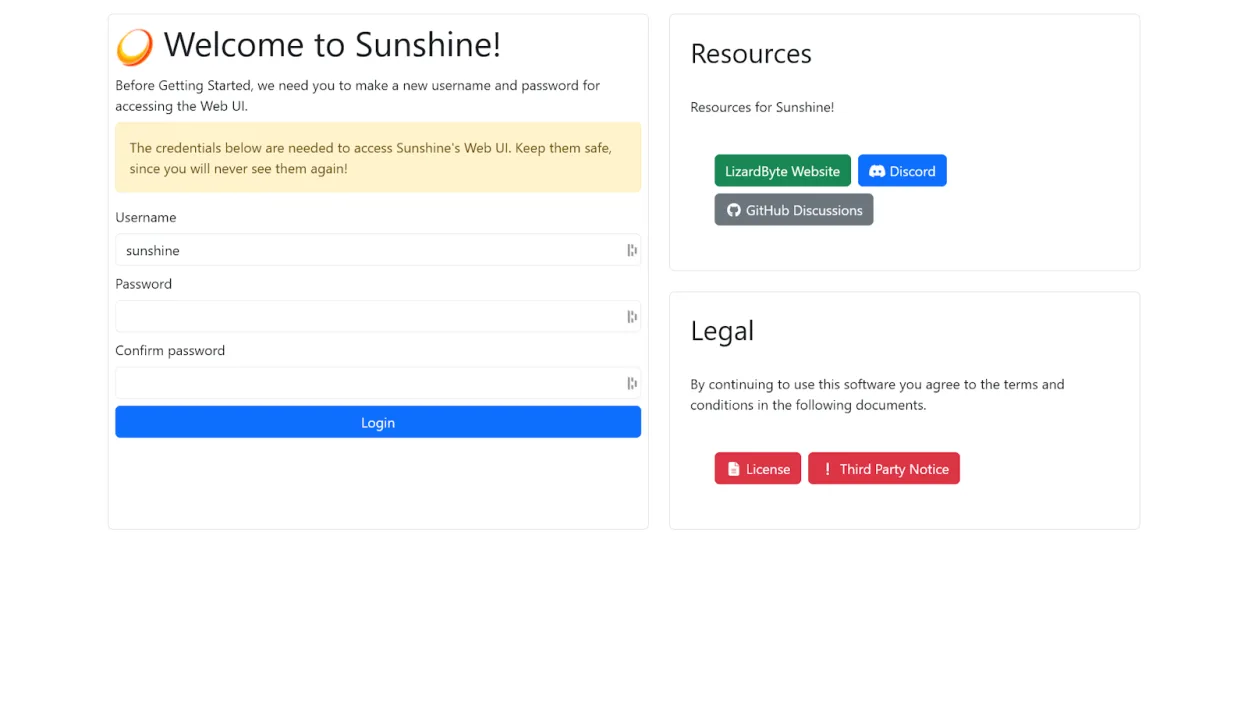
- Access the web UI and set up your streaming environment
- Pair Moonlight clients using the browser or mobile device
- Configure GPU encoding settings based on your hardware
- Add game launchers or desktop sessions for streaming
Key features of Sunshine
- Game streaming host for Moonlight clients
- Supports hardware encoding on AMD, Intel, Nvidia GPUs
- Software encoding fallback available
- Web-based configuration and management
- Client pairing via browser or mobile
- Low-latency streaming over local network
- Self-signed TLS for secure local connections
- Flatpak support with post-install script
How to install Sunshine on Linux
flatpak install flathub dev.lizardbyte.app.SunshineFrequently asked questions
Can I stream from my Xbox using Sunshine?
No. Sunshine only streams games from your Linux PC. It does not connect to or stream from Xbox consoles.
Do I need Moonlight to use Sunshine?
Yes. Sunshine acts as the server; you need a Moonlight client on your device to connect and stream.
Is Sunshine safe with its self-signed certificate?
Yes. The self-signed TLS certificate is normal for local services. Your browser may warn about security, but the connection is encrypted and safe within your network.