
 Tor Browser LauncherLinux
vs
BraveWindows
Tor Browser LauncherLinux
vs
BraveWindows
Tor Browser Launcher as a Linux alternative to Brave
Updated
Our verdict
Tor Browser Launcher is not a direct replacement for Brave if you need speed or standard web compatibility. It provides Tor Browser, which prioritizes anonymity over performance and blocks many modern web features. It is ideal for users who need strong anti-fingerprinting and anonymity, not just ad blocking. If you want a fast, Chromium-based browser for daily use, look elsewhere. But if your primary concern is resisting tracking and fingerprinting at the cost of speed, this is the correct tool.
- License
- MIT
- Price
- Free
- Latest version
- 0.3.9 (October 1, 2025)
- Rating
- —
What works the same
- Blocks ads and trackers by default
- Resists browser fingerprinting
- Available natively on Linux
- Supports private browsing modes
What is different
- Tor Browser is significantly slower than Brave
- No cryptocurrency rewards or donation system
- Limited compatibility with modern web standards and extensions
- Does not use Chromium, so Brave-specific extensions may not work
Opening your Brave files
Tor Browser is Firefox-based, so it can import bookmarks and passwords from Brave (Chromium-based) via standard HTML or CSV formats. However, it will not directly open Brave's proprietary profile files. You must export your data from Brave first before importing it into Tor Browser.
Switching from Brave to Tor Browser Launcher, step by step
- Export bookmarks and passwords from Brave
- Install Tor Browser Launcher via your package manager or Flatpak
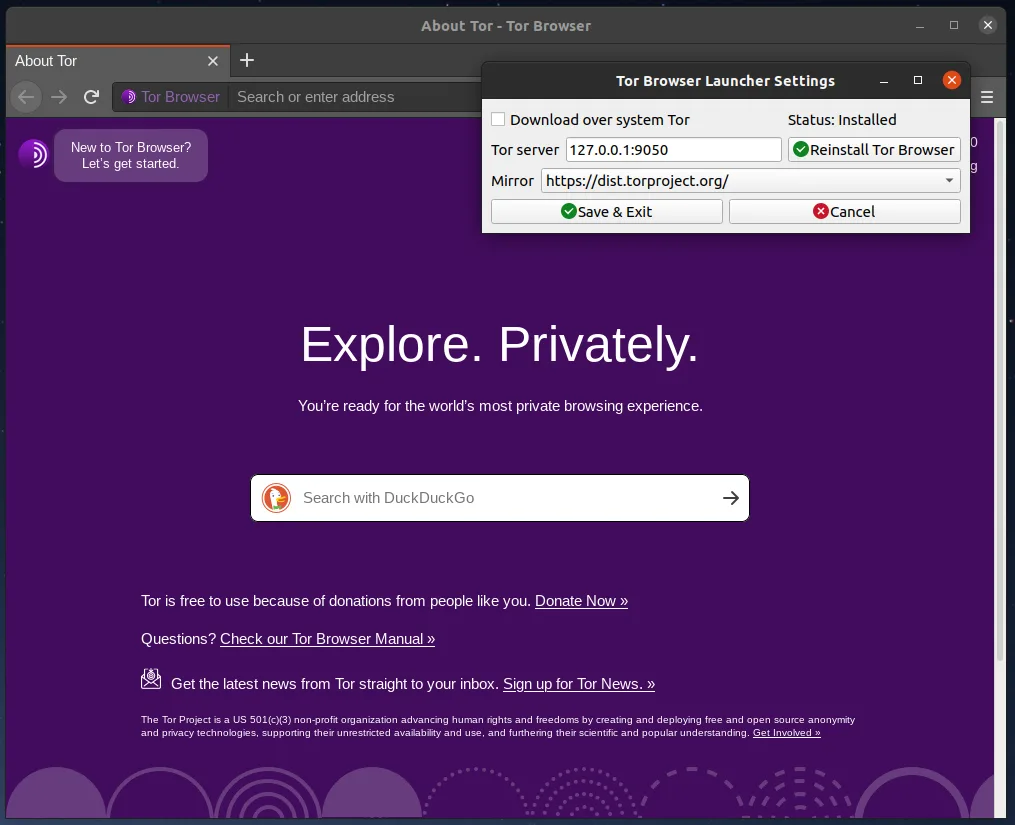
- Launch the launcher to download and verify Tor Browser
- Import your exported bookmarks and passwords into Tor Browser
- Configure Tor Browser settings for your privacy needs
Key features of Tor Browser Launcher
- Downloads official Tor Browser directly from torproject.org
- Automatically verifies GPG signatures
- Keeps Tor Browser updated without losing settings
- Preserves bookmarks and preferences across updates
- Adds desktop menu entry for easy access
- Supports setting Tor Browser as default browser
- Includes AppArmor profiles on supported systems
- Available via package managers and Flatpak
How to install Tor Browser Launcher on Linux
flatpak install flathub org.torproject.torbrowser-launcherFrequently asked questions
Is Tor Browser Launcher the same as Tor Browser?
No. The launcher is a helper tool that downloads, verifies, and updates the official Tor Browser. It does not alter the browser itself.
Can I use Tor Browser for everyday browsing?
It is possible, but not recommended. It is slower and blocks more web functionality than Brave. Use it for sensitive tasks, not daily browsing.
Does Tor Browser support Brave extensions?
Not directly. Tor Browser is Firefox-based, so you need Firefox-compatible extensions. Many Brave-specific features have no equivalent.
4 other alternatives to Brave
 FirefoxFirefox is a fast, private web browser developed by Mozilla.Open sourceFreeFlatpakFirefox vs Brave
 ChromiumChromium is the open-source core behind Chrome and Edge, providing a fast, stable web browser without…Open sourceFreeFlatpakChromium vs Brave
 LibreWolfLibreWolf is a privacy-focused, independent fork of Firefox designed to eliminate telemetry and enhance…Open sourceFreeFlatpakLibreWolf vs Bravequtebrowserqutebrowser is a keyboard-driven, minimalist web browser designed for efficiency and customization in Linux…Open sourceFreequtebrowser vs Brave