
 WezTermLinux
vs
AlacrittyWindows
WezTermLinux
vs
AlacrittyWindows
WezTerm as a Linux alternative to Alacritty
Updated
Our verdict
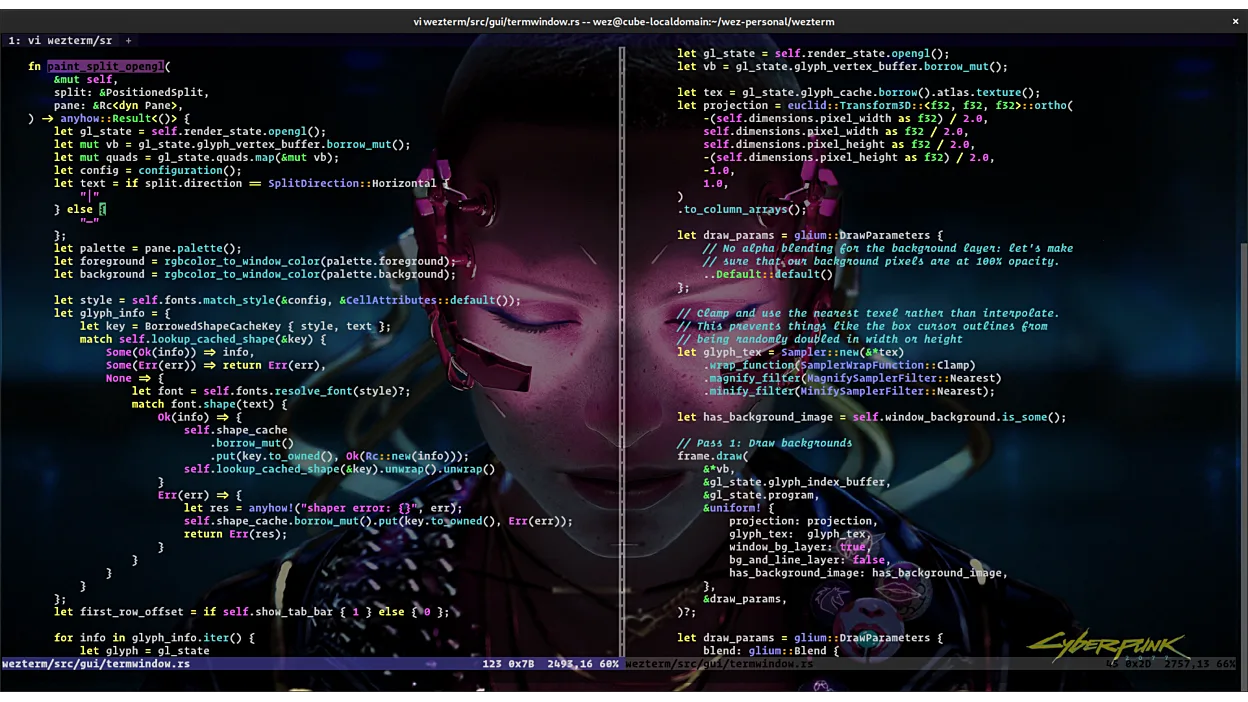
WezTerm is a strong replacement for Alacritty if you are willing to trade minimalism for capability. It matches Alacritty’s core promise of fast, GPU-accelerated rendering with low latency. However, it is not a drop-in swap for those who strictly prefer TOML configuration and a feature-less interface. WezTerm adds tabs, splits, and an integrated SSH client, which Alacritty lacks. If you want a simple terminal that just works, Alacritty is lighter. If you are tired of juggling tmux or separate SSH clients, WezTerm consolidates those workflows into one binary with Lua scripting power.
- License
- MIT
- Price
- Free
- Latest version
- 20240203-110809-5046fc22 (February 3, 2024)
- Rating
- —
What works the same
- Both use GPU acceleration for fast text rendering
- Both are written in Rust and prioritize performance
- Both support Unicode and wide character handling
- Both are cross-platform applications
What is different
- WezTerm uses Lua for configuration, while Alacritty uses TOML
- WezTerm includes tabs and split panes; Alacritty does not
- WezTerm has an integrated SSH client and remote multiplexer support
- Alacritty is strictly a terminal emulator; WezTerm is also a multiplexer
- WezTerm supports font ligatures and hyperlinks natively
Opening your Alacritty files
There is no direct file compatibility between Alacritty and WezTerm configurations because they use different formats and structures. Alacritty uses a TOML file (alacritty.toml or alacritty.yml), while WezTerm uses a Lua script (wezterm.lua). You cannot simply copy an Alacritty config file into WezTerm. However, if you use standard shell configuration files like .bashrc or .zshrc, those remain unchanged and work identically in both terminals. If you have custom keybindings or colors defined in Alacritty, you must manually translate them into Lua syntax for WezTerm.
Switching from Alacritty to WezTerm, step by step
- Install WezTerm via your package manager or Flathub
- Create a new wezterm.lua file in your home directory
- Translate your Alacritty color scheme into WezTerm's Lua color table
- Map any custom keybindings from TOML to WezTerm's key assignment syntax
- Test your shell prompt and ensure fonts render correctly with ligatures
- Configure the integrated SSH client if you previously used separate SSH tools
Key features of WezTerm
- GPU-accelerated rendering for low latency
- Integrated SSH client with multiplexing
- Lua-based configuration system
- Support for tabs and split panes
- Font ligatures and hyperlinks
- Remote multiplexer support without tmux
- Cross-platform support (Linux, macOS, Windows)
How to install WezTerm on Linux
flatpak install flathub org.wezfurlong.weztermsudo pacman -S weztermsudo zypper install weztermFrequently asked questions
Is WezTerm slower than Alacritty?
No, both are GPU-accelerated and extremely fast. WezTerm’s additional features like multiplexing do not significantly impact rendering latency for typical terminal use.
Do I need tmux if I use WezTerm?
Not for basic tab and pane management, as WezTerm has built-in support. However, if you rely on tmux for remote session persistence or specific scripting, you can still use tmux inside WezTerm, or use WezTerm’s remote multiplexer features instead.
Can I use the same fonts in WezTerm as in Alacritty?
Yes, WezTerm supports the same font formats and can render ligatures and wide characters. You may need to adjust font settings in the Lua config to match your Alacritty setup.
3 other alternatives to Alacritty
 KonsoleKonsole is KDE's default terminal emulator for running command-line shells with tab support and customizable…Open sourceFreeFlatpakKonsole vs Alacritty
 GNOME TerminalGNOME Terminal is the default terminal emulator for the GNOME desktop environment.Open sourceFreeGNOME Terminal vs Alacrittyxfce4-terminalA lightweight, fast terminal emulator for the XFCE desktop environment with basic but reliable functionality.Open sourceFreexfce4-terminal vs Alacritty