

Linux · System Tools
WezTerm
WezTerm is a fast, GPU-accelerated terminal emulator and multiplexer with Lua configuration and integrated SSH support.
- License
- MIT
- Latest version
- 20240203-110809-5046fc22 (February 3, 2024)
- Developer
- Wez Furlong
- Installs
- 2,226 (Flathub, 30 days)
What is WezTerm?
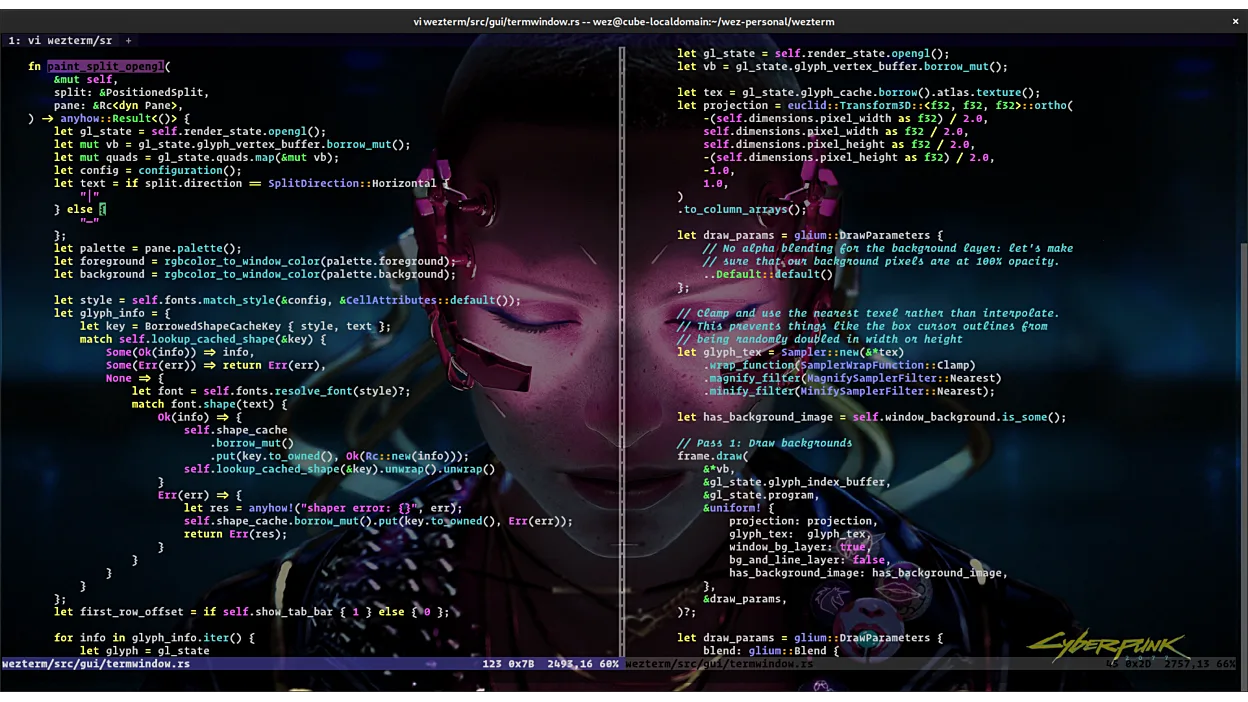
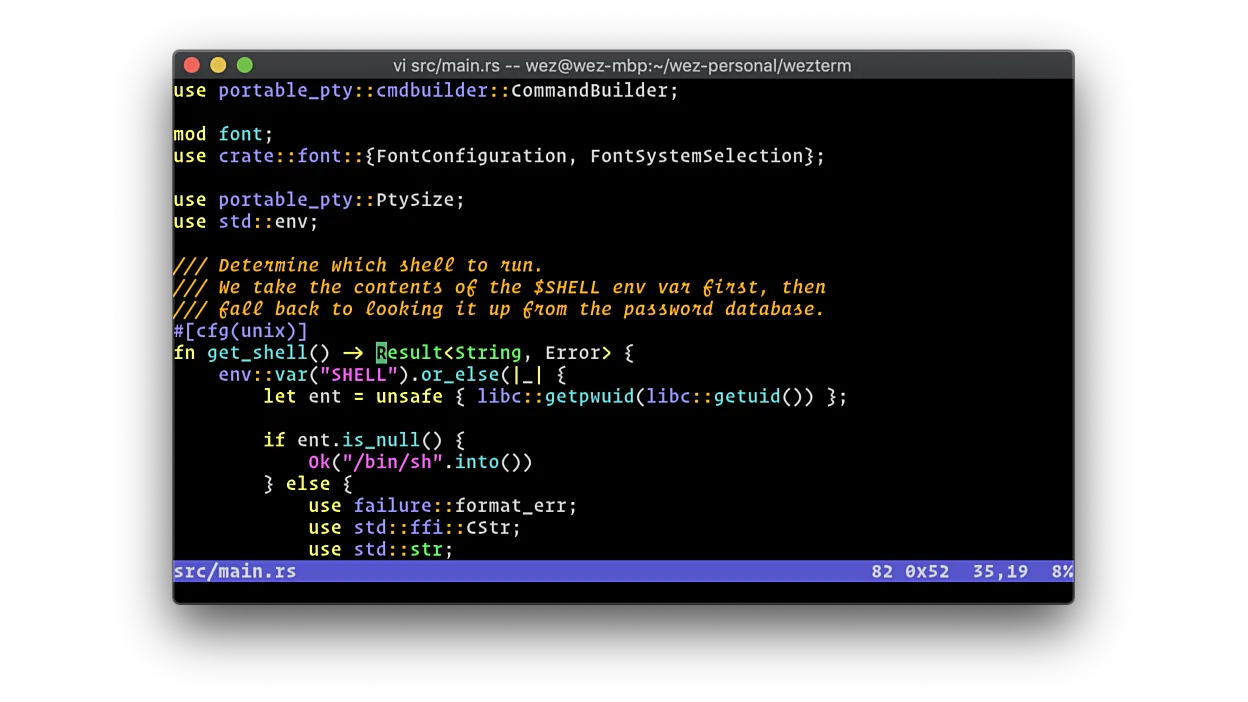
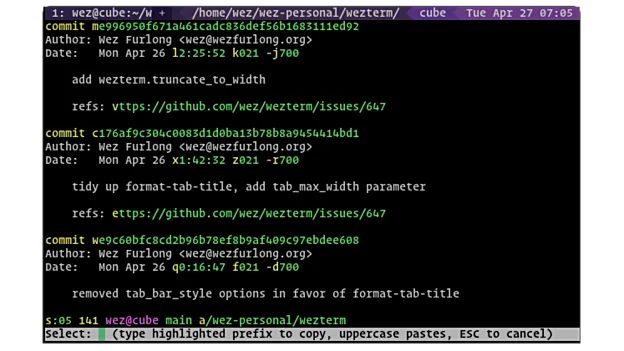
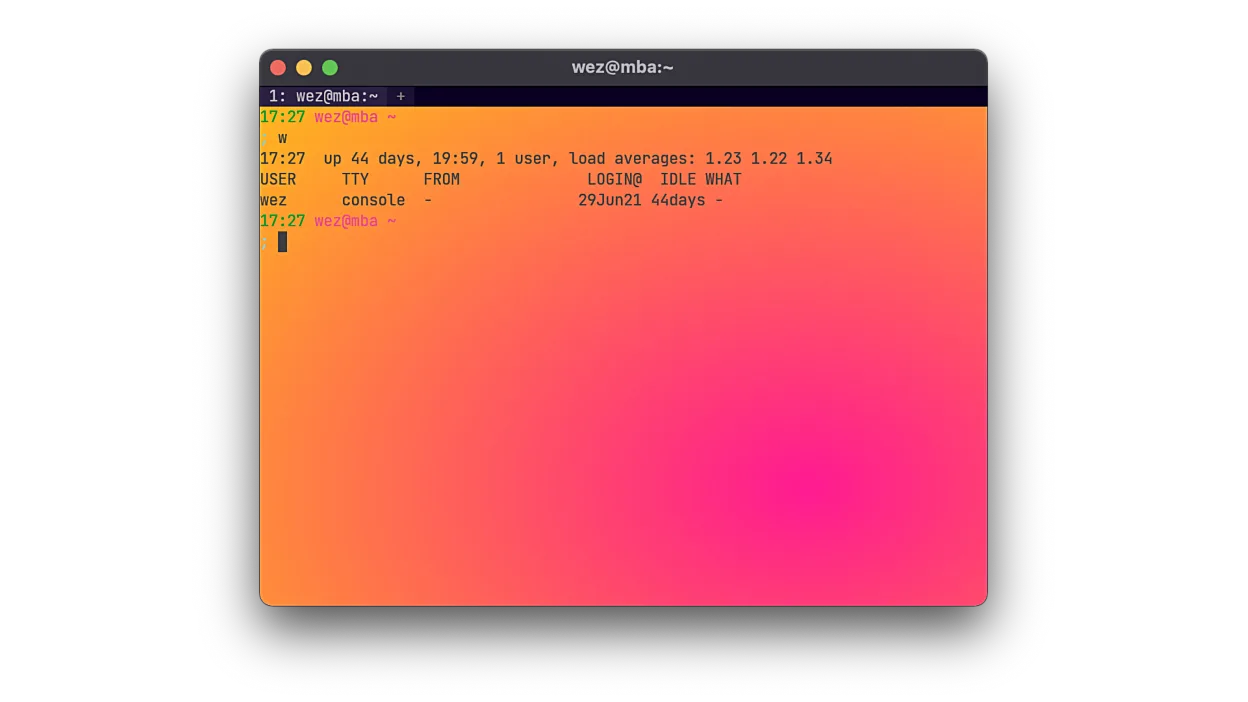
WezTerm is a terminal emulator written in Rust that handles rendering, multiplexing, and SSH in one binary. It supports modern font features like ligatures and hyperlinks. The project is mature, with regular releases and a focus on performance and customization depth.
It targets developers who want a single tool for local and remote work. If you rely on tmux or mosh, WezTerm replaces them by integrating those workflows directly into the GUI. It is ideal for users who prefer configuring tools via code rather than GUI settings.
Compared to Alacritty, WezTerm is heavier but far more feature-rich. Alacritty is minimal and fast, while WezTerm adds tabs, splits, and multiplexing. It feels like a full-featured terminal that does not require external plugins for basic workflow management.
Best for: Developers who want a powerful, configurable terminal that handles both local and remote multiplexing without extra tools.
Key features of WezTerm
- GPU-accelerated rendering for low latency
- Integrated SSH client with multiplexing
- Lua-based configuration system
- Support for tabs and split panes
- Font ligatures and hyperlinks
- Remote multiplexer support without tmux
- Cross-platform support (Linux, macOS, Windows)
Pros
- All-in-one solution for terminal and multiplexing
- Highly customizable via Lua
- Fast rendering engine
- No need for tmux on remote hosts
Cons
- Steeper learning curve due to Lua config
- Heavier resource usage than minimal terminals
- Documentation can be sparse for advanced Lua features
Windows programs WezTerm replaces
How to install WezTerm on Linux
flatpak install flathub org.wezfurlong.weztermsudo pacman -S weztermsudo zypper install weztermTips for Windows users
If you are coming from Alacritty, expect to write a Lua config file instead of TOML. Shortcuts are defined in this config, so review the keymap section. For remote workflows, you can replace tmux sessions with WezTerm's built-in multiplexer, which works over SSH without installing tmux on the server.
Recent releases
- 20240203-110809-5046fc22 —
A very long list of improvements to performance and resource utilization as well as new features. The changelog has a complete list!
WezTerm: frequently asked questions
Does WezTerm replace tmux?
Yes, it has a built-in multiplexer that provides tabs and splits locally and remotely. You do not need to install tmux on the remote host to use these features.
Is WezTerm faster than Alacritty?
Both are very fast, but WezTerm uses GPU acceleration for rendering. In practice, the difference is negligible for most users, but WezTerm handles complex layouts better.
How do I configure WezTerm?
Configuration is done in a Lua file, typically located at ~/.config/wezterm/wezterm.lua. You can define colors, keybindings, and behavior in this file.
Can I use WezTerm for remote SSH sessions?
Yes, WezTerm has an integrated SSH client. You can open remote shells in tabs or splits and use the built-in multiplexer to manage them.
Updated