
Windows · System Tools
Best Linux alternatives to Alacritty
Alacritty is a fast, GPU-accelerated terminal emulator written in Rust, prioritizing speed over features like tabs or splits.
Updated
Quick answer
The best Linux alternative to Alacritty is WezTerm. Other strong options: Konsole, GNOME Terminal, xfce4-terminal.
4 Linux alternatives to Alacritty
-
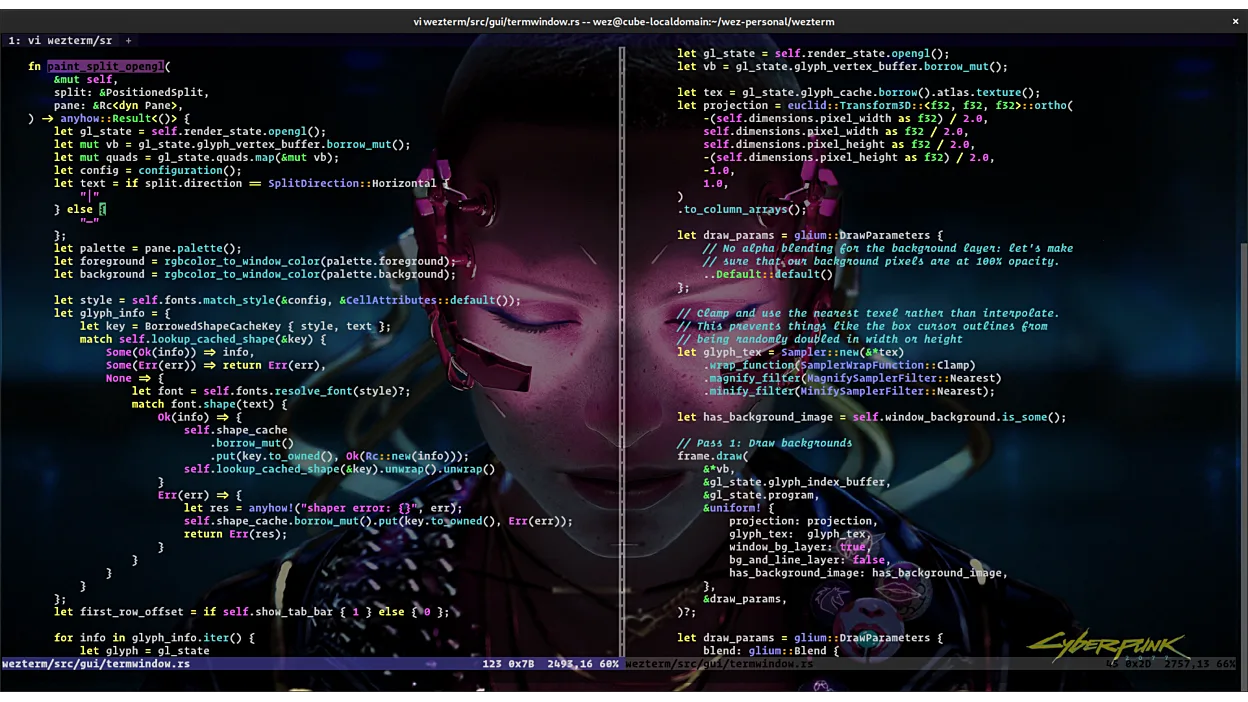
WezTerm is a fast, GPU-accelerated terminal emulator and multiplexer with Lua configuration and integrated SSH support.
WezTerm is a strong replacement for Alacritty if you are willing to trade minimalism for capability. It matches Alacritty’s core promise of fast, GPU-accelerated rendering with low latency. However, it is not a drop-in swap for those who strictly prefer TOML configuration and a feature-less…
Feature parity90% -

Konsole is KDE's default terminal emulator for running command-line shells with tab support and customizable profiles.
Konsole is a solid replacement for Alacritty if you value tabbed sessions and visual configuration over raw minimalism. It is a native Linux application that handles standard terminal tasks well. However, it lacks Alacritty's specific GPU-accelerated rendering pipeline and Rust-based performance…
Feature parity75% -
GNOME Terminal is the default terminal emulator for the GNOME desktop environment.
GNOME Terminal is a solid replacement for Alacritty if you prioritize stability and integration over raw speed. It lacks Alacritty's dedicated GPU rendering and minimalism, offering a heavier, feature-rich experience instead. If you rely on low-latency rendering for high-output tasks, you may…
Feature parity75% -
A lightweight, fast terminal emulator for the XFCE desktop environment with basic but reliable functionality.
xfce4-terminal is a solid, lightweight terminal for XFCE users, but it is not a direct replacement for Alacritty if speed is your primary concern. Alacritty uses GPU acceleration to achieve extremely low latency, while xfce4-terminal relies on standard software rendering. If you prioritize resource…
Feature parity65%



What is Alacritty?
Alacritty serves developers and power users who need a terminal that gets out of the way. It handles shell commands, build outputs, and remote sessions with minimal latency. The interface is stark, relying on keyboard shortcuts and configuration files rather than graphical menus.
The software is free and open-source, licensed under the MIT license. There are no subscription fees, ads, or proprietary restrictions. You can download the binary, compile it from source, or install it via your distribution’s package manager without paying a cent.
Since Alacritty is already cross-platform, people rarely look for a "Linux alternative" in the traditional sense. However, users might seek alternatives if they require features Alacritty deliberately omits, such as tab support, split panes, or a GUI-based configuration interface.
What a replacement for Alacritty must do
- GPU acceleration for rendering
- Low input latency
- Simple text-based configuration
- Unicode and wide character support
- Shell integration
- Cross-platform compatibility
Can you run Alacritty on Linux?
Alacritty runs natively on Linux. It is available in the official repositories of most major distributions, including Ubuntu, Fedora, Arch, and Debian. You do not need Wine, Proton, or any compatibility layer. It compiles easily from source using Rust and Cargo if you prefer the latest development version over the packaged release.
Which alternative should you choose?
If you need tabs and splits, WezTerm is the best fit as it offers GPU acceleration plus a more feature-rich interface. For users deeply embedded in the GNOME ecosystem who prefer standard integration, GNOME Terminal is a solid choice. Konsole suits KDE users who want a mature, configurable terminal. xfce4-terminal is ideal for lightweight setups where resource usage matters more than advanced rendering features.
Moving your Alacritty files and habits
Migrating from Alacritty is straightforward since it uses a simple TOML configuration file. You can copy your config to the new terminal’s equivalent format, though syntax will differ. Shell history is stored in your home directory (e.g., .bash_history) and remains intact. There is no proprietary data format to export; your environment variables, aliases, and scripts remain unchanged.
Side-by-side comparison
| App | License | Flatpak | Latest version | Feature parity | Rating |
|---|---|---|---|---|---|
| WezTerm | MIT | ✓ | 20240203-110809-5046fc22 | 90% | — |
| Konsole | GPL-2.0+ | ✓ | 26.04.3 | 75% | — |
| GNOME Terminal | GPL-3.0 | — | 3.60.0 | 75% | — |
| xfce4-terminal | GPL-2.0 | — | 1.2.0 | 65% | — |
Alacritty: frequently asked questions
Does Alacritty support tabs?
No, Alacritty does not support tabs or splits by design. It focuses on single-window performance. If you need tabs, use WezTerm or another terminal emulator.
Is Alacritty faster than GNOME Terminal?
Generally, yes, for rendering large amounts of text. Alacritty uses GPU acceleration and a minimal architecture, which reduces CPU overhead compared to traditional X11-based terminals.
Can I configure Alacritty with a GUI?
No, Alacritty does not have a graphical configuration interface. You must edit the TOML configuration file manually using a text editor.
Does Alacritty work on Wayland?
Yes, recent versions of Alacritty support Wayland natively. It also works on X11. You may need to ensure your system libraries are up to date for the best experience.
How important is Alacritty to you?
Know a better alternative? Suggest an alternative