

Windows · Accessories
Best Linux alternatives to WordPad
WordPad was a basic Windows rich-text editor, now discontinued, replaced on Linux by Kate or gedit.
Updated
2 Linux alternatives to WordPad
-

Kate is a feature-rich, programmer-focused text editor from KDE with support for 300+ languages and advanced editing tools.
Kate is a capable but overkill replacement for WordPad. While it handles basic rich-text editing and plain text perfectly, it is designed for programmers, not casual users. If you need a simple interface for quick notes or RTF edits, Kate’s complexity may feel intimidating. For developers or…
Feature parity75% -
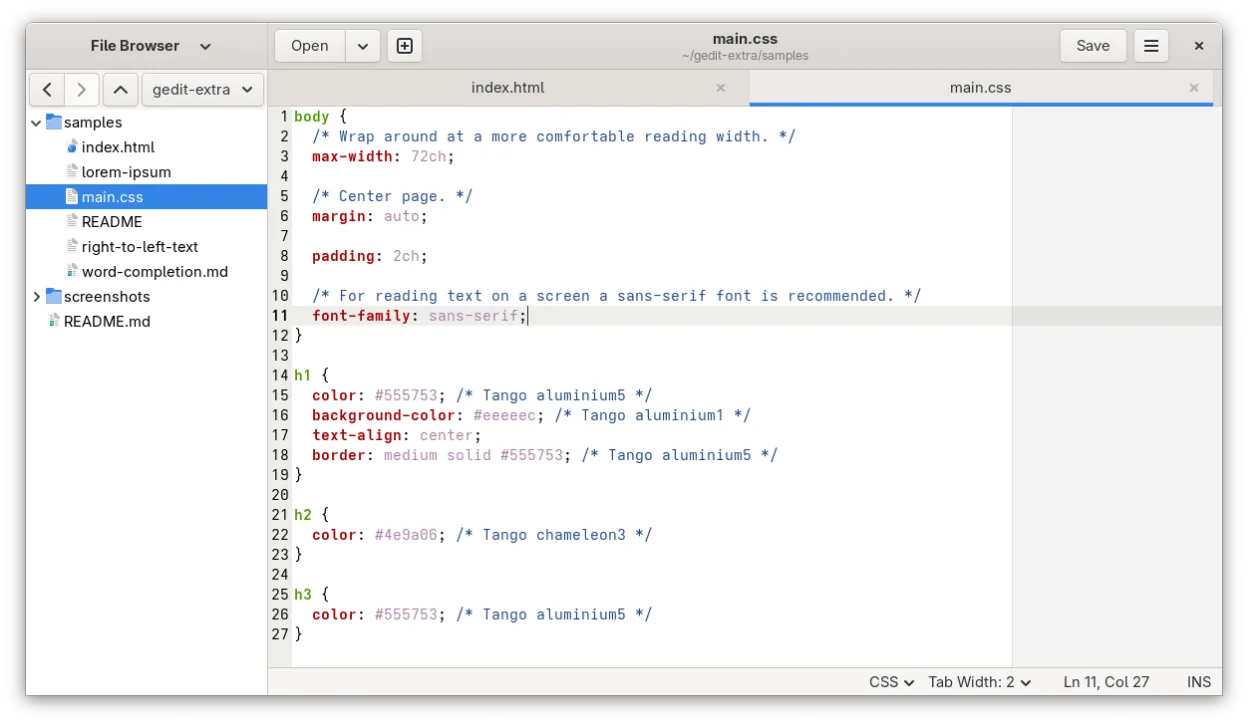
gedit is GNOME's lightweight, general-purpose text editor, suitable for notes, documents, and basic code editing with plugin support.
gedit is a solid replacement for WordPad if you primarily edit plain text or simple notes. It is lightweight, starts instantly, and has a clean interface without unnecessary menus. However, it is not a direct match for rich-text workflows. gedit handles RTF and DOCX poorly compared to dedicated…
Feature parity60%


What is WordPad?
WordPad served as the middle-ground text editor for Windows users, offering more features than Notepad but less complexity than Microsoft Word. It was ideal for creating simple documents, editing RTF files, and handling basic formatting without the overhead of a full word processor. Many users relied on it for quick notes, simple reports, and file editing tasks that required bold, italic, or font changes.
The application was bundled for free with Windows from version 95 through 11. It used a proprietary licensing model tied to the operating system, meaning no separate purchase was required. As a standard accessory, it was accessible to all Windows users, from casual home users to professionals needing a lightweight tool for specific file types.
Microsoft has officially discontinued WordPad, removing it from newer Windows versions and ending support for older ones. Users are now forced to use heavier software like Microsoft Word or basic tools like Notepad. This gap has driven many to seek Linux alternatives that provide similar rich-text capabilities without unnecessary bloat or subscription costs.
What a replacement for WordPad must do
- Support for RTF and DOCX file formats
- Basic rich-text formatting (bold, italic, fonts)
- Lightweight and fast startup
- Simple user interface without complex menus
- Ability to edit plain text files
- No mandatory account or subscription
Can you run WordPad on Linux?
WordPad is a native Windows application and does not have an official Linux version. It does not run natively on Linux systems. While it might be possible to run older Windows versions of WordPad via Wine, this is not recommended due to compatibility issues and the fact that the software is discontinued. There is no web version. For Linux users, native applications are the standard and most reliable approach.
Which alternative should you choose?
Kate is a powerful text editor that supports multiple file types and offers advanced features, making it suitable for users who need a bit more functionality or plan to grow into heavier tasks. gedit is a simpler, more traditional editor that closely mirrors the basic experience of WordPad, ideal for users who want a straightforward, no-frills rich-text editor without extra complexity.
Moving your WordPad files and habits
Migrating from WordPad is straightforward since it primarily uses standard file formats like RTF, DOC, and TXT. These formats are widely supported by both Kate and gedit. You can copy your files to your Linux system and open them directly. No special conversion tools are needed. Ensure your Linux editor is configured to handle RTF files if you rely heavily on rich-text formatting, as some basic text editors may only display plain text.
Side-by-side comparison
WordPad: frequently asked questions
Can I open WordPad files in Kate or gedit?
Yes, both editors can open RTF, DOC, and TXT files, which are the primary formats used by WordPad.
Is WordPad still available for download?
No, Microsoft has discontinued WordPad and removed it from newer Windows versions.
Which Linux editor is closest to WordPad?
gedit is generally considered the closest match in terms of simplicity and basic functionality.
Do I need to install extra packages to edit RTF files?
On most Linux distributions, RTF support is included by default in Kate and gedit, but you may need to install specific libraries if formatting does not display correctly.
How important is WordPad to you?
Know a better alternative? Suggest an alternative