

Linux · Sound & Video
Elisa
Elisa is a lightweight music player for Linux that plays local files and streams online radio, built by KDE.
- License
- LGPL-3.0
- Latest version
- 26.08.2 (October 8, 2026)
- Developer
- KDE
- Installs
- 3,891 (Flathub, 30 days)
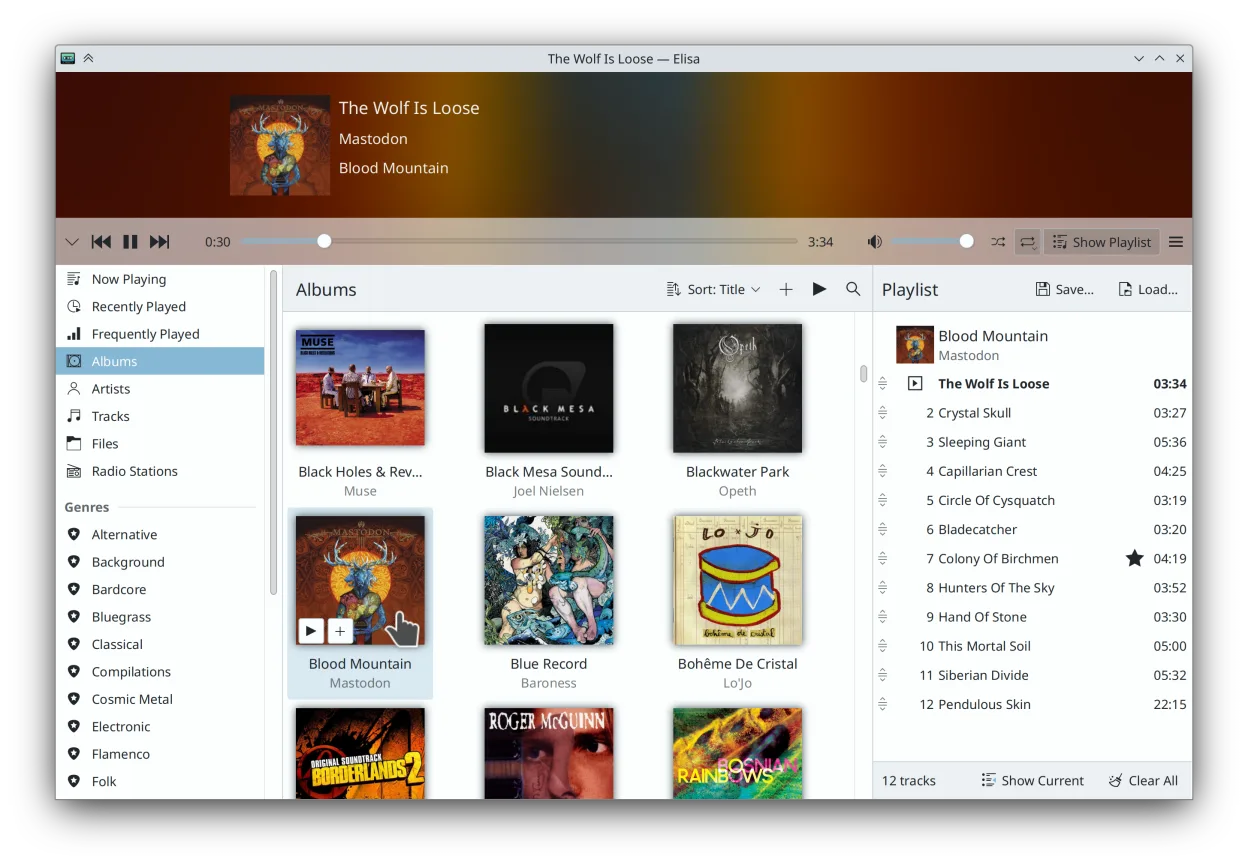
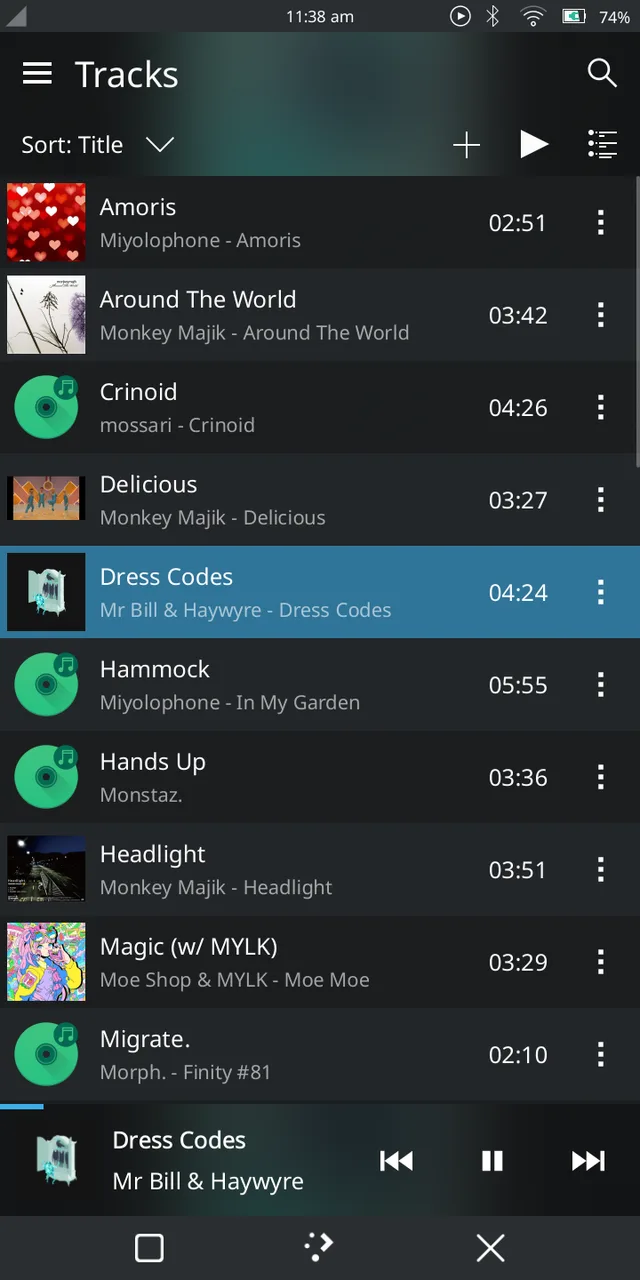
What is Elisa?
Elisa is a music player developed by the KDE community, designed to handle local audio libraries and internet radio with a clean, distraction-free interface. It's part of the KDE Applications suite and has matured steadily since its early versions, reaching a stable and reliable state with regular updates. While not as feature-heavy as some media centers, it focuses on core playback and organization without bloat.
It's best suited for users who want a simple, no-frills way to manage and listen to local music collections and curated radio streams. If you don’t need video support or extensive plugin ecosystems, Elisa offers a straightforward alternative to heavier media apps. It integrates well with Plasma but works fine on other desktops.
Compared to Kodi, Elisa is far more focused: it doesn’t handle video, lacks server functionality, and doesn’t support add-ons. But for pure audio, it feels faster and more intuitive. The interface emphasizes album art and metadata, with Party Mode offering a visually engaging experience during playback.
Best for: Users who want a simple, attractive music player for local files and radio without extra complexity.
Key features of Elisa
- Plays local audio files (MP3, FLAC, OGG, etc.)
- Streams online radio stations
- Browse by genre, artist, album, or track
- Create and edit playlists
- Displays lyrics when available
- Supports dark and light themes
- Party Mode with fullscreen album art
- Full KDE color scheme integration
Pros
- Lightweight and fast startup
- Clean, modern interface
- Tight KDE/Plasma integration
- Supports both local and streaming audio
- Actively maintained with regular updates
Cons
- No video playback support
- Limited customization compared to Kodi
- Online radio relies on external services
- Smaller community and fewer third-party extensions
How to install Elisa on Linux
flatpak install flathub org.kde.elisasudo apt install elisa-playersudo apt install elisa-playersudo dnf install elisa-playersudo pacman -S elisasudo zypper install elisaTips for Windows users
If you're coming from Kodi, know that Elisa doesn’t manage video or network libraries. Import your music folder directly; it scans automatically. Use standard shortcuts like Ctrl+O to add files. Playlists are simple to create, but syncing to devices must be done manually. Focus on audio-only use—don’t expect media center features.
Recent releases
- 26.08.2 —
- 26.08.1 —
- 26.08.0 —
- 26.04.3 —
Elisa: frequently asked questions
Can Elisa play FLAC and other high-quality audio formats?
Yes, Elisa supports FLAC, MP3, OGG, and other common audio formats through Qt's multimedia stack. Playback quality depends on your system's audio backend.
Does Elisa work offline?
Yes, it plays local music files without any internet connection. Online radio and lyrics require network access, but core functionality works offline.
How do I add music to Elisa?
Go to Settings and set your music folder. Elisa scans it automatically. You can also drag and drop folders or use Ctrl+O to add directories.
Is Elisa available on non-KDE desktops?
Yes, it runs on GNOME, XFCE, and others. It uses standard Qt themes if not on Plasma, with light and dark mode support.
Updated