

Linux · Sound & Video
Fedora Media Writer
Fedora Media Writer creates bootable Fedora USB drives and can download ISOs automatically.
- License
- GPL-2.0+
- Latest version
- 5.3.2 (July 13, 2026)
- Developer
- Jan Grulich
- Installs
- 34,885 (Flathub, 30 days)
What is Fedora Media Writer?
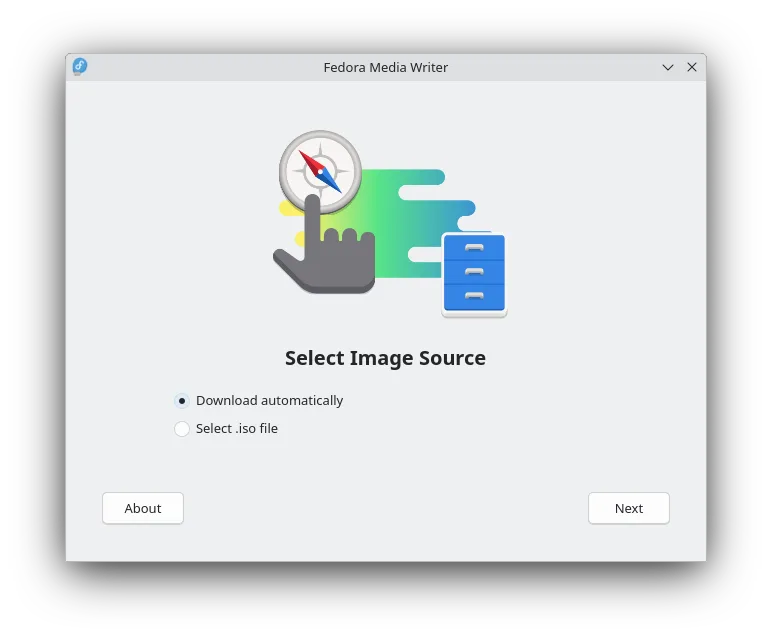
Fedora Media Writer is a dedicated tool for writing Fedora Linux images to USB drives. Originally developed by Jan Grulich at Red Hat, it has matured over several years and is now at version 5.3.2. While focused on Fedora, it can also write other ISOs from disk, though only Fedora images are officially tested.
This app suits users who want a simple, reliable way to create live USBs without command-line tools. It's ideal for newcomers testing Fedora or experienced users deploying it across multiple machines. The interface guides you through downloading and flashing with minimal input.
Compared to Nero or Daemon Tools, it does less — no disc burning or virtual drive emulation. But for USB creation, it’s faster and more focused than ImgBurn or Alcohol 120%. It lacks advanced options but avoids bloat, making it a no-nonsense tool for one job.
Best for: Creating bootable Fedora USB drives with minimal effort.
Key features of Fedora Media Writer
- Downloads official Fedora images automatically
- Writes live USBs from local ISO files
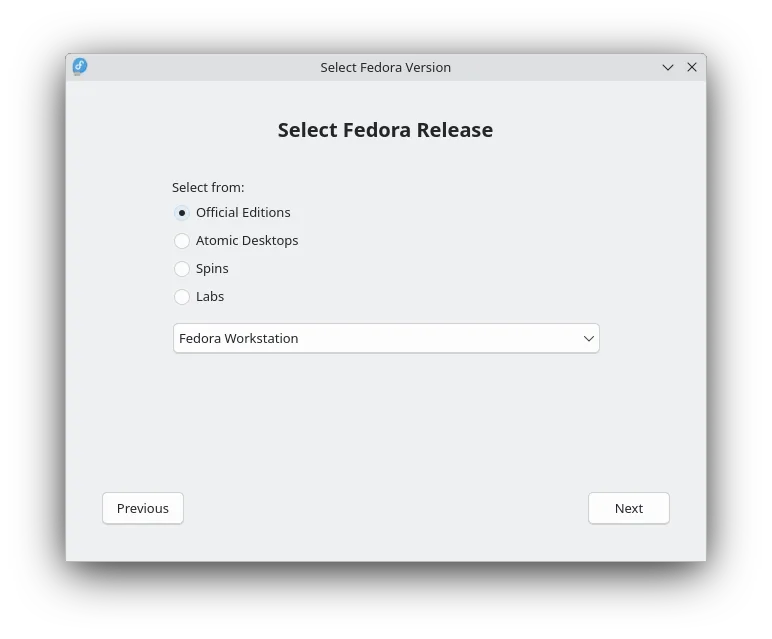
- Supports Fedora Workstation, Server, Spins, and Labs
- Simple, beginner-friendly interface
- Validates downloaded images automatically
- Runs on Linux (via Flatpak or native package)
- Cross-platform: also available for Windows
Pros
- Easy to use, especially for beginners
- Automatically fetches and verifies Fedora ISOs
- Lightweight and purpose-built
- Available as a Flatpak for wide compatibility
- Actively maintained with regular updates
Cons
- Limited to USB writing — no disc burning or virtual drives
- Only fully tested with Fedora images
- Few customization options for advanced users
How to install Fedora Media Writer on Linux
flatpak install flathub org.fedoraproject.MediaWriterTips for Windows users
If you're used to Nero or Daemon Tools, note that Fedora Media Writer doesn’t handle disc images or virtual drives. It writes ISOs to USB only. You can load any ISO from disk, but it’s best tested with Fedora. Skip third-party tools — just download or drag the ISO and flash. No need for separate image mounting or burning software.
Recent releases
- 5.3.2 —
Fedora Media Writer: frequently asked questions
Can Fedora Media Writer write non-Fedora ISOs?
Yes, it can write other Linux ISOs from your disk, but it's only tested with Fedora. Results with other distributions may vary.
Do I need to download the ISO first?
No. The app can download official Fedora images directly, including Workstation, Spins, and Labs.
Is Fedora Media Writer available for Linux only?
No, it's also available for Windows, but it's primarily used on Linux for creating bootable USBs.
Does it support persistent storage?
No, Fedora Media Writer doesn’t create persistent live USBs. Use tools like mkusb or dd for that.
Updated