

Linux · Sound & Video
RetroArch
RetroArch is a unified frontend for emulators, game engines, and media players that standardizes settings across different cores.
- License
- GPL-3.0-or-later
- Latest version
- 1.22.2 (November 22, 2025)
- Developer
- libretro
- Installs
- 63,230 (Flathub, 30 days)
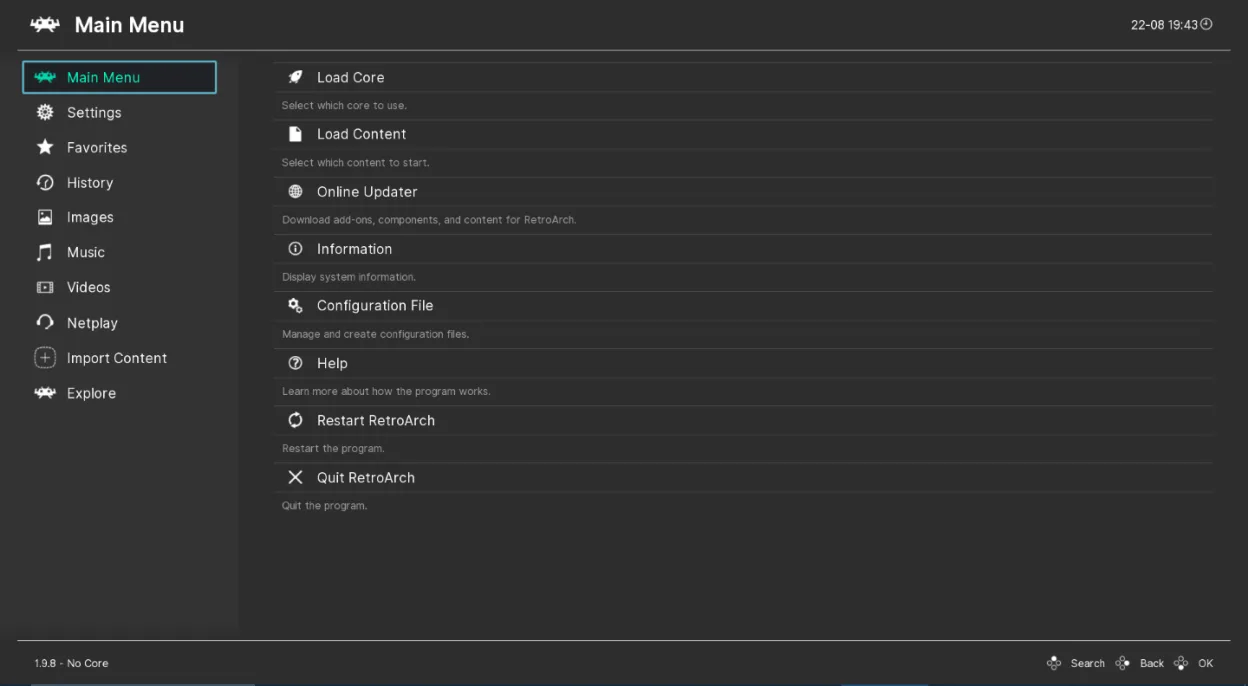
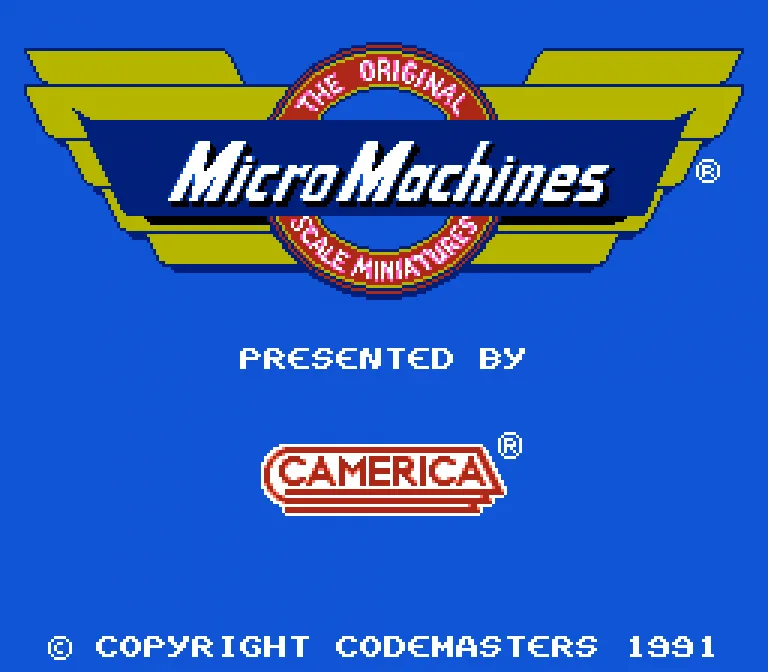
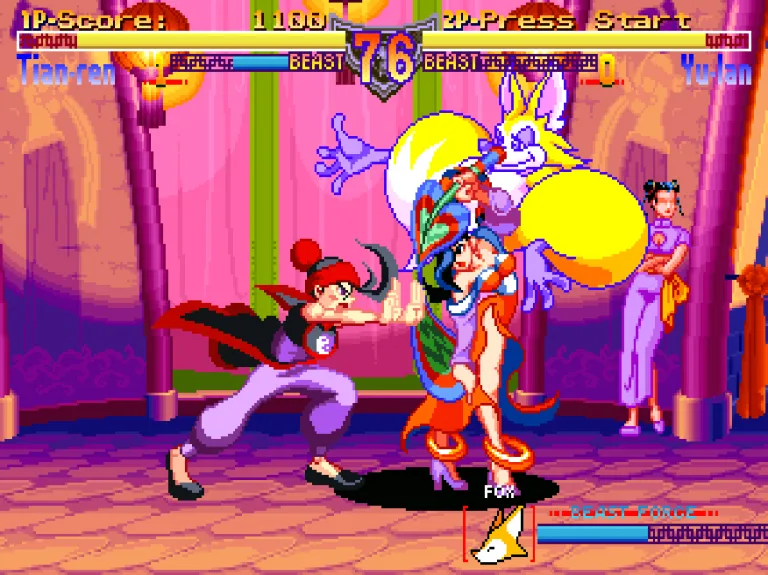
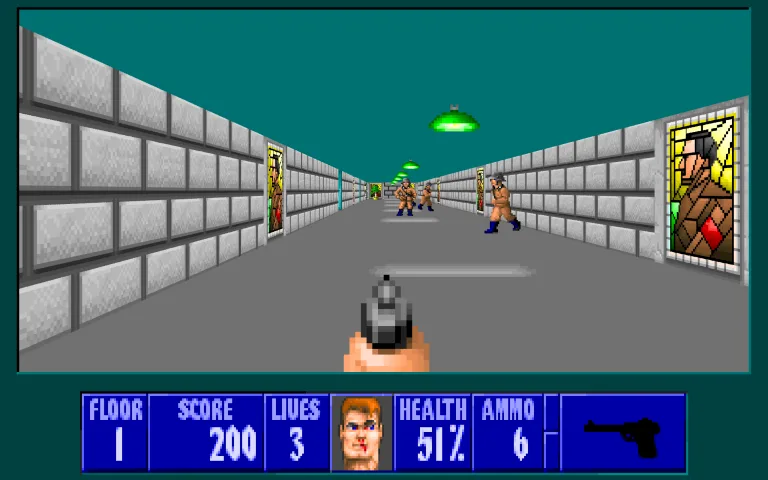
What is RetroArch?
RetroArch acts as a shell for various emulation cores, allowing you to run classic games from many different consoles. It has been a staple in the emulation community for years, offering a consistent interface regardless of the specific hardware being emulated. The project is mature, with frequent updates and a large library of supported cores available for download.
This tool is primarily for enthusiasts who want to play retro games on modern hardware. It is not designed for watching modern movies or streaming video, despite being listed under media players. You should expect to manage core downloads and configure settings manually to get the best performance and accuracy for each specific system.
Compared to Windows media players like VLC or MPC, RetroArch feels more like a development tool or a specialized emulator front-end. It lacks the simple "open file and play" workflow for modern video formats. If you are used to dragging a MKV file into a player, you will find RetroArch confusing unless you specifically want to emulate a console's video output.
Best for: Gamers who want to emulate multiple retro consoles with a consistent interface and advanced customization options.
Key features of RetroArch
- Supports multiple emulation cores (Libretro)
- Unified settings for all emulated systems
- Advanced video shaders and filters
- Netplay for online multiplayer
- State save/load and rewinding
- Cross-platform compatibility
- Audio latency adjustment
- Controller remapping
Pros
- One interface for many different consoles
- Highly configurable video and audio options
- Active development and large community
- Available on all major Linux distributions
Cons
- Steep learning curve for beginners
- Requires manual core management
- Not suitable for modern video playback
- Configuration can be complex and error-prone
How to install RetroArch on Linux
flatpak install flathub org.libretro.RetroArchsudo apt install retroarchsudo apt install retroarchsudo dnf install retroarchsudo pacman -S retroarchsudo zypper install retroarchTips for Windows users
If you are coming from VLC or MPC, stop immediately; RetroArch is not a general-purpose media player. It requires you to download specific 'cores' for each console (e.g., SNES, N64) from the online updater within the app. You will need to map your controller buttons manually. File formats are typically ROMs (zip, 7z, or raw), not standard video containers. Expect to spend time tweaking video shaders and audio settings to match the original hardware experience, which is very different from just playing a movie file.
Recent releases
- 1.22.2 —
- Update to RetroArch 1.22.2
- 1.22.1 —
- XMB: Fix null pointer crash in xmb when scrolling - LIBRETRO: Build fix for stb_vorbis - LIBRETRO: Slim down stb_rect_pack/stb_truetype/dr_flac
- 1.22.0 —
- AUTOCONF: Autoconfig match extended with a physical identifier - CAMERA: Use ffmpeg libavfilter virtual input device as default - CHEEVOS: Show additional message for unsupported achievements - CHEEVOS: Upgrade to rcheevos 12.1 - CHEEVOS: Change expired…
- 1.21.0 —
- AUTOCONF: Enable alternative display name in autoconfig files - AUTOCONF: Make autoconfig failure messages optional - AUDIO: Option to mute on rewind - AUDIO/PIPEWIRE: Fix app launch when pipewire service is stopped - AUDIO/PIPEWIRE: Fix speedup with…
RetroArch: frequently asked questions
Can I use RetroArch to watch modern movies?
No, it is not designed for that. Use VLC or MPV for modern video files. RetroArch is for emulating old game consoles.
How do I add new emulators to RetroArch?
Go to Online Updater > Core Downloader and select the specific console core you need (e.g., Snes9x for SNES).
Why is my game running slow or with audio issues?
You likely need to adjust the video driver (OpenGL vs Vulkan) and audio latency settings in the configuration menu for your specific hardware.
Is RetroArch legal on Linux?
The software itself is free and open-source. You are responsible for legally obtaining the ROM files for the games you wish to play.
Updated