

Linux · Sound & Video
Stremio
Stremio is a modern, open-source media player that aggregates content from local files and online addons for a unified streaming experience.
- License
- GPL-3.0-only
- Latest version
- 1.2.2 (October 7, 2026)
- Developer
- Stremio
- Installs
- 45,140 (Flathub, 30 days)
What is Stremio?
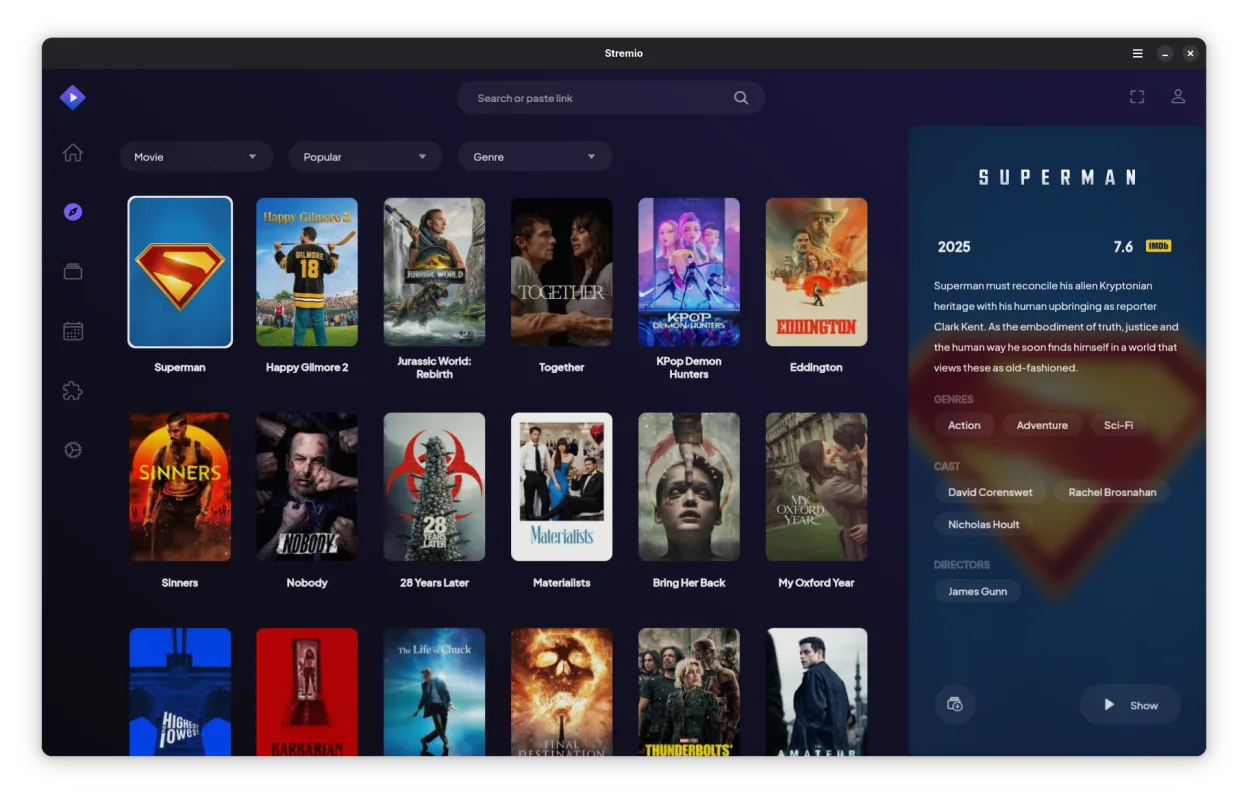
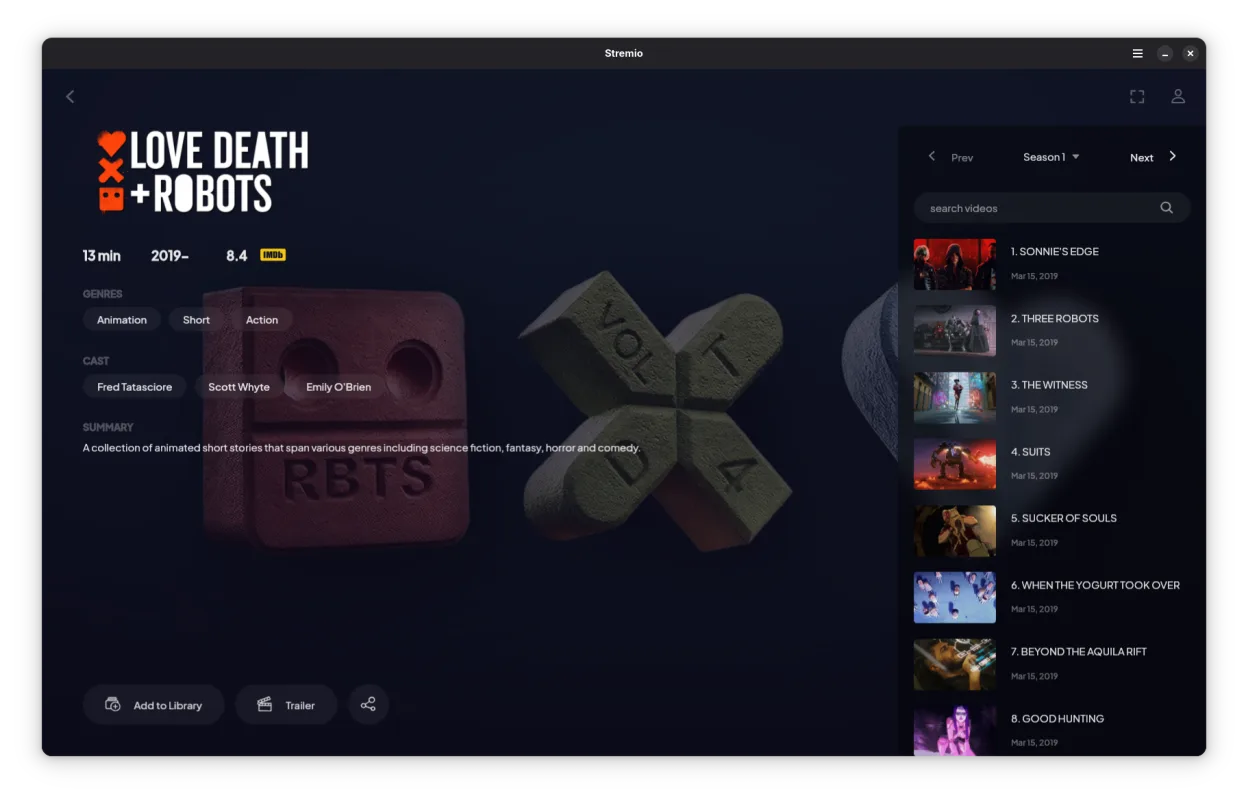
Stremio acts as a media center and player, combining local file playback with a library of online addons. While it started as a simple player, it has matured into a platform where users can install extensions to access various streaming sources. The interface is clean and focuses on discovery, making it distinct from traditional file-based players like VLC.
It is best suited for users who want a single interface for both their local media library and online streaming content. If you previously used Windows Media Center to manage a home theater setup or relied on WMP for basic playback, Stremio offers a more modern, customizable alternative that handles metadata and artwork automatically.
Compared to VLC, Stremio is less of a raw file player and more of a media hub. It does not have the same level of codec support out-of-the-box as VLC, but it compensates with a superior user experience for browsing and organizing content. It feels less like a technical tool and more like a consumer streaming app, similar to how Netflix or Plex feels, but with more user control.
Best for: Users who want a single, modern interface to manage and stream both their local media files and online content without switching between multiple apps.
Key features of Stremio
- Local media library with automatic metadata fetching
- Addon system for accessing online streaming sources
- Support for 4K HDR content
- Cross-platform availability including Linux, Windows, and mobile
- Clean, minimal interface focused on discovery
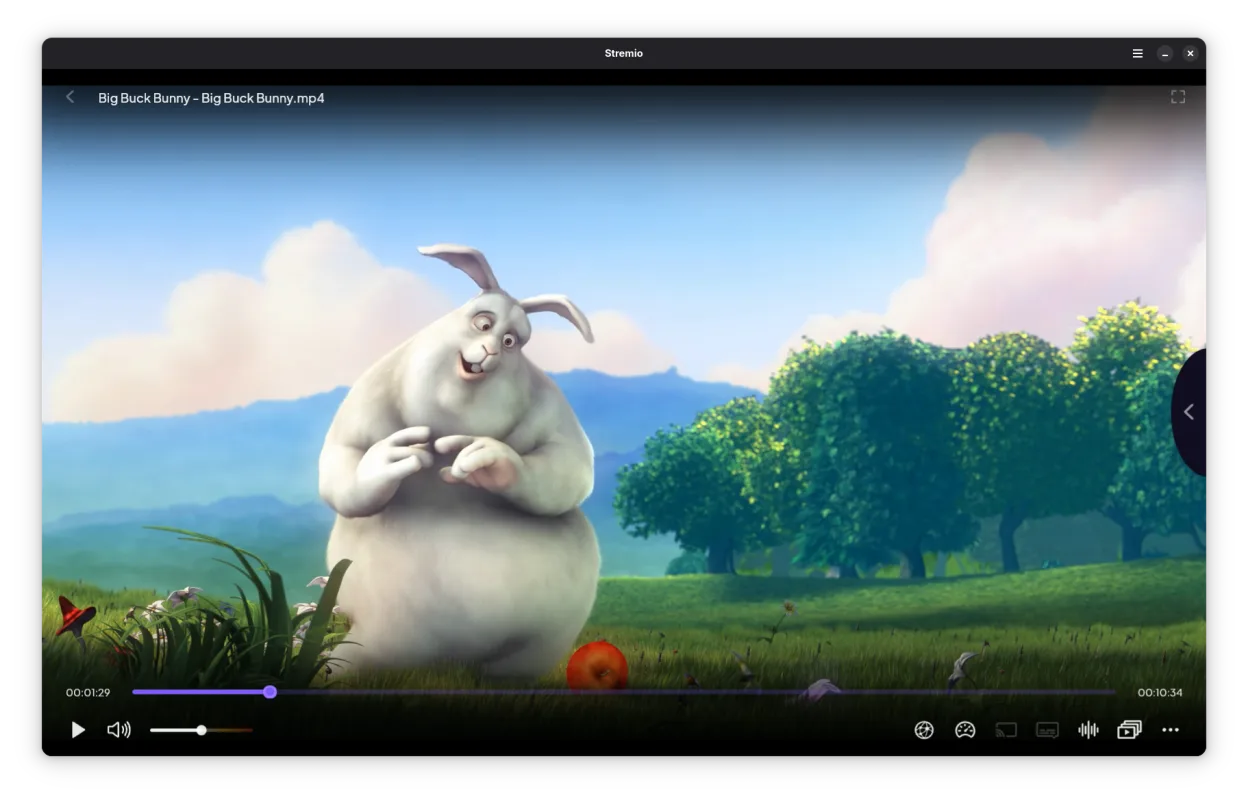
- Integration with local file systems for direct playback
Pros
- Open-source and free to use
- Unified interface for local and online content
- Modern, user-friendly design
- Highly extensible via community addons
Cons
- Reliance on addons for online content can be unstable
- Not a general-purpose codec player like VLC
- Some addons may require third-party server setup
Windows programs Stremio replaces
 Windows Media Player (wmp)
 Windows Media Center
 VLC media player
How to install Stremio on Linux
flatpak install flathub com.stremio.StremioTips for Windows users
Coming from Windows Media Player, you will notice Stremio does not play arbitrary files as reliably as WMP or VLC. It is designed to work best when you scan directories to build a library. For direct file playback, it works, but for complex formats, you might still need VLC. To get the full experience, you will need to install addons from the Stremio store to replicate the online streaming capabilities you might have used with other tools. There are no direct keyboard shortcuts from WMP that carry over, so learn the new navigation scheme.
Recent releases
- 1.2.2 —
Fix rendering issues related to WebKit update Fix player loading indefinitely when stream fails to load Fix app unable to write urls to clipboard
- 1.2.1 —
Reduce cpu work when idle Fix window header not always hiding when fullscreened Fix media controls not supported in some cases
- 1.2.0 —
Add discord rich presence support Fix random app freezes
- 1.1.4 —
Fix screen blank behavior during playback Fix gamepad not recognized Fix server process running after main one crashed
Stremio: frequently asked questions
Does Stremio work offline?
Yes, it can play local files stored on your hard drive or network without an internet connection. However, fetching metadata and using online addons requires an internet connection.
Is Stremio legal?
Stremio itself is legal software. The legality of the content you stream depends on the addons you install and the sources they use. You are responsible for ensuring you have the rights to the content you access.
Can I use Stremio as a direct replacement for VLC?
Not entirely. While it plays many common formats, VLC is a more robust codec player for obscure or corrupted files. Stremio is better for organized media libraries and streaming.
How do I install addons?
You can browse the addon store within the Stremio interface and click 'Install' on any addon you want to use. Some popular addons may require you to configure a server URL in the addon settings.
Updated