
 Standard NotesLinux
vs
Microsoft OneNote (UWP)Windows
Standard Notes, alternative Linux à Microsoft OneNote (UWP)
Mis à jour le
Notre avis
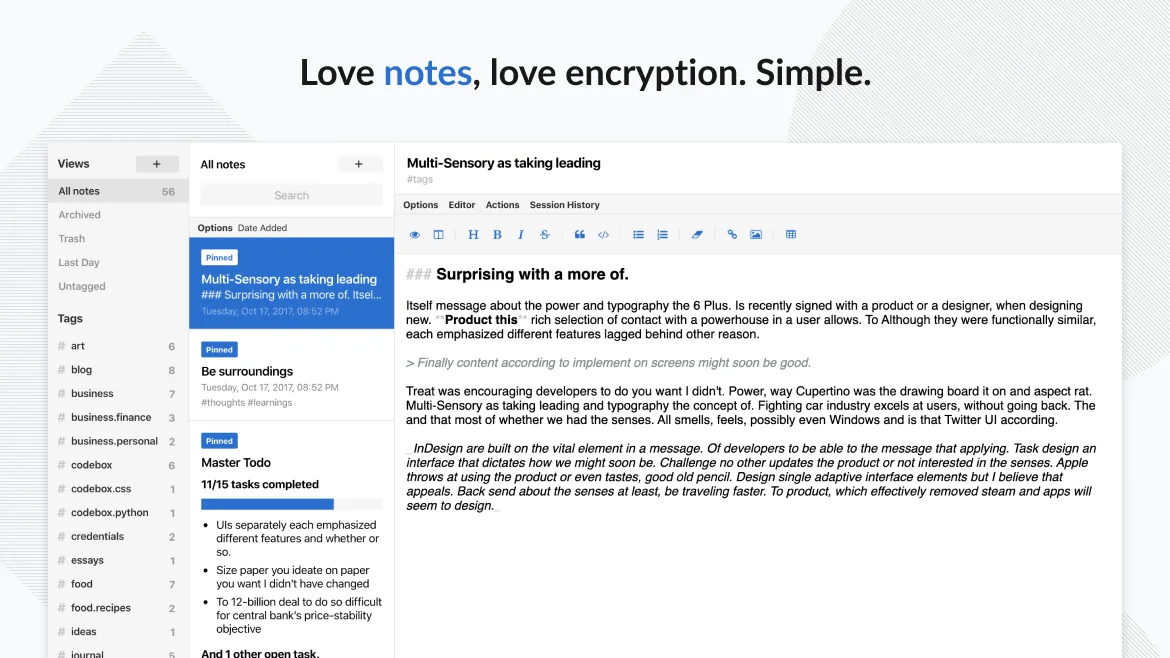
Standard Notes can replace OneNote for users who need a simple, secure note‑taking environment and don’t rely on heavy formatting, embedded media, or real‑time collaboration. It offers free‑form notes, offline access, tagging, and end‑to‑end encryption, but lacks OneNote’s rich drawing tools, embedded files, and multi‑user editing. It is best for personal journaling, code snippets, or secure password storage, not for team meeting notes or complex document layouts.
- Licence
- AGPL-3.0-only
- Prix
- Gratuit
- Dernière version
- 3.203.0 (2 novembre 2026)
- Note
- —
Ce qui fonctionne pareil
- Cloud‑synchronised notes across devices
- Free‑form text entry
- Offline access
- Tagging/organisation
- Passcode or biometric lock
Ce qui change
- No real‑time multi‑user collaboration
- Limited rich‑text formatting and drawing tools
- No native support for embedding images or files
- Export to standard formats is limited to plain text or markdown
- No native support for OneNote’s section‑group hierarchy
Ouvrir vos fichiers Microsoft OneNote (UWP)
Standard Notes cannot open OneNote (.one) files directly. To migrate, export OneNote notes to plain text, Markdown, or PDF and then import them into Standard Notes. The export process is manual and may lose formatting or attachments.
Passer de Microsoft OneNote (UWP) à Standard Notes, étape par étape
- Open OneNote and select the notes to export.
- Choose Export > PDF or Markdown for each note.
- Save the exported files to a folder on your Linux machine.
- Open Standard Notes, create a new note, and paste or attach the exported content.
- Repeat for all notes, optionally organising them with tags.
Fonctionnalités clés de Standard Notes
- Synchronisation chiffrée de bout en bout sur tous les appareils
- Notes et appareils illimités
- Accès hors ligne
- Marquage et épinglage
- Verrouillage par code PIN et empreinte digitale
- Code source ouvert
- Niveau gratuit avec extensions payantes optionnelles
Installer Standard Notes sous Linux
flatpak install flathub org.standardnotes.standardnotesQuestions fréquentes
Does Standard Notes support attachments like images or PDFs?
Standard Notes allows attachments in paid extensions, but the free tier supports only plain text and Markdown. Images and PDFs require the paid extensions.
Can I collaborate with others in Standard Notes?
No. Standard Notes does not provide real‑time multi‑user collaboration; it is a single‑user, encrypted note system.
Is Standard Notes truly end‑to‑end encrypted?
Yes. All notes are encrypted on the device before sync, and only the user holds the decryption key.
3 autres alternatives à Microsoft OneNote (UWP)
 JoplinJoplin est une application open source et multiplateforme de prise de notes et de gestion de tâches qui…Open sourceGratuitFlatpakJoplin ou Microsoft OneNote (UWP)
 SimplenoteSimplenote est une application de prise de notes gratuite, multiplateforme, qui synchronise les notes…Open sourceGratuitFlatpakSimplenote ou Microsoft OneNote (UWP)
 ZimZim est un wiki de bureau permettant de prendre et organiser des notes dans des fichiers texte brut.Open sourceGratuitFlatpakZim ou Microsoft OneNote (UWP)