
 HelixLinux
vs
NeovimWindows
Helix as a Linux alternative to Neovim
Updated
Our verdict
Helix is a strong replacement for Neovim if you value zero-configuration setups. It provides modal editing, multiple selections, and built-in LSP out of the box, removing the need to manage Lua plugins for basic functionality. It is ideal for developers who find Neovim's configuration overhead frustrating or who prefer a static binary. However, if you rely heavily on Neovim’s extensive plugin ecosystem for specialized workflows, Helix may feel limiting. Choose Helix for simplicity and performance; stay with Neovim if you need deep customization via Lua and a vast plugin library.
- License
- MPL-2.0
- Price
- Free
- Latest version
- 25.07.1 (July 18, 2025)
- Rating
- —
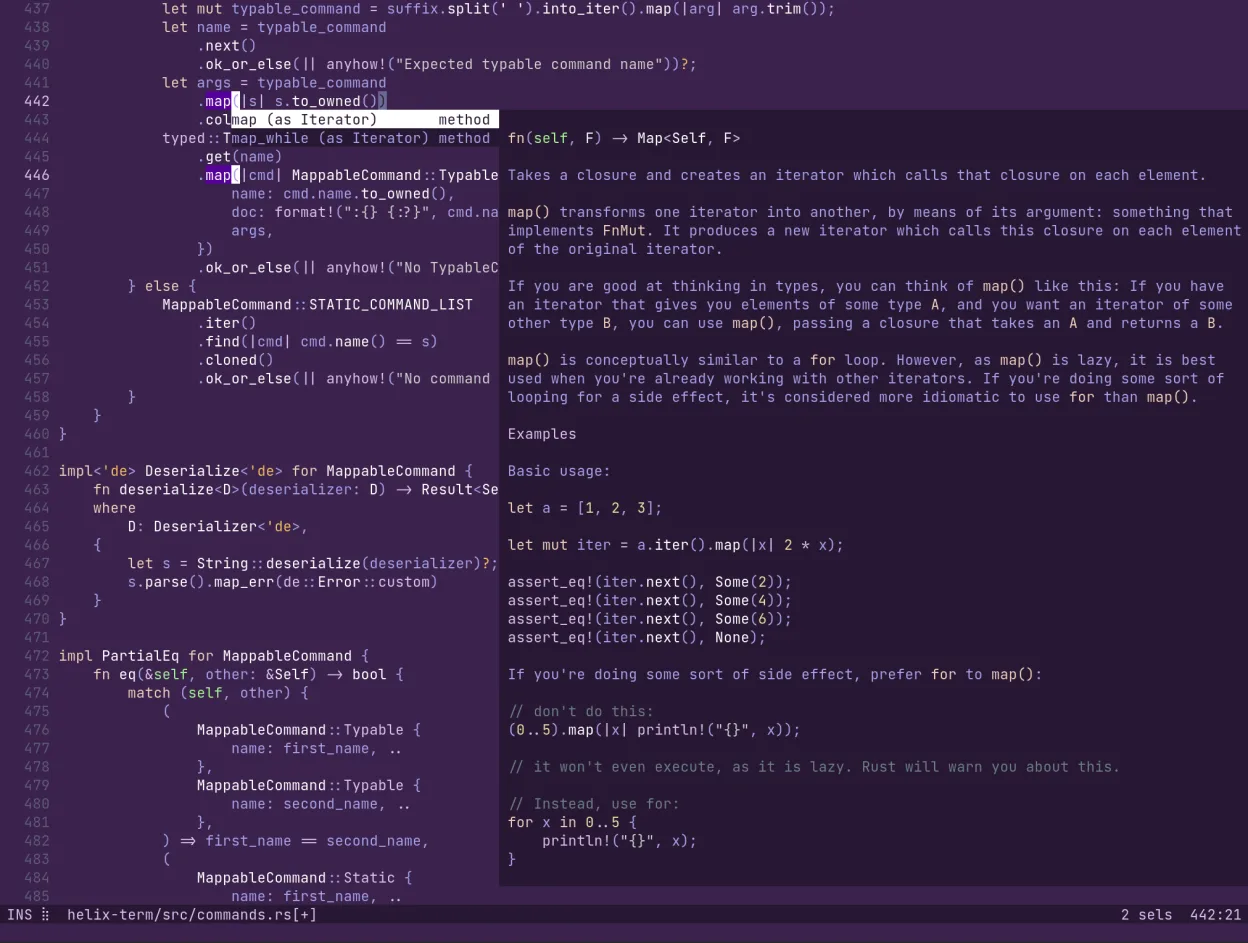
What works the same
- Modal editing interface similar to Vim and Kakoune
- Built-in Language Server Protocol (LSP) support
- Terminal-based text editor
- Support for multiple cursors and selections
What is different
- Helix uses Tree-sitter for syntax highlighting, while Neovim uses regex-based highlighting by default
- Helix lacks a traditional plugin system; features are built-in or require separate binaries
- Helix is written in Rust, whereas Neovim is written in C
- Helix does not use Lua for configuration; it uses TOML files
Opening your Neovim files
Helix opens and saves standard text files without issue, so any code or documents edited in Neovim can be directly opened in Helix. There is no proprietary format conflict. However, Helix does not read Neovim's .vimrc or .config/nvim directories, so your specific keybindings, colorschemes, and plugin configurations will not transfer automatically. You must reconfigure Helix using its TOML config files.
Switching from Neovim to Helix, step by step
- Install Helix via your package manager or Flathub
- Create a ~/.config/helix/ directory if it does not exist
- Copy or recreate your preferred keybindings in config.toml
- Configure LSP servers in languages.toml if not auto-detected
- Test opening a project to ensure syntax highlighting and LSP work
- Remove old Neovim configurations if fully switching
Key features of Helix
- Modal editing similar to Vim/Kakoune
- Built-in Language Server Protocol (LSP) support
- Tree-sitter based syntax highlighting
- Multiple cursor and selection support
- Written in Rust for performance
- No plugin system required for core features
- Terminal-based interface
- Incremental parsing for large files
How to install Helix on Linux
flatpak install flathub com.helix_editor.HelixFrequently asked questions
Can I use my existing Vim plugins in Helix?
No. Helix does not support Vim or Neovim plugins. You must rely on Helix's built-in features or find external tools that integrate with it.
Is Helix slower than Neovim?
Generally no. Helix is written in Rust and uses incremental parsing, making it very fast, often comparable to or faster than Neovim for large files.
Does Helix support visual mode like Vim?
Yes, Helix supports modal editing similar to Vim and Kakoune, including visual selection modes, though the specific keybindings may differ.
5 other alternatives to Neovim
 VimVim is a highly configurable, modal text editor for efficient editing on Linux.Open sourceFreeFlatpakVim vs Neovim
 KateKate is a feature-rich, programmer-focused text editor from KDE with support for 300+ languages and advanced…Open sourceFreeFlatpakKate vs Neovim
 GeanyGeany is a lightweight, fast IDE that supports many languages and plugins out of the box.Open sourceFreeFlatpakGeany vs Neovim
 geditgedit is GNOME's lightweight, general-purpose text editor, suitable for notes, documents, and basic code…Open sourceFreeFlatpakgedit vs Neovim
 Sublime TextSublime Text is a lightweight, fast source code editor with a minimal interface and powerful extensibility.FlatpakSublime Text vs Neovim