

Linux · Office
CherryTree
CherryTree is a hierarchical note-taking app with rich text, code highlighting, and file export options.
- License
- GPL-3.0+
- Latest version
- b'1.7.2' (November 11, 2011)
- Developer
- Giuseppe Penone
- Installs
- 1,504 (Flathub, 30 days)
What is CherryTree?
CherryTree is a mature note-taking application designed for organizing information in a tree-like structure. Developed by Giuseppe Penone and first released over a decade ago, it has remained stable and functional, with version 1.7.2 being widely used. Though updates are infrequent, it's still actively packaged in major distributions and works reliably on modern Linux systems.
It's best suited for users who want a single app to manage structured notes, code snippets, to-do lists, and embedded media. If you're looking for a desktop-based, self-contained alternative to cloud-heavy tools, CherryTree offers full local control. It’s ideal for technical users, writers, or anyone who values data ownership and offline access.
Compared to Obsidian, CherryTree feels more like a traditional desktop app than a knowledge-base system. It doesn’t support bidirectional linking or graph views. Instead, it emphasizes formatting, export options, and embedding content directly into a single file. The interface is functional but dated—expect a learning curve if you're used to modern, minimalist note apps.
Best for: Users who want a local, feature-rich note taker with strong formatting and export options.
Key features of CherryTree
- Hierarchical tree-structured notes
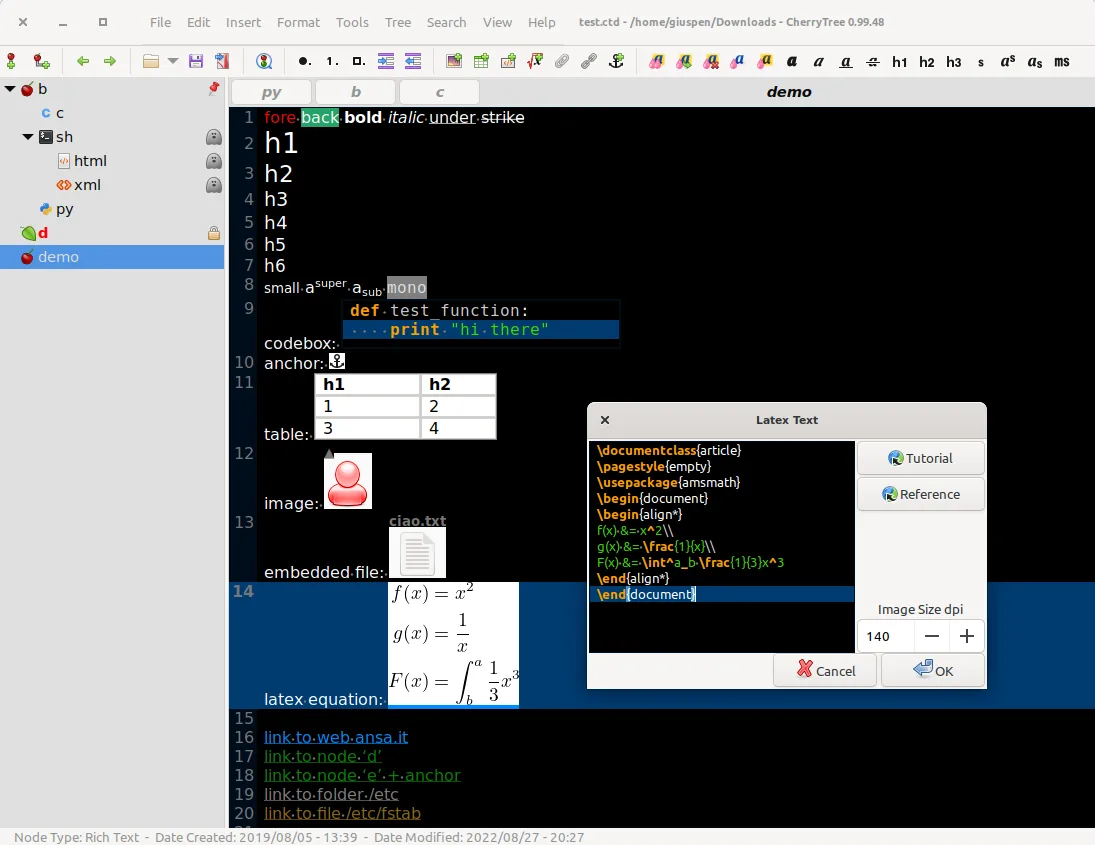
- Rich text with images, tables, and lists
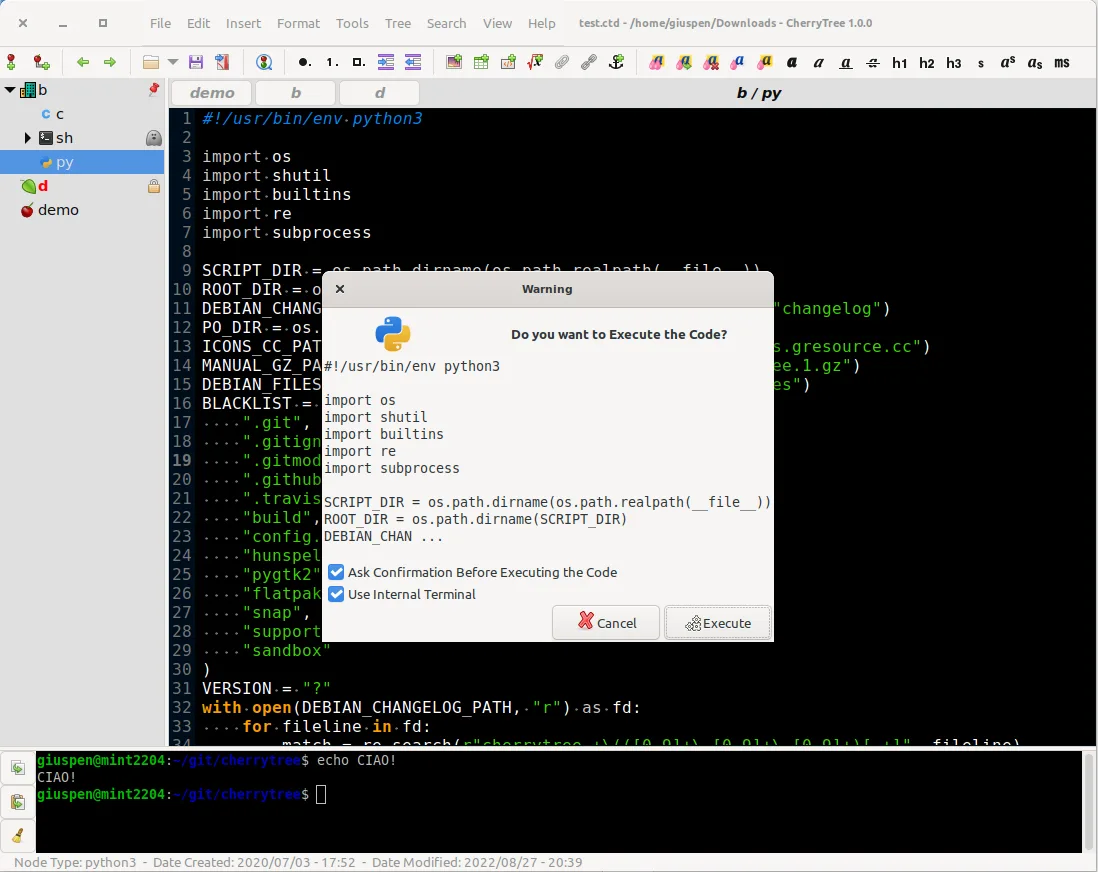
- Syntax highlighting for code blocks
- Password protection for nodes
- Export to PDF, HTML, and plain text
- Import from other note apps
- Spell check and find/replace tools
- Stores data in XML or SQLite
Pros
- Fully offline and self-contained
- Supports rich content and code formatting
- Single-file storage simplifies backup
- No account or cloud required
- Lightweight and fast on older hardware
Cons
- Outdated UI with limited customization
- No sync or mobile app support
- Development is slow; last stable release is from 2011
- Not suitable for networked or linked-note workflows
Windows programs CherryTree replaces
How to install CherryTree on Linux
flatpak install flathub net.giuspen.cherrytreesudo apt install cherrytreesudo apt install cherrytreesudo pacman -S cherrytreesudo zypper install cherrytreeTips for Windows users
If you're coming from Obsidian, expect a shift from markdown files and links to a closed, formatted document. CherryTree doesn’t use plain text folders—your notes live in one file (XML or SQLite). Use export to HTML or PDF for sharing. Keyboard shortcuts differ; relearn basics like Ctrl+Enter for new nodes. Import your old notes via 'Import' to bring in plain text or HTML content.
Recent releases
- b'1.7.2' —
CherryTree: frequently asked questions
Can CherryTree sync with mobile devices?
No, CherryTree doesn’t sync. You’d need to manually copy the file using external tools like Syncthing or a USB drive. There’s no official mobile app.
Is CherryTree compatible with Markdown?
No, it uses rich text or syntax-highlighted code boxes. It doesn’t render Markdown files. You can export to plain text, but editing is not Markdown-based.
How do I back up my CherryTree notes?
Since data is stored in a single file (by default .ctb, .ct or .ctd), simply copy that file to back it up. Store it in a safe location or version it with a tool like Git.
Can multiple users edit a CherryTree file at once?
No, it’s not designed for collaboration. The file is meant to be edited by one user at a time. Concurrent editing could corrupt the file.
Updated