

Linux · Internet
Dolphin Emulator
High-performance open-source emulator for Nintendo GameCube and Wii games, supporting HD graphics and multiplayer.
- License
- GPL-2.0+
- Latest version
- 2609a (October 8, 2026)
- Developer
- Dolphin Emulator Project
- Installs
- 56,374 (Flathub, 30 days)
What is Dolphin Emulator?
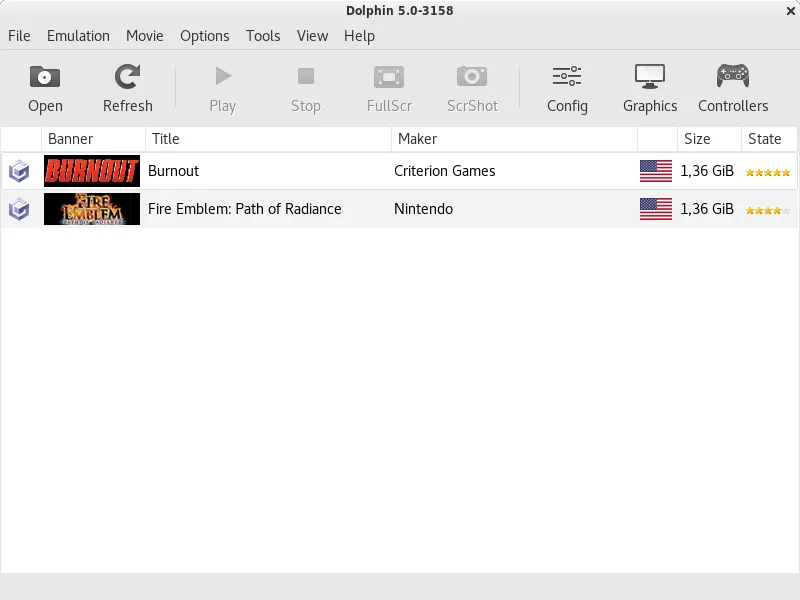
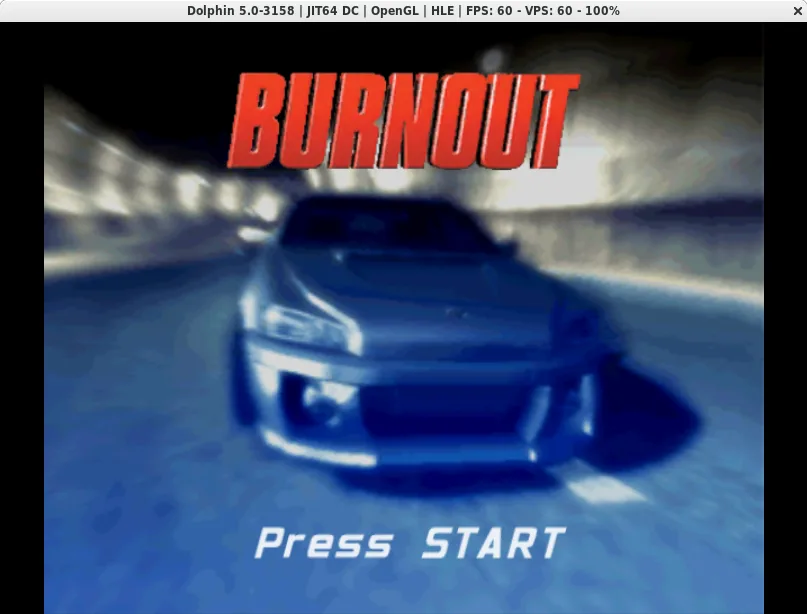
Dolphin is a mature, open-source emulator designed to run Nintendo GameCube and Wii games on modern hardware. It has been in development for over a decade, evolving from a simple compatibility project into a highly optimized engine. The software focuses on accuracy and performance, allowing users to experience these classic libraries without original hardware.
This tool is primarily for retro gaming enthusiasts who own digital or physical copies of GameCube and Wii titles. It appeals to players who want to enjoy these games on desktop Linux systems with modern display resolutions and input devices. It is not a general-purpose file manager or internet tool, despite any potential confusion with unrelated software names.
Compared to Windows-specific emulation wrappers or proprietary tools, Dolphin offers a unified, cross-platform experience. It feels stable and well-maintained, with regular updates that improve compatibility and fix bugs. The interface is straightforward, focusing on running games rather than complex configuration, making it accessible even to those new to emulation.
Best for: Linux users who want to play GameCube and Wii games on their desktop with modern enhancements.
Key features of Dolphin Emulator
- Emulates Nintendo GameCube and Wii consoles
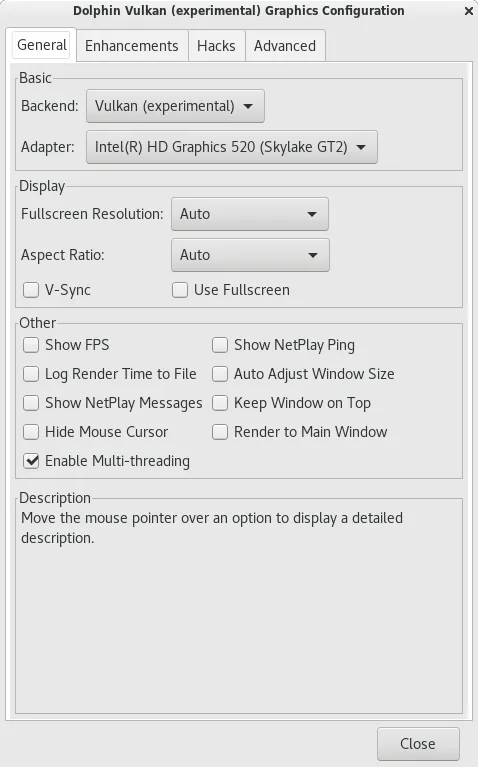
- Supports 1080p and higher resolutions
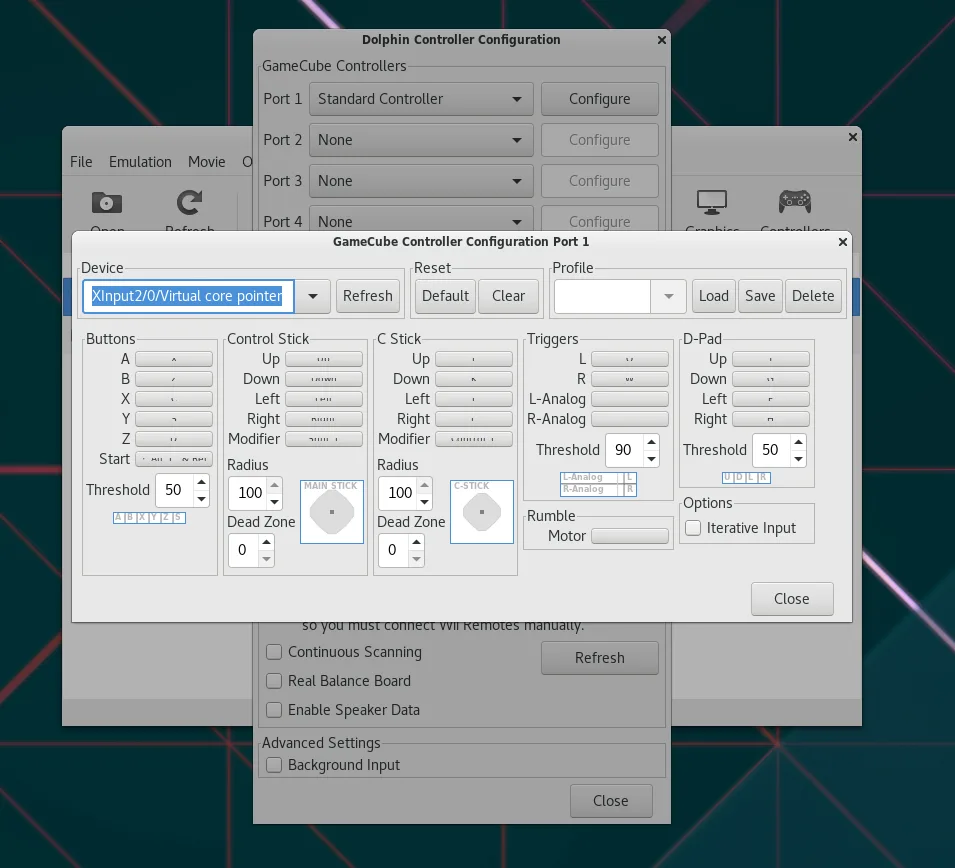
- Compatible with standard PC keyboards and controllers
- Includes turbo speed and frame skipping options
- Supports networked multiplayer via online play
- Cross-platform support for Linux, Windows, and macOS
- Open-source codebase with active community development
- Save state functionality for instant game pausing
Pros
- Highly accurate and performant emulation
- Fully free and open-source
- Active development with frequent updates
- Wide hardware compatibility for input devices
- No bloatware or ads
Cons
- Requires legally owned game files (ISOs/WBFS)
- Some complex Wii titles may have minor glitches
- High-end GPU recommended for best performance
- Not a replacement for file transfer tools like WinSCP
How to install Dolphin Emulator on Linux
flatpak install flathub org.DolphinEmu.dolphin-emuTips for Windows users
If you were using Windows-specific emulation tools, note that Dolphin uses ISO or WBFS file formats for game discs. You will need to rip your physical discs to these formats using legal methods. There are no direct shortcuts from Windows tools, but the workflow is similar: load the game file, configure controller mappings, and start playing. Ensure your Linux drivers support your GPU and controller for the best experience.
Recent releases
- 2609a —
- 2609 —
- 2606a —
- 2606 —
Dolphin Emulator: frequently asked questions
Is Dolphin legal to use on Linux?
Yes, the emulator itself is legal. However, you must own the original game discs and create your own backups. Downloading ROMs from the internet is illegal.
Does Dolphin support multiplayer?
Yes, it supports local multiplayer with multiple controllers and online multiplayer for compatible Wii titles.
What hardware do I need to run Dolphin?
A modern CPU and GPU are recommended. While it can run on older systems, high-performance hardware ensures smooth 1080p gameplay.
Can I use my Xbox or PlayStation controller?
Yes, Dolphin supports a wide range of controllers, including Xbox, PlayStation, and generic USB gamepads, with easy configuration.
Updated