

Linux · Internet
Zen
Zen is a lightweight, privacy‑focused web browser that keeps tabs organized and browsing fast.
- License
- MPL-2.0
- Latest version
- 1.23.4b (October 21, 2026)
- Developer
- Zen Team
- Installs
- 56,973 (Flathub, 30 days)
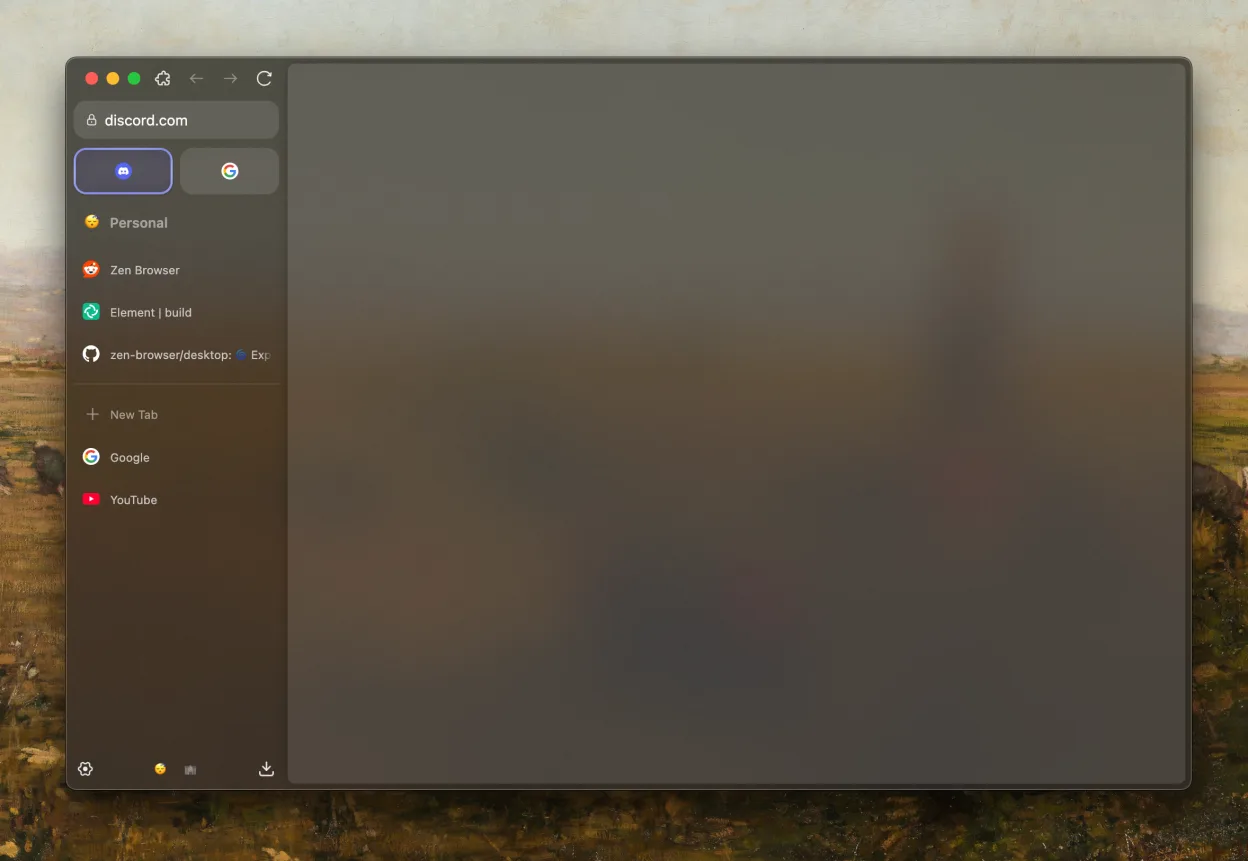
What is Zen?
Zen started as a fork of Chromium aimed at users who want a clean, distraction‑free experience. The project has been around for several years and receives regular updates, with the latest release 1.23.4b in October 2026. It is built with the same core as Chrome, so extensions work and performance is comparable.
The browser targets users who need speed and privacy without the bloat of mainstream browsers. It is ideal for people who want a minimal interface, quick tab grouping, and a strong focus on privacy.
Compared with Chrome, Edge, Firefox, or Brave, Zen feels lighter and less resource‑hungry. It removes some of the built‑in telemetry and offers a more straightforward UI, but it still supports most web standards and extensions, so the transition is smooth for Windows users.
Best for: Users who want a fast, privacy‑focused browser that feels close to Chromium but with a cleaner interface.
Key features of Zen
- Split view for multitasking
- Web sidebar for quick navigation
- Tab groups to organize sessions
- Customizable interface with themes
- Vertical tabs for better space usage
- Privacy‑focused design with minimal data collection
Pros
- Fast performance thanks to Chromium base
- Clean, distraction‑free UI
- Strong privacy settings
- Regular updates
- Supports Chrome extensions
Cons
- Limited built‑in ad‑blocking compared to Brave
- Fewer advanced developer tools than Firefox
- Occasional UI quirks on older hardware
Windows programs Zen replaces
 Mozilla Firefox
 Google Chrome
How to install Zen on Linux
flatpak install flathub app.zen_browser.zenTips for Windows users
Zen uses the same file formats as Chromium; bookmarks, passwords, and extensions can be imported via the sync feature. Keyboard shortcuts largely match Chrome: Ctrl‑T for new tab, Ctrl‑W to close, Ctrl‑Shift‑T to reopen. The split view and vertical tabs are new; you can enable them in Settings → Appearance. Workflow changes are minimal, but you may need to adjust to the slightly different tab‑grouping UI.
Recent releases
- 1.23.4b —
- 1.23.3b —
- 1.23.2b —
- 1.23.1b —
Zen: frequently asked questions
Does Zen support Chrome extensions?
Yes, Zen is built on Chromium and can install extensions from the Chrome Web Store.
Is Zen free?
Zen is free to download and use; no subscription is required.
Can I use Zen on older Linux distributions?
Zen runs on most modern distributions that support the latest Chromium runtime; older systems may need a newer GLIBC.
Does Zen collect user data?
Zen is privacy‑focused and does not send telemetry back to the developers; it only collects data you explicitly share.
Updated