

Linux · Office
draw.io
draw.io is a free, open-source diagramming tool for creating flowcharts, network diagrams, and technical drawings.
- License
- Apache-2.0
- Latest version
- 32.6.1 (October 23, 2026)
- Developer
- JGraph
- Installs
- 8,284 (Flathub, 30 days)
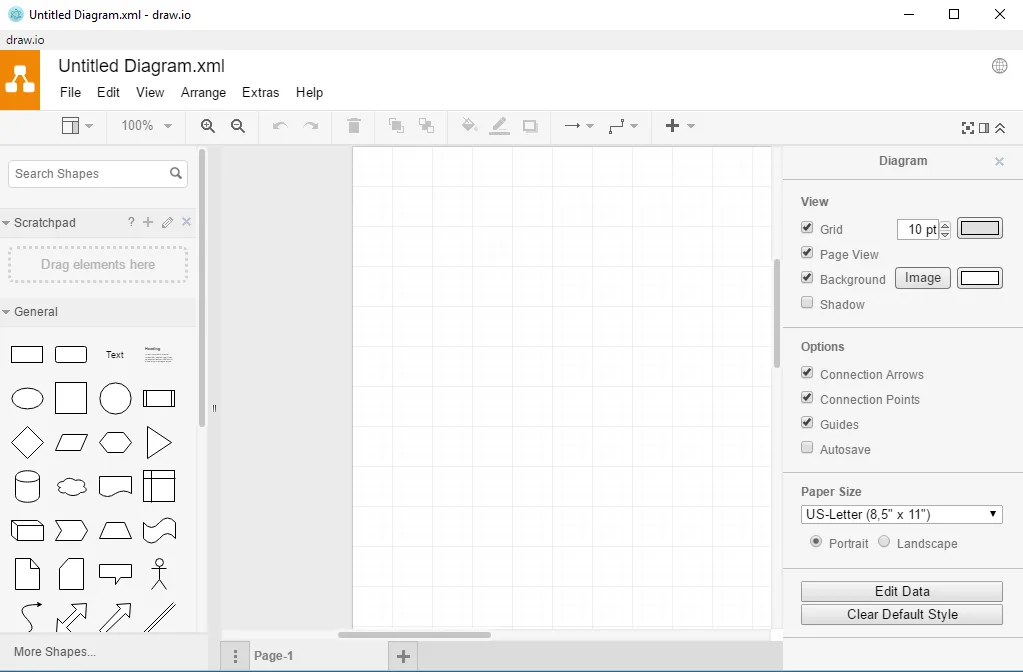
What is draw.io?
draw.io is a mature, actively developed diagramming application that's been widely adopted since its release. Originally built as a web app, it now offers desktop and offline support via Electron, including Flatpak and native packages. It's stable, well-documented, and used in both personal and enterprise environments.
It's ideal for technical users, developers, system administrators, and business analysts who need to sketch diagrams without vendor lock-in. Whether you're mapping out a network, designing a database schema, or documenting workflows, draw.io supports a broad range of diagram types with minimal learning curve.
Compared to Microsoft Visio, draw.io feels lighter and more responsive, especially on lower-end hardware. It lacks some of Visio’s advanced automation and integration with Office, but it matches core diagramming functionality and prioritizes privacy and cross-platform compatibility.
Best for: Users who need a free, reliable tool to create technical diagrams without vendor lock-in.
Key features of draw.io
- Create flowcharts, UML, ER, and network diagrams
- Offline support via desktop app
- Import/export from Visio (.vsdx)
- Real-time collaboration (web version)
- Extensive library of shapes and icons
- Embed diagrams in Confluence, Notion, etc.
- Cross-platform: Linux, Windows, macOS, web
Pros
- Free and open-source with no usage limits
- Supports .vsdx import, easing transition from Visio
- Works offline with full functionality
- No account required for desktop use
- Lightweight and fast even on older machines
Cons
- Limited automation and scripting vs Visio
- Web version requires internet for saving to cloud
- Fewer template options for business diagrams
- Collaboration features are stronger in web version
Windows programs draw.io replaces
How to install draw.io on Linux
flatpak install flathub com.jgraph.drawio.desktopTips for Windows users
If you're coming from Visio, start by importing your .vsdx files—draw.io supports them well. The interface is simpler, so expect fewer automation tools but faster performance. Learn the keyboard shortcuts (Ctrl+drag for copying, Alt+arrow for alignment); they’re similar but not identical. Save locally by default unless you opt into cloud sync. Use the desktop app to avoid browser dependency.
Recent releases
- 32.6.1 —
- 32.5.5 —
- 32.4.1 —
- 32.3.0 —
draw.io: frequently asked questions
Can draw.io open Visio files?
Yes, draw.io can import .vsdx and .vssx files directly. Most shapes and layouts are preserved, though complex formatting may need manual adjustment.
Is draw.io safe for private diagrams?
Yes, especially when used offline. The desktop app doesn’t phone home. Even the web version processes diagrams locally before upload.
Does draw.io work without internet?
Yes, the desktop version works fully offline. The web app can run in offline mode if saved to your device via PWA, but the desktop app is more reliable.
How do I install draw.io on Linux?
Use the Flatpak from Flathub, or download the .deb/.rpm from the official site. The Flatpak is sandboxed and auto-updates; the native packages integrate better with the system.
Updated