

Linux · Programming
Eclipse IDE for Java Developers
A free, open-source Java IDE with built-in Git, Maven, and Gradle support, ideal for enterprise and standard Java development.
- License
- EPL-2.0
- Latest version
- 4.41 (September 9, 2026)
- Developer
- Eclipse Foundation
- Installs
- 3,761 (Flathub, 30 days)
What is Eclipse IDE for Java Developers?
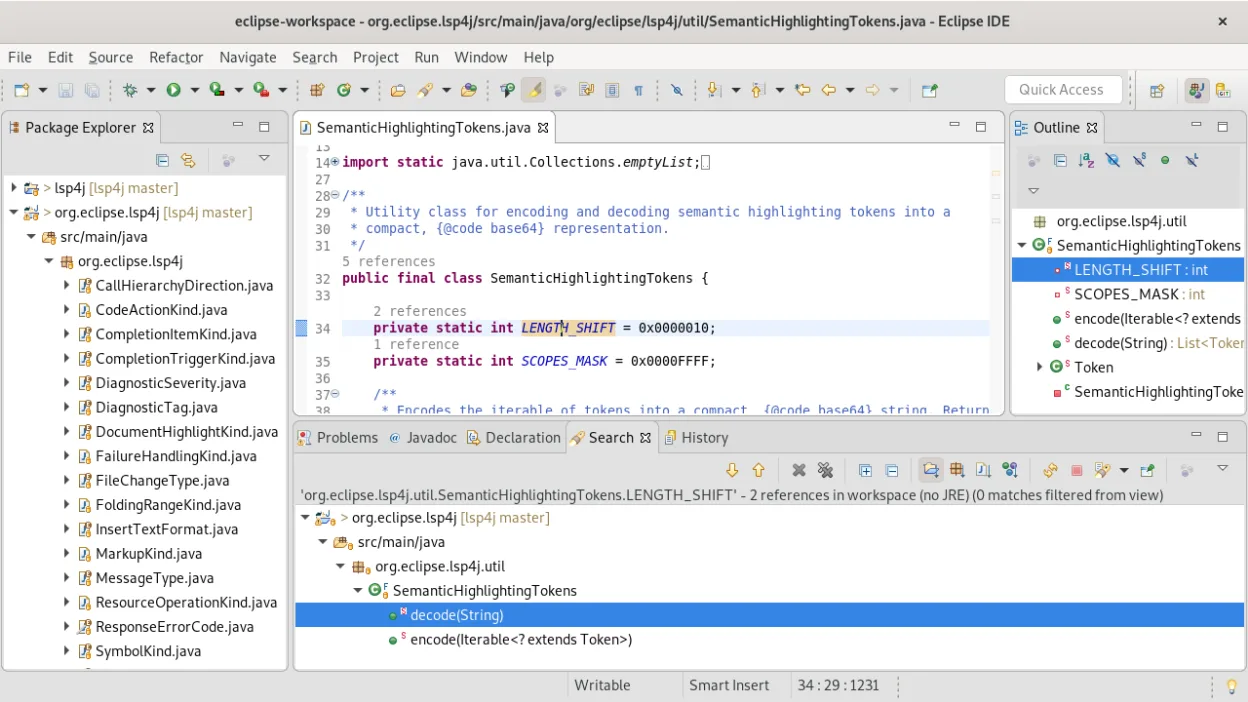
Eclipse IDE is a veteran in the Java ecosystem, maintained by the Eclipse Foundation. It provides a comprehensive environment for building, testing, and deploying Java applications. While it has faced competition from IntelliJ IDEA, it remains a robust choice with a massive plugin ecosystem and strong community backing.
This tool is best suited for Java developers who prefer a highly customizable environment or those working within organizations that standardize on Eclipse. It is particularly useful for teams needing deep integration with enterprise tools, legacy codebases, or specific language extensions like C/C++ or PHP alongside Java.
Compared to IntelliJ IDEA, Eclipse feels more modular and configurable but can be slower to start up. Where IntelliJ offers a polished, out-of-the-box experience, Eclipse requires more initial setup to reach similar productivity levels. However, once configured, it offers granular control over every aspect of the development workflow.
Best for: Java developers who need a free, highly customizable IDE with strong enterprise tooling support and do not mind configuring their environment.
Key features of Eclipse IDE for Java Developers
- Native Java IDE with code completion and refactoring
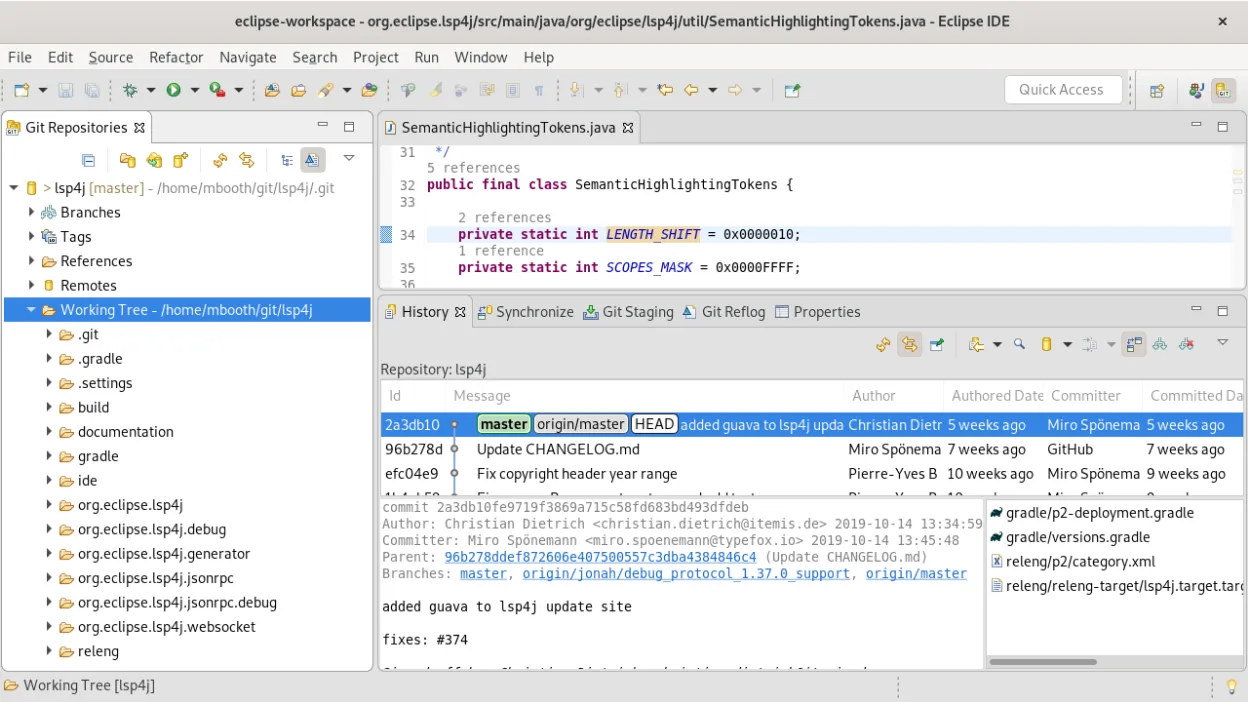
- Integrated Git client for version control
- Built-in Maven and Gradle project support
- Polyglot support for JavaScript, C/C++, and PHP
- Extensive plugin marketplace for additional tools
- Cross-platform compatibility including Linux, Windows, and macOS
- Advanced debugging and profiling capabilities
Pros
- Completely free and open-source under EPL-2.0
- Highly extensible with a vast library of plugins
- Strong, long-term community and corporate support
- No licensing fees for commercial use
Cons
- Steeper learning curve than IntelliJ IDEA
- Can feel sluggish on lower-end hardware
- UI customization requires significant initial effort
- Some integrations may require manual plugin installation
Windows programs Eclipse IDE for Java Developers replaces
How to install Eclipse IDE for Java Developers on Linux
flatpak install flathub org.eclipse.JavaTips for Windows users
When moving from IntelliJ IDEA, note that Eclipse uses a different keybinding scheme; you can install the 'IntelliJ Keybindings' plugin to ease the transition. Project structures differ slightly, so expect to re-import Maven or Gradle projects. Eclipse's workspace concept is central, so keep your projects organized within a single workspace folder for easier management. Check your build path settings carefully, as Eclipse manages dependencies differently than IntelliJ's automatic resolution.
Recent releases
- 4.41 —
- 4.40 —
- 4.39 —
- 4.38 —
Eclipse IDE for Java Developers: frequently asked questions
Is Eclipse IDE free for commercial use?
Yes, Eclipse IDE is free and open-source under the Eclipse Public License 2.0, allowing unrestricted commercial use.
Can I use Eclipse for languages other than Java?
Yes, while it is primarily a Java IDE, it supports C/C++, PHP, JavaScript, and other languages through dedicated tooling or plugins.
How does Eclipse compare to IntelliJ IDEA on Linux?
Both run well on Linux, but Eclipse is often lighter on resources and more customizable, whereas IntelliJ offers a more polished, integrated experience out of the box.
Does Eclipse support Maven and Gradle?
Yes, Eclipse has built-in support for both Maven and Gradle, allowing you to manage dependencies and build processes directly within the IDE.
Updated