
 Eclipse IDE for Java DevelopersLinux
vs
IntelliJ IDEAWindows
Eclipse IDE for Java DevelopersLinux
vs
IntelliJ IDEAWindows
Eclipse IDE for Java Developers as a Linux alternative to IntelliJ IDEA
Updated
Our verdict
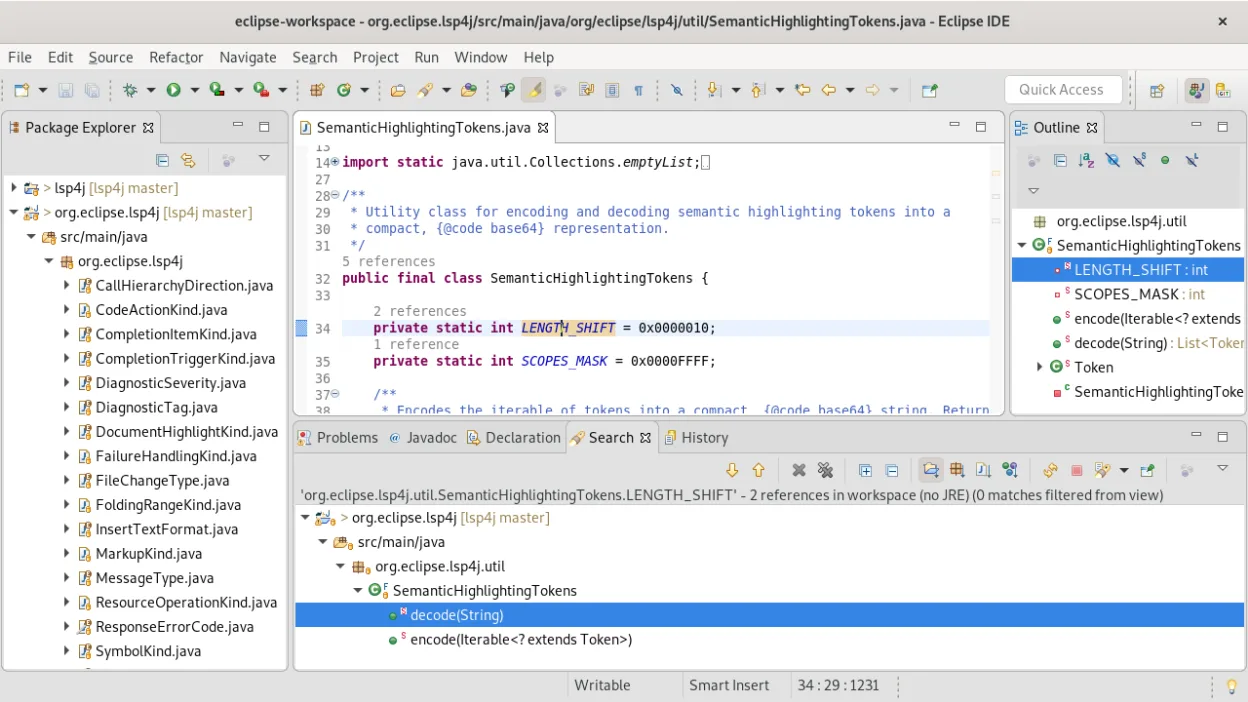
Eclipse is a solid, free alternative for developers who prioritize standard Java and enterprise tooling over modern Kotlin-first workflows. It handles large codebases well with its mature refactoring tools and integrated Git client. However, if your project relies heavily on Kotlin, you will struggle because Eclipse's Kotlin support is a third-party plugin, not a first-class citizen like in IntelliJ. For pure Java development, Eclipse is a viable, cost-effective choice. For mixed Java/Kotlin teams, it is a significant step down in developer experience.
- License
- EPL-2.0
- Price
- Free
- Latest version
- 4.41 (September 9, 2026)
- Rating
- —
What works the same
- Integrated debugger for JVM applications with advanced profiling capabilities
- Comprehensive code refactoring and static analysis tools
- Built-in Git client for version control integration
- Support for Maven and Gradle project management
- Extensive plugin marketplace for extending IDE functionality
What is different
- Kotlin support in Eclipse is a third-party plugin, whereas IntelliJ has first-class, native Kotlin integration
- IntelliJ IDEA Ultimate offers deeper database and web framework support out-of-the-box
- Eclipse has a steeper learning curve and less intuitive UI compared to IntelliJ's streamlined interface
- IntelliJ provides superior code completion and inference for complex Java generics
Opening your IntelliJ IDEA files
Eclipse cannot directly open IntelliJ IDEA project files (.idea folder, .iml files). You must recreate the project structure in Eclipse by importing the source code and build files (pom.xml or build.gradle). The .classpath and .project files generated by Eclipse are specific to its workspace and are not compatible with IntelliJ. You will need to configure your build tools manually in Eclipse to match your existing setup.
Switching from IntelliJ IDEA to Eclipse IDE for Java Developers, step by step
- Export your source code from the IntelliJ project directory
- Create a new Java Project in Eclipse and import the source folders
- Configure the build path to point to your Maven or Gradle files
- Set up your JDK and JRE in Eclipse's Preferences
- Import your Git repository using Eclipse's built-in Git client
- Install necessary plugins for specific frameworks or languages
Key features of Eclipse IDE for Java Developers
- Native Java IDE with code completion and refactoring
- Integrated Git client for version control
- Built-in Maven and Gradle project support
- Polyglot support for JavaScript, C/C++, and PHP
- Extensive plugin marketplace for additional tools
- Cross-platform compatibility including Linux, Windows, and macOS
- Advanced debugging and profiling capabilities
How to install Eclipse IDE for Java Developers on Linux
flatpak install flathub org.eclipse.JavaFrequently asked questions
Does Eclipse support Kotlin as well as IntelliJ?
No, Eclipse supports Kotlin via a third-party plugin. It works, but it lacks the seamless integration, inference, and first-class support found in IntelliJ IDEA.
Is Eclipse free for commercial use?
Yes, Eclipse is free and open-source under the EPL-2.0 license, making it suitable for both personal and commercial use without licensing fees.
Can I use the same plugins in Eclipse and IntelliJ?
No, the plugin ecosystems are completely different. Plugins written for IntelliJ are not compatible with Eclipse, and vice versa. You will need to find Eclipse-specific alternatives for any IntelliJ plugins you rely on.
4 other alternatives to IntelliJ IDEA
 Visual Studio CodeA lightweight, extensible code editor that supports debugging, Git, and many languages.FreeFlatpakVisual Studio Code vs IntelliJ IDEA
 NetBeans IDENetBeans is a free, open-source IDE focused on Java development, with support for PHP, C/C++, HTML5, and…Open sourceFreeFlatpakNetBeans IDE vs IntelliJ IDEA
 KDevelopKDevelop is a free, plugin-based IDE for KDE supporting C++, Python, PHP, and other languages with strong…Open sourceFreeFlatpakKDevelop vs IntelliJ IDEA
 GeanyGeany is a lightweight, fast IDE that supports many languages and plugins out of the box.Open sourceFreeFlatpakGeany vs IntelliJ IDEA