

Linux · Office
Focal
Focal is a proprietary note-taking and task management app that organizes data in a nested tree structure.
- License
- LicenseRef-proprietary=https://focal.var…
- Latest version
- 2.9.1 (October 9, 2026)
- Developer
- Balázs János Varga
- Installs
- 226 (Flathub, 30 days)

What is Focal?
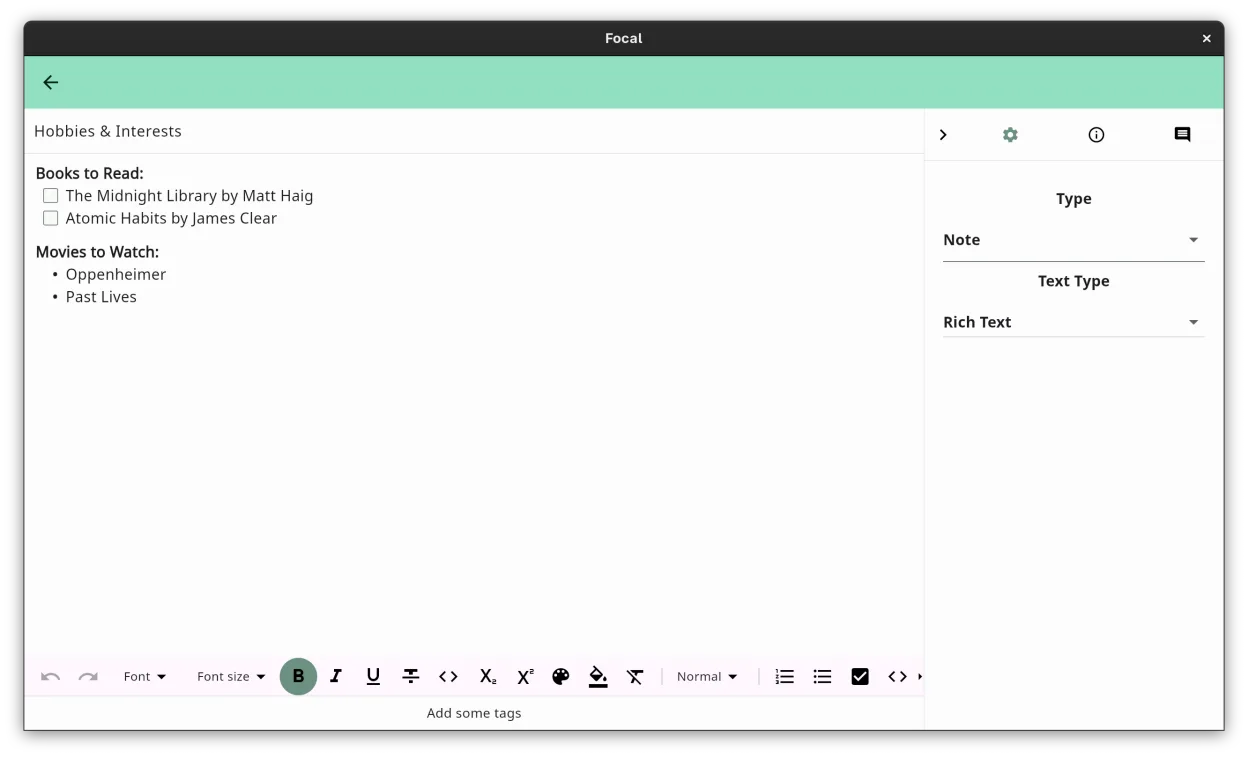
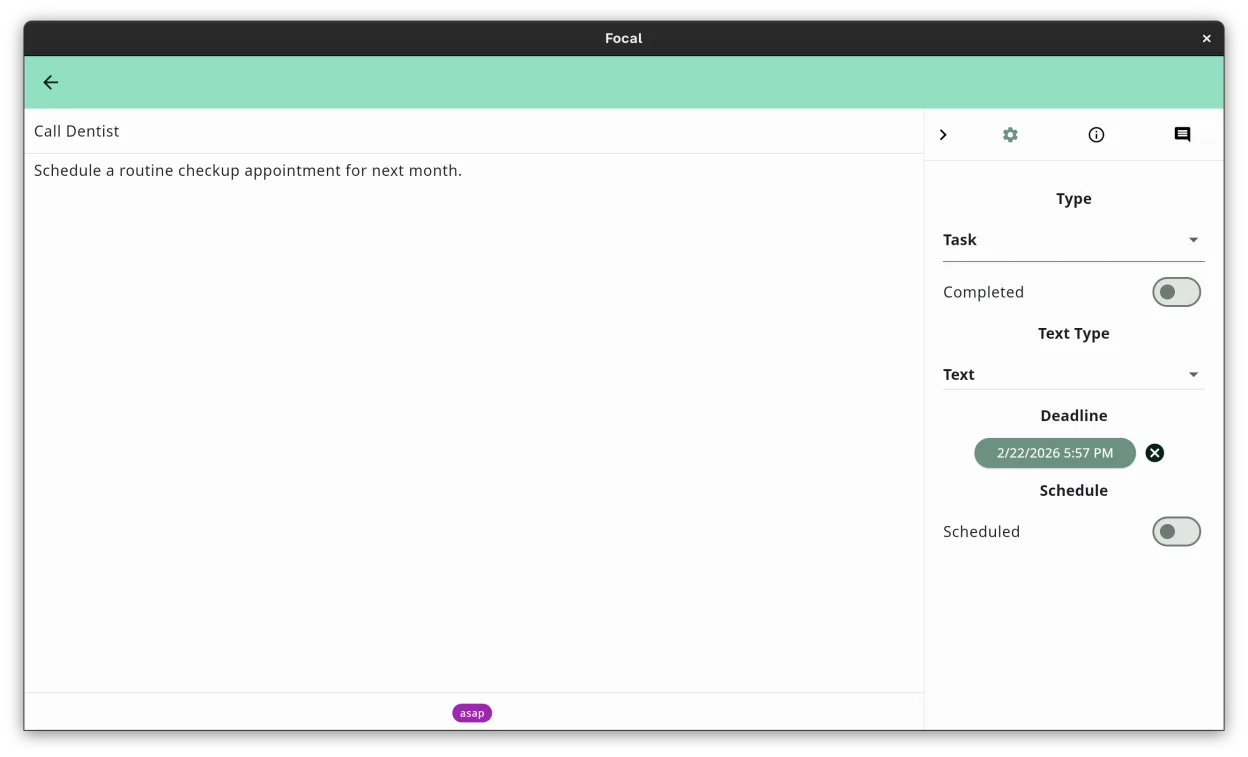
Focal is a productivity tool that combines notes, tasks, and kanban boards into a single, hierarchical tree. It allows users to nest items indefinitely, creating a flexible structure for projects and personal tasks. The application is developed by Balázs János Varga and is currently in an active development cycle, with recent releases indicating ongoing updates and feature additions.
It targets users who find rigid note-taking apps too structured and flat task managers too disconnected from context. If you prefer organizing information by relationships rather than folders or tags alone, Focal’s outline-based approach fits well. It is suitable for project planning, study notes, and general life administration where context matters.
Compared to Windows tools like OneNote or Todoist, Focal feels less like a corporate suite and more like a personal organizer. It lacks the heavy integration of Microsoft 365 but offers a cleaner, faster interface for pure organization. The tree structure is more intuitive for deep nesting than flat list-based apps, though it requires a mental shift if you are used to folder-based systems.
Best for: Users who want a unified, tree-based system for managing projects, notes, and tasks without the complexity of large office suites.
Key features of Focal
- Hierarchical tree structure for notes and tasks
- Kanban boards for visual project tracking
- Instant search across all content
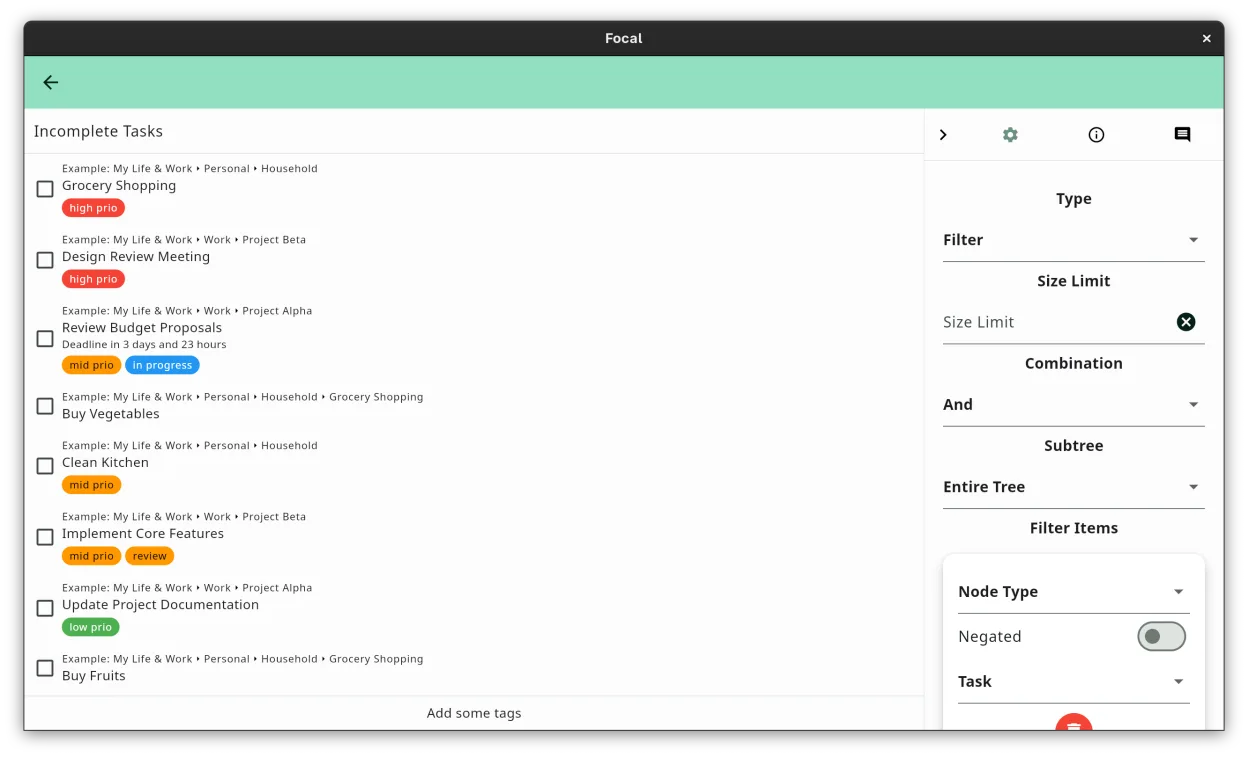
- Color-coded tags for cross-project grouping
- Rich text formatting and simple text modes
- Cloud synchronization across devices
- Shared access with read, edit, or manage permissions
- Smart lists based on tags, status, or dates
Pros
- Flexible nesting allows for deep organization without rigid folders
- Combines notes, tasks, and boards in one place
- Fast search and smart lists reduce time finding items
- Clean, distraction-free interface
Cons
- Proprietary software with a closed source codebase
- Cloud sync relies on the developer's infrastructure
- Limited third-party integrations compared to open standards
- May feel restrictive if you prefer flat, tag-only systems
Windows programs Focal replaces
How to install Focal on Linux
flatpak install flathub com.vargary.focalTips for Windows users
Coming from OneNote or Evernote, you will notice Focal uses a strict tree structure rather than notebooks and sections. You cannot have multiple root nodes in the same view, so plan your top-level categories carefully. File imports are limited, so export your existing notes as Markdown or plain text and paste them into Focal. Shortcuts are standard for Linux desktops, but check the in-app help for specific actions like creating sub-items or moving nodes, as drag-and-drop is the primary method for reorganizing the tree.
Recent releases
- 2.9.1 —
Archived tasks and items under archived parents no longer send deadline reminders. Changing a task’s deadline date keeps the existing time instead of resetting it.
- 2.9.0 —
Share capture can create notes or tasks, with an optional relative deadline for tasks. Dedicated Share Capture settings for parent, type, and deadline. New installs start with an empty tree; add the example project anytime from Settings. The example project…
- 2.8.2 —
Several bug fixes.
- 2.8.1 —
Empty search results now show the proper message instead of the create first note button. Completing a password-protected scheduled task from properties now reschedules correctly.
Focal: frequently asked questions
Is Focal open source?
No, Focal is proprietary software. The source code is not available for public inspection or modification.
Does Focal work offline?
Yes, you can create and edit notes and tasks offline. Changes will sync to the cloud once you regain an internet connection.
Can I import notes from Evernote?
There is no direct one-click import for Evernote .enex files. You should export your notes as Markdown or HTML and manually paste or import the content into Focal.
Is there a mobile app for Focal?
Yes, Focal is available on mobile platforms, allowing you to access your synchronized notes and tasks on the go.
Updated